HelloGrowthCRM software
Built for real small-business sales teams
HelloGrowthCRM helps reps qualify faster, follow up on time, and close more deals—with practical automation in one place.
- AI lead scoring and pipeline visibility
- Built-in dialer, WhatsApp, and email automation
- Sales forecasting and RevOps-ready reporting
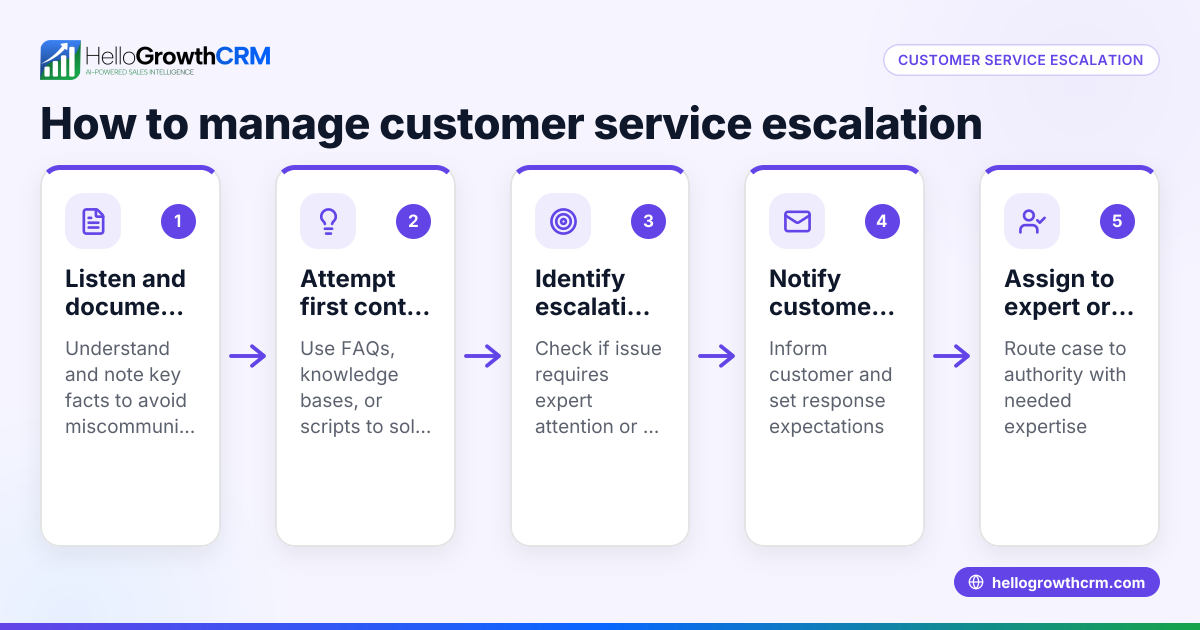
Inbound customer service means responding to customers who reach out to your business for help, information, or support. This usually happens through phone calls, emails, WhatsApp, SMS, or chat during or after the buying process. Efficient inbound customer service keeps customers satisfied and loyal by addressing their needs quickly and clearly.
Why this comes up / what goes wrong
Small-business owners often struggle with inbound customer service because they handle multiple roles and use scattered tools. Customers may contact your business by phone, email, or messaging apps, and without a clear system, requests can be lost or delayed. This results in frustrated customers, missed sales opportunities, and damage to your reputation. Many small teams rely on spreadsheets, text messages, or notes, which makes tracking and following up on issues difficult. Understanding inbound customer service helps you organize your approach and improve customer experience.
Step-by-step
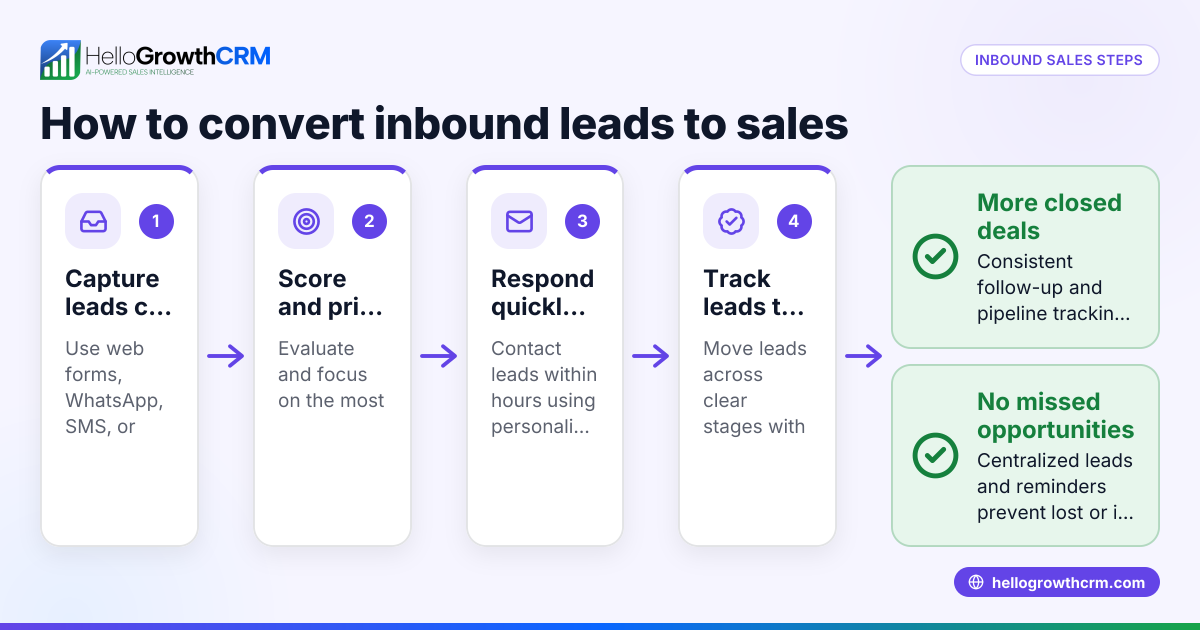
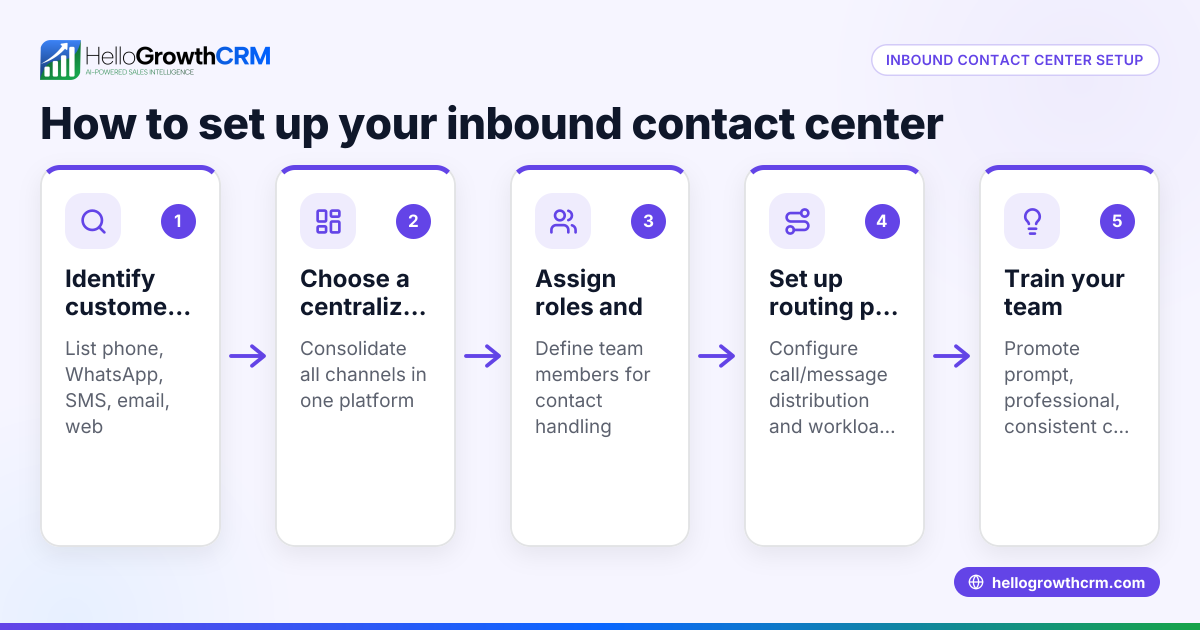
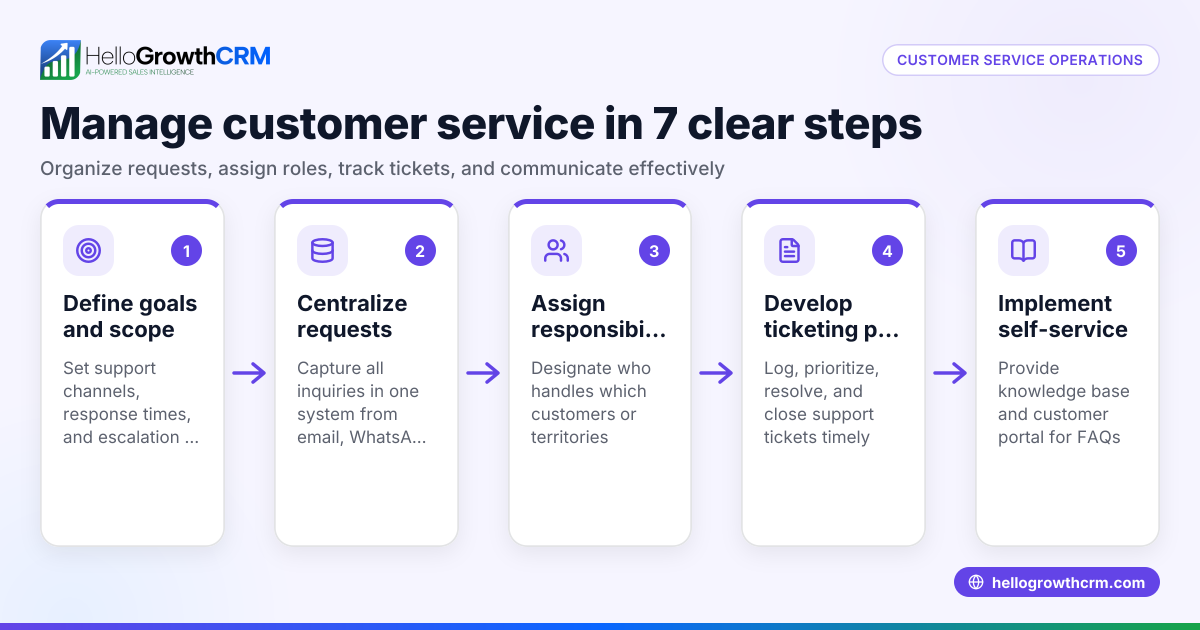
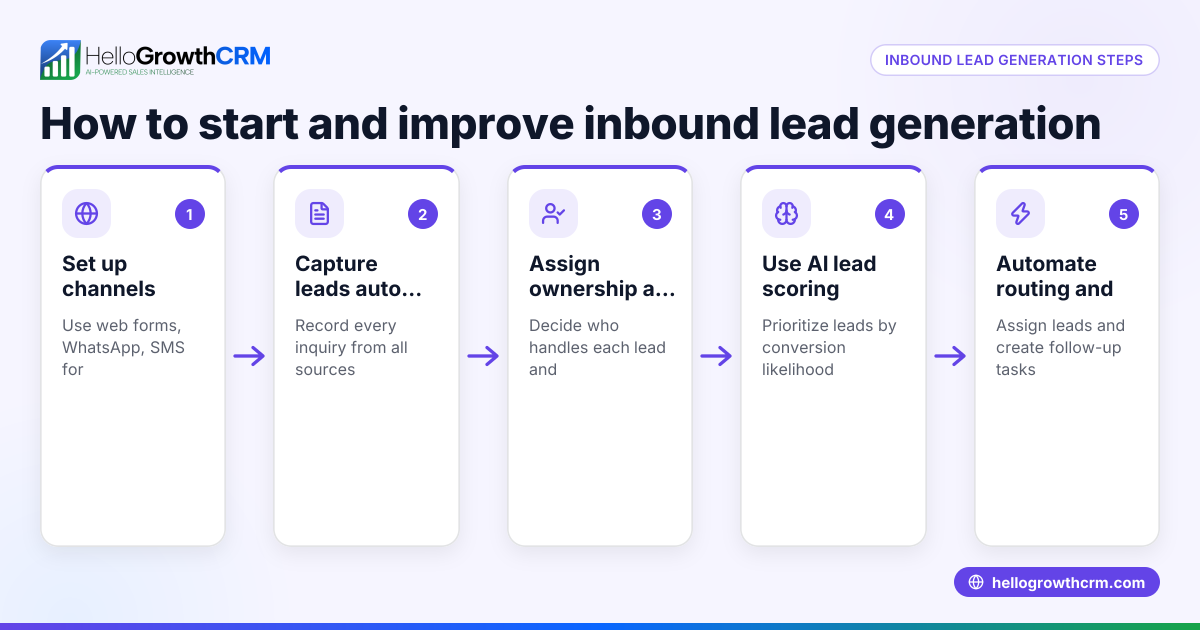
- Set up clear contact channels: Decide which channels (phone, email, WhatsApp, SMS) customers will use to reach you. Make these easy to find on your website and communications.
- Centralize incoming requests: Use a system to collect all inbound messages and calls in one place. This avoids missed requests and confusion.
- Categorize and prioritize requests: Sort inquiries by type (e.g., product questions, complaints, service requests) and urgency to respond appropriately.
- Assign responsibility: Designate team members to handle different types of requests or customers to ensure accountability.
- Respond promptly and clearly: Aim to answer within a set timeframe and provide clear, helpful information.
- Track resolution status: Keep records of each customer interaction and resolution progress to avoid repeat contacts and ensure closure.
- Follow up when needed: Check back with customers to confirm their issues are resolved and gather feedback.
- Analyze performance regularly: Review metrics like response times and customer satisfaction to improve your process.
Using a CRM that integrates WhatsApp and SMS can help centralize and automate parts of this workflow, improving speed and consistency. For example, see how WhatsApp and SMS CRM features can streamline communication and help you manage customer requests efficiently.
Example (fictional figures)
A residential real-estate team in Phoenix, Arizona, receives about 200 inbound service requests monthly from buyers and sellers, mostly via phone and WhatsApp.
- They set a goal to respond within 2 hours to most requests.
- They track requests using a ticket system integrated with their CRM.
- In March 2026, they received 200 requests.
- They responded to 160 requests within 2 hours.
Response rate calculation: 160 ÷ 200 = 0.8 (80%)
They also tracked customer satisfaction via follow-up surveys and found an average satisfaction score of 4.3 out of 5.
This organized approach helped reduce lost leads and increased repeat business.
Common mistakes
- Not centralizing requests: Leads to lost or duplicated responses. Prevent by using a CRM or ticket system to keep all requests in one place.
- Slow response times: Customers lose interest or trust. Prevent by setting and monitoring response time goals.
- Lack of clear responsibility: Requests fall through cracks. Prevent by assigning team members to specific customer issues.
- Ignoring follow-up: Customers feel neglected. Prevent by scheduling follow-ups and confirming issue resolution.
- Using too many disconnected tools: Causes confusion and errors. Prevent by consolidating communication channels, for example with WhatsApp and SMS CRM features.
- Not analyzing performance: Missed opportunities to improve. Prevent by regularly reviewing key metrics like response time and satisfaction.
Doing this in HelloGrowthCRM
HelloGrowthCRM offers a branded self-service customer portal where customers can submit and track support tickets. After the sale, all service requests stay on the same customer record as the deal, keeping your information organized and easy to access. The system also supports referrals and a knowledge base to help customers find answers quickly. These features help small and mid-sized businesses manage inbound customer service efficiently and keep customers satisfied. Learn more about HelloGrowthCRM for the United States and how it can support your customer service at HelloGrowthCRM for the United States.
Frequently asked questions
What is the difference between inbound and outbound customer service? Inbound customer service involves responding to customers who contact your business first, while outbound service means reaching out proactively to customers, such as for follow-ups or feedback.
How can small businesses handle high volumes of inbound requests? Prioritize requests by urgency, use a ticket system to track them, and automate responses where possible. Tools like a customer portal and ticketing can help manage volume efficiently.
Why is quick response important in inbound customer service? Fast responses build customer trust and satisfaction, reduce lost leads, and improve your business reputation. Customers expect timely answers, especially in competitive markets.
Can inbound customer service be fully automated? Automation can handle routine queries and initial responses, but human follow-up is usually needed for complex issues to ensure quality service.
How does a knowledge base help with inbound service? A knowledge base provides customers with self-service options to find answers quickly, reducing the number of inbound requests and freeing your team to focus on more complex issues.
What role does customer feedback play in inbound service? Collecting and analyzing feedback helps identify service gaps and improve your processes, leading to better customer experience and loyalty.
Key takeaways
- Inbound customer service means responding to customers who contact your business for help or information.
- Centralizing and organizing requests improves response times and customer satisfaction.
- Assign clear responsibility and track all interactions to avoid lost or repeated issues.
- Use tools like a customer portal, ticketing, and a knowledge base to streamline service.
- Regularly analyze performance metrics to continuously improve your inbound service.
- HelloGrowthCRM supports inbound customer service with integrated tickets and customer records.
Start improving your inbound customer service today. Start on the Free Forever plan (200 leads, no credit card) and see how HelloGrowthCRM can help you manage customer requests more efficiently.
Ready to put this into practice?
Set up your pipeline, WhatsApp follow-ups, and AI lead scoring in minutes — free, no credit card.
Try HelloGrowthCRM freeGet CRM tips in your inbox
Join thousands of sales professionals who get weekly insights on CRM strategy, AI automation, and pipeline optimization.

The HelloGrowthCRM team publishes guides on CRM strategy, AI sales tools, and revenue operations for small business sales teams.