HelloGrowthCRM software
Built for real small-business sales teams
HelloGrowthCRM helps reps qualify faster, follow up on time, and close more deals—with practical automation in one place.
- AI lead scoring and pipeline visibility
- Built-in dialer, WhatsApp, and email automation
- Sales forecasting and RevOps-ready reporting
An inbound contact center is a centralized hub where customer calls, messages, and inquiries come in and are handled promptly. It focuses on responding to incoming customer communications rather than making outbound calls. This article explains why small businesses need inbound contact centers, how to set one up step-by-step, common mistakes to avoid, and answers to frequently asked questions.
Why this comes up / what goes wrong
Small-business owners often face challenges when customer inquiries come in from multiple channels like phone, text message, or email. Without a dedicated inbound contact center, these leads and requests can get lost or delayed, causing frustration and lost sales. Many small to mid-sized businesses operate with small sales teams or even solo founders who juggle customer communication alongside other tasks. This leads to slow follow-up, inconsistent responses, and missed opportunities. Setting up an inbound contact center helps organize and prioritize incoming contacts, ensuring timely and effective customer service.
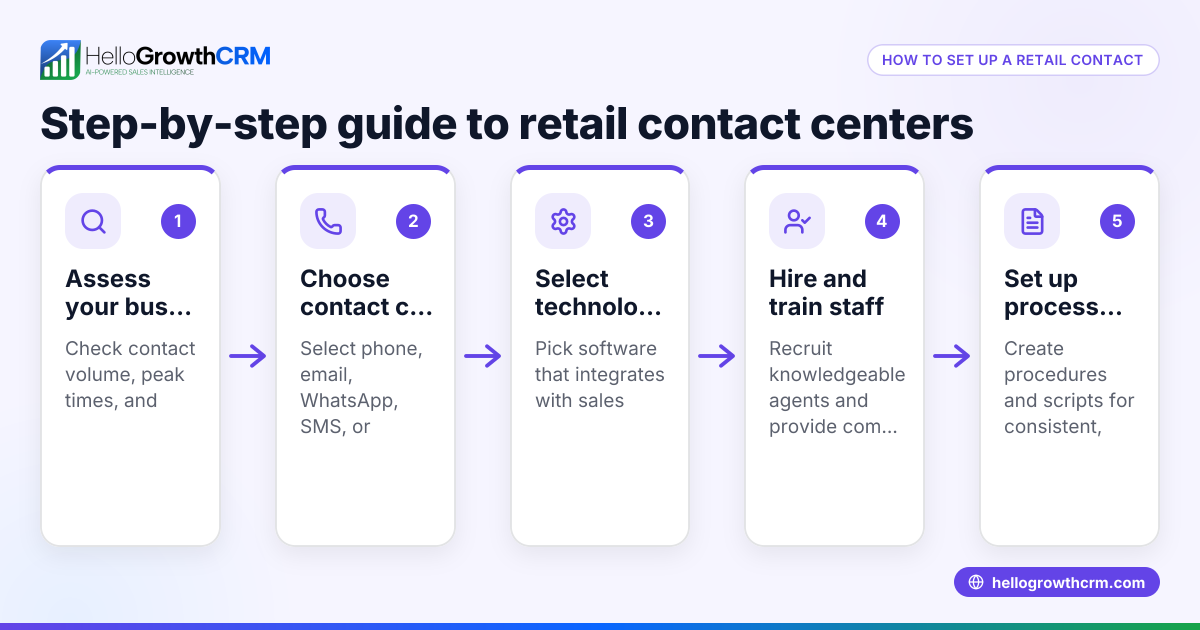
Step-by-step
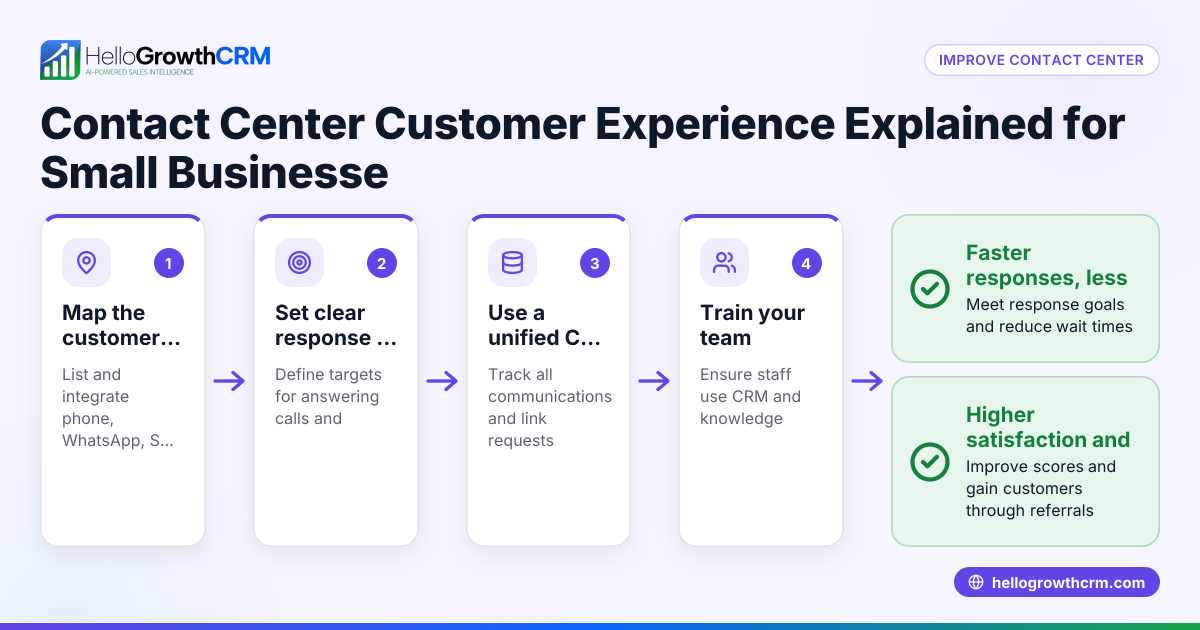
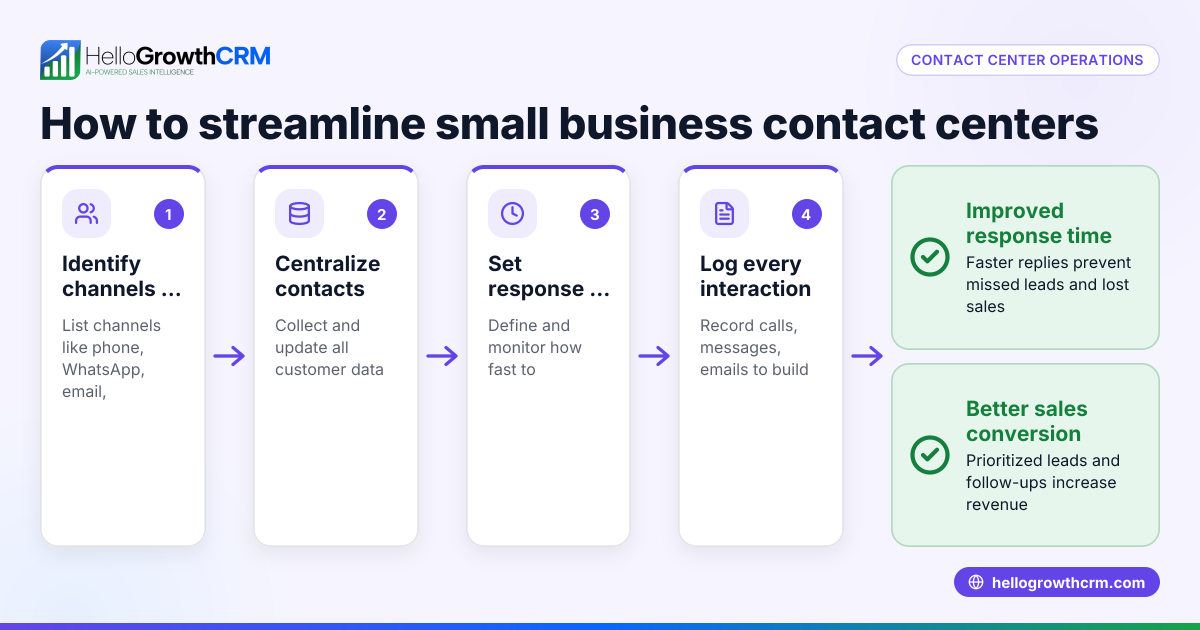
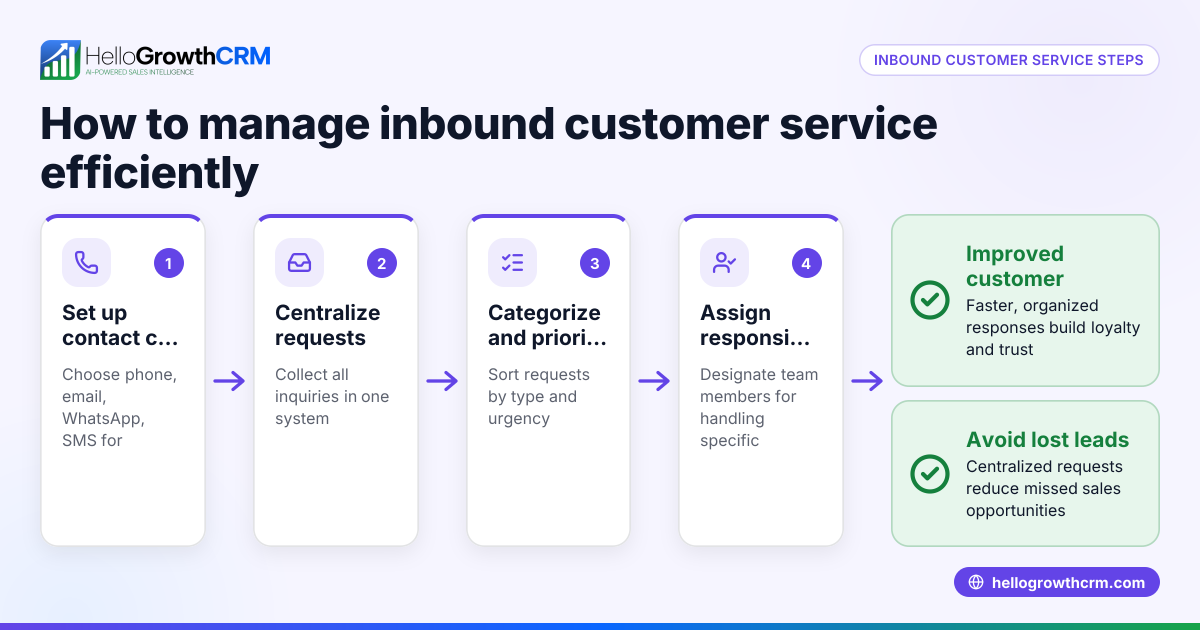
- Identify Your Customer Contact Channels
- Determine where customers currently reach you: phone calls, WhatsApp, SMS, email, or web forms.
- Check which channels bring the highest volume or most valuable leads.
- Choose a Centralized System to Manage Incoming Contacts
- Select a platform that consolidates calls and messages from all channels into one interface.
- Verify it supports the channels your customers use, such as WhatsApp and SMS.
- Assign Roles and Responsibilities
- Define who on your team will handle inbound contacts.
- Set clear guidelines for response times and escalation.
- Set Up a Call and Message Routing Process
- Configure how incoming calls and messages are distributed to team members.
- Use features like automatic call distribution or task boards to manage workload.
- Train Your Team on Customer Interaction Best Practices
- Emphasize prompt, professional, and consistent communication.
- Provide scripts or templates for common inquiries.
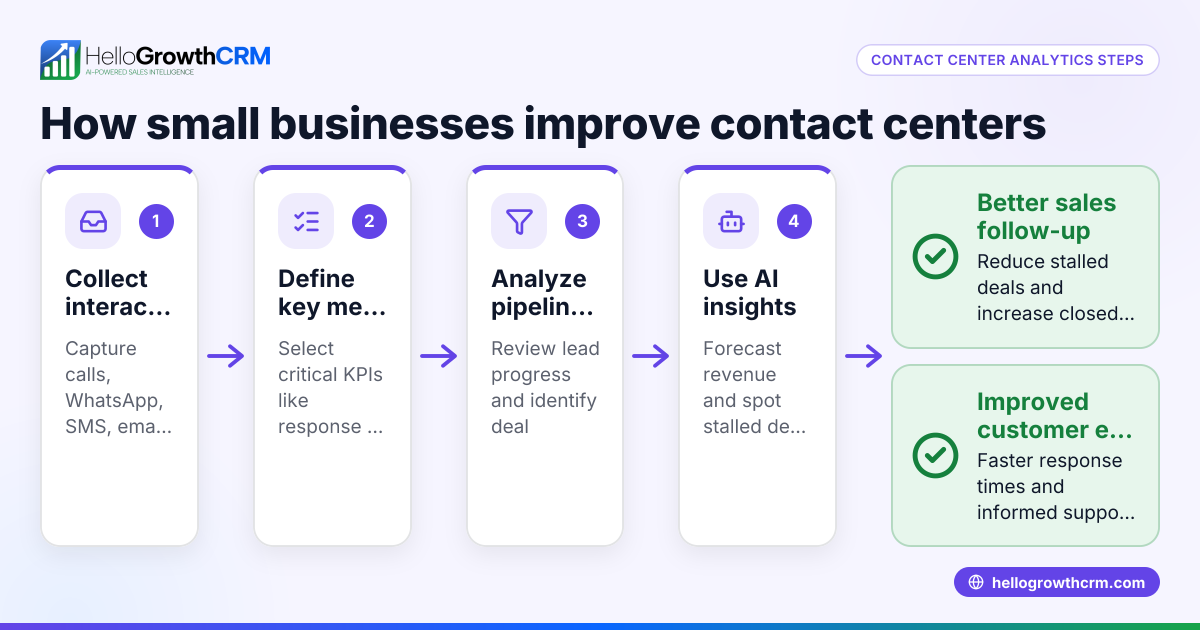
- Monitor and Track Performance
- Use reporting tools to track call volumes, response times, and customer satisfaction.
- Adjust staffing and processes based on data.
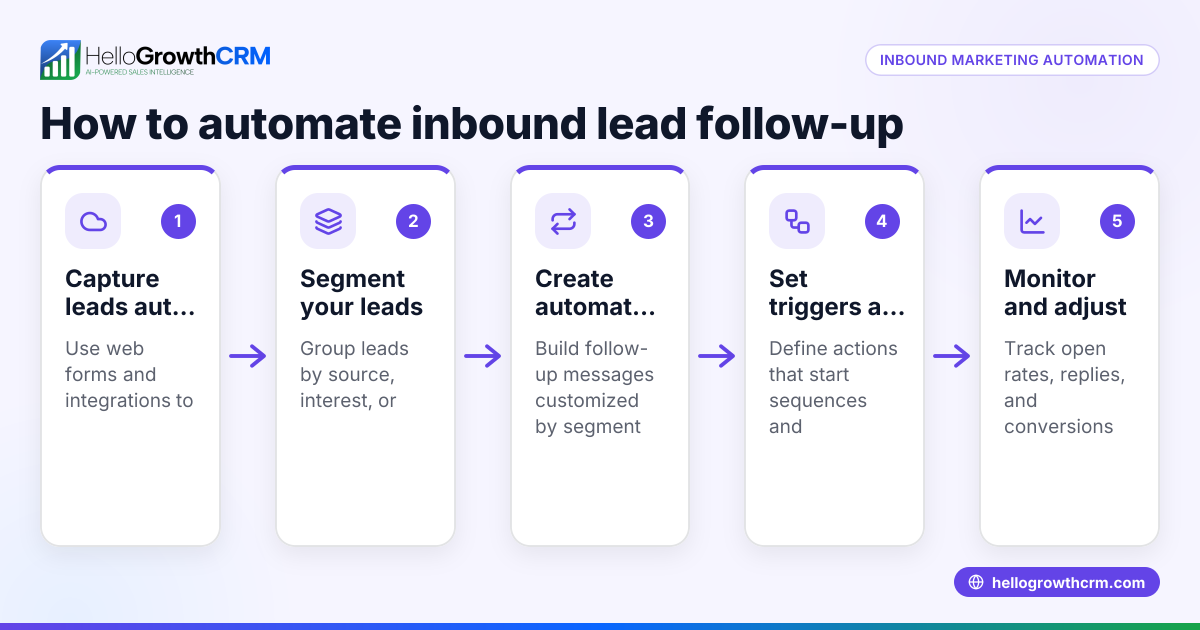
- Integrate with Your Sales and CRM Systems
- Ensure inbound leads are captured automatically in your CRM.
- Use lead scoring and pipeline boards to prioritize follow-up.
- Review and Improve Regularly
- Hold regular team meetings to discuss challenges and share feedback.
- Update processes and training as needed.
For a system that supports WhatsApp and SMS CRM, and has a built-in CRM dialer, see WhatsApp and SMS CRM and built-in CRM dialer.
Example (fictional figures)
A two-location dental practice in Columbus, Ohio, receives about 120 inbound calls and messages weekly from patients booking appointments and asking questions. They decide to set up an inbound contact center to manage this volume efficiently.
- Weekly inbound contacts: 120
- Average handling time per contact: 5 minutes
- Total weekly handling time: 120 × 5 = 600 minutes = 10 hours
They assign two staff members to handle inbound contacts, with each working 5 hours weekly on this task.
- Staff hours available: 2 × 5 = 10 hours
They invest $3,000 in a CRM system that consolidates calls, WhatsApp, SMS, and email inquiries.
- Monthly CRM cost: $3,000 / 12 = $250
With better tracking and faster response, their appointment bookings increase by 15% monthly.
- Previous monthly bookings: 400
- Increase: 400 × 15% = 60 additional bookings
- Average revenue per booking: $150
- Additional monthly revenue: 60 × $150 = $9,000
This example shows how an inbound contact center improves efficiency and revenue.
Common mistakes
- Not consolidating channels
- Mistake: Handling calls, texts, and emails separately.
- Prevention: Use a system that centralizes communication, like a CRM with WhatsApp and SMS support.
- Ignoring response time standards
- Mistake: Letting customer inquiries wait too long.
- Prevention: Set and monitor clear response time goals.
- Understaffing the contact center
- Mistake: Assigning too few team members leads to backlog.
- Prevention: Monitor contact volume and adjust staffing accordingly.
- Lack of training
- Mistake: Staff unsure how to respond or use tools.
- Prevention: Provide regular training on communication and CRM usage.
- Failing to track and review performance
- Mistake: No data on call volume or customer satisfaction.
- Prevention: Use reporting features to identify issues and improve.
- Not integrating inbound contacts with sales processes
- Mistake: Leads slip through without follow-up.
- Prevention: Connect inbound contact handling to sales pipeline management.
See HelloGrowthCRM for the United States for a CRM that supports these capabilities.
Frequently asked questions
What is the difference between an inbound and outbound contact center? An inbound contact center handles incoming customer calls and messages, focusing on support and responding to inquiries. An outbound contact center makes outgoing calls or messages to customers for sales or follow-up. Many businesses operate both types, but small businesses often start with inbound.
Can small businesses afford an inbound contact center? Yes, many solutions cater to small and mid-sized businesses with affordable pricing and scalable features. Using a CRM that integrates calls, WhatsApp, and SMS can reduce costs and improve efficiency.
How do I measure the success of my inbound contact center? Track metrics like average response time, call abandonment rate, customer satisfaction scores, and conversion rates from inbound inquiries to sales. Regularly reviewing these helps improve performance.
Do I need special hardware or phone lines for an inbound contact center? Not necessarily. Many modern contact centers use cloud-based software that works with existing internet connections and mobile devices, reducing hardware costs.
How does integrating WhatsApp and SMS help in an inbound contact center? Many customers prefer messaging over calls. Integrating WhatsApp and SMS into your inbound contact center allows you to respond quickly on the channels your customers use most, improving engagement and satisfaction.
Key takeaways
- An inbound contact center focuses on managing incoming customer communications efficiently.
- Small businesses benefit by consolidating calls, messages, and emails into one system.
- Setting up involves identifying channels, assigning roles, routing contacts, and tracking performance.
- Common mistakes include poor channel consolidation, slow response times, and lack of integration with sales.
- Using a CRM that supports WhatsApp, SMS, and a built-in dialer can streamline inbound contact handling.
Start organizing your inbound contacts and improve your customer response today. Start on the Free Forever plan (200 leads, no credit card).
Ready to put this into practice?
Set up your pipeline, WhatsApp follow-ups, and AI lead scoring in minutes — free, no credit card.
Try HelloGrowthCRM freeGet CRM tips in your inbox
Join thousands of sales professionals who get weekly insights on CRM strategy, AI automation, and pipeline optimization.

The HelloGrowthCRM team publishes guides on CRM strategy, AI sales tools, and revenue operations for small business sales teams.