HelloGrowthCRM software
Built for real small-business sales teams
HelloGrowthCRM helps reps qualify faster, follow up on time, and close more deals—with practical automation in one place.
- AI lead scoring and pipeline visibility
- Built-in dialer, WhatsApp, and email automation
- Sales forecasting and RevOps-ready reporting
To increase your mobile conversion rate, you need to make it easy and fast for mobile visitors to take the action you want—whether that is making a purchase, filling out a form, or contacting your sales team. This means improving the mobile website or app experience, reducing friction in the sales funnel, and ensuring your sales process supports mobile users effectively.
Why this comes up / what goes wrong
Many small and mid-sized UK businesses lose potential customers on mobile devices because their websites or sales processes are not optimised for mobile. Common issues include slow loading pages, confusing navigation menus, forms that are hard to complete on small screens, and checkout processes that require too many steps. Additionally, businesses often run sales through separate channels like WhatsApp, email, or spreadsheets, which can slow down follow-up and reduce conversion rates. Mobile users expect quick, simple interactions; if your business does not meet these expectations, you risk losing leads and sales.
Step-by-step
- Check your mobile site speed: Use tools like Google PageSpeed Insights to measure how fast your mobile pages load. Aim for under 3 seconds. If pages are slow, compress images, reduce scripts, and use faster hosting.
- Simplify navigation and layout: Ensure menus are easy to use on small screens. Use large buttons and clear calls to action so visitors know what to do next.
- Streamline forms and checkout: Reduce the number of fields and steps needed to complete forms or purchases. Use autofill where possible and test on different devices.
- Make contact options clear and mobile-friendly: If you use WhatsApp or phone calls for sales, display clickable phone numbers and WhatsApp links prominently.
- Test your sales process on mobile: Go through the entire buying or lead capture process on a mobile device yourself or with your team to spot any issues.
- Use follow-up sequences that work on mobile: When following up by email, WhatsApp, or SMS, make messages concise and include clear next steps.
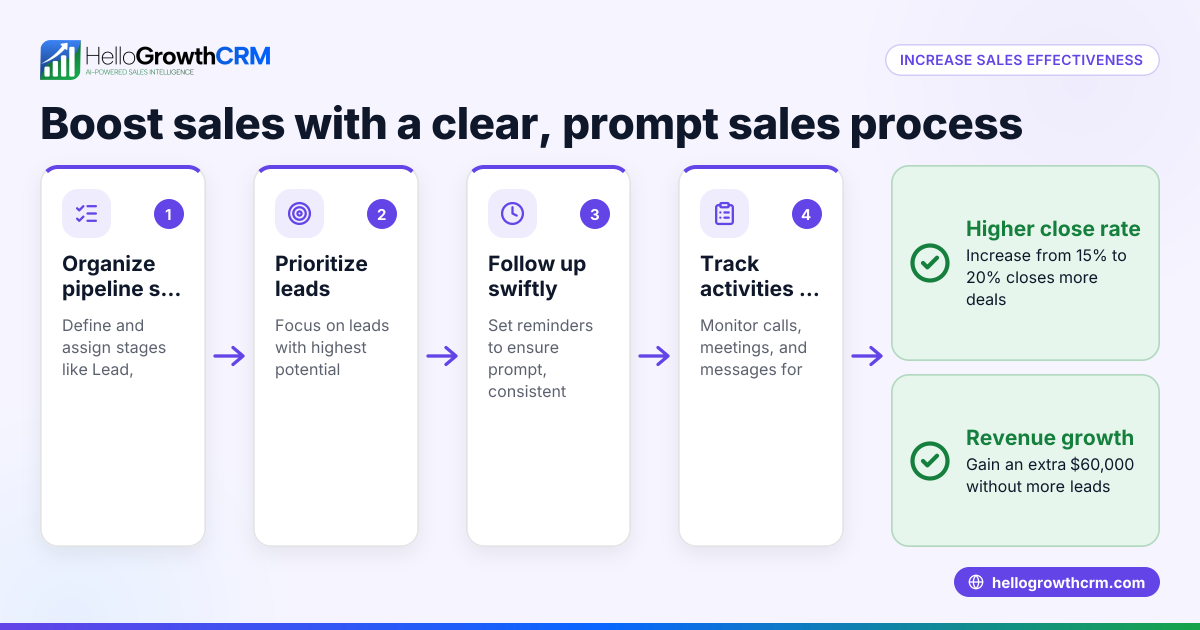
- Monitor and analyse mobile conversion data: Use your website analytics and CRM reports to track mobile conversion rates and identify where users drop off.
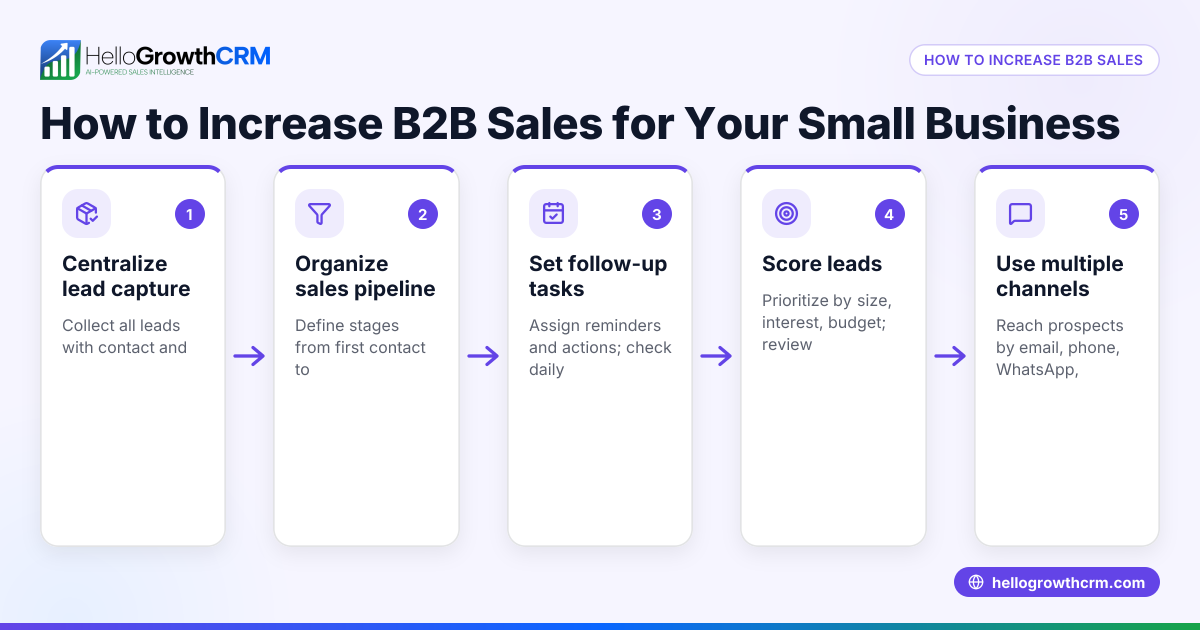
- Integrate your mobile sales channels: Avoid running sales on disconnected platforms like spreadsheets or separate WhatsApp chats. Instead, centralise leads and follow-ups for faster response.
Example (fictional figures)
A recruitment consultancy in Bristol wants to increase its mobile conversion rate from 2% to 4% over three months.
- Current mobile visitors per month: 10,000
- Current mobile conversions: 10,000 × 2% = 200
- Target mobile conversions: 10,000 × 4% = 400
They improve mobile site speed, simplify forms, and add clickable WhatsApp contact buttons.
- After changes, mobile visitors remain 10,000
- New conversion rate: 4%
- New mobile conversions: 10,000 × 4% = 400
Increase in conversions: 400 − 200 = 200 additional leads per month
If each lead is worth £500 in revenue:
- Additional monthly revenue = 200 × £500 = £100,000
By focusing on mobile optimisation, the consultancy doubles its mobile conversions and gains £100,000 more revenue monthly.
Common mistakes
- Ignoring mobile speed: Slow pages frustrate users. Prevent by regularly testing and optimising load times.
- Complex forms on small screens: Too many fields cause abandonment. Prevent by simplifying forms and using autofill.
- Scattered sales channels: Using WhatsApp chats, emails, and spreadsheets separately slows follow-up. Prevent by centralising leads and communications.
- Unclear calls to action: Visitors don’t know what to do next. Prevent by using large, obvious buttons and links.
- Not testing on actual mobile devices: Desktop testing misses mobile issues. Prevent by regularly testing your site and sales process on various phones.
- Overlooking mobile analytics: Without data, you can’t improve. Prevent by tracking mobile user behaviour and conversion rates.
Frequently asked questions
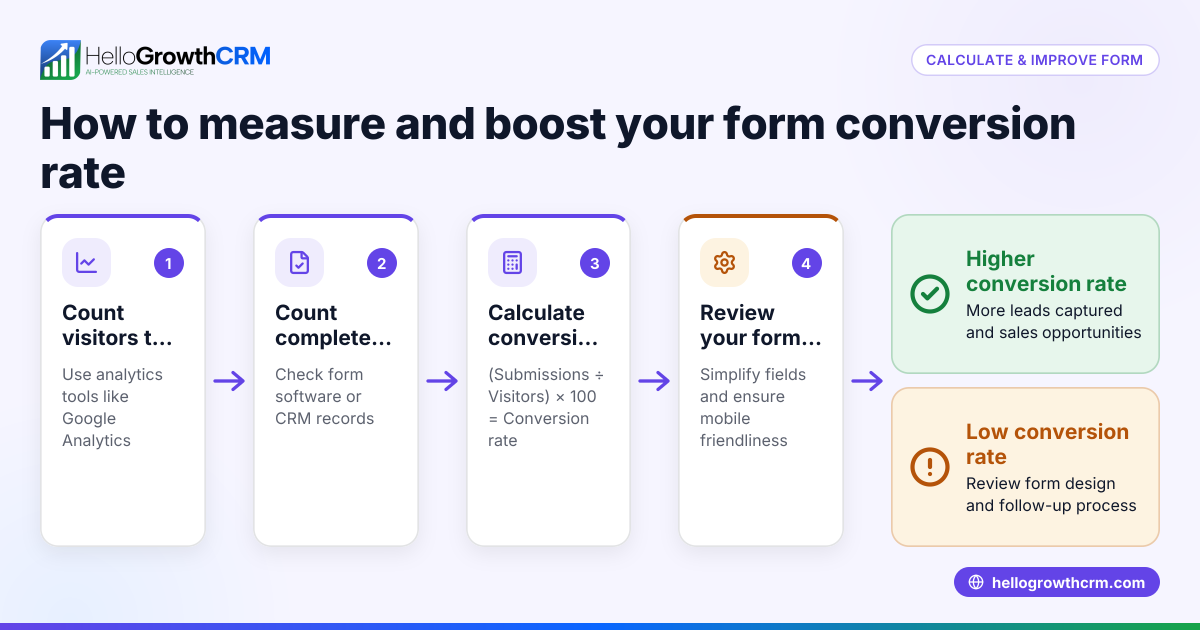
How do I measure my mobile conversion rate? Divide the number of mobile visitors who complete your desired action (purchase, form submission) by the total number of mobile visitors, then multiply by 100 to get a percentage.
What is a good mobile conversion rate for small UK businesses? Conversion rates vary by industry, so it's helpful to check the typical rates for your specific sector to set realistic expectations. Your goal should be to improve steadily based on your own baseline.
Can WhatsApp help increase mobile conversions? Yes, WhatsApp is widely used on mobiles and can speed up communication. Display clickable WhatsApp contact links and respond quickly to leads.
Should I use a CRM to improve mobile conversions? A CRM that integrates mobile channels like WhatsApp and SMS can centralise leads, automate follow-ups, and provide insights to improve conversion rates. See WhatsApp and SMS CRM and built-in CRM dialer.
Is mobile optimisation only about the website? No, it also includes your sales process, communication channels, and follow-up sequences. Ensure the entire customer journey is smooth on mobile.
How often should I review mobile conversion data? Regularly, ideally monthly, to spot trends and adjust your strategy. Use analytics tools and your CRM reports.
Key takeaways
- Optimise mobile site speed and simplify navigation.
- Streamline forms and checkout for mobile users.
- Centralise sales channels to speed up follow-up.
- Use clear calls to action and test on real devices.
- Monitor mobile conversion data to guide improvements.
- Integrate mobile communication channels like WhatsApp via CRM.
Start improving your mobile conversion rate today by focusing on user experience and sales process integration. To manage leads effectively and follow up faster, consider starting on the Free plan at HelloGrowthCRM for the United Kingdom and explore how WhatsApp and SMS CRM and the built-in CRM dialer can support your mobile sales.
Start on the Free Forever plan (200 leads, no credit card) at HelloGrowthCRM.
Ready to put this into practice?
Set up your pipeline, WhatsApp follow-ups, and AI lead scoring in minutes — free, no credit card.
Try HelloGrowthCRM freeGet CRM tips in your inbox
Join thousands of sales professionals who get weekly insights on CRM strategy, AI automation, and pipeline optimization.

The HelloGrowthCRM team publishes guides on CRM strategy, AI sales tools, and revenue operations for small business sales teams.