HelloGrowthCRM software
Built for real small-business sales teams
HelloGrowthCRM helps reps qualify faster, follow up on time, and close more deals—with practical automation in one place.
- AI lead scoring and pipeline visibility
- Built-in dialer, WhatsApp, and email automation
- Sales forecasting and RevOps-ready reporting
Form conversion rate is the percentage of visitors who see your web form and then complete and submit it. It shows how well your form turns visitors into leads or customers. This article explains why form conversion rate matters for your small business, how to calculate it step-by-step, an example with GBP figures, common mistakes to avoid, and practical tips to improve your results.
Why this comes up / what goes wrong
Many small businesses depend on web forms to capture leads from potential customers. For example, a solar-panel installer in Glasgow might have a quote request form on their website. If a lot of visitors land on the page but only a few fill in and submit the form, the business misses out on valuable leads. This can happen because the form is too long, confusing, or difficult to use on mobile devices. Sometimes the form is not easy to find or takes too long to load. Another issue is slow follow-up after a form is submitted, which reduces the chance of converting the lead into a sale. Understanding your form conversion rate helps you spot these problems and improve your lead capture process.
Step-by-step
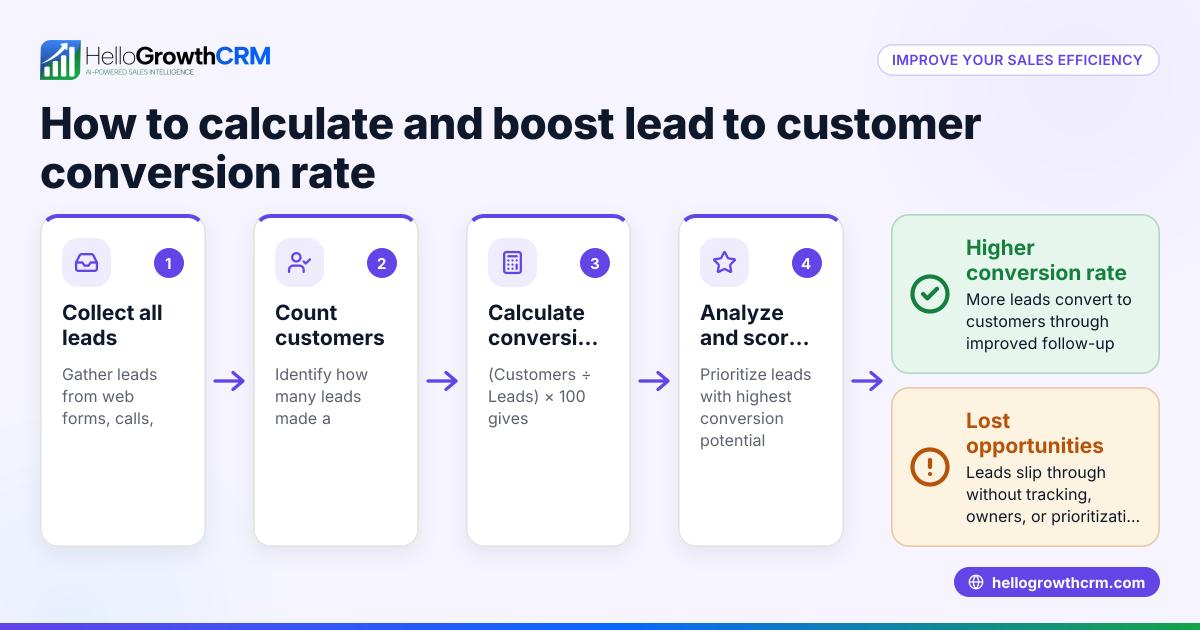
- Count visitors to the form page. Use website analytics tools (like Google Analytics) to find how many people visit the page where your form is placed.
- Count completed form submissions. Check your form software or CRM to see how many visitors submitted the form successfully.
- Calculate the form conversion rate. Use this formula:
\[\text{Form Conversion Rate} = \left(\frac{\text{Number of Form Submissions}}{\text{Number of Visitors to Form Page}}\right) \times 100\]%
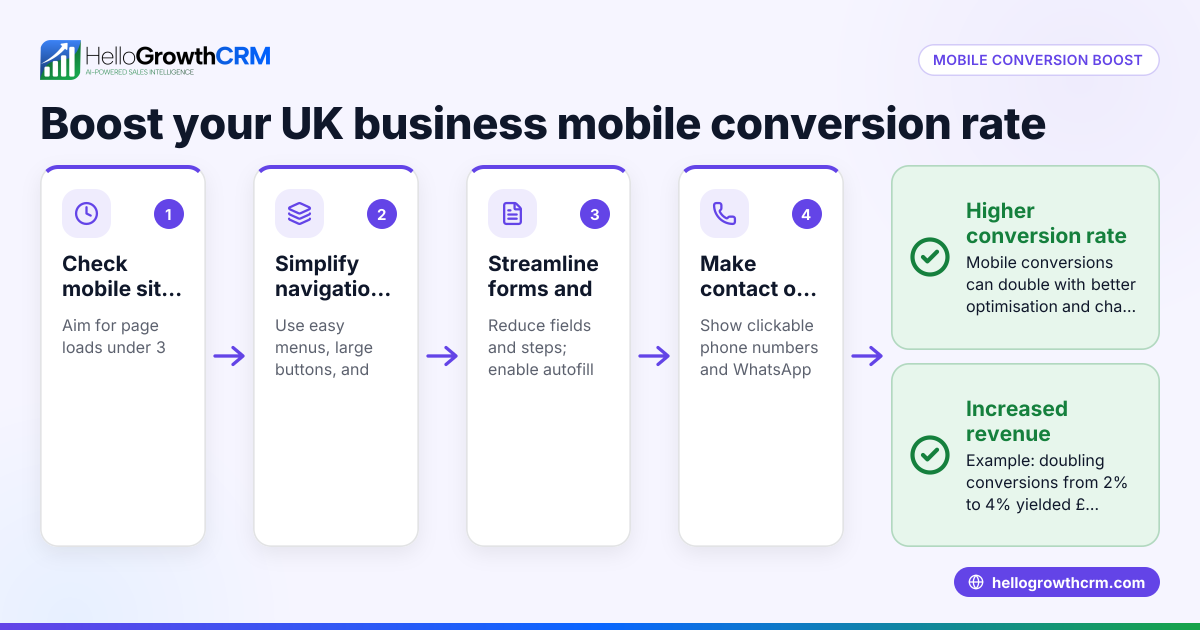
- Review your form design. Check if your form asks for unnecessary information, is too long, or hard to use on smartphones and tablets.
- Test form placement and visibility. Make sure the form is easy to find on the page and loads quickly without errors.
- Check your follow-up process. Ensure that leads from form submissions are contacted quickly to increase chances of conversion.
- Integrate your form with a CRM. This reduces manual entry and speeds up lead follow-up. For example, integrating with a WhatsApp and SMS CRM can help your sales team respond faster.
- Monitor your conversion rate over time. Track changes regularly to see if improvements are working.
Example (fictional figures)
A solar-panel installer in Glasgow had 5,000 visitors to their quote request form page during March 2026. They received 250 completed quote requests.
Number of visitors to form page = 5,000
Number of form submissions = 250
Calculate form conversion rate:
250 ÷ 5,000 = 0.05
0.05 × 100% = 5%
Form Conversion Rate = 5%
This means 5% of visitors to the form page completed and submitted the form. The business can compare this rate to previous months or industry averages to decide if improvements are needed.
Common mistakes
- Making forms too long or complex. Prevent this by asking only for essential information to reduce friction.
- Ignoring mobile users. Prevent by ensuring your form is mobile-friendly and loads quickly on all devices.
- Poor form visibility. Prevent by placing the form prominently on the page and using clear calls to action.
- Slow or no follow-up on leads. Prevent by integrating forms with a CRM and assigning follow-up tasks promptly.
- Not tracking conversion rates regularly. Prevent by setting up analytics and reviewing data weekly or monthly.
- Using multiple disconnected tools for sales and follow-up. Prevent by adopting a unified platform such as a CRM with a built-in CRM dialer and WhatsApp messaging to streamline communication and task management.
Frequently asked questions
What is a good form conversion rate? A good form conversion rate depends on your industry and the form type but usually ranges between 2% and 10%. Small businesses should focus on improving their own baseline rather than comparing directly to others. Regular tracking helps identify trends and opportunities.
How can I increase my form conversion rate? Simplify your form by reducing required fields, make it mobile-friendly, improve page load speed, and use clear calls to action. Quickly following up on submissions with tools like a WhatsApp and SMS CRM can also boost conversion.
Why is my form conversion rate low despite high traffic? Low conversion with high traffic might mean your form design is poor, your visitors are not the right audience, or technical issues like slow loading affect usability. Review your form and traffic sources carefully.
Should I use multiple forms or just one? It depends on your business goals. Multiple forms can target different customer needs but may complicate tracking. Using a CRM that captures leads from various forms and integrates them centrally, such as HelloGrowthCRM for the United Kingdom, can help manage leads effectively.
Key takeaways
- Form conversion rate is the percentage of visitors who complete your form.
- Calculate it by dividing form submissions by visitors to the form page, then multiply by 100.
- Simplify and test your form design, especially for mobile users.
- Quick follow-up on leads increases the value of form submissions.
- Use integrated tools to track and manage leads efficiently.
- Monitor your conversion rate regularly to identify improvements.
Start improving your form conversion rate today to capture more leads and grow your business. You can Start on the Free Forever plan (200 leads, no credit card) to manage your leads and follow-up efficiently.
Ready to put this into practice?
Set up your pipeline, WhatsApp follow-ups, and AI lead scoring in minutes — free, no credit card.
Try HelloGrowthCRM freeGet CRM tips in your inbox
Join thousands of sales professionals who get weekly insights on CRM strategy, AI automation, and pipeline optimization.

The HelloGrowthCRM team publishes guides on CRM strategy, AI sales tools, and revenue operations for small business sales teams.