HelloGrowthCRM software
Built for real small-business sales teams
HelloGrowthCRM helps reps qualify faster, follow up on time, and close more deals—with practical automation in one place.
- AI lead scoring and pipeline visibility
- Built-in dialer, WhatsApp, and email automation
- Sales forecasting and RevOps-ready reporting
Insurance automation is the use of software tools to automate routine tasks in insurance sales and service. This includes automating lead follow-ups, routing inquiries, creating tasks, and sending communications across channels like email, SMS, and WhatsApp. Insurance businesses in the US benefit from automation by improving response times, reducing manual errors, and freeing up staff for higher-value work.
Why this comes up / what goes wrong
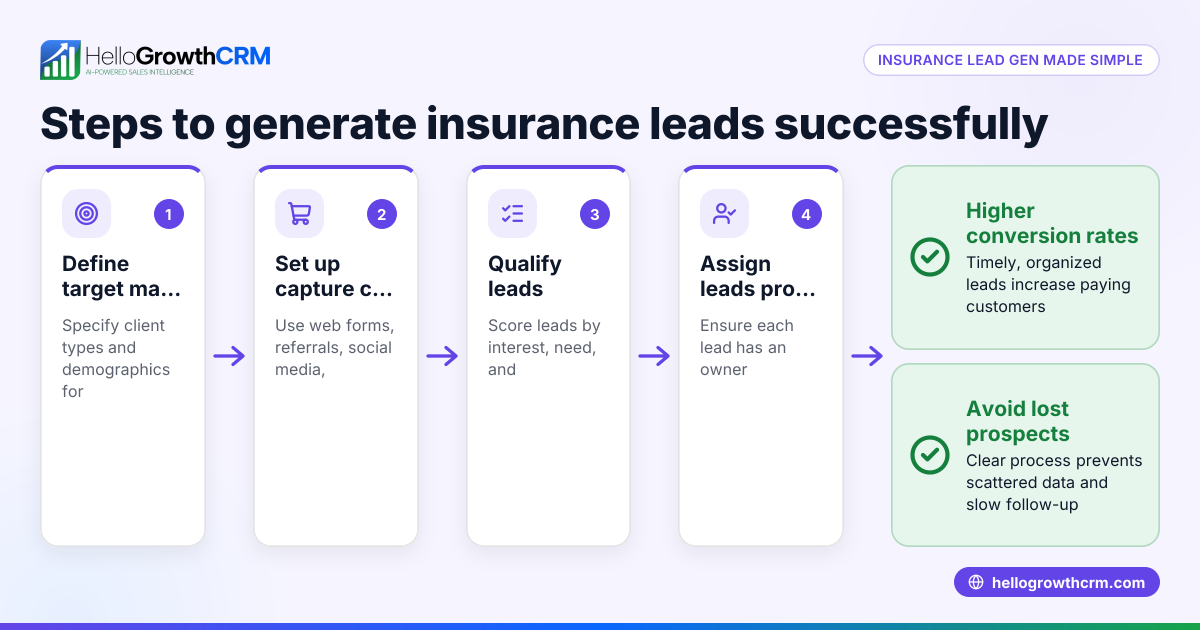
Insurance business owners and accountants often face slow lead follow-up, lost prospects, and inefficient manual workflows. Many still rely on spreadsheets, emails, and text messages to track leads and client communications. This causes delays, missed opportunities, and inconsistent customer experience. Automation is sought to fix these issues by streamlining lead capture, follow-up, and task management.
Step-by-step
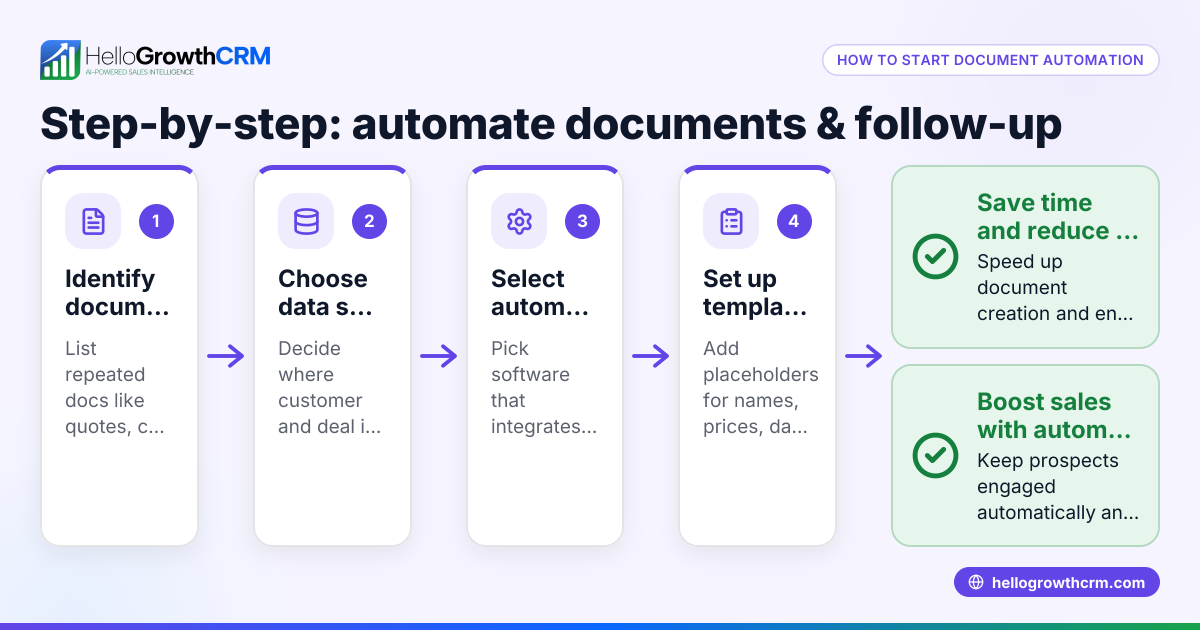
- Identify repetitive tasks to automate: List common workflows such as lead routing, follow-up messaging, appointment setting, and document reminders. Check which tasks take up most time and are prone to errors.
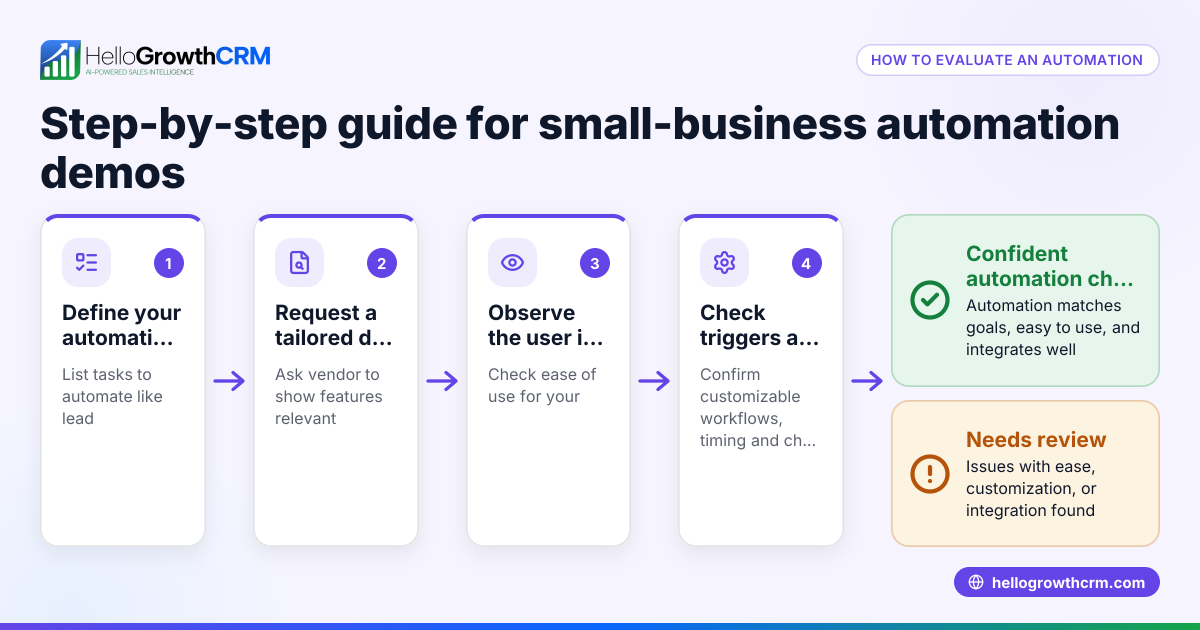
- Evaluate automation tools for insurance: Check if the tool supports multi-channel outreach (email, SMS, WhatsApp), lead assignment rules, and task automation. Confirm the tool can integrate with your existing systems.
- Define lead routing rules: Decide how leads should be assigned—by geography, agent availability, or round-robin—to ensure prompt contact. Clear rules prevent leads from falling through cracks.
- Set up automated follow-up sequences: Create multi-step follow-ups that stop once the prospect replies, maintaining engagement without manual effort. Space messages over days or weeks to avoid overwhelming prospects.
- Incorporate AI where possible: Use AI agents to draft follow-up messages after calls, reducing rep workload and speeding up responses. Reps should review drafts before sending to maintain personalization.
- Test workflows and validate data: Ensure that leads are assigned correctly and follow-ups trigger as planned without errors. Validate lead data quality to prevent automation failures.
- Train your team: Make sure sales reps understand the automation processes and how to intervene when needed. Clear training reduces resistance and errors.
- Monitor and optimize: Track response rates and pipeline movement to adjust sequences and routing rules for better results. Automation is not set-and-forget.
Example (fictional figures)
An insurance agency in Denver, Colorado, called Rocky Mountain Insurance, receives 1,000 new leads monthly from web forms and referrals. They implement automation to improve follow-up and sales.
- Leads are assigned round-robin among 5 agents: 1,000 ÷ 5 = 200 leads per agent monthly.
- Each lead enters a 5-step follow-up sequence over 14 days; sequences stop if the prospect replies.
- Before automation, follow-up response rate was 10%; after automation, it improved to 25% (an assumed illustrative rate).
- With a 25% response rate, 1,000 × 25% = 250 leads respond monthly.
- Conversion rate from response to sale is 20%, so 250 × 20% = 50 sales per month.
- Average sale value is $5,000, so monthly revenue from these sales is 50 × $5,000 = $250,000.
This automation increases effective lead engagement and sales opportunities without adding staff, improving revenue and efficiency.
Common mistakes
- Automating without clear goals: Define what you want to improve (response time, lead coverage) before starting. Prevent this by setting measurable objectives.
- Ignoring data quality: Automated workflows depend on accurate lead info; validate data regularly to avoid failures.
- Over-automating communication: Too many messages can annoy prospects; use sequences that stop when replies come and space messages appropriately.
- Not training staff: Sales reps must understand automation to handle exceptions and personalize outreach. Provide thorough training.
- Failing to monitor results: Regularly review automation effectiveness and adjust rules or messages as needed.
- Choosing tools without insurance focus: Select automation platforms that support insurance-specific workflows and compliance needs.
Doing this in HelloGrowthCRM
HelloGrowthCRM supports insurance automation with features like sequences and campaigns that run a five-step follow-up over two weeks and stop when the prospect replies. Its AI agents draft follow-up messages after calls for rep review and sending, saving time. Workflows, lead routing, and validation rules automate lead assignment by round-robin or other criteria and create first-call tasks automatically. These tools help insurance agents and financial services teams stay organized and responsive. Learn more about these features in HelloGrowthCRM's AI CRM and explore solutions for Insurance agents, NBFCs and financial services in the United States.
Frequently asked questions
What tasks in insurance sales can be automated? You can automate lead capture, routing, follow-up messages, task creation, and reminders. Multi-channel outreach using email, SMS, and WhatsApp is common, along with AI-generated message drafts.
How does lead routing automation improve insurance sales? Automated lead routing assigns leads promptly to the right agent based on rules like geography or round-robin. This reduces delays and ensures no lead is overlooked, improving contact rates.
Is AI reliable for follow-up message drafting? AI agents can draft personalized follow-ups based on call notes or lead data. Reps review and send these drafts, combining AI efficiency with human judgment.
How do I avoid annoying prospects with automation? Set sequences to stop immediately when a prospect replies. Limit the number of follow-up steps and space messages appropriately to avoid overwhelming contacts.
Can automation integrate with my existing insurance tools? Many CRM automation platforms offer integrations or APIs to connect with web forms, quoting systems, and databases. Check specific tool capabilities before choosing.
What should I look for when choosing insurance automation software? Focus on multi-channel communication, AI capabilities, customizable lead routing, and compliance with insurance regulations. Ease of use and integration options are also important.
Key takeaways
- Insurance automation speeds up lead follow-up and reduces manual errors.
- Automate lead routing, multi-step follow-ups, and task creation for efficiency.
- Use AI agents to draft messages but keep reps involved for personalization.
- Avoid over-automation by stopping sequences when prospects reply.
- Train your team and monitor automation performance regularly.
- Choose tools with insurance-specific features and compliance support.
- HelloGrowthCRM offers sequences, AI agents, and workflows tailored for insurance sales automation.
Start streamlining your insurance sales process today with automation. You can start on the Free Forever plan (200 leads, no credit card) to try HelloGrowthCRM’s automation features without risk.
Ready to put this into practice?
Set up your pipeline, WhatsApp follow-ups, and AI lead scoring in minutes — free, no credit card.
Try HelloGrowthCRM freeGet CRM tips in your inbox
Join thousands of sales professionals who get weekly insights on CRM strategy, AI automation, and pipeline optimization.

The HelloGrowthCRM team publishes guides on CRM strategy, AI sales tools, and revenue operations for small business sales teams.