HelloGrowthCRM software
Built for real small-business sales teams
HelloGrowthCRM helps reps qualify faster, follow up on time, and close more deals—with practical automation in one place.
- AI lead scoring and pipeline visibility
- Built-in dialer, WhatsApp, and email automation
- Sales forecasting and RevOps-ready reporting
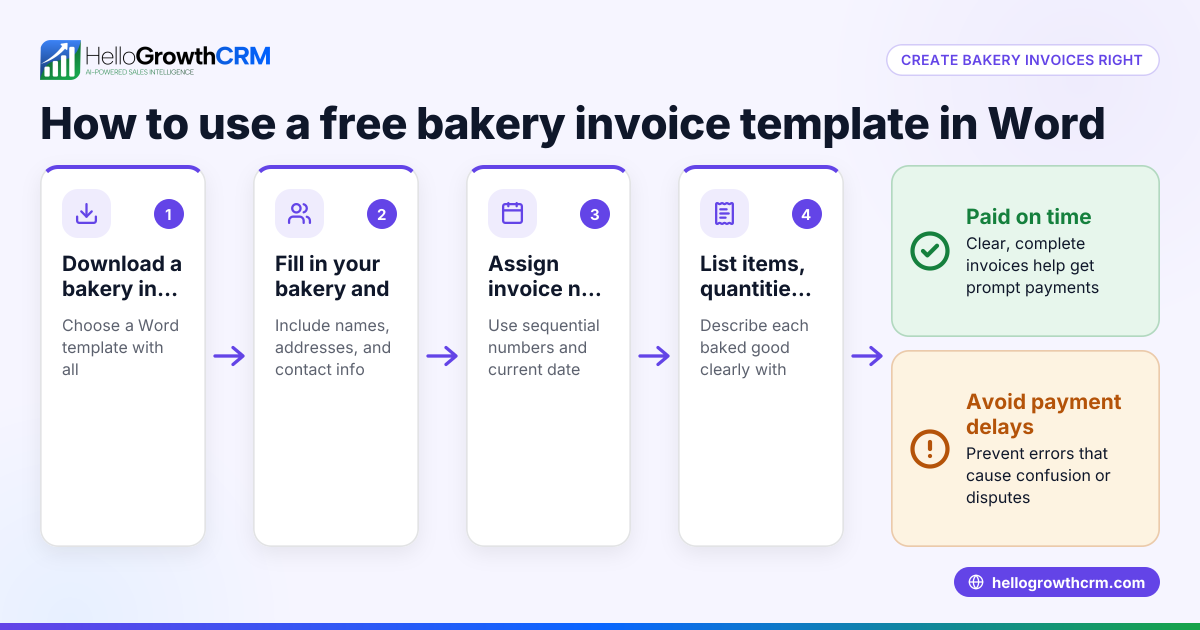
A free invoice creator is a tool that helps small businesses create professional invoices at no cost. Many small businesses look for these tools to streamline billing without paying upfront fees. This article explains why free invoice creators are in demand, offers step-by-step advice to choose one, presents a detailed example with arithmetic, highlights common mistakes, and describes how HelloGrowthCRM’s free plan and sales tools can assist your sales process.
Why this comes up / what goes wrong
Small-business owners often start billing customers using manual methods like Word documents, Excel spreadsheets, or email templates. These free methods can cause errors, delays, and make payment tracking difficult. A free invoice creator automates invoice formatting, numbering, and delivery, reducing mistakes and speeding up cash flow. However, free tools vary widely in features, limits, and ease of use. Business owners search for "invoice creator free" to find a solution that fits their current size, integrates with their sales workflow, and scales without unexpected costs.
Step-by-step
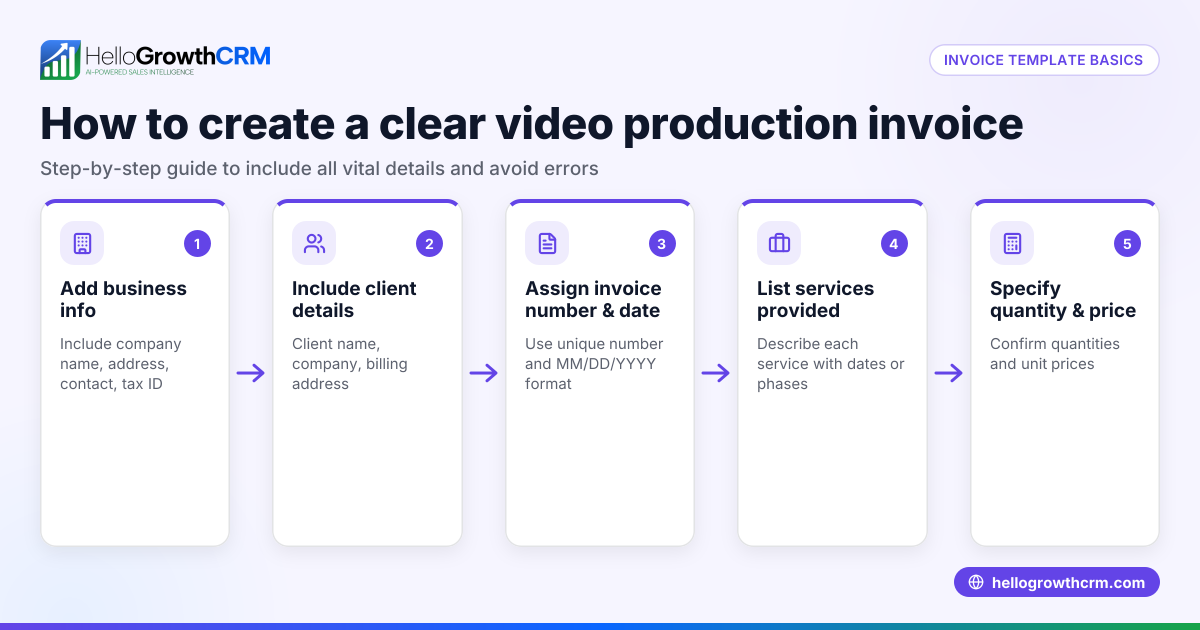
- Identify your invoicing needs. Determine if you require customizable templates, automatic invoice numbering, payment tracking, or integration with your sales process.
- Check user and invoice limits. Many free plans restrict the number of invoices, clients, or users. Confirm these limits match your current business needs.
- Evaluate ease of use and invoice appearance. The tool should produce clear, professional invoices customizable with your logo and business information.
- Look for payment tracking and reminders. Some free tools let you see if invoices are viewed or paid and can send automatic reminders.
- Consider integration with sales tools or CRM. Integration reduces manual data entry and keeps your sales and billing in sync.
- Test the tool with a sample invoice. Create and send a test invoice to verify formatting and delivery.
- Review upgrade options. Understand costs and features if you need more capacity or automation later.
You can download free sales templates and tools without signing up at HelloGrowthCRM’s free sales tools, templates and calculators.
Example (fictional figures)
A residential real-estate team in Phoenix, Arizona, bills a client for home staging services.
Invoice details:
- Service: Home staging
- Amount: $3,500
- Date: 06/15/2026
- Invoice number: INV-1001
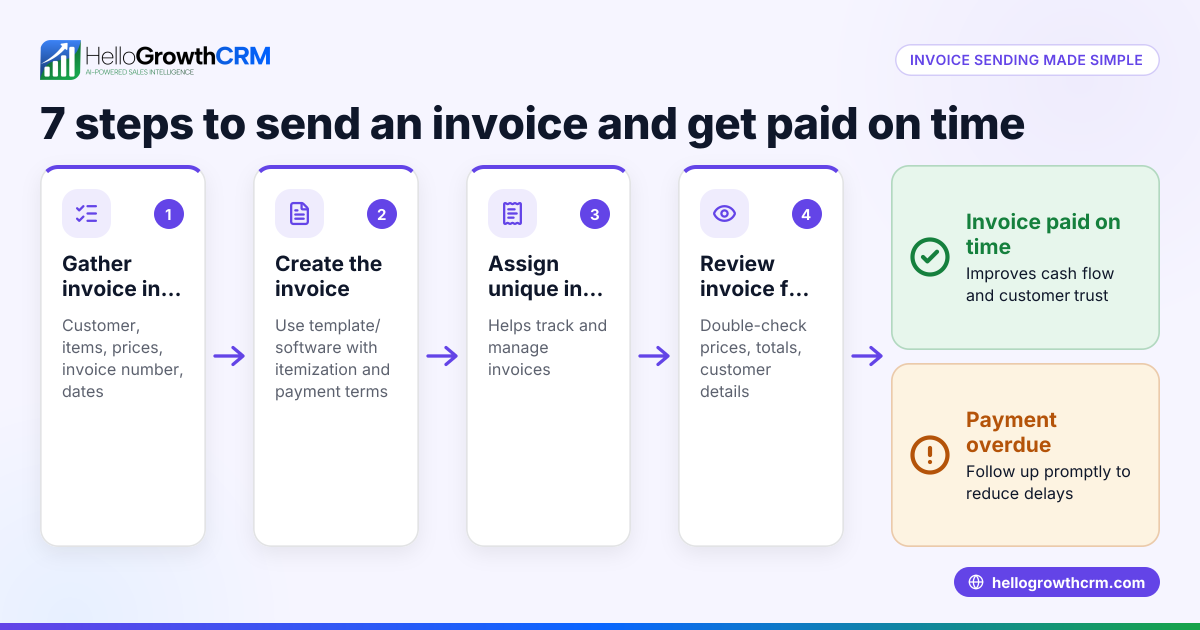
Step 1: Enter service and amount.
$3,500 = service charge
Step 2: Add invoice date.
06/15/2026 = invoice date
Step 3: Assign invoice number.
INV-1001 = invoice number
Step 4: Send invoice via email.
Step 5: Track payment status.
If payment arrives on 07/01/2026:
$3,500 = payment received
This example shows how a free invoice creator organizes billing and payment tracking without manual spreadsheets.
Common mistakes
- Using generic templates without branding. Prevent by adding your logo and business details to look professional.
- Not tracking invoice status. Use tools that indicate when invoices are viewed or paid to avoid missed payments.
- Exceeding free plan limits unknowingly. Check invoice and client limits before committing to a tool.
- Ignoring integration with sales tools. This leads to duplicate data entry; choose tools that integrate or export data easily.
- Skipping test invoices. Always send a test invoice to ensure formatting and delivery work correctly.
For managing your sales pipeline alongside invoicing, see the free CRM for small business.
Doing this in HelloGrowthCRM
HelloGrowthCRM offers a Free Forever plan where a two-person team can manage their sales pipeline at no cost until they need calling or WhatsApp automation. While quoting, proposals, invoices, and payment reconciliation are available on paid plans, the Free Forever plan provides essential sales tools and templates you can download without an account. The quoting and invoicing tools let you send commercial documents from a deal record and track their status (sent, viewed, accepted) alongside follow-up tasks, helping you keep sales and billing organized in one place. Learn more about HelloGrowthCRM’s WhatsApp and SMS CRM and how it supports your sales process.
Frequently asked questions
Can I create unlimited invoices with free invoice creators? Most free invoice creators limit the number of invoices or clients you can manage. Always check these limits to ensure they fit your business needs or be prepared to upgrade.
Are free invoice creators secure for my business data? Reputable free tools use encryption and secure servers, but verify their security policies. Avoid sharing sensitive payment information through unsecured tools.
Can I customize invoice templates in free tools? Many free invoice creators offer basic customization such as adding your logo, business name, and contact details. Advanced design features usually require paid plans.
Do free invoice creators support payment reminders? Some free tools include automatic payment reminders or notifications, but this varies. Confirm this feature if timely payment follow-up is important.
How do I integrate invoicing with my sales process? Choose invoice creators that integrate with your CRM or sales tools to avoid manual data entry. HelloGrowthCRM offers free sales templates and a pipeline management system to help you organize your sales process efficiently.
Key takeaways
- Free invoice creators let small businesses bill professionally without upfront costs.
- Verify invoice limits, customization options, payment tracking, and integration before choosing.
- Test your chosen tool with a sample invoice to avoid errors.
- Avoid common mistakes like ignoring limits or skipping invoice tracking.
- HelloGrowthCRM’s Free Forever plan and free sales tools support pipeline management and invoice preparation.
Start your sales and invoicing journey with the free CRM for small business and explore its free sales tools at HelloGrowthCRM for the United States.
Get started today on the Free Forever plan (200 leads, no credit card) to manage your sales pipeline and prepare invoices professionally.
Ready to put this into practice?
Set up your pipeline, WhatsApp follow-ups, and AI lead scoring in minutes — free, no credit card.
Try HelloGrowthCRM freeGet CRM tips in your inbox
Join thousands of sales professionals who get weekly insights on CRM strategy, AI automation, and pipeline optimization.

The HelloGrowthCRM team publishes guides on CRM strategy, AI sales tools, and revenue operations for small business sales teams.