HelloGrowthCRM software
Built for real small-business sales teams
HelloGrowthCRM helps reps qualify faster, follow up on time, and close more deals—with practical automation in one place.
- AI lead scoring and pipeline visibility
- Built-in dialer, WhatsApp, and email automation
- Sales forecasting and RevOps-ready reporting
A less annoying CRM power dialer is one that integrates smoothly with your sales workflow, minimizes disruptions, and helps your team follow up efficiently without overwhelming leads. This article covers why businesses seek less annoying dialers, step-by-step selection tips, a Canadian business example, common mistakes to avoid, and how HelloGrowthCRM supports telecalling with its built-in dialer and messaging features.
Why this comes up / what goes wrong
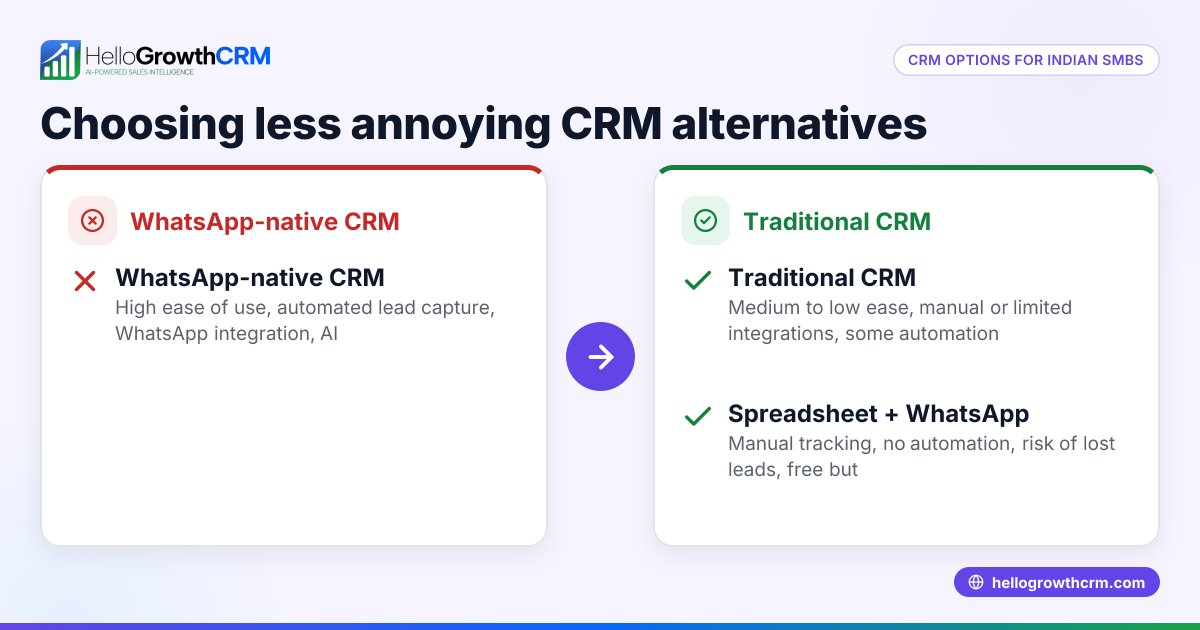
Small and mid-sized Canadian businesses often rely on CRM power dialers to speed up outbound calling. However, many find traditional power dialers annoying because they can lead to rushed calls, dropped connections, or poor lead tracking. Sales reps may struggle with switching between multiple tools like spreadsheets, text messages, and email, causing slow follow-up or lost leads. The annoyance also comes from intrusive call pacing or lack of integration with messaging channels where customers prefer to communicate, such as WhatsApp or SMS.
These issues decrease sales efficiency and frustrate both reps and prospects. Business owners searching for a "less annoying CRM power dialer" want a solution that simplifies calling, logs call outcomes automatically, and supports follow-up messaging—all while keeping customer interactions smooth and personal.
Step-by-step
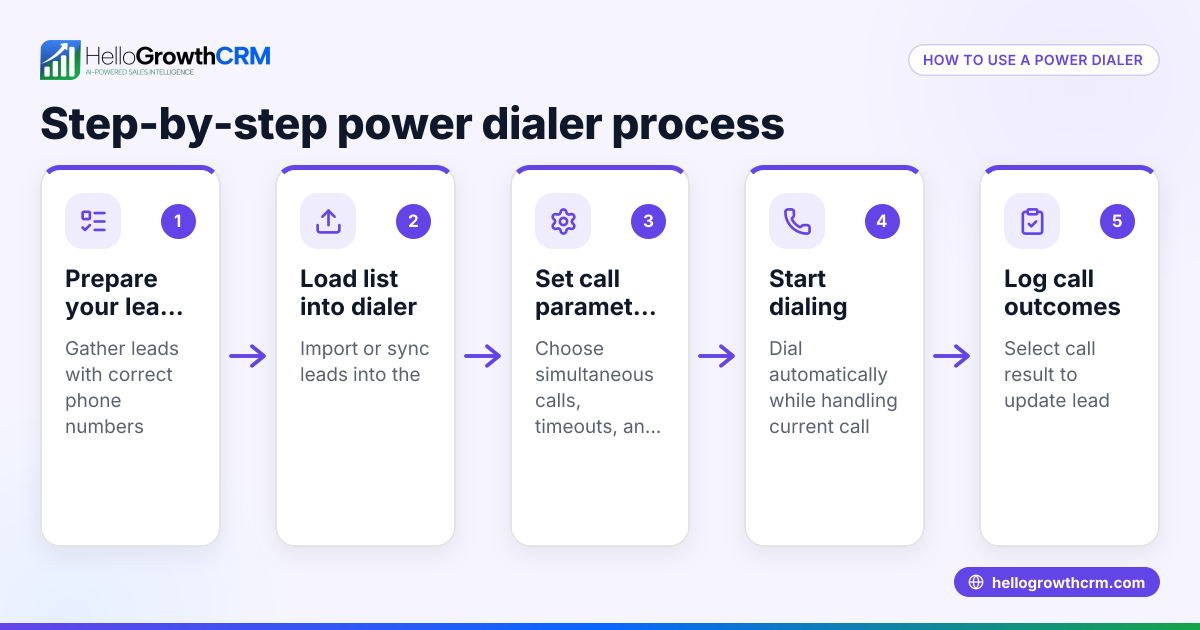
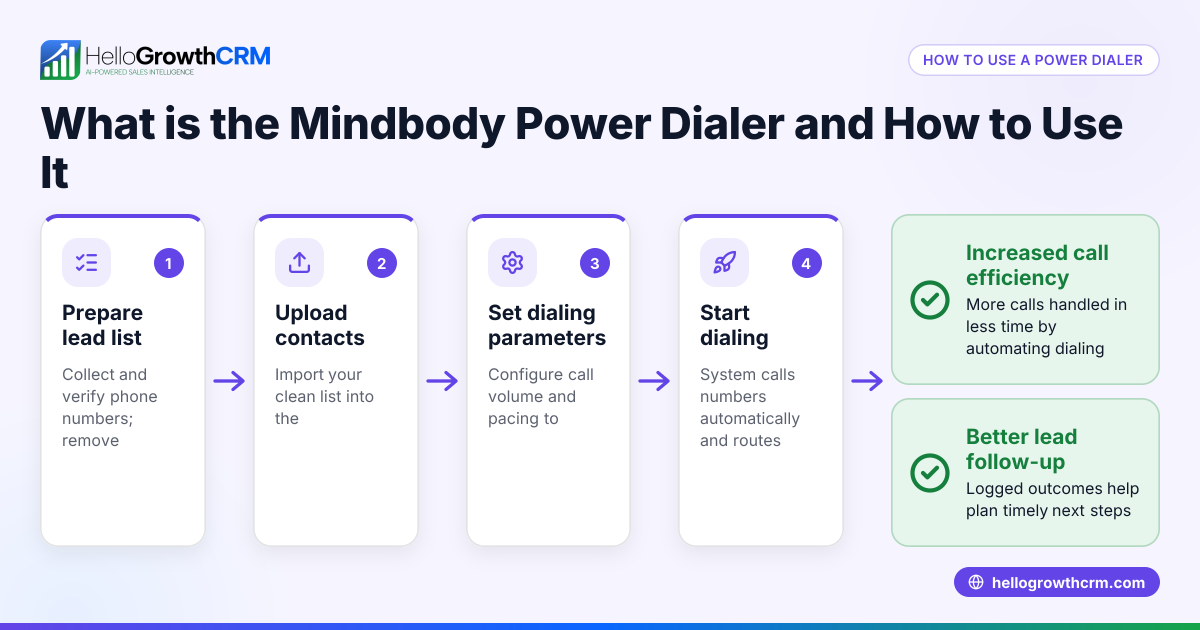
- Define your calling needs: Determine how many calls your team makes daily and whether you need features like power dialing, local dialing, or predictive dialing. Check if the dialer supports logging outcomes automatically.
- Check integration with your CRM: Ensure the dialer works inside your CRM to avoid switching apps. This reduces errors and saves time.
- Look for messaging support: Since many prospects prefer texting, verify if the CRM supports WhatsApp and SMS messaging logged on the lead record.
- Evaluate user experience: Choose a dialer that lets reps control call pacing to avoid rushed or dropped calls. It should also allow easy review and sending of follow-up messages.
- Consider AI assistance: Some CRMs offer AI agents that draft follow-up messages after calls, so reps only need to review and send, reducing manual work.
- Test with your team: Run a trial or pilot with your sales reps to get feedback on usability and annoyance factors.
- Assess reporting and tracking: Confirm the dialer logs call histories and outcomes tied to contacts and deals for accurate sales tracking.
Example (fictional figures)
A mortgage brokerage in Mississauga, Ontario, wants a less annoying CRM power dialer to improve lead follow-up. They have 3 sales reps making about 80 calls each per day.
- They choose a CRM with a built-in power dialer that logs each call automatically.
- Each rep spends 5 minutes per call including follow-up messaging.
Calculation of daily calling time per rep:
80 calls × 5 minutes = 400 minutes = 6 hours 40 minutes
If switching between apps costs 10% extra time, that adds:
6 hours 40 minutes × 10% = 40 minutes
Total daily calling time without integrated dialer:
6 hours 40 minutes + 40 minutes = 7 hours 20 minutes
By using an integrated dialer with WhatsApp and SMS follow-ups, they save 40 minutes per rep daily.
This improves call volume and reduces annoyance from juggling multiple tools.
Common mistakes
- Choosing dialers without CRM integration: Leads to switching between apps, causing lost data and slower follow-up. Prevent by confirming built-in dialer features inside the CRM.
- Ignoring messaging channels: Not supporting WhatsApp or SMS means missing prospects who prefer texting. Check for WhatsApp and SMS CRM features.
- Overloading reps with too fast call pacing: Causes rushed calls and poor customer experience. Choose dialers that allow reps to control pacing.
- Not testing with actual users: Picking a dialer without team input can lead to low adoption. Run trials and gather feedback.
- Neglecting call outcome logging: Without automatic logging, tracking sales progress is harder. Use a dialer that logs call results on leads.
- Overlooking AI assistance: Missing out on AI agents that draft follow-ups can increase manual workload. Consider solutions with AI features.
Doing this in HelloGrowthCRM
HelloGrowthCRM offers a built-in dialer that lets telecallers work lists from inside the CRM, logging each call's outcome on the lead record. WhatsApp conversations and SMS follow-ups are also logged and managed within the lead, keeping communication in one place. Additionally, AI agents in HelloGrowthCRM can draft follow-up messages after calls for reps to review and send, reducing manual effort. Learn more about the built-in CRM dialer and WhatsApp and SMS CRM features. HelloGrowthCRM is designed for Canadian small and mid-sized businesses looking for a less annoying, integrated calling and messaging experience. See HelloGrowthCRM for Canada for details.
Frequently asked questions
What is a less annoying CRM power dialer? A less annoying CRM power dialer is one that integrates smoothly with your CRM, lets reps control call pacing, logs call outcomes automatically, and supports messaging channels like WhatsApp and SMS to reduce disruptions and improve follow-up.
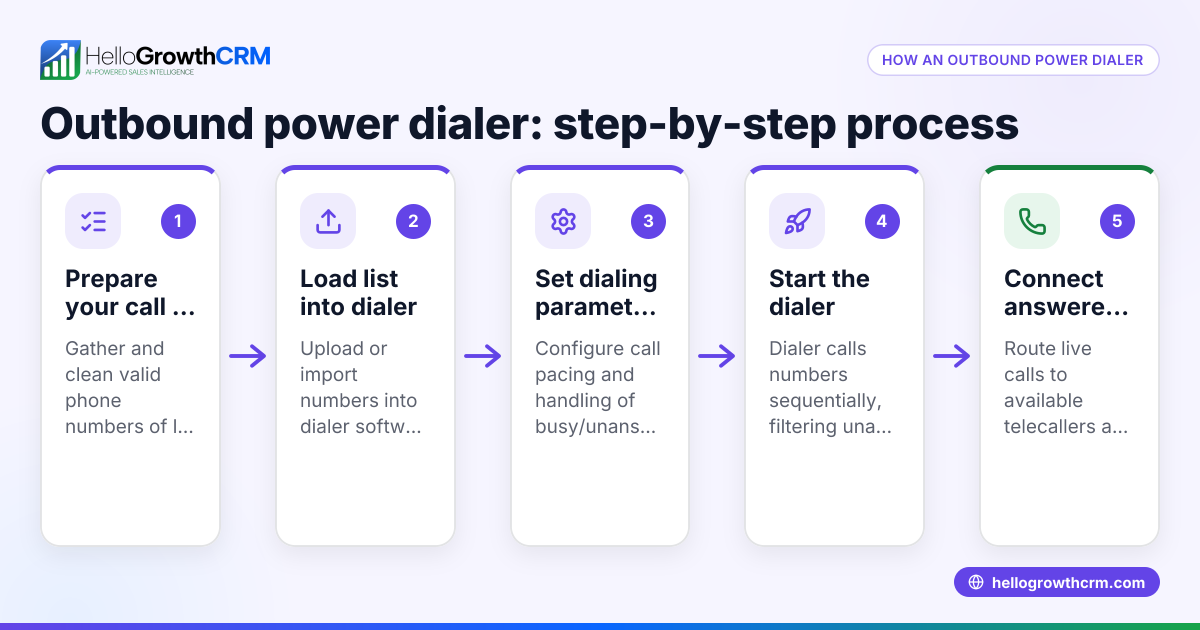
How does a CRM power dialer differ from a predictive dialer? A power dialer automatically calls the next number on a list but lets reps answer calls live, while a predictive dialer uses algorithms to predict when reps will be free and dials multiple numbers simultaneously, which can lead to dropped calls or abandoned calls. Less annoying dialers often avoid aggressive predictive dialing.
Can I use WhatsApp and SMS with a CRM power dialer? Yes, some CRMs integrate WhatsApp and SMS messaging directly with the dialer, logging conversations on the lead record and enabling timely follow-ups without switching apps.
What questions should I ask before choosing a dialer? Ask about CRM integration, call outcome logging, messaging support, call pacing control, AI assistance features, and how easy it is for your team to use.
Is AI assistance common in CRM power dialers? AI assistance is becoming more common, with features like drafting follow-up messages after calls to reduce manual work. These features may be in beta but can improve sales efficiency.
Key takeaways
- Choose a dialer integrated inside your CRM to avoid switching apps and lost data.
- Ensure the dialer supports WhatsApp and SMS messaging for modern follow-up.
- Control over call pacing reduces rushed or dropped calls, improving customer experience.
- Automatic logging of call outcomes helps track sales progress accurately.
- AI agents that draft follow-ups can save time and reduce manual effort.
- Test dialers with your actual sales team to confirm usability and reduce annoyance.
Start improving your sales calling with a less annoying CRM power dialer today. You can start on the Free Forever plan (200 leads, no credit card) to try these features risk-free.
Ready to put this into practice?
Set up your pipeline, WhatsApp follow-ups, and AI lead scoring in minutes — free, no credit card.
Try HelloGrowthCRM freeGet CRM tips in your inbox
Join thousands of sales professionals who get weekly insights on CRM strategy, AI automation, and pipeline optimization.

The HelloGrowthCRM team publishes guides on CRM strategy, AI sales tools, and revenue operations for small business sales teams.