HelloGrowthCRM software
Built for real small-business sales teams
HelloGrowthCRM helps reps qualify faster, follow up on time, and close more deals—with practical automation in one place.
- AI lead scoring and pipeline visibility
- Built-in dialer, WhatsApp, and email automation
- Sales forecasting and RevOps-ready reporting
A less annoying CRM power dialer helps sales teams call leads efficiently without causing frustration. It integrates with your CRM to automate call logging, manage call lists, and reduce manual dialing, while respecting customer preferences. This article covers why businesses look for less annoying dialers, how to evaluate them step-by-step, common mistakes, a worked example with UAE figures, and how HelloGrowthCRM supports these needs.
Why this comes up / what goes wrong
Small and mid-sized UAE businesses often struggle with managing outbound calls effectively. Many use manual dialing, WhatsApp, or spreadsheets, leading to slow follow-ups and lost leads. Power dialers promise speed but can become annoying if they dial too aggressively, lack CRM integration, or do not log call outcomes properly. This frustrates sales teams and prospects, wastes time, and harms customer experience.
Step-by-step
- Define your calling needs: Identify how many calls your team makes daily and the size of your lead list. Decide if you need call scheduling, call outcome tracking, or integration with messaging channels.
- Check CRM integration: Ensure the dialer integrates natively with your CRM to log calls and update lead records automatically. This avoids manual data entry and errors.
- Evaluate call management features: Choose dialers that give reps control over call pacing, allow pausing or skipping leads, and make logging call outcomes easy. Avoid dialers that auto-dial without rep control to reduce annoyance.
- Consider messaging follow-ups: Check if the dialer supports WhatsApp or SMS follow-ups directly from the CRM to engage leads on their preferred channels.
- Review AI assistance: Some dialers offer AI agents that draft follow-up messages after calls, saving time and improving consistency. Verify if this feature is available or in beta.
- Test user experience: Trial the dialer with your sales team to ensure it is intuitive and does not add complexity.
- Check compliance and local rules: Confirm the dialer respects UAE telemarketing regulations and customer consent.
Example (fictional figures)
A car rental company in Abu Dhabi wants to call 500 leads monthly. They estimate:
- Each call takes 3 minutes on average.
- They work 20 days a month.
Calculate daily calls:
500 leads ÷ 20 days = 25 calls per day
Calculate total calling time per day:
25 calls × 3 minutes = 75 minutes
Assuming manual dialing wastes 20 minutes daily on number lookups and logging:
Total time spent manually:
75 minutes + 20 minutes = 95 minutes
Using a power dialer that reduces manual tasks by 80% saves:
20 minutes × 80% = 16 minutes saved
New daily calling time:
75 minutes + (20 minutes - 16 minutes) = 79 minutes
This saves 16 minutes daily, allowing more calls or freeing time for other tasks.
Common mistakes
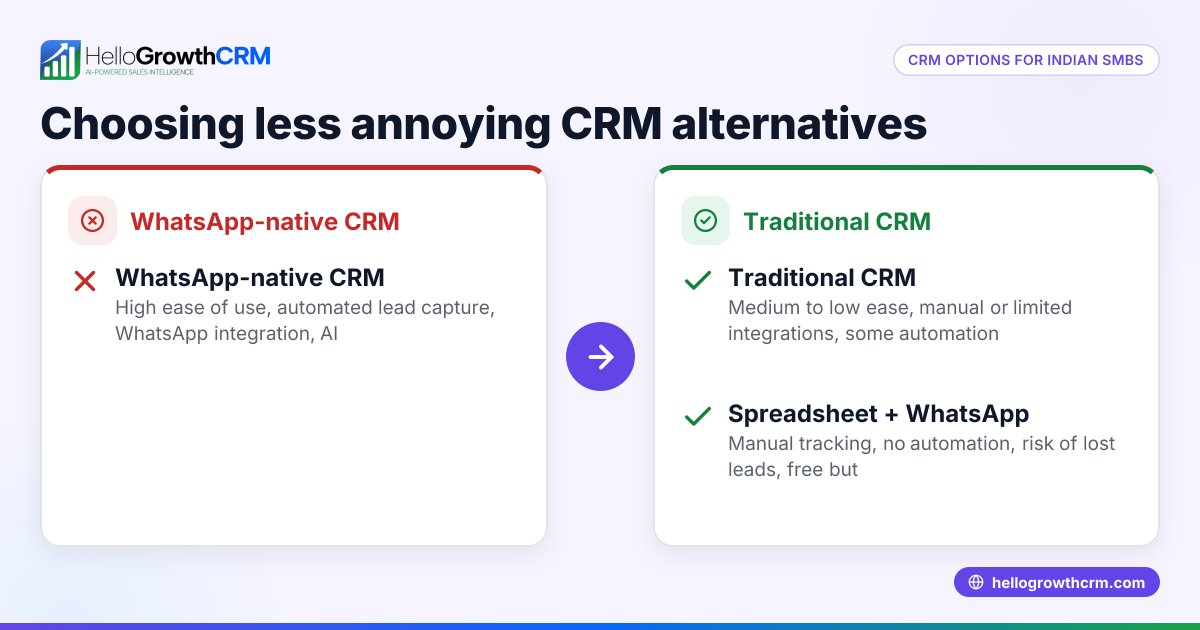
- Choosing dialers without CRM integration: Leads to duplicate data and manual logging. Prevent by verifying native CRM dialer features like those in HelloGrowthCRM's built-in CRM dialer.
- Ignoring follow-up messaging channels: Missing WhatsApp or SMS follow-ups loses engagement. Prevent by selecting dialers supporting messaging, such as HelloGrowthCRM’s WhatsApp and SMS CRM.
- Overusing predictive dialing: Auto-dialing too aggressively annoys leads and wastes resources. Prevent by choosing dialers with rep control over call pacing.
- Skipping user trials: Without testing, dialers might be too complex or slow. Prevent by running pilots with your sales team.
- Neglecting local compliance: Non-compliance with UAE rules risks penalties. Prevent by checking dialer features and policies.
Doing this in HelloGrowthCRM
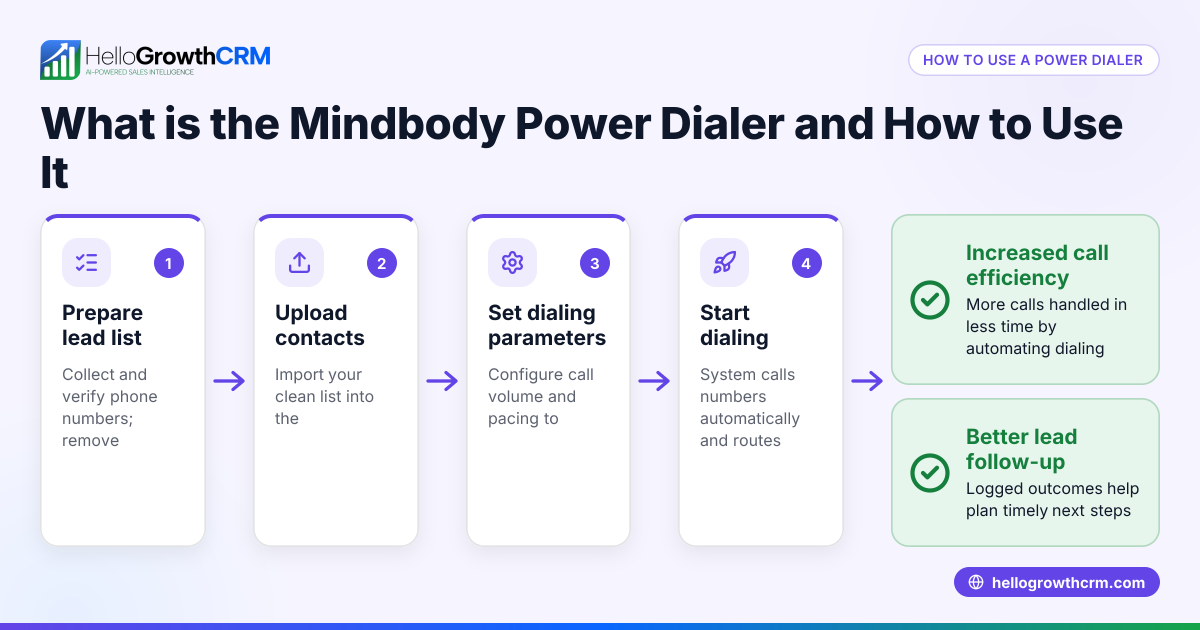
HelloGrowthCRM offers a built-in dialer that lets telecallers work call lists inside the CRM and logs the outcome of each call on the lead record automatically. It supports WhatsApp and SMS messaging, with conversations logged on lead records and follow-ups sent as messages via the WhatsApp and SMS CRM. Additionally, AI agents in beta draft follow-up messages after calls for review and sending, reducing manual effort and helping keep calls efficient and less annoying.
Frequently asked questions
What is a less annoying CRM sales dialer? A less annoying CRM sales dialer integrates smoothly with the CRM, lets reps control call pacing, logs call outcomes automatically, and supports respectful follow-ups via channels like WhatsApp. It avoids aggressive auto-dialing that annoys prospects.
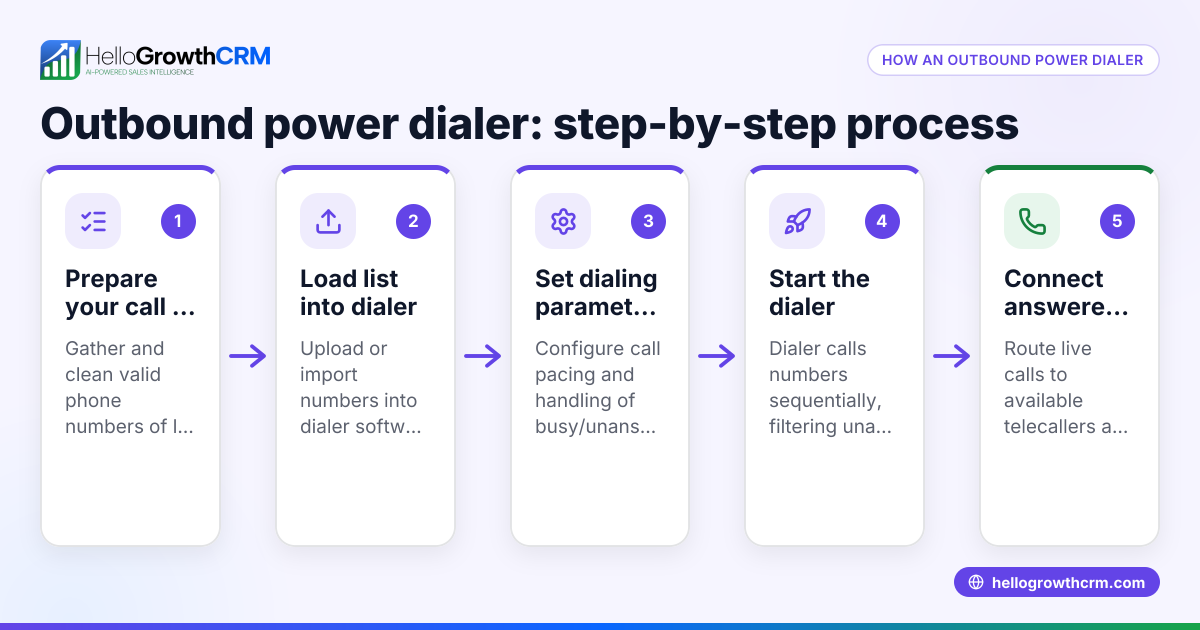
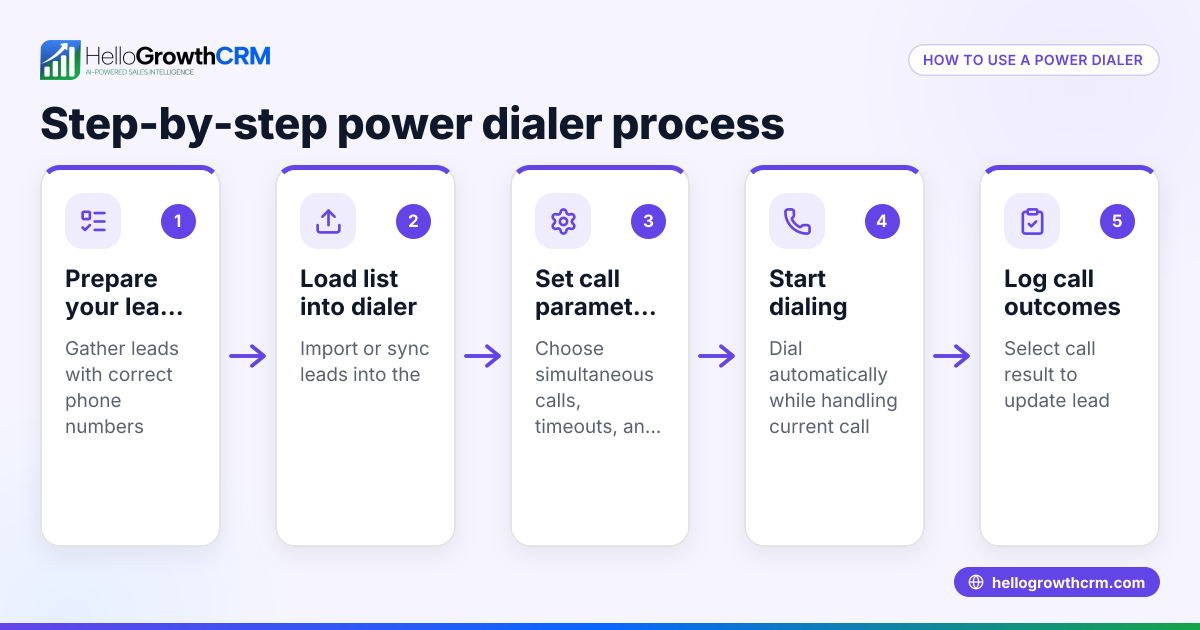
How does a predictive dialer differ from a power dialer? A predictive dialer automatically dials multiple numbers and connects reps only when a call is answered, which can overwhelm leads if overused. A power dialer dials one number at a time, speeding manual dialing with automation while giving reps control.
Can WhatsApp be used with CRM dialers? Yes, CRM dialers like HelloGrowthCRM integrate WhatsApp messaging, logging conversations and enabling follow-ups directly from the CRM, improving lead engagement.
How do AI agents help with power dialers? AI agents draft follow-up messages after calls, so sales reps only review and send them. This saves time and ensures consistent communication.
Are power dialers legal in the UAE? Power dialers are legal if used in compliance with UAE telemarketing regulations, including respecting do-not-call lists and obtaining customer consent. Always check local rules and dialer compliance.
Key takeaways
- Choose a CRM power dialer that integrates natively to log calls and outcomes automatically.
- Ensure the dialer supports WhatsApp and SMS follow-ups to engage leads on preferred channels.
- Avoid overly aggressive predictive dialers that annoy prospects and waste resources.
- Test dialer usability with your sales team before committing.
- Check compliance with UAE telemarketing regulations.
- Consider AI agents to draft follow-ups and reduce manual work.
Start simplifying your sales calls with a less annoying CRM power dialer. Explore HelloGrowthCRM’s features and start on the Free Forever plan (200 leads, no credit card) today.
Ready to put this into practice?
Set up your pipeline, WhatsApp follow-ups, and AI lead scoring in minutes — free, no credit card.
Try HelloGrowthCRM freeGet CRM tips in your inbox
Join thousands of sales professionals who get weekly insights on CRM strategy, AI automation, and pipeline optimization.

The HelloGrowthCRM team publishes guides on CRM strategy, AI sales tools, and revenue operations for small business sales teams.