HelloGrowthCRM software
Built for real small-business sales teams
HelloGrowthCRM helps reps qualify faster, follow up on time, and close more deals—with practical automation in one place.
- AI lead scoring and pipeline visibility
- Built-in dialer, WhatsApp, and email automation
- Sales forecasting and RevOps-ready reporting
A touch base email is a short message you send to check in with someone you have previously contacted. It’s used to maintain communication, remind the recipient about your offer or proposal, or simply to see if they’re ready to move forward. Small business owners often use touch base emails to keep leads warm without being pushy.
Why this comes up / what goes wrong
Small business owners frequently lose leads or stall deals because they don’t follow up consistently. They may have sent a quotation or initial proposal but heard nothing back. Without a clear, polite way to reconnect, prospects forget or move on. The problem is often a lack of a simple, repeatable email template and a way to track when to send these reminders. Many owners rely on spreadsheets or manual reminders, which leads to missed opportunities and slow follow-up.
Step-by-step
- Identify the recipient and purpose: Know who you are emailing and why. Are you checking on a proposal, reminding about a meeting, or just keeping in touch?
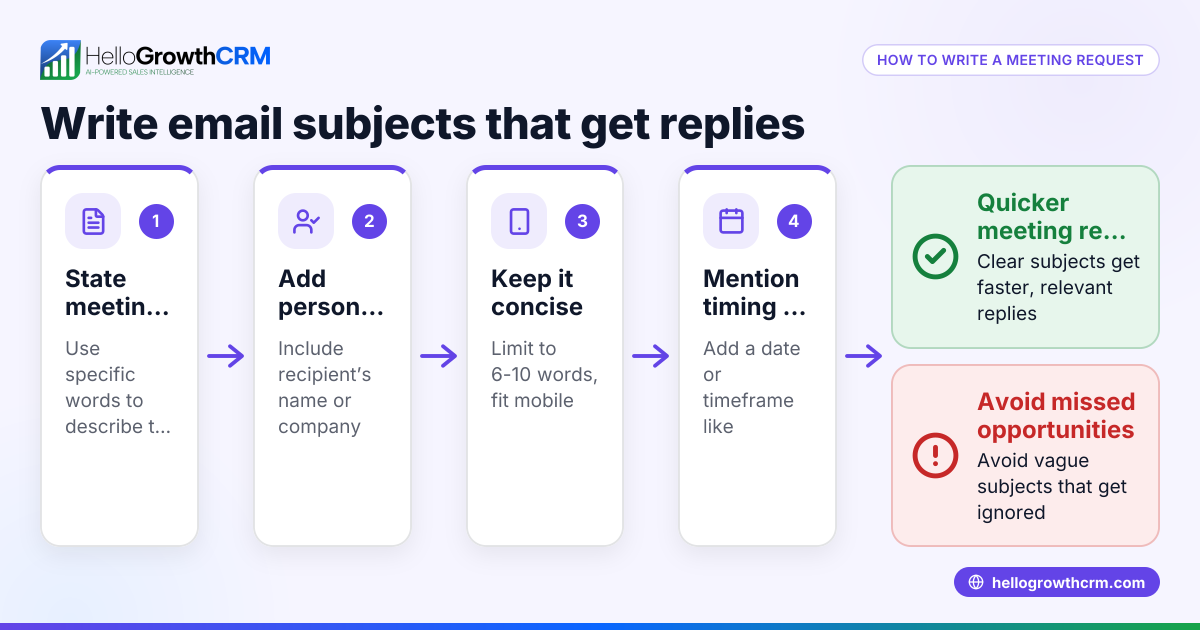
- Write a clear subject line: Use something like "Touching base on [project name]" or "Following up on our last conversation". This sets expectations.
- Start with a friendly greeting: Use the recipient’s name and a polite opener like "I hope you’re doing well."
- State the reason for the email briefly: For example, "I wanted to touch base to see if you had any questions about the proposal I sent last week."
- Include a call to action: Suggest the next step, such as scheduling a call or providing feedback.
- Close politely: End with gratitude and your contact information.
- Review and personalize: Check for spelling and customize any details to show this isn’t a generic email.
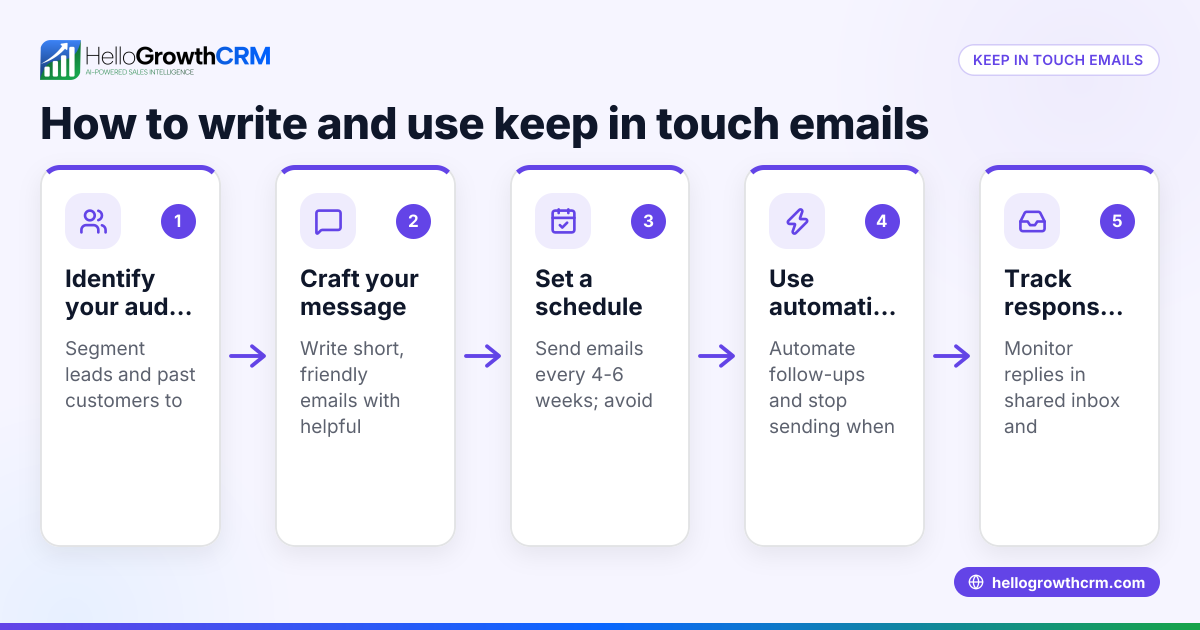
- Send and track: Use a system or CRM to remind you if you don’t get a reply.
For managing sequences and automated follow-ups, consider email automation and sequences.
Example (fictional figures)
A residential real estate team in Phoenix, Arizona, sent a proposal on 05/01/2026 for a $450,000 home listing. After no reply for 7 days, they send a touch base email on 05/08/2026.
Subject: Touching base on your home listing proposal
Email body: "Hi Mr. Johnson,
I hope you’re doing well. I wanted to touch base to see if you had any questions about the $450,000 listing proposal I sent last week. Please let me know if you'd like to discuss next steps or schedule a call.
Best regards, Sarah"
This simple follow-up can prompt a reply and keep the deal moving.
Common mistakes
- Being too pushy or salesy: Prevent by keeping the tone polite and helpful, not demanding.
- Sending generic emails without personalization: Prevent by adding the recipient’s name and specific details.
- Forgetting to include a clear next step: Prevent by always ending with a call to action.
- Not tracking follow-ups: Prevent by using tools or reminders to follow up again if no reply.
- Using a vague subject line: Prevent by being specific about the purpose to improve open rates.
- Sending too frequently: Prevent by spacing follow-ups reasonably, e.g., one every 5-7 days.
For more on avoiding follow-up errors, see email automation and sequences.
Doing this in HelloGrowthCRM
HelloGrowthCRM offers a shared inbox called HelloMail where your team can see all replies to quotation emails on the deal, preventing missed messages. You can also set up sequences and campaigns that automate a five-step follow-up over two weeks, stopping automatically when the prospect replies. After the sale, service requests stay linked to the same customer record via the customer portal and tickets system, keeping all communication organized. Learn more about these features at HelloGrowthCRM for the United States and WhatsApp and SMS CRM.
Frequently asked questions
What is the best time to send a touch base email? Aim to send a touch base email about a week after your last contact if you haven’t heard back. This timing is polite and gives the prospect enough time to consider your offer.
How long should a touch base email be? Keep it brief—usually 2-4 short sentences. The goal is to remind and prompt a response, not to overwhelm with information.
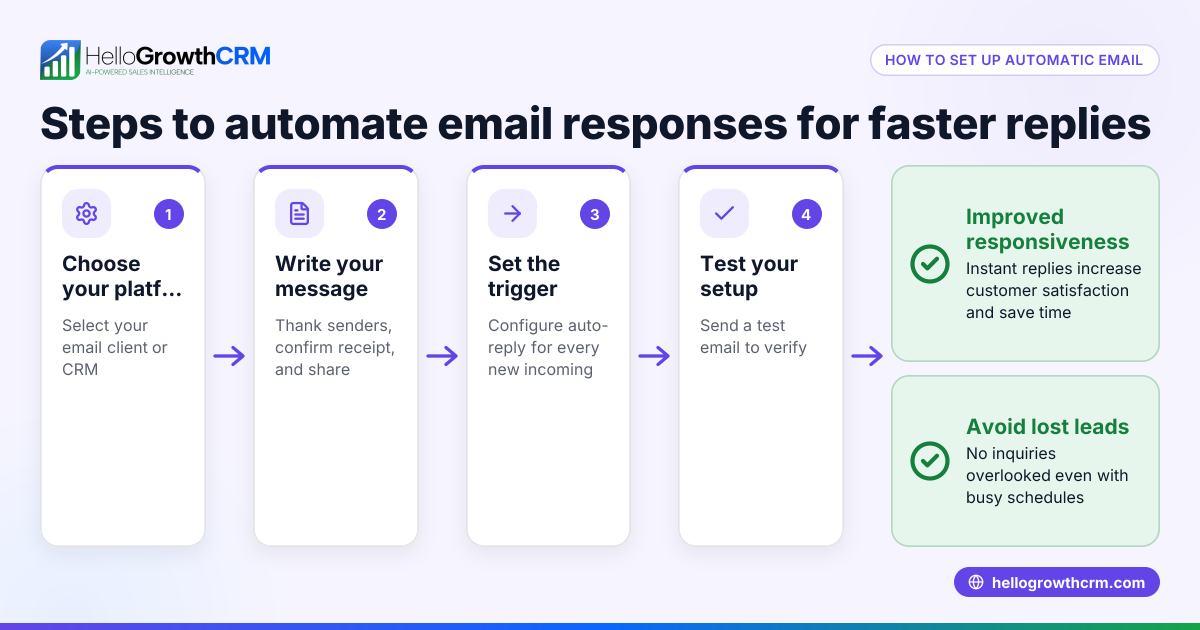
Can I automate touch base emails? Yes, using email automation tools or CRMs like HelloGrowthCRM, you can set sequences that send touch base emails automatically and stop when the prospect replies.
What if I get no response after several touch base emails? If there’s no response after 3-5 follow-ups spaced a week apart, it’s often best to pause and revisit later or try a different communication method.
Should I include attachments in a touch base email? Generally, no. Attachments can be overwhelming or ignored. Instead, refer to previous emails or links unless the recipient specifically requests documents.
Key takeaways
- A touch base email is a short, polite follow-up to keep communication open.
- Personalize your message and include a clear call to action.
- Avoid being pushy or sending too many emails too quickly.
- Use a CRM or automation tool to track and schedule follow-ups.
- HelloGrowthCRM’s shared inbox and sequences help manage touch base emails efficiently.
Start managing your touch base emails with ease. Start on the Free Forever plan (200 leads, no credit card).
Ready to put this into practice?
Set up your pipeline, WhatsApp follow-ups, and AI lead scoring in minutes — free, no credit card.
Try HelloGrowthCRM freeGet CRM tips in your inbox
Join thousands of sales professionals who get weekly insights on CRM strategy, AI automation, and pipeline optimization.

The HelloGrowthCRM team publishes guides on CRM strategy, AI sales tools, and revenue operations for small business sales teams.