HelloGrowthCRM software
Built for real small-business sales teams
HelloGrowthCRM helps reps qualify faster, follow up on time, and close more deals—with practical automation in one place.
- AI lead scoring and pipeline visibility
- Built-in dialer, WhatsApp, and email automation
- Sales forecasting and RevOps-ready reporting
To request payment from a client, you must prepare a clear and professional payment request or invoice stating the amount owed, payment methods accepted, and the due date. Confirm the client’s billing and contact details before sending the request promptly after completing your service or delivering your product. This article explains why requesting payment correctly matters, provides step-by-step instructions, a worked example, highlights common mistakes, and shows how HelloGrowthCRM helps manage the process.
Why this comes up / what goes wrong
Small business owners often struggle with receiving timely payments. This can happen because invoices are unclear, sent late, or missing important details. Sometimes, client billing information is not confirmed, leading to invoices sent to wrong addresses or emails. Poor follow-up on unpaid invoices can cause cash flow problems. Many small businesses rely on spreadsheets, emails, or text messages, which can cause disorganization and lost payment requests.
Step-by-step
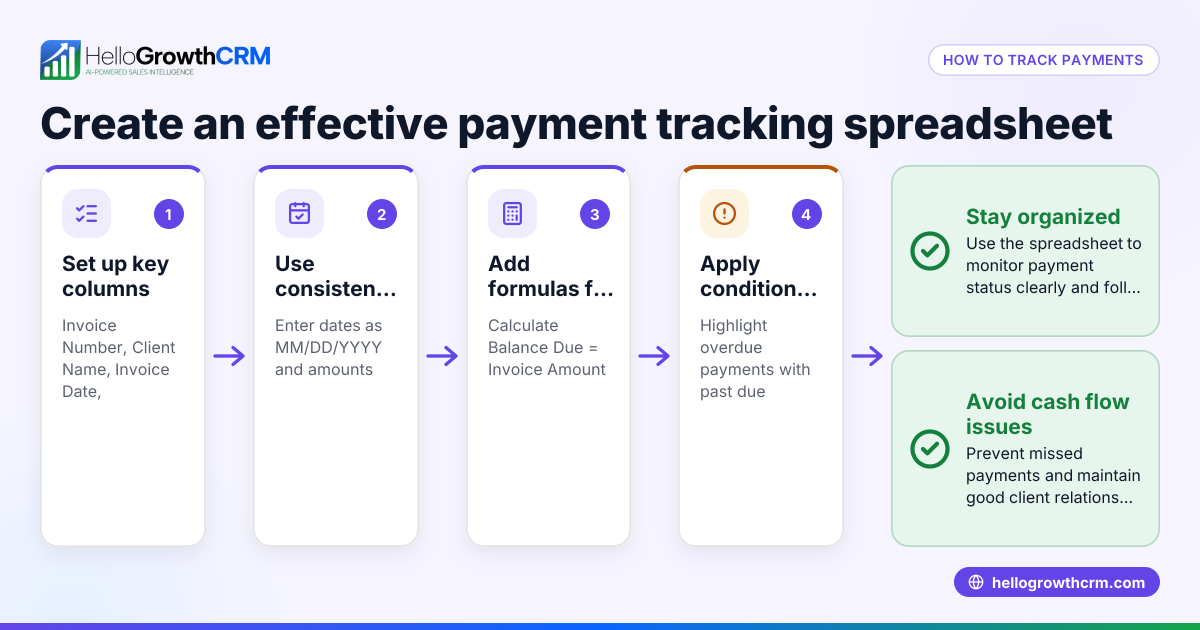
- Confirm client billing information: Verify the client’s full name or business name, billing address, email, and preferred payment method to avoid sending invoices to incorrect contacts.
- Calculate the total amount due: Add up all products or services delivered, applicable taxes, fees, and subtract any discounts agreed upon.
- Prepare a professional invoice or payment request: Include your business name and contact details, invoice number, issue date, due date, detailed list of charges, total amount due, and instructions for payment.
- Set a clear payment due date: Commonly 15 to 30 days after the invoice date, depending on your agreement with the client.
- Send the invoice promptly: Email or deliver the invoice as soon as the service is complete or product delivered. Confirm receipt if possible.
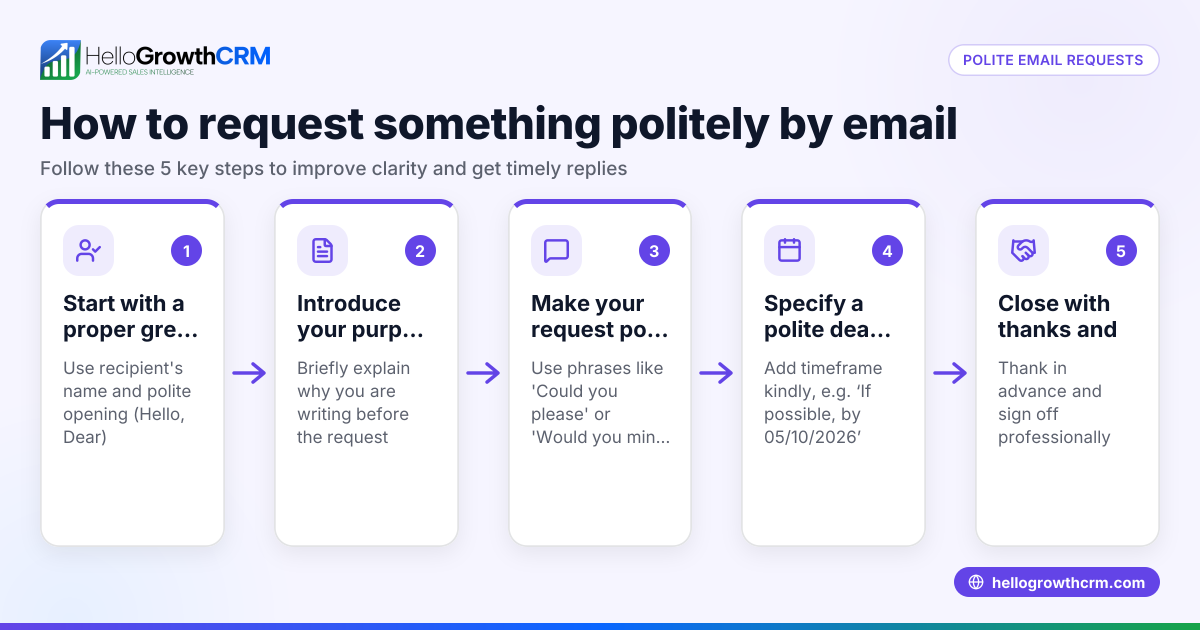
- Follow up on unpaid invoices: If payment is not received by the due date, send a polite reminder referencing the original invoice and payment terms.
- Record payments when received: Update your records immediately to track payments and outstanding balances.
- Maintain professional communication: Use clear, polite language and be firm about payment terms without sounding aggressive.
Using a CRM with quoting, invoicing, and payment tracking features can help keep this process organized and efficient. For example, see WhatsApp and SMS CRM for client communication options.
Example (fictional figures)
A plumbing company in Austin, Texas, completed a kitchen faucet installation on 03/01/2026 and needs to request payment from the client.
- Service fee: $1,200
- Sales tax (assumed illustrative rate 8.25%): $1,200 × 8.25% = $99
- Total amount due: $1,200 + $99 = $1,299
Invoice details:
- Invoice number: 2024-015
- Issue date: 03/01/2026
- Due date: 03/31/2026 (30 days)
Steps:
- Confirm client "John Smith" and billing email.
- Calculate total due: $1,200 + $99 = $1,299.
- Prepare invoice with all details.
- Send invoice via email on 03/01/2026.
- Follow up on 04/01/2026 if unpaid.
Common mistakes
- Sending payment requests late: Always send the invoice immediately after service completion to avoid delays.
- Incomplete or unclear invoices: Include all charges, dates, payment instructions, and your contact details.
- Not confirming client billing info: Double-check client details to prevent sending invoices to the wrong person.
- Ignoring follow-ups: Schedule reminders to send polite payment reminders if invoices are overdue.
- Using informal or unclear language: Keep communication professional and straightforward.
- Not recording payments promptly: Update your records as soon as payments are received to avoid confusion.
Avoid these mistakes to maintain steady cash flow and good client relationships. For more on managing client communication, see WhatsApp and SMS CRM.
Doing this in HelloGrowthCRM
HelloGrowthCRM provides built-in quoting and proposal tools that let you create, send, and track commercial documents such as quotes and invoices directly from a deal record. You can view the status of your quotation—whether it is sent, viewed, or accepted—on the same screen as your follow-up tasks. Once a deal closes, invoice generation and payment reconciliation are linked to the deal, helping you track payments received efficiently. Learn more about these features at built-in CRM dialer.
Frequently asked questions
How soon should I request payment after delivering a service or product? Request payment promptly, ideally immediately after delivery or service completion. This helps keep your cash flow steady and reduces confusion.
What payment methods should I offer to clients? Offer convenient and common payment methods such as bank transfer, credit card, check, or online payment platforms. Confirm your client’s preferred method beforehand.
What if a client delays payment beyond the due date? Send a polite reminder referencing the original invoice and payment terms. If delays continue, consider a phone call or discussing a payment plan.
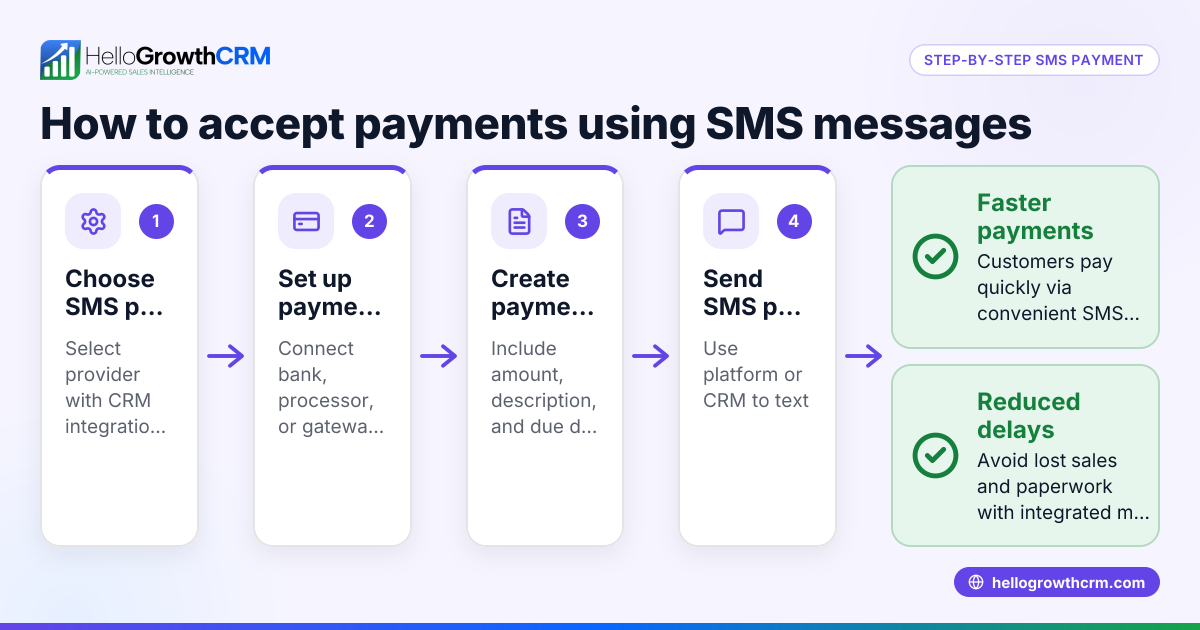
Can I send payment requests via WhatsApp or SMS? Yes, using a CRM with WhatsApp and SMS capabilities can streamline sending payment reminders and improve client response rates. See WhatsApp and SMS CRM for options.
How do I keep track of multiple invoices and payments? A CRM with integrated quoting, invoicing, and payment tracking helps you monitor all invoices and payments in one place, reducing errors and missed follow-ups.
Key takeaways
- Confirm client billing details before sending payment requests.
- Prepare clear, professional invoices including amounts, dates, and payment instructions.
- Send invoices promptly after service or delivery.
- Follow up politely on overdue payments.
- Avoid common mistakes like late sending or unclear invoices.
- Use HelloGrowthCRM’s quoting and invoicing tools to manage payment requests efficiently.
Start managing your client payments efficiently today. Start on the Free Forever plan (200 leads, no credit card).
Ready to put this into practice?
Set up your pipeline, WhatsApp follow-ups, and AI lead scoring in minutes — free, no credit card.
Try HelloGrowthCRM freeGet CRM tips in your inbox
Join thousands of sales professionals who get weekly insights on CRM strategy, AI automation, and pipeline optimization.

The HelloGrowthCRM team publishes guides on CRM strategy, AI sales tools, and revenue operations for small business sales teams.