HelloGrowthCRM software
Built for real small-business sales teams
HelloGrowthCRM helps reps qualify faster, follow up on time, and close more deals—with practical automation in one place.
- AI lead scoring and pipeline visibility
- Built-in dialer, WhatsApp, and email automation
- Sales forecasting and RevOps-ready reporting
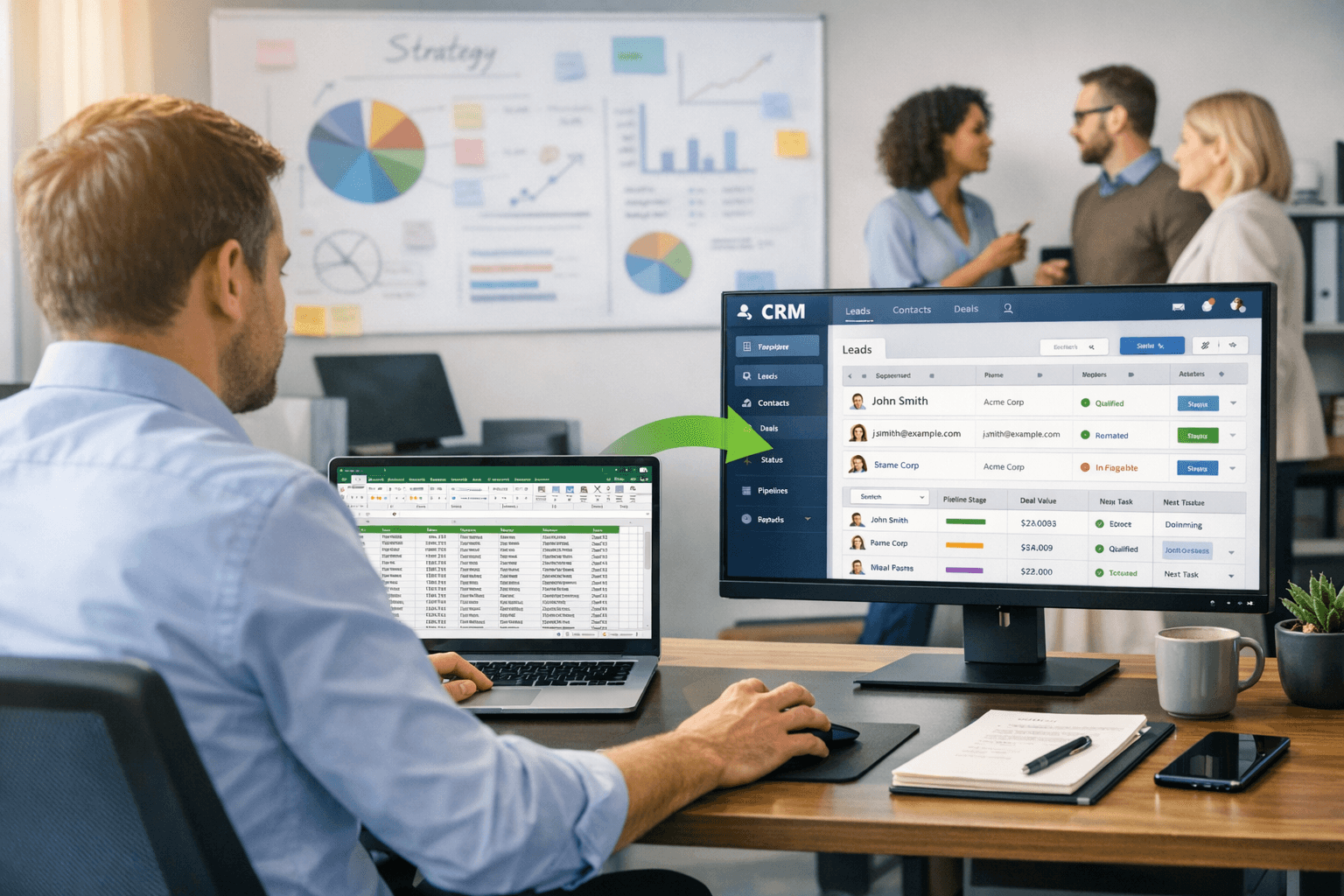
Migrating to a Customer Relationship Management (CRM) system can significantly improve your sales team's efficiency. As businesses grow, the limitations of simple tools like spreadsheets become apparent. They can lead to disorganization, data loss, and missed opportunities. This guide will walk you through the process of migrating to a CRM, ensuring a smooth transition and maximizing the benefits of your new system.
Understanding Your Needs
Before starting the migration process, it’s essential to assess your specific needs. This involves evaluating your current processes and identifying areas for improvement. Consider the following aspects:
- What data do you currently track?
- What features do you need in a CRM?
- How many users will access the system?
- What are your budget constraints?
By answering these questions, you can create a clear picture of what you need from a CRM. This will help you choose the right system that aligns with your business goals. Additionally, understanding your needs will streamline the migration process and reduce potential disruptions.
Choosing the Right CRM
Once you understand your requirements, it's time to select the right CRM for your business. There are many options available, each with unique features and pricing models. To make an informed decision, consider the following criteria:
- User-friendliness: Ensure the interface is intuitive for your team.
- Customization: Look for a system that allows you to tailor features to your needs.
- Integration: Check if the CRM can connect with your existing tools.
- Support: Evaluate the customer service options available.
Taking the time to research and compare different systems will pay off in the long run. Choose a CRM that not only meets your current needs but can also grow with your business.
Preparing for Data Migration
Preparation is key to a successful migration. Start by cleaning your existing data to ensure accuracy. This involves removing duplicates, correcting errors, and organizing information. Next, create a comprehensive data migration plan that outlines the following steps:
- Identify the data to be migrated.
- Determine the format required by the new CRM.
- Establish a timeline for the migration process.
- Assign roles and responsibilities to team members.
By preparing thoroughly, you can minimize potential issues during the migration. A clear plan will also help keep your team on track and focused.
Executing the Migration
With your plan in place, you can begin the actual migration process. Depending on the size of your data, this may take some time. Follow these steps to ensure a smooth transition:
- Backup your data: Always create a backup before starting the migration.
- Import data: Use the import tools provided by the CRM to upload your data.
- Test the migration: Before going live, conduct tests to ensure data is accurately transferred.
- Train your team: Provide training sessions to familiarize your team with the new system.
During this phase, it’s crucial to communicate with your team. Keep them informed about the migration progress and address any concerns they may have. This will help ease the transition and encourage adoption of the new CRM.
Post-Migration Activities
After the migration is complete, focus on optimizing the use of your new CRM. This involves monitoring its performance and gathering feedback from your team. Consider the following actions:
- Regularly review data accuracy and integrity.
- Encourage team members to provide feedback on system usability.
- Schedule ongoing training sessions to address any knowledge gaps.
- Analyze CRM reports to gain insights into sales performance.
By actively managing your CRM, you can ensure it becomes an integral part of your business processes. Continuous improvement will help you maximize the benefits of the system and enhance your sales team's productivity.
Conclusion
Migrating to a CRM system can transform your sales processes and drive business growth. By understanding your needs, choosing the right system, preparing for data migration, executing the migration effectively, and engaging in post-migration activities, you can ensure a successful transition. Embrace this opportunity to streamline your operations and enhance your team's efficiency.
Frequently Asked Questions
What are the first steps in migrating to a CRM?
Start by assessing your needs, evaluating current processes, and identifying the features you require.
How can I ensure a smooth data migration?
Prepare by cleaning your data, creating a migration plan, and testing the import process before going live.
Ready to put this into practice?
Set up your pipeline, WhatsApp follow-ups, and AI lead scoring in minutes — free, no credit card.
Try HelloGrowthCRM freeGet CRM tips in your inbox
Join thousands of sales professionals who get weekly insights on CRM strategy, AI automation, and pipeline optimization.

The HelloGrowthCRM team publishes guides on CRM strategy, AI sales tools, and revenue operations for small business sales teams.