HelloGrowthCRM software
Built for real small-business sales teams
HelloGrowthCRM helps reps qualify faster, follow up on time, and close more deals—with practical automation in one place.
- AI lead scoring and pipeline visibility
- Built-in dialer, WhatsApp, and email automation
- Sales forecasting and RevOps-ready reporting
Mobile CRM solutions are software tools designed to help small businesses manage customer relationships and sales activities on mobile devices. They enable sales teams to track leads, communicate efficiently, and update pipelines on the go. This article covers why mobile CRM solutions matter, how to evaluate them step-by-step, common pitfalls to avoid, and how HelloGrowthCRM supports mobile sales teams.
Why this comes up / what goes wrong
Small business owners in India often face challenges managing customer leads and sales processes while away from their desks. Many rely on WhatsApp, spreadsheets, or calls without a central system, leading to lost leads, slow follow-ups, and unclear sales pipelines. Mobile CRM solutions promise to solve these by providing access to customer data, communication, and task management on smartphones. However, choosing the right mobile CRM requires understanding key features, costs, ease of use, and integration with existing tools. Without careful evaluation, businesses risk adopting a CRM that their team does not use or that complicates workflows.
Step-by-step
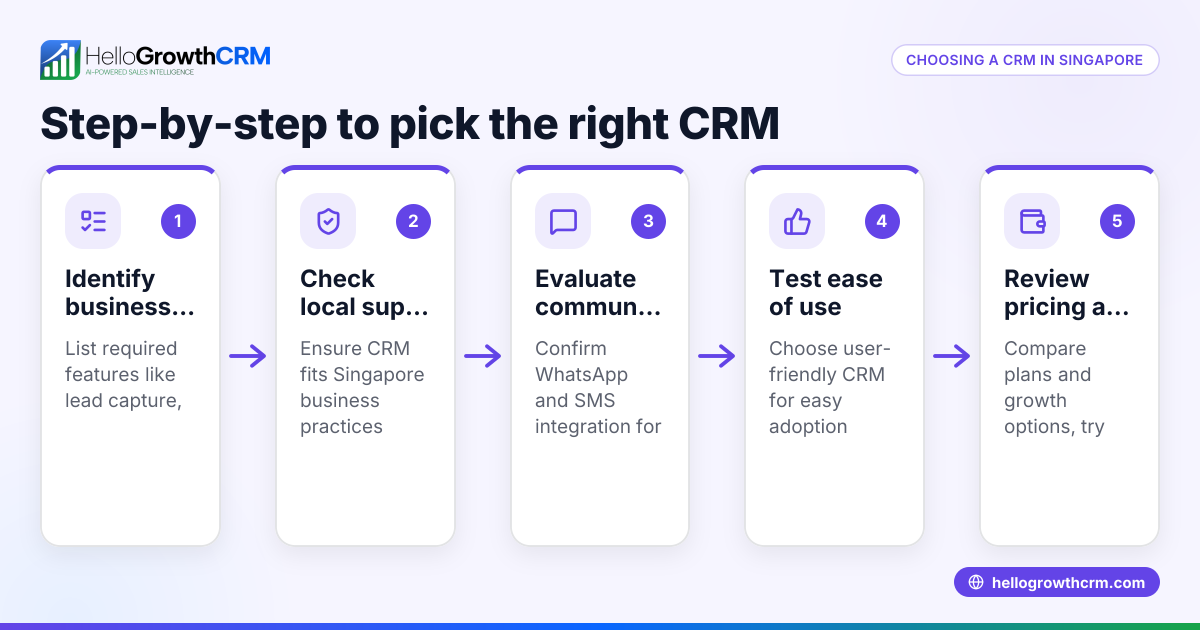
- Identify your business needs: List what your sales team requires on mobile — lead capture, messaging, call logging, pipeline updates, or task reminders. Check if your team uses WhatsApp or SMS frequently.
- Check mobile app availability and usability: Ensure the CRM has a dedicated mobile app that works well on Android and iOS devices common in India. Test the interface for ease of navigation and speed.
- Evaluate communication features: Confirm if the CRM supports WhatsApp and SMS messaging natively or via integration, with conversation logging on lead records. This helps track all customer interactions in one place.
- Look for automation and AI features: Some CRMs offer AI agents to draft follow-up messages or automate routine tasks, reducing manual effort. Check if these are available and stable.
- Assess pipeline and task management: The CRM should allow updating sales stages and tasks from mobile, ideally with Kanban boards or task lists.
- Consider pricing and plans: Understand the cost structure, including free plans or trials, and what features are included or limited on mobile.
- Verify integration with your current tools: If you use IndiaMART, JustDial, or web forms for lead capture, check if the CRM can import leads automatically.
- Read reviews and request demos: Get feedback from similar businesses and see the CRM in action to confirm it suits your workflow.
- Plan for team training and adoption: Ensure the CRM vendor provides support and resources to help your sales team use the mobile app effectively.
Example (fictional figures)
Suresh runs a small manufacturing business with a 3-person sales team. They want a mobile CRM to track leads from JustDial and WhatsApp messages.
- Monthly subscription cost: ₹2,000
- Estimated time saved per rep per day: 30 minutes
- Average sales value per deal: ₹50,000
- Expected increase in deals closed per month: 2
Calculation:
Time saved per month = 30 minutes × 3 reps × 22 working days = 1,980 minutes = 33 hours
Value of additional deals = 2 deals × ₹50,000 = ₹1,00,000
If the CRM helps close 2 extra deals and saves 33 hours of work, the ₹2,000 monthly cost is justified by increased revenue and productivity.
Common mistakes
- Choosing a CRM without mobile app support: Prevent by testing the mobile app on your team's devices before buying.
- Ignoring WhatsApp and SMS integration: Prevent by confirming native support for these channels, essential for Indian SMBs.
- Overlooking user adoption challenges: Prevent by involving your sales team in the selection process and providing training.
- Not checking automation features: Prevent by exploring AI agents or automation that can reduce manual follow-ups.
- Focusing only on desktop features: Prevent by ensuring the mobile CRM provides full pipeline and task management.
- Skipping integration checks: Prevent by verifying lead capture from platforms like IndiaMART or JustDial.
Doing this in HelloGrowthCRM
HelloGrowthCRM offers a WhatsApp-native CRM with WhatsApp and SMS messaging logged on lead records, so your team’s conversations stay organized. After calls, AI agents draft follow-up messages for reps to review and send, saving time. Its Free Forever plan lets a two-person team manage a full pipeline at no cost until you need calling or WhatsApp automation. Learn more about its WhatsApp and SMS CRM and the built-in CRM dialer. For Indian businesses, HelloGrowthCRM is tailored to local sales workflows; see HelloGrowthCRM for India.
Frequently asked questions
What is a mobile CRM solution? A mobile CRM solution is software that allows sales teams to manage customer relationships, leads, and sales processes using mobile devices like smartphones and tablets. It enables on-the-go access to customer data, communication, and task management.
How important is WhatsApp integration in a mobile CRM? In India, WhatsApp is a primary communication channel for sales teams. Native WhatsApp integration in a CRM helps log conversations automatically and send follow-up messages, improving response times and lead tracking.
Can small businesses use mobile CRM solutions for free? Some CRM providers offer free plans suitable for small teams, allowing basic pipeline and task management. For example, HelloGrowthCRM’s Free Forever plan supports up to two users with 200 leads at no cost.
What features should I prioritize in a mobile CRM? Focus on ease of use, WhatsApp and SMS messaging support, pipeline updates, task management, and automation features like AI agents that draft follow-ups. Integration with lead sources like IndiaMART or JustDial is also valuable.
How do AI agents help in mobile CRM? AI agents can automate routine tasks such as drafting follow-up messages after calls, updating records, and executing workflows, reducing manual work and allowing sales reps to focus on selling.
Key takeaways
- Mobile CRM solutions help sales teams manage leads and communication on smartphones.
- Prioritize WhatsApp and SMS integration for Indian SMB sales workflows.
- Evaluate mobile app usability, automation features, and integration with lead sources.
- Avoid common mistakes like ignoring user adoption and mobile functionality.
- HelloGrowthCRM offers WhatsApp-native CRM with AI agents and a free plan for small teams.
Start managing your sales pipeline on mobile easily. Start on the Free Forever plan (200 leads, no credit card).
Ready to put this into practice?
Set up your pipeline, WhatsApp follow-ups, and AI lead scoring in minutes — free, no credit card.
Try HelloGrowthCRM freeGet CRM tips in your inbox
Join thousands of sales professionals who get weekly insights on CRM strategy, AI automation, and pipeline optimization.

The HelloGrowthCRM team publishes guides on CRM strategy, AI sales tools, and revenue operations for small business sales teams.