HelloGrowthCRM software
Built for real small-business sales teams
HelloGrowthCRM helps reps qualify faster, follow up on time, and close more deals—with practical automation in one place.
- AI lead scoring and pipeline visibility
- Built-in dialer, WhatsApp, and email automation
- Sales forecasting and RevOps-ready reporting
Mobile sales tools help salespeople manage leads, communicate with customers, and track deals directly from their mobile devices. This is crucial for small businesses where sales often happen outside the office or on the go. These tools can include CRM apps, communication platforms, and sales pipeline trackers designed for smartphones and tablets.
Why this comes up / what goes wrong
Small-business owners often search for mobile sales tools because their sales teams lose leads or miss follow-ups when relying on spreadsheets, email, or text messages alone. Sales reps working remotely or in the field need quick access to customer information and deal status without returning to a desktop. Without mobile tools, sales processes become disorganized, follow-up delays increase, and revenue opportunities are lost.
Step-by-step
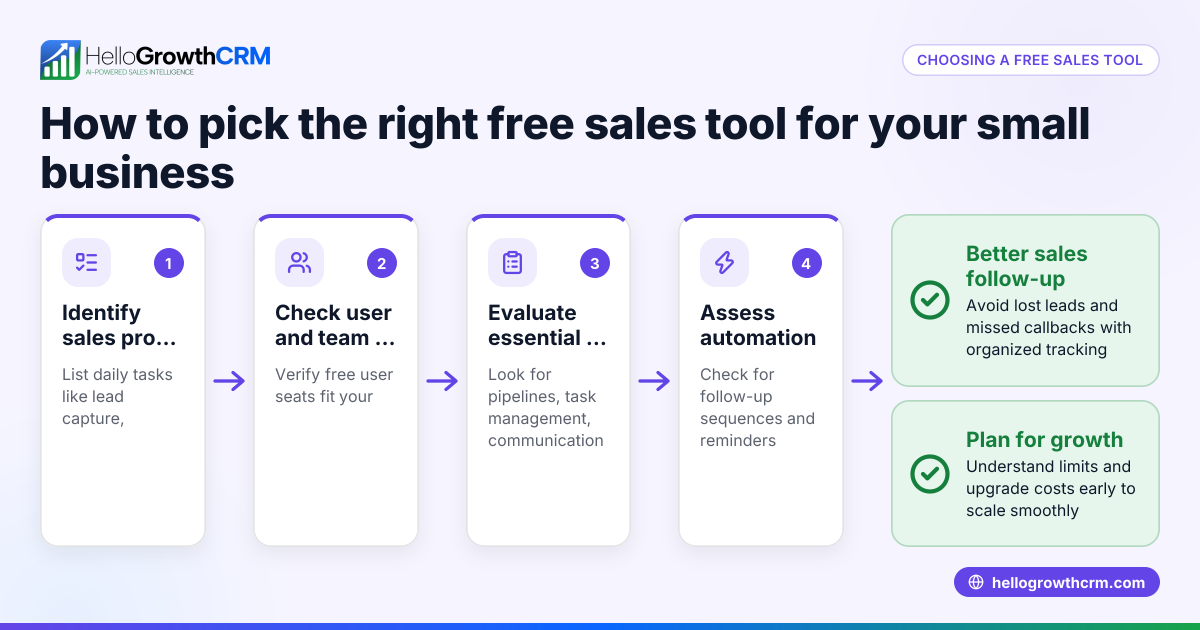
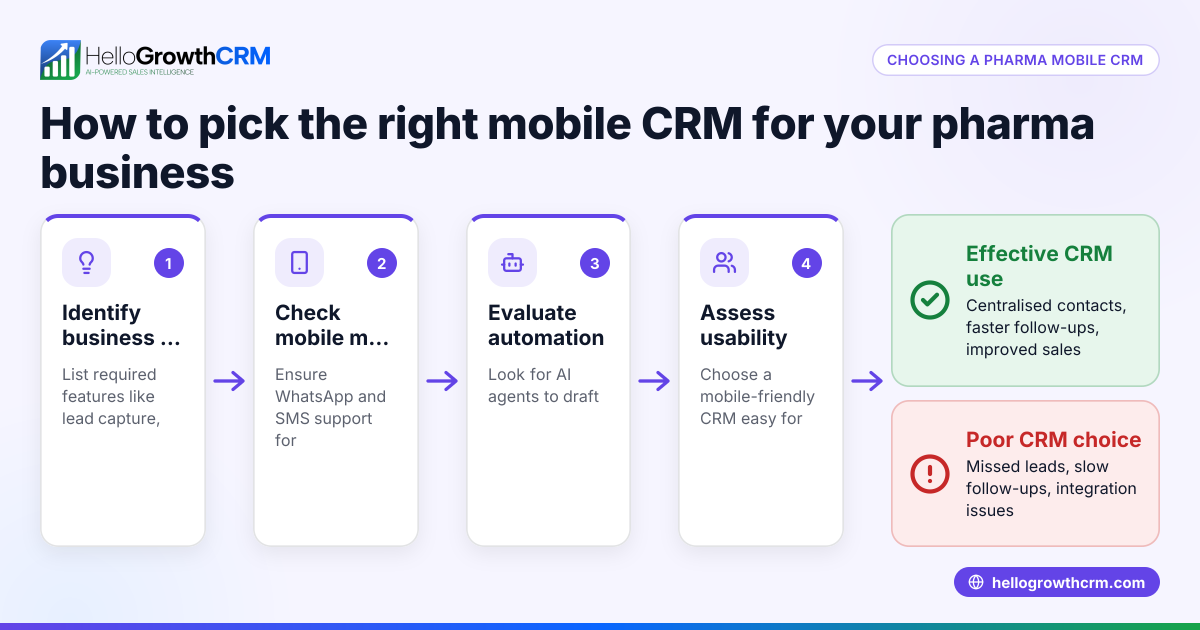
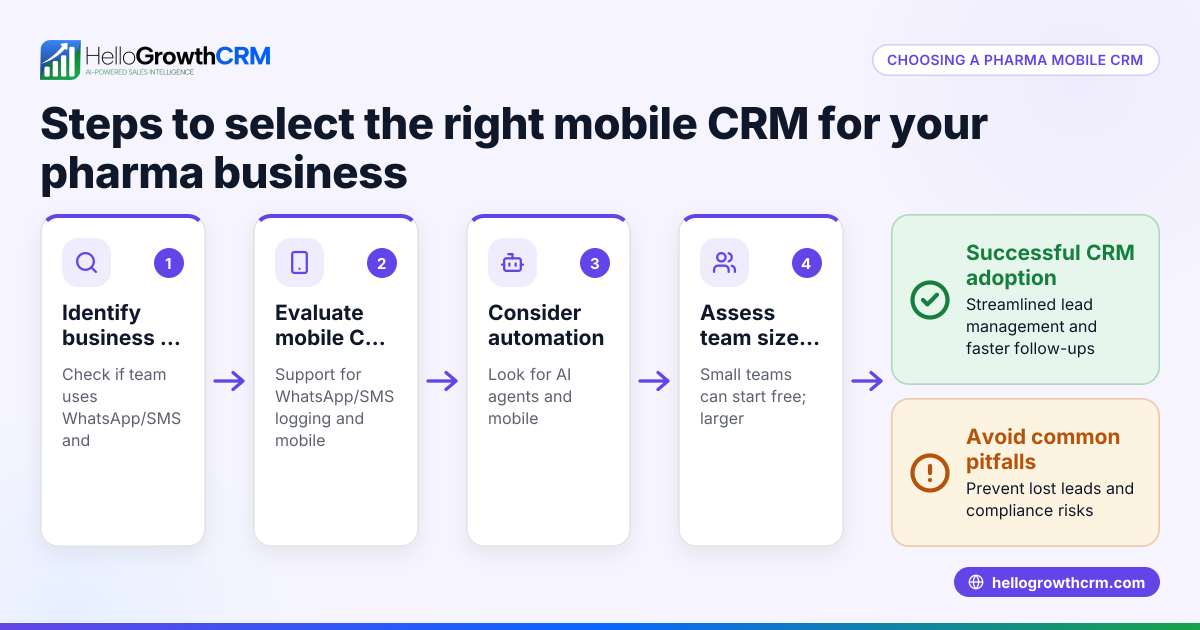
- Identify your sales process needs: List the key tasks your sales team performs, such as lead capture, follow-up reminders, communication channels (WhatsApp, SMS, email), and pipeline tracking.
- Check for mobile compatibility: Ensure the tool works smoothly on smartphones and tablets, supporting both Android and iOS if needed.
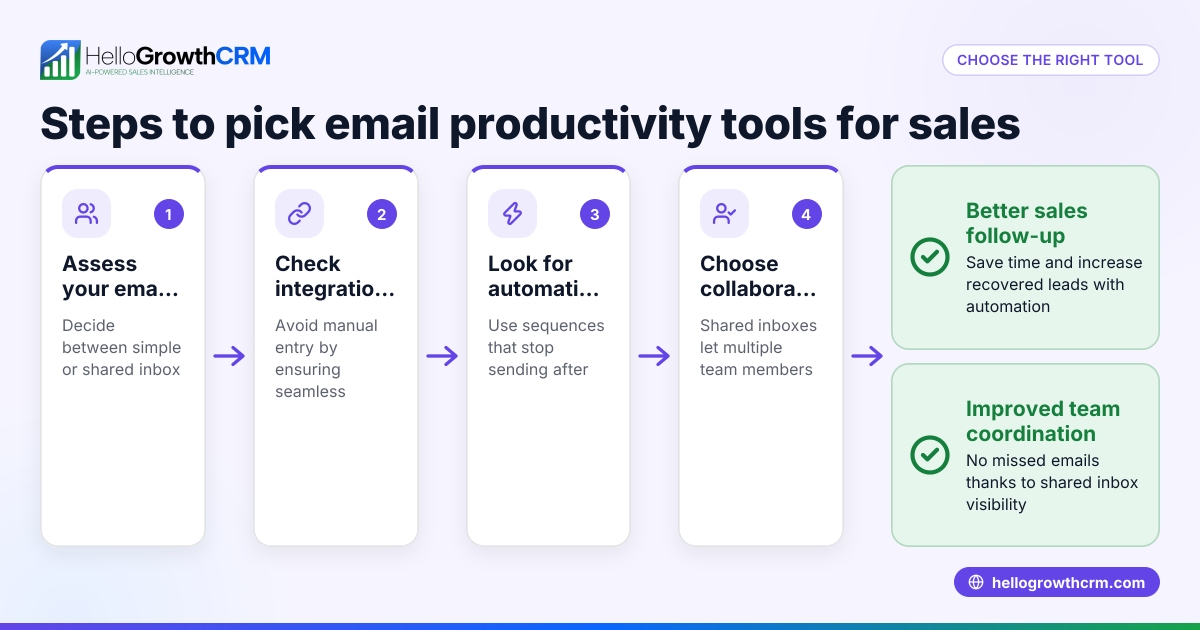
- Evaluate communication features: Confirm if the tool supports the messaging apps your team uses daily, like WhatsApp or SMS, to avoid switching platforms.
- Look for pipeline and task management: The tool should let you track deals by stage, set follow-up dates, and assign tasks to team members.
- Consider field sales support: If your team visits customers, check for features like visit logging, route planning, and territory management.
- Test free tools and templates: Use free sales templates and calculators to see if the tool’s approach fits your workflow.
- Review reporting and forecasting: Confirm the tool provides clear sales forecasts and reports to track progress and make decisions.
- Assess ease of use and adoption: Choose a tool your team will actually use daily, with a simple interface and minimal setup.
- Check integration options: Ensure it can connect with your existing web forms or lead sources for automatic lead capture.
- Consider pricing and scalability: Start with free or low-cost plans that grow with your business.
For free templates and sales tools, see HelloGrowthCRM’s free sales tools and calculators.
Example (fictional figures)
A plumbing company in Austin, Texas, wants to improve mobile sales follow-up. They receive about 50 leads monthly from their website and phone calls.
- Average deal value: $1,200
- Close rate without mobile tools: 20% (10 deals)
- Close rate after using mobile sales tools: 30% (15 deals)
Calculations:
Leads × Close rate = Deals 50 × 20% = 10 deals 50 × 30% = 15 deals
Revenue before tools: 10 deals × $1,200 = $12,000
Revenue after tools: 15 deals × $1,200 = $18,000
Additional revenue: $18,000 - $12,000 = $6,000
By adopting mobile sales tools with follow-up reminders and pipeline tracking, the company increased closed deals by 5 and earned an extra $6,000 monthly.
Common mistakes
- Choosing tools without mobile focus: Avoid software that works well on desktop but is clunky on phones. Test the app on actual devices before deciding.
- Ignoring communication channels: Don’t pick a tool that doesn’t support your team’s preferred messaging apps like WhatsApp or SMS. This causes extra steps and lost messages.
- Overcomplicating the process: Avoid tools with too many features that slow down your sales reps. Pick simple, focused apps that match your sales steps.
- Forgetting follow-up reminders: Without automated reminders or task boards, leads get forgotten. Choose tools with pipeline stages and follow-up dates.
- Skipping free trials or templates: Don’t buy before testing. Use free sales tools and templates to see if the system fits your workflow. You can start with HelloGrowthCRM’s free sales tools and calculators.
- Neglecting field sales needs: If your reps visit customers, pick tools with visit logging and territory management to track performance accurately.
Doing this in HelloGrowthCRM
HelloGrowthCRM offers several features that support mobile sales teams. You can download free sales tools, templates, and calculators without signing up, such as follow-up cadences and pipeline templates. The Deals (pipeline) feature tracks open opportunities from first contact to close, showing quotations at the 'quote sent' stage with follow-up dates so no deal is forgotten. For field sales teams, territory management and visit logging let reps log visits from their phones, and managers can monitor daily routes and commissions. Learn more about HelloGrowthCRM’s WhatsApp and SMS CRM and how it fits HelloGrowthCRM for the United States.
Frequently asked questions
What are mobile sales tools? Mobile sales tools are software applications designed for smartphones and tablets that help sales teams manage contacts, track deals, communicate with customers, and organize their sales process from anywhere.
Why do small businesses need mobile sales tools? Small businesses often have sales reps working remotely or in the field. Mobile sales tools keep leads and follow-ups organized, reduce lost opportunities, and improve communication efficiency.
Can I try mobile sales tools before buying? Yes, many providers offer free trials or free tools. HelloGrowthCRM provides free sales templates and calculators that you can download without an account to test if their approach suits your business.
What features should I look for in a mobile sales tool? Look for mobile compatibility, communication support for WhatsApp and SMS, pipeline and task management, follow-up reminders, and, if relevant, field sales visit logging and territory management.
How do mobile sales tools improve sales? They reduce delays in follow-up, keep deals organized by stage, automate reminders, and let sales reps update information on the go, which increases close rates and revenue.
Key takeaways
- Mobile sales tools enable sales teams to manage leads and deals from smartphones and tablets.
- Evaluate tools by checking mobile compatibility, communication channels, pipeline tracking, and field sales features.
- Use free sales templates and calculators to test workflows before committing.
- Avoid tools that complicate the sales process or lack follow-up reminders.
- HelloGrowthCRM offers free tools, pipeline management, and field sales features to support mobile sales teams.
Start improving your sales follow-up and pipeline management today. Start on the Free Forever plan (200 leads, no credit card).
Ready to put this into practice?
Set up your pipeline, WhatsApp follow-ups, and AI lead scoring in minutes — free, no credit card.
Try HelloGrowthCRM freeGet CRM tips in your inbox
Join thousands of sales professionals who get weekly insights on CRM strategy, AI automation, and pipeline optimization.

The HelloGrowthCRM team publishes guides on CRM strategy, AI sales tools, and revenue operations for small business sales teams.