HelloGrowthCRM software
Built for real small-business sales teams
HelloGrowthCRM helps reps qualify faster, follow up on time, and close more deals—with practical automation in one place.
- AI lead scoring and pipeline visibility
- Built-in dialer, WhatsApp, and email automation
- Sales forecasting and RevOps-ready reporting
A pipeline CRM sales dialer combines two key functions: managing sales opportunities in a visual pipeline and making calls directly from the CRM system. This integration helps small businesses keep track of where each lead stands, schedule follow-ups, and call prospects without switching apps. Calls and their outcomes are logged automatically, ensuring no lead is forgotten or contacted too late.
Why this comes up / what goes wrong
Small business owners often manage sales leads across multiple tools—spreadsheets, email, phone apps, and messaging platforms. This fragmented approach leads to lost leads, missed follow-ups, and inefficient workflows. Without pipeline visibility, it’s hard to know which deals need attention or what stage they are at. Separate calling tools mean reps waste time switching between apps, and call outcomes may not be recorded properly. Owners search for a pipeline CRM with a built-in sales dialer to unify these tasks, improve team coordination, and increase sales effectiveness.
Step-by-step
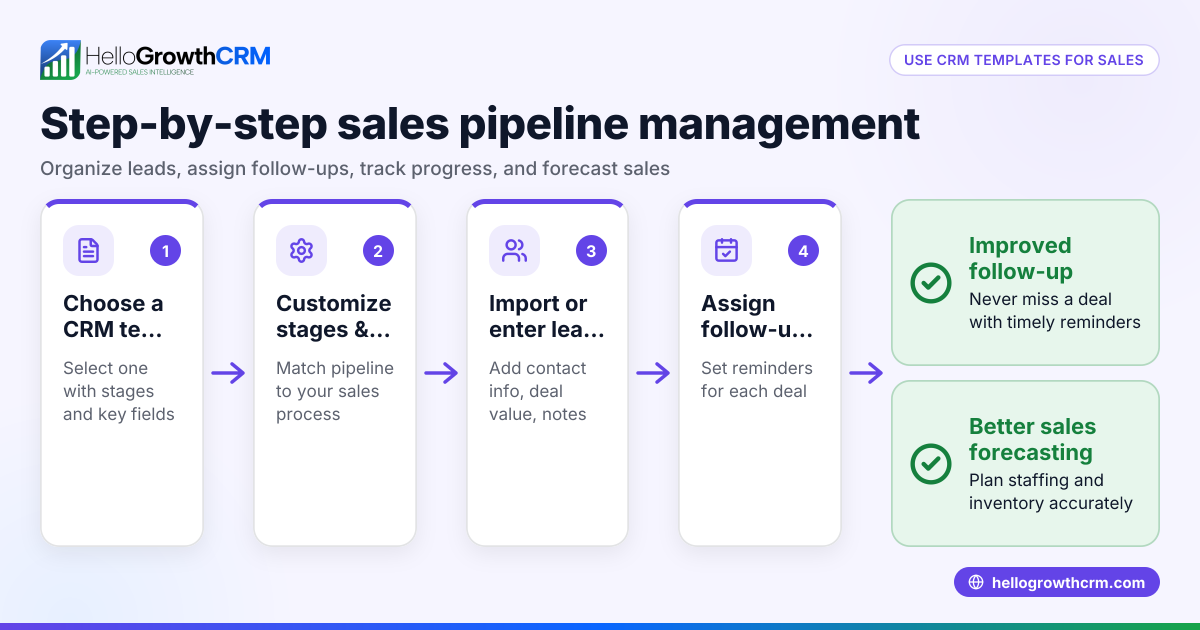
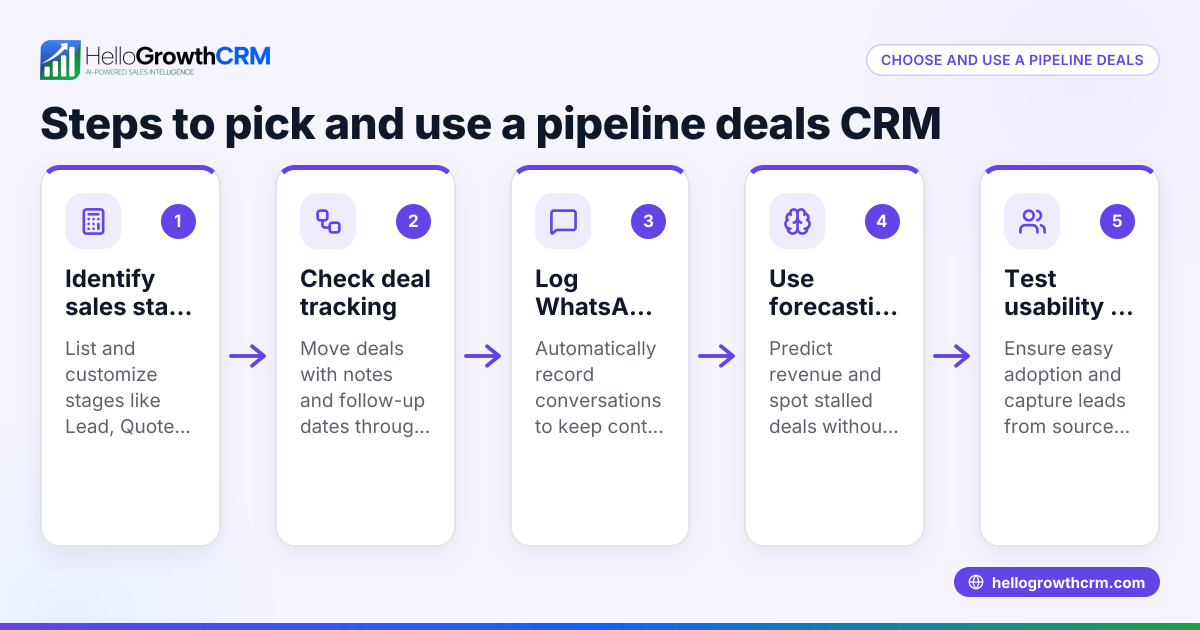
- Identify your sales process stages: Define key deal stages like "New Lead," "Contacted," "Quote Sent," "Negotiation," and "Closed Won." This structure helps track progress.
- Check pipeline visibility: Ensure the CRM displays deals clearly by stage and allows setting follow-up dates to avoid forgetting opportunities.
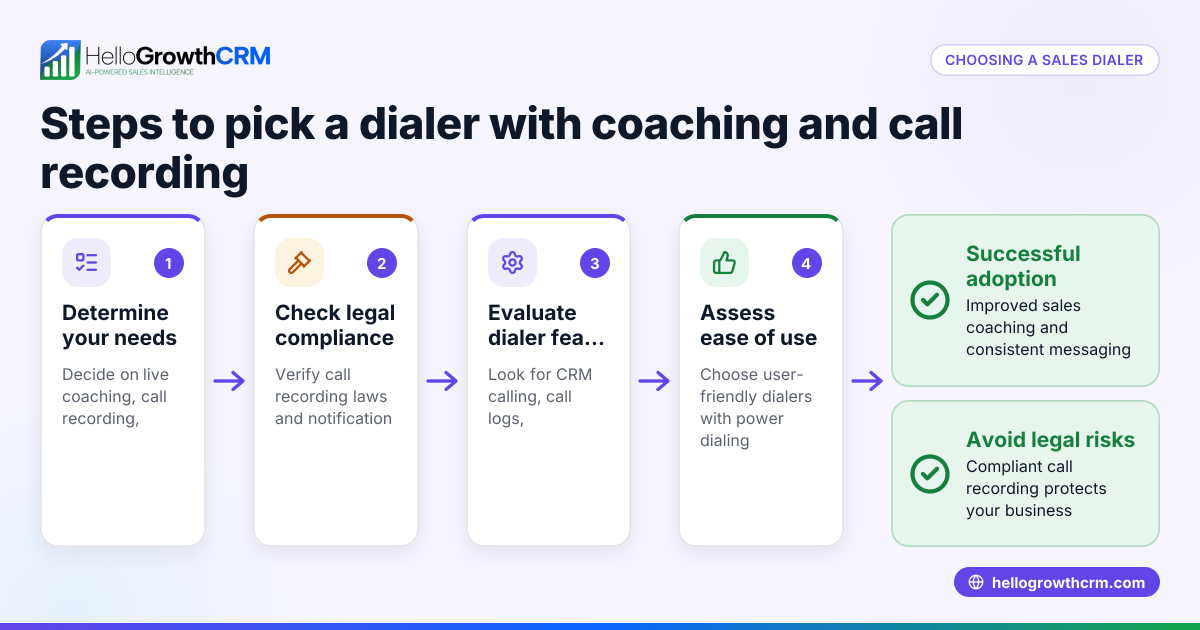
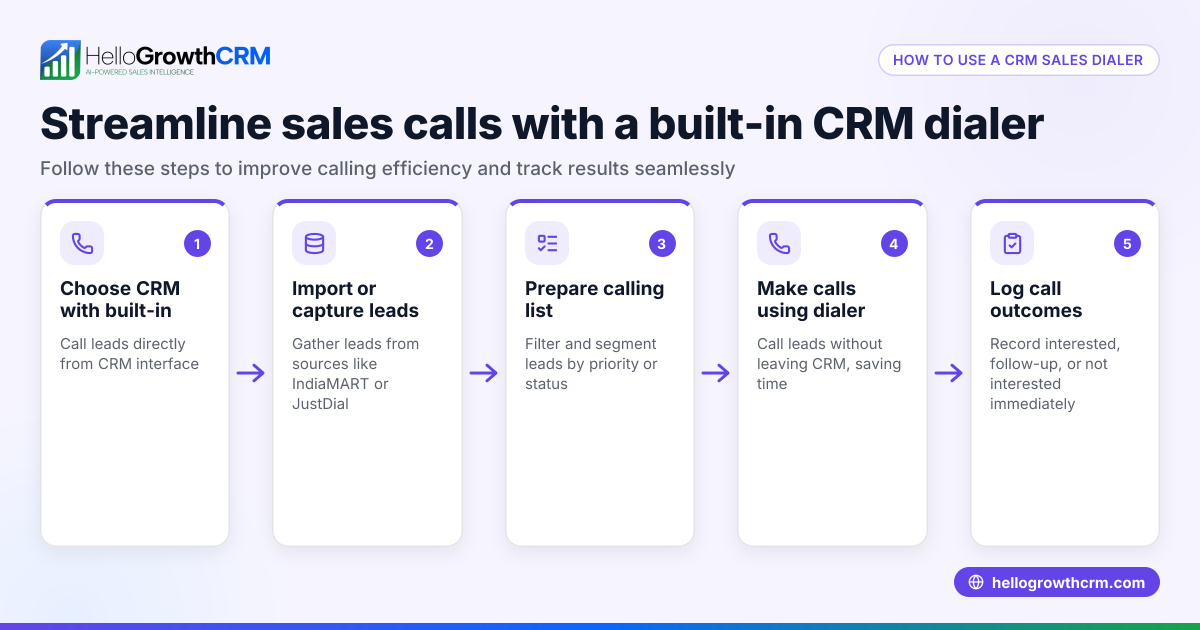
- Evaluate dialer integration: Confirm the CRM has a built-in dialer so your team can call leads directly and log call outcomes without leaving the system. See built-in CRM dialer.
- Look for messaging support: Check if the CRM supports WhatsApp and SMS messaging to engage leads on popular channels and automatically logs conversations. See AI CRM.
- Assess reporting and forecasting: Verify the CRM offers sales forecasting and reporting features to track progress and plan resources effectively. See sales forecasting.
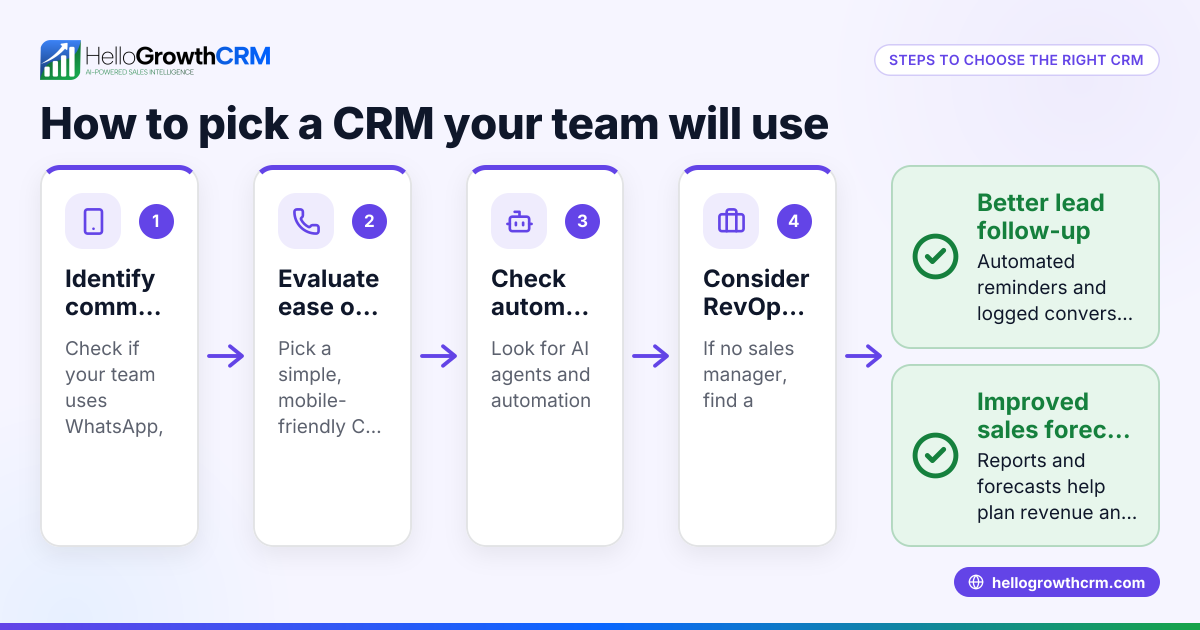
- Consider ease of use and adoption: Choose a system your team will actually use; overly complex tools often fail in small teams.
- Test integrations: Confirm the CRM connects with your web forms, email, or other lead sources to capture leads automatically and reduce manual data entry.
Example (fictional figures)
Charlotte Landscaping Co., based in Charlotte, North Carolina, uses a pipeline CRM sales dialer to manage its sales.
- They have 50 open leads in the pipeline.
- Average deal size: $5,000
- Close rate: 20%
- Sales cycle length: 30 days
Calculations:
Expected value of pipeline = Number of leads × Average deal size × Close rate = 50 × $5,000 × 20% = 50 × $5,000 × 0.20 = $50,000
This means Charlotte Landscaping Co. expects $50,000 in revenue from current leads.
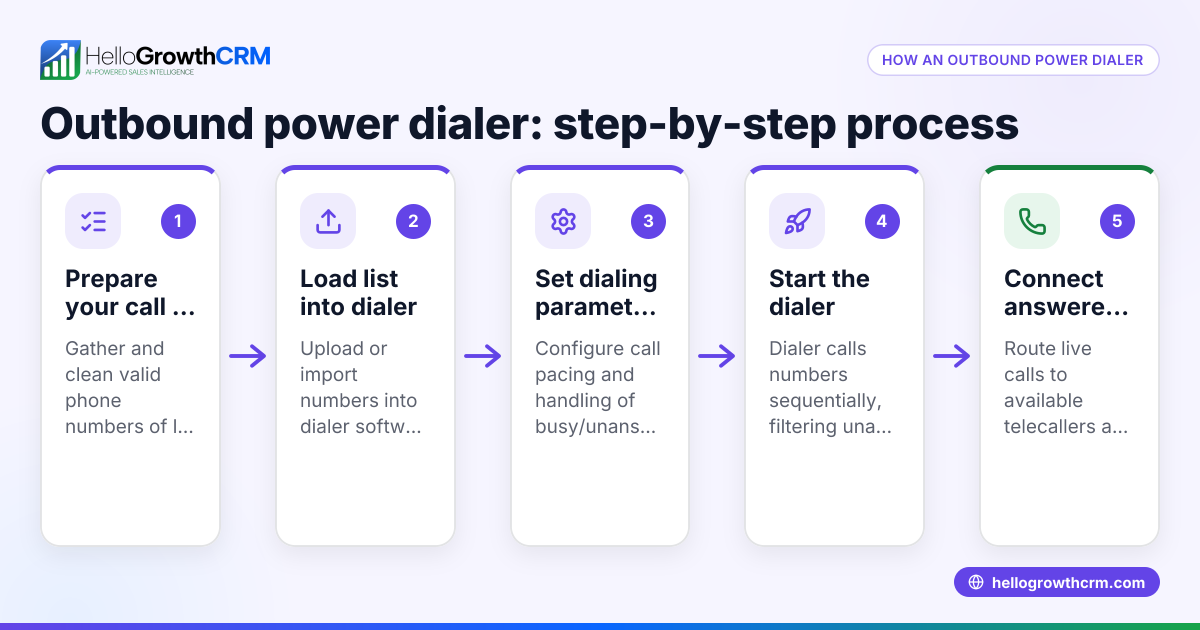
Using the built-in dialer, their sales rep calls 10 leads per day, logs outcomes, and sets follow-ups in the CRM. This keeps deals moving and prevents leads from being forgotten.
Common mistakes
- Using separate tools for calls and pipeline tracking: Leads get lost or follow-ups missed. Prevent this by choosing a CRM with a built-in dialer.
- Not updating deal stages regularly: The pipeline becomes inaccurate and unreliable. Prevent this by setting reminders for stage updates.
- Ignoring messaging channels like WhatsApp or SMS: Missing chances to engage leads where they respond fastest. Prevent this by using a CRM that logs WhatsApp and SMS conversations.
- Overcomplicating the sales process in the CRM: Leads and reps get confused by too many stages or complex workflows. Prevent this by keeping stages simple and intuitive.
- Failing to train the team: The CRM remains unused or underused. Prevent this by involving the team early and providing training.
Doing this in HelloGrowthCRM
HelloGrowthCRM offers a pipeline management layer where deals appear at their current stage with follow-up dates, so no opportunity is forgotten. Its built-in dialer lets telecallers work through lead lists inside the CRM, logging each call outcome directly on the lead record. WhatsApp and SMS messaging are integrated, enabling teams to engage leads on channels they already use, with all conversations logged for easy reference. Learn more about the built-in CRM dialer and AI CRM.
Frequently asked questions
What is a custom CRM sales dialer? A custom CRM sales dialer is tailored to a business’s specific sales process and calling needs. It integrates calling within the CRM and can be configured for unique workflows, call scripts, or reporting.
Can I have an onsite CRM sales dialer? Yes, some businesses prefer onsite CRM dialers installed on their local servers for data control. However, many small businesses choose cloud-based CRM dialers for ease of use and remote access.
How does a pipeline CRM improve sales follow-up? By visualizing each deal’s stage and setting follow-up dates, a pipeline CRM ensures timely contact with leads. The built-in dialer logs calls and outcomes, making it easier to track progress and next steps.
Is WhatsApp integration important for sales CRM? Yes, many customers prefer WhatsApp for quick communication. CRM integration with WhatsApp lets sales teams message leads within the system, keeping conversations organized and accessible.
What should I ask when evaluating a CRM sales dialer? Ask about pipeline visibility, dialer features, messaging support, ease of use, reporting capabilities, and integration options with your existing tools.
Key takeaways
- A pipeline CRM sales dialer combines deal tracking and calling in one system to prevent lost leads.
- Look for clear pipeline stages with follow-up reminders to keep deals moving.
- Built-in dialers improve calling efficiency and log outcomes automatically.
- WhatsApp and SMS integration help engage leads on their preferred channels.
- Avoid separate tools and complex processes that reduce CRM adoption.
- HelloGrowthCRM offers these features designed for small and mid-sized US businesses.
Start managing your sales pipeline and calls more effectively. Start on the Free Forever plan (200 leads, no credit card).
Ready to put this into practice?
Set up your pipeline, WhatsApp follow-ups, and AI lead scoring in minutes — free, no credit card.
Try HelloGrowthCRM freeGet CRM tips in your inbox
Join thousands of sales professionals who get weekly insights on CRM strategy, AI automation, and pipeline optimization.

The HelloGrowthCRM team publishes guides on CRM strategy, AI sales tools, and revenue operations for small business sales teams.