HelloGrowthCRM software
Built for real small-business sales teams
HelloGrowthCRM helps reps qualify faster, follow up on time, and close more deals—with practical automation in one place.
- AI lead scoring and pipeline visibility
- Built-in dialer, WhatsApp, and email automation
- Sales forecasting and RevOps-ready reporting
A printable fence quote template is a structured document designed to outline all costs and details for a fencing project. It helps small business owners deliver consistent, professional quotes that reduce errors and speed up sales follow-up.
Why this comes up / what goes wrong
Small fencing contractors and related businesses often need a quick way to send clear, consistent quotes. Without a printable template, quotes can be inconsistent or incomplete, causing confusion or mistrust with customers. Business owners may spend excessive time creating quotes from scratch or forget important cost elements such as permits or delivery fees. This slows down follow-up and risks losing sales. Using a printable template standardizes the process and improves accuracy.
Step-by-step
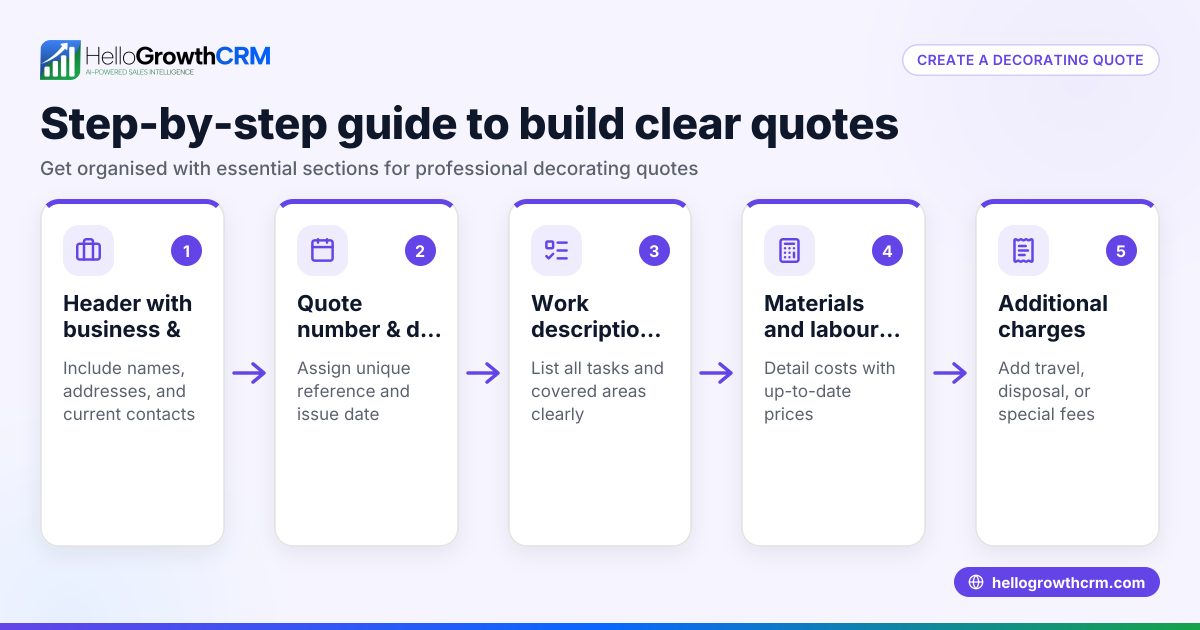
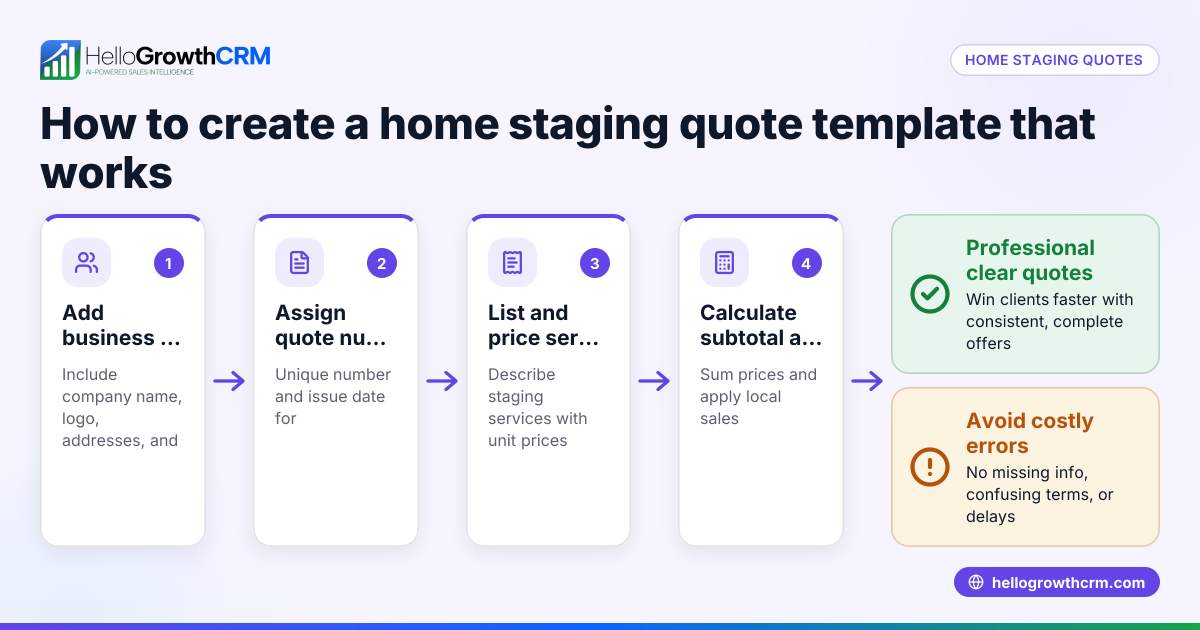
- Create a header section: Include your business name, logo, and contact information, plus the customer's name, address, phone, and email. Check all contact details for accuracy to avoid delays.
- Add a quote number and date: Assign a unique quote number and the date of issue for tracking and reference. Verify the date is current and formatted as MM/DD/YYYY.
- Describe the project scope: Clearly state the fence type, length, height, and any custom features. Confirm measurements are accurate to avoid underquoting or overquoting.
- List materials and quantities: Detail fence materials such as wood, vinyl, or metal, posts, gates, and hardware with quantities and unit prices. Check completeness and current pricing.
- Include labor costs: Estimate hours needed and hourly rates or a flat labor fee. Ensure labor estimates are realistic and reflect local rates.
- Add additional fees: Include costs for permits, delivery, disposal, or site preparation. Verify these extras are necessary and priced correctly.
- Calculate totals: Sum materials, labor, and fees. Add applicable taxes if required. Double-check calculations using a calculator or spreadsheet.
- State payment terms and validity: Specify deposits, payment methods, and how long the quote is valid (usually 30-60 days). Confirm terms are clear to avoid disputes.
- Provide signature lines: For your business and the customer to sign and date upon agreement, confirming acceptance.
- Format for printing: Use a clean, professional layout with clear fonts and spacing. Preview the document before printing to ensure readability.
To simplify this process, you can download free sales templates and calculators without an account from HelloGrowthCRM's free sales tools and calculators and sales templates.
Example (fictional figures)
Business: Denver Fence Co., Denver, Colorado Date: 04/15/2026 Quote #: 2024-042
- Fence type: Wood privacy fence
- Length: 100 feet
- Height: 6 feet
Materials:
- Wood panels: 100 ft × $15/ft = $1,500
- Posts: 25 posts × $20/post = $500
- Concrete for posts: 25 bags × $8/bag = $200
Labor:
- Installation: 40 hours × $30/hour = $1,200
Additional fees:
- Permit: $100
- Delivery: $75
Subtotal: $1,500 + $500 + $200 + $1,200 + $100 + $75 = $3,575
Sales tax (assumed 8.5%): $3,575 × 8.5% = $303.88
Total quote: $3,575 + $303.88 = $3,878.88
Common mistakes
- Omitting key costs: Forgetting permits or delivery fees causes underquoting. Prevent by using a checklist to ensure all cost elements are included.
- Inaccurate measurements: Leads to wrong material quantities and labor estimates. Measure twice and confirm before quoting.
- Unclear payment terms: Causes disputes and delays. State deposits, due dates, and payment methods clearly in the quote.
- Poor formatting: Makes quotes hard to read and unprofessional. Use templates with clean layouts and consistent fonts.
- No quote expiration date: Prices may change, leading to confusion. Always include a validity period for the quote.
- Manual calculation errors: Double-check all math or use a calculator to avoid costly mistakes.
Explore free sales templates and calculators to reduce these errors at HelloGrowthCRM's free sales tools and calculators and sales templates.
Doing this in HelloGrowthCRM
HelloGrowthCRM provides a built-in quoting and proposal tool that lets you create, send, and track fence quotes directly from a deal record. The quote status—sent, viewed, or accepted—is visible on the same screen as your follow-up task, helping you stay organized and timely. You can also download free sales templates and calculators without an account to get started quickly.
Frequently asked questions
What should a fence quote template include? A fence quote template should include business and customer details, a clear project description, a detailed list of materials and quantities, labor costs, any additional fees, totals with applicable taxes, payment terms, and signature lines for agreement.
Can I customize a printable fence quote template? Yes, many free templates allow you to edit fields and layout to fit your branding and specific services. Customizing helps reflect your business identity and meet client expectations.
How can I ensure my fence quote is accurate? Measure carefully, list all materials and labor realistically, include permits and additional fees, and double-check all calculations. Using a checklist or template helps prevent errors.
Is it better to send quotes digitally or printed? Both methods have advantages. Digital quotes are faster and easier to track, while printed quotes work well for face-to-face meetings. Using a CRM tool can help manage both effectively.
Where can I find free fence quote templates? You can download free sales templates and calculators from HelloGrowthCRM's free sales tools and calculators and sales templates pages without needing an account.
How long should a fence quote be valid? Typically, quotes are valid for 30 to 60 days to cover potential price changes. Always specify the expiration date clearly to avoid misunderstandings.
Key takeaways
- Use a printable fence quote template to provide consistent, professional pricing.
- Include all project details: materials, labor, additional fees, and payment terms.
- Double-check measurements and calculations to avoid costly errors.
- Clearly state quote validity and payment conditions.
- Free sales templates and calculators simplify quote creation and reduce mistakes.
- A CRM quoting tool helps track quote status alongside follow-up tasks for better sales management.
Start creating your fence quotes more efficiently today. Start on the Free Forever plan (200 leads, no credit card) with HelloGrowthCRM to access quoting tools and free sales templates.
Ready to put this into practice?
Set up your pipeline, WhatsApp follow-ups, and AI lead scoring in minutes — free, no credit card.
Try HelloGrowthCRM freeGet CRM tips in your inbox
Join thousands of sales professionals who get weekly insights on CRM strategy, AI automation, and pipeline optimization.

The HelloGrowthCRM team publishes guides on CRM strategy, AI sales tools, and revenue operations for small business sales teams.