HelloGrowthCRM software
Built for real small-business sales teams
HelloGrowthCRM helps reps qualify faster, follow up on time, and close more deals—with practical automation in one place.
- AI lead scoring and pipeline visibility
- Built-in dialer, WhatsApp, and email automation
- Sales forecasting and RevOps-ready reporting
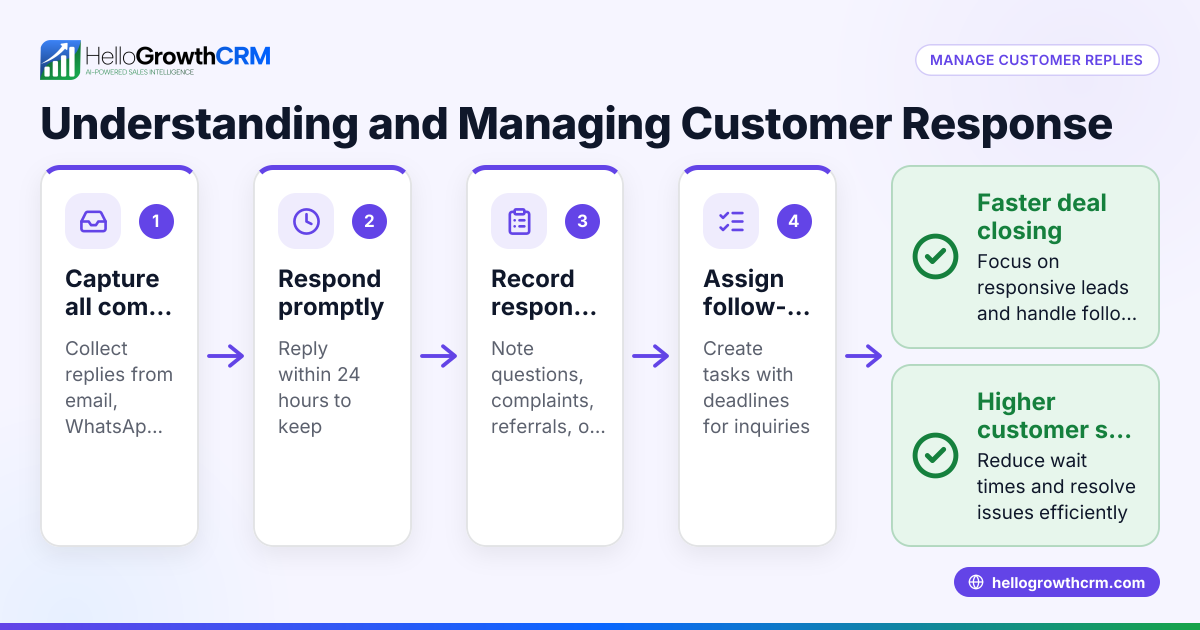
Email response management means keeping track of incoming business emails and replying to them promptly and consistently. It ensures no customer or lead email gets overlooked, improving your chances of converting inquiries into sales. This article covers why email response management is crucial for small businesses, how to set it up step-by-step, common pitfalls to avoid, and how HelloGrowthCRM supports this process.
Why this comes up / what goes wrong
Small business owners often handle sales and customer communication through email alongside calls, texts, and WhatsApp messages. Without a system, emails can sit unread, replies can be delayed, and follow-ups missed. This leads to lost leads, frustrated customers, and disorganized sales processes. For example, a business owner might receive an inquiry email but accidentally reply late because it got buried in a personal inbox or mixed with unrelated messages. Without a clear owner or next step assigned, the lead can fall through the cracks.
Step-by-step
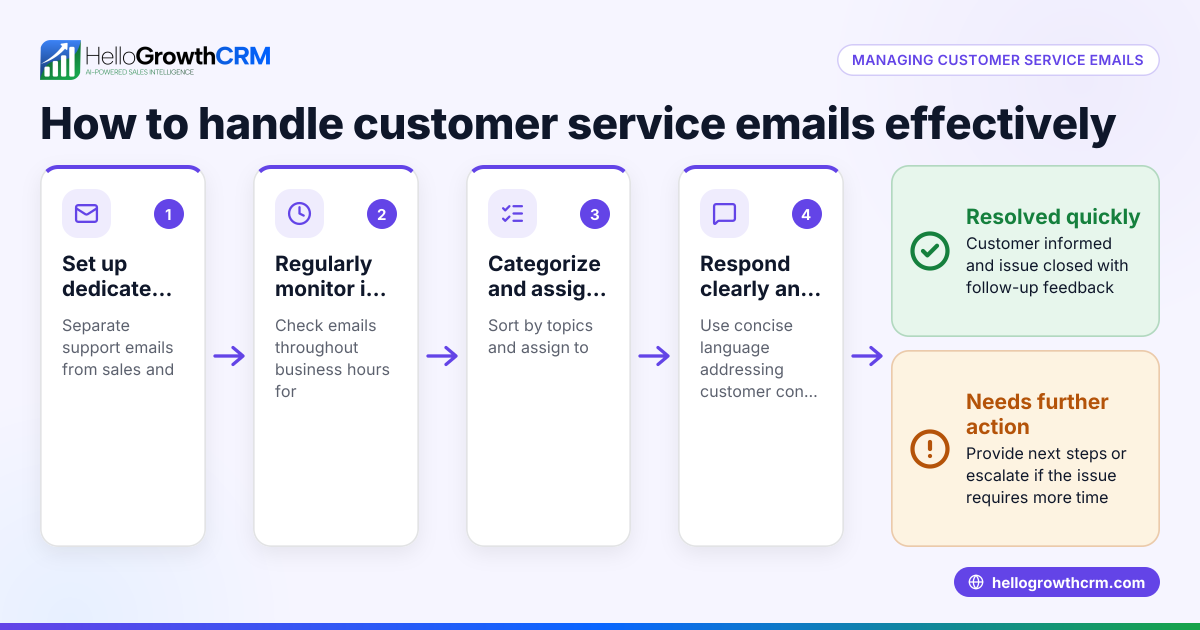
- Centralize your email inbox: Use a shared inbox where your team can see all incoming emails related to sales or customer service. This avoids emails being hidden in individual inboxes. Check that replies to quotation emails or inquiries are visible to everyone involved in the deal.
- Assign ownership and next steps: For every incoming email that represents a lead or customer request, assign a team member responsible for following up. Clearly define the next action, such as scheduling a call or sending a proposal.
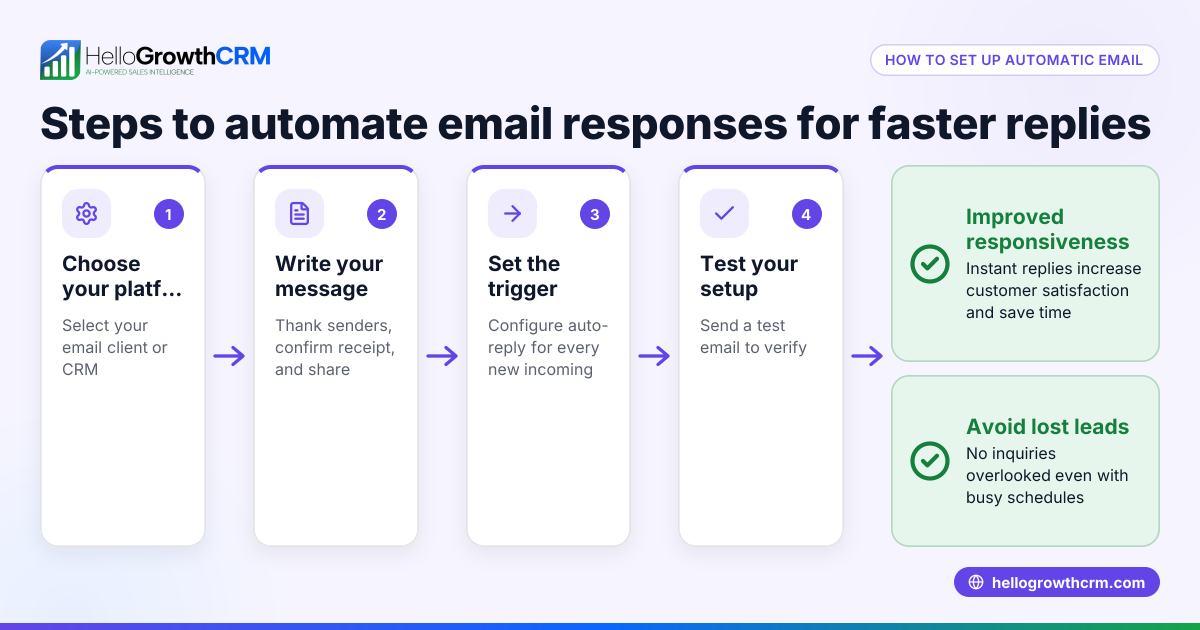
- Set up automated follow-ups: Use email sequences to send timely follow-up messages automatically if the recipient doesn’t reply. Ensure the sequence stops as soon as the prospect responds to avoid over-contacting.
- Track and update status regularly: Keep your pipeline or task board updated with the status of each email conversation. Mark leads as contacted, interested, or closed to maintain clarity.
- Review response times and bottlenecks: Periodically check how quickly your team responds to emails and identify any delays. Adjust processes or add reminders to improve responsiveness.
- Integrate with other communication channels: Since many businesses also use WhatsApp and SMS, integrate these channels with your email response management to keep all communications in one place.
- Train your team: Make sure everyone understands the importance of prompt email replies and how to use your chosen tools effectively.
Example (fictional figures)
A two-location dental practice in Columbus, Ohio, receives about 50 email inquiries monthly about new patient appointments and services. They decide to improve email response management starting 04/01/2026.
- They centralize emails into a shared inbox accessible to their 5-person front desk team.
- Each email is assigned to a team member with a next step recorded (e.g., "Call to confirm appointment").
- They set up a 5-step follow-up sequence over two weeks for no-reply emails.
- Before the change, they lost some leads due to slow replies. After improving processes, they estimate recovering 5 leads monthly.
Calculations:
5 recovered leads × $300 revenue per lead = $1,500 additional monthly revenue
$1,500 monthly revenue × 12 months = $18,000 additional revenue per year
Common mistakes
- Ignoring shared visibility: Keeping email replies in personal inboxes prevents the team from seeing progress. Prevent this by using a shared inbox like HelloMail.
- No clear ownership: Without assigning a lead owner and next step, emails get forgotten. Always assign responsibility immediately.
- No automated follow-up: Relying solely on manual follow-up leads to inconsistent contact. Use sequences and campaigns to automate follow-up messages (email automation and sequences).
- Mixing communication channels: Managing email separately from WhatsApp or SMS causes confusion and missed messages. Integrate channels for a unified view (WhatsApp and SMS CRM).
- Failing to review performance: Not tracking response times or missed emails means problems persist unnoticed. Regularly review your email handling metrics.
Doing this in HelloGrowthCRM
HelloGrowthCRM offers a HelloMail shared inbox where replies to quotation emails are visible to your whole team on the deal, so no message is missed or duplicated. Every inquiry from a form, call, or WhatsApp lands as a lead with an owner and a next step, keeping your pipeline organized and active. You can also run automated five-step follow-up sequences over two weeks that stop automatically once the prospect replies, saving time and ensuring consistent contact. Learn more about these features at email automation and sequences and WhatsApp and SMS CRM.
Frequently asked questions
What is the best way to organize email responses for a small team? A shared inbox accessible to all team members involved in sales or support helps keep emails visible and organized. Assigning each email to an owner with a clear next step ensures accountability and timely replies.
How can I avoid missing follow-ups after sending a quotation by email? Use automated email sequences that send follow-up messages if the prospect doesn’t reply. These sequences stop as soon as a reply is received, preventing over-contacting.
Can email response management include other communication channels? Yes, integrating WhatsApp and SMS with email management gives a complete view of all customer interactions in one place, reducing missed messages and improving response times.
How do I measure if my email response management is working? Track metrics like average response time, number of missed emails, and conversion rates from email inquiries. Regular reviews help identify bottlenecks and improve processes.
Is there software that helps manage email responses and sales leads together? Yes, CRM systems like HelloGrowthCRM combine shared inboxes, lead capture, and automated follow-ups to streamline email response management and sales tracking.
Key takeaways
- Centralize email replies in a shared inbox visible to the whole team.
- Assign ownership and next steps for every incoming email lead.
- Automate follow-up emails with sequences that stop on reply.
- Integrate email with WhatsApp and SMS for unified communication.
- Regularly review response times and update lead status.
- Use tools like HelloGrowthCRM to manage email responses and leads efficiently.
Start improving your email response management today to avoid lost leads and keep your sales pipeline moving. You can start on the Free Forever plan (200 leads, no credit card) with HelloGrowthCRM and see how shared inboxes, lead tracking, and automated sequences help your team stay on top of every email.
Ready to put this into practice?
Set up your pipeline, WhatsApp follow-ups, and AI lead scoring in minutes — free, no credit card.
Try HelloGrowthCRM freeGet CRM tips in your inbox
Join thousands of sales professionals who get weekly insights on CRM strategy, AI automation, and pipeline optimization.

The HelloGrowthCRM team publishes guides on CRM strategy, AI sales tools, and revenue operations for small business sales teams.