HelloGrowthCRM software
Built for real small-business sales teams
HelloGrowthCRM helps reps qualify faster, follow up on time, and close more deals—with practical automation in one place.
- AI lead scoring and pipeline visibility
- Built-in dialer, WhatsApp, and email automation
- Sales forecasting and RevOps-ready reporting
Promotional emails are messages sent to your customers or leads to promote a product, service, event, or special offer. They aim to grab attention quickly, deliver a clear message, and motivate recipients to act — like making a purchase or booking a consultation. This article covers why small businesses rely on promotional emails, how to create them effectively, a detailed example, common pitfalls, and how HelloGrowthCRM supports your email campaigns.
Why this comes up / what goes wrong
Small-business owners often turn to promotional emails to increase sales, announce new offerings, or boost customer engagement. However, many struggle with writing emails that get opened and acted upon. They may send generic messages that look like spam or forget to follow up, losing potential sales. Without a clear structure or understanding of what works, promotional emails can fail to generate results, leaving owners frustrated and wasting time.
Step-by-step
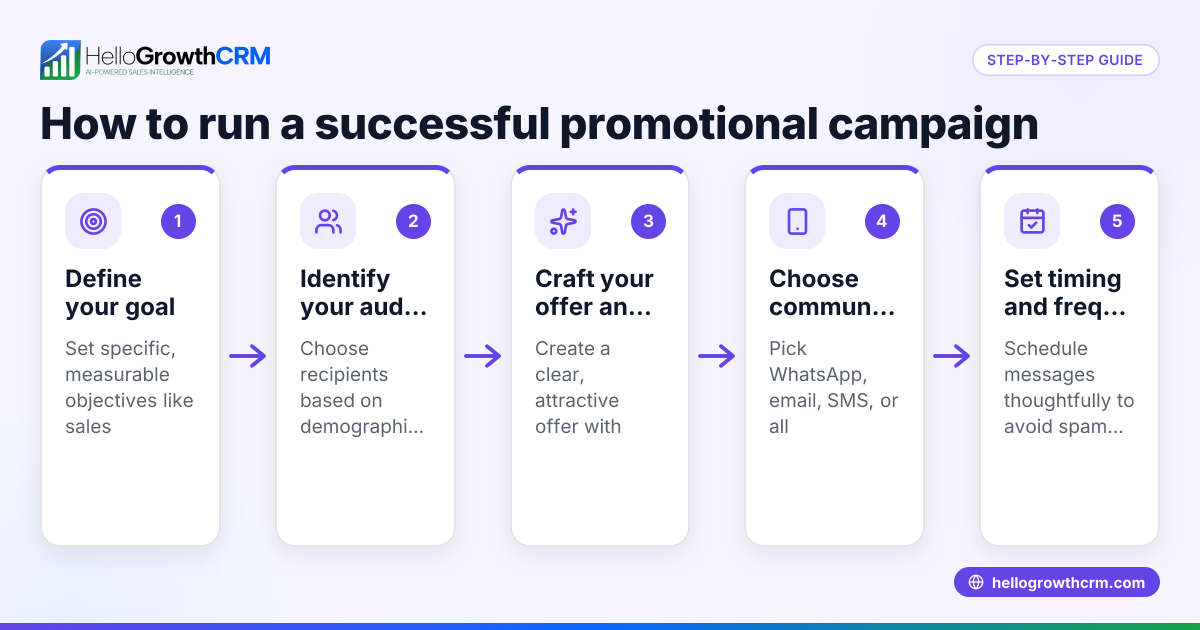
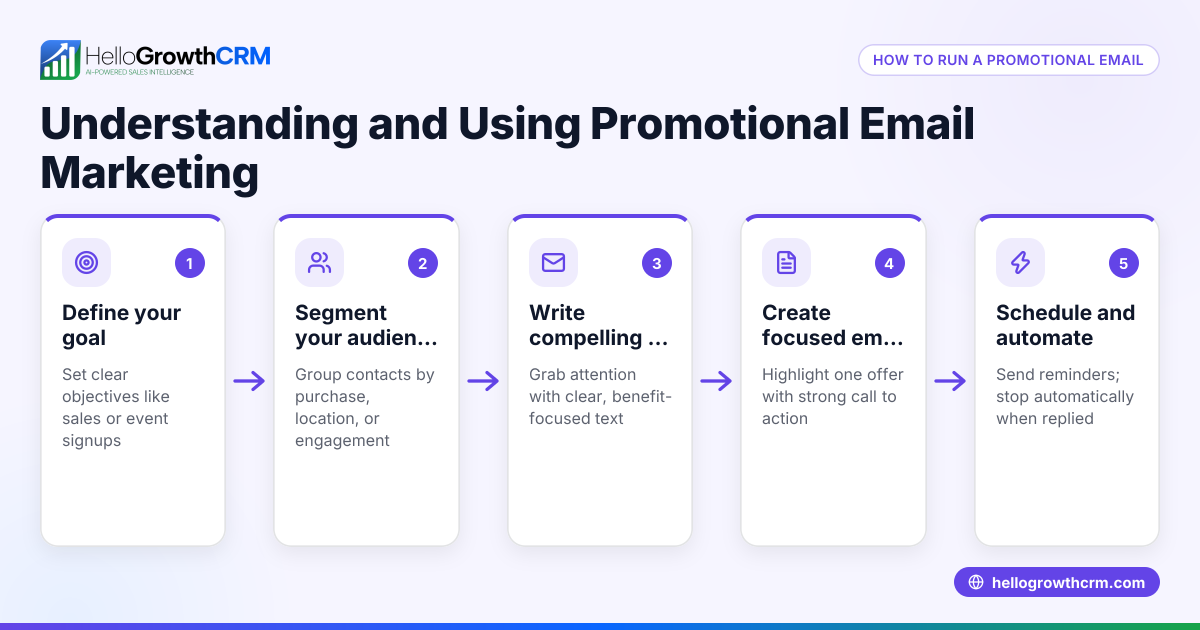
- Define your goal clearly Decide what you want your promotional email to achieve: a sale, event attendance, or product awareness. Check that your message supports this goal.
- Segment your audience Group your contacts by interests, past purchases, or demographics. Tailor your email content to each group to increase relevance.
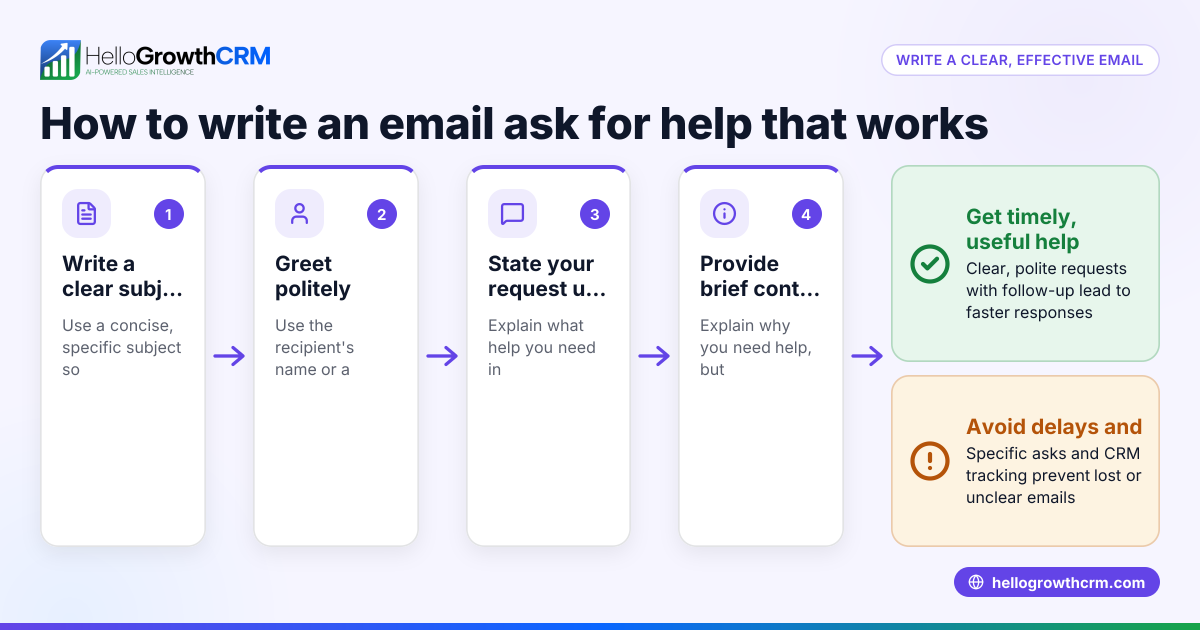
- Craft a compelling subject line Write a short, clear subject that highlights the main benefit or offer. Avoid spammy words and test different versions if possible.
- Write a concise, benefit-focused message Start with a greeting, then quickly explain the offer or promotion. Use bullet points for clarity and include a clear call to action (CTA).
- Include visuals and branding Add your logo, product images, or banners to make the email visually appealing and recognizable.
- Add contact information and unsubscribe options Make it easy for recipients to contact you or opt out to comply with email regulations.
- Test your email Send test emails to yourself and colleagues to check formatting, links, and spelling.
- Schedule and send Choose the best time to send based on your audience’s habits. Use automation tools to schedule and track performance.
- Follow up with sequences If recipients don’t respond, send a series of follow-up emails spaced over days or weeks to nurture interest without being pushy.
- Analyze results and adjust Review open rates, click rates, and conversions. Use insights to improve future emails.
For more on automating follow-ups and managing emails efficiently, see email automation and sequences.
Example (fictional figures)
A plumbing company in Austin, Texas, "Austin Pipe Pros," runs a promotional email campaign for a summer discount on drain cleaning services.
- They have 2,000 contacts segmented as homeowners.
- They offer a 15% discount valid from 07/01/2026 to 07/15/2026.
- Expected conversion rate: 5% (100 customers).
- Average service price: $150.
Calculations:
Number of expected customers = 2,000 × 5% = 100
Revenue without discount = 100 × $150 = $15,000
Discount amount per customer = $150 × 15% = $22.50
Total discount given = 100 × $22.50 = $2,250
Revenue after discount = $15,000 - $2,250 = $12,750
Outcome: The campaign generates $12,750 in revenue, bringing in 100 new bookings and promoting repeat business.
Common mistakes
- Using generic, untargeted emails Prevent by segmenting your list and personalizing content.
- Writing long, unclear messages Keep emails concise and focused on benefits.
- Neglecting a clear call to action Always include a direct, easy-to-find CTA.
- Failing to test emails before sending Send test messages to check formatting and links.
- Ignoring follow-up sequences Use automated sequences to engage prospects who don’t respond initially; learn more about email automation and sequences.
- Not tracking email performance Use analytics to understand what works and adjust accordingly.
Doing this in HelloGrowthCRM
HelloGrowthCRM helps small businesses manage promotional emails with features like the HelloMail shared inbox, where replies to quotation or promotional emails are visible to the whole sales team on the deal, ensuring no lead is missed. Additionally, sequences and campaigns automate multi-step follow-ups over two weeks, stopping immediately when a prospect replies, saving time and maintaining engagement. Learn more at email automation and sequences.
Frequently asked questions
What is a promotional email? A promotional email is a message sent to customers or leads to advertise a product, service, event, or special offer. It aims to encourage recipients to take a specific action, such as making a purchase or booking a service.
How often should I send promotional emails? Frequency depends on your audience and industry, but a regular schedule that balances engagement without overwhelming recipients is generally effective. Monitor engagement and adjust based on responses.
What makes a good promotional email subject line? A good subject line is clear, concise, and highlights the main offer or benefit. Avoid spammy words and create a sense of urgency or curiosity to increase open rates.
Can I automate promotional email follow-ups? Yes, automation tools like HelloGrowthCRM’s sequences allow you to send a series of follow-up emails automatically until the prospect responds, improving efficiency and response rates. See email automation and sequences for details.
Should I include images in promotional emails? Including images like your logo or product photos can increase engagement, but keep file sizes small and ensure emails still look good if images don’t load.
How do I measure the success of a promotional email? Track metrics such as open rates, click-through rates, conversion rates, and revenue generated. Use these insights to refine future campaigns.
For more on using HelloGrowthCRM in the US market, see HelloGrowthCRM for the United States and how to manage WhatsApp and SMS alongside email at WhatsApp and SMS CRM.
Key takeaways
- Define your promotional email goal and segment your audience for relevance.
- Write concise, benefit-focused messages with clear calls to action.
- Test emails before sending and schedule at optimal times.
- Use automated follow-up sequences to nurture leads effectively.
- Track performance metrics to improve future campaigns.
- HelloGrowthCRM supports team visibility and automation of promotional email follow-ups.
Start your promotional email campaigns with confidence and organization. To try managing your leads and email sequences easily, Start on the Free Forever plan (200 leads, no credit card).
Ready to put this into practice?
Set up your pipeline, WhatsApp follow-ups, and AI lead scoring in minutes — free, no credit card.
Try HelloGrowthCRM freeGet CRM tips in your inbox
Join thousands of sales professionals who get weekly insights on CRM strategy, AI automation, and pipeline optimization.

The HelloGrowthCRM team publishes guides on CRM strategy, AI sales tools, and revenue operations for small business sales teams.