HelloGrowthCRM software
Built for real small-business sales teams
HelloGrowthCRM helps reps qualify faster, follow up on time, and close more deals—with practical automation in one place.
- AI lead scoring and pipeline visibility
- Built-in dialer, WhatsApp, and email automation
- Sales forecasting and RevOps-ready reporting
An email ask for help is a direct and courteous request sent via email when you need assistance, advice, or information. It should be clear and specific to increase the chance of a helpful response. This guide explains why small-business owners often send these emails, provides a step-by-step method to write one, shows a practical example, highlights common pitfalls, and describes how HelloGrowthCRM can simplify managing help requests.
Why this comes up / what goes wrong
Small-business owners frequently need help with tasks outside their expertise or bandwidth, such as technical issues, vendor questions, or customer support. They turn to email because it is a formal yet convenient way to ask for assistance without interrupting the recipient. However, many struggle to get timely or useful replies because their emails are unclear, too long, or lack a call to action. Slow follow-up or lost responses can cause missed opportunities or stalled projects.
Step-by-step
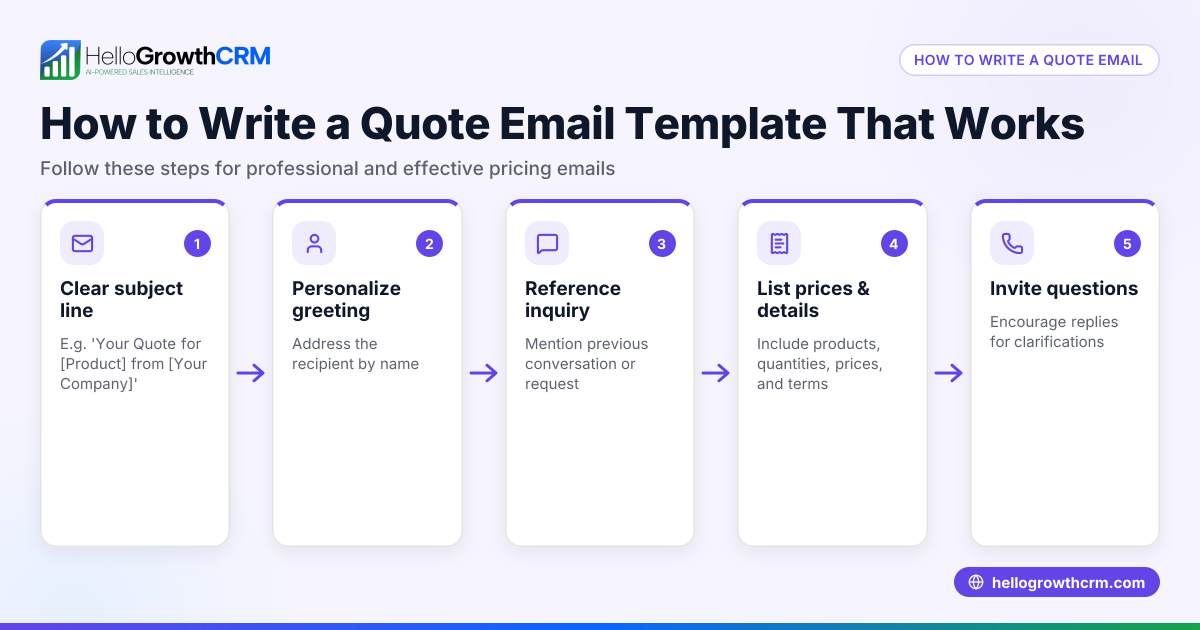
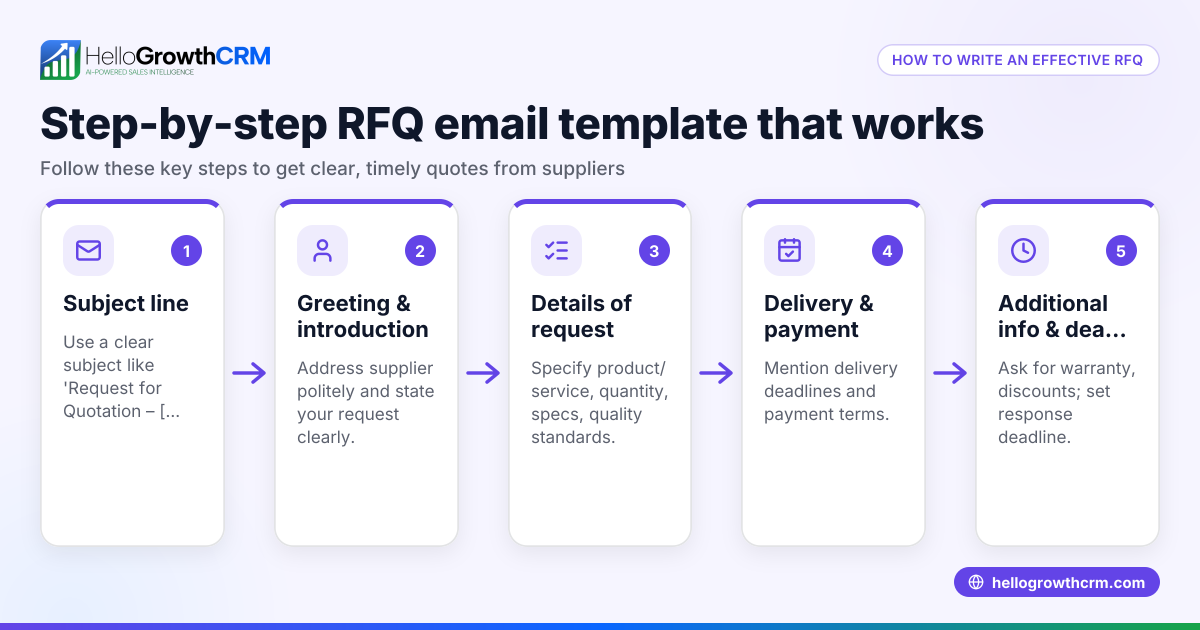
- Start with a clear subject line. Use a concise subject like "Request for Help with [Specific Issue]" so the recipient knows the email's purpose immediately.
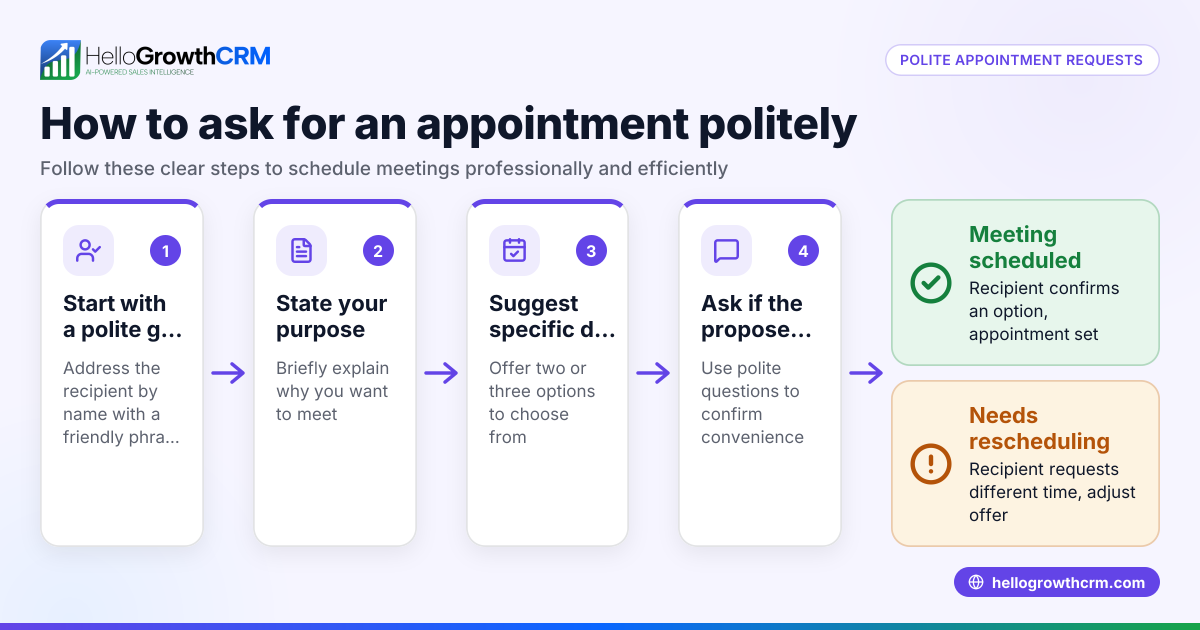
- Greet the recipient politely. Use their name if you know it, or a professional greeting like "Hello" or "Hi Team".
- State your request upfront. In the first sentence or two, explain what help you need.
- Provide context briefly. Explain why you need help, referencing relevant details but keeping it concise.
- Specify the desired action. Tell the recipient exactly what you want them to do (e.g., "Please review the attached file and provide feedback by Friday.")
- Offer to provide more information. Show willingness to clarify or assist further.
- Close politely. Use a courteous sign-off like "Thank you for your help" or "Looking forward to your reply."
- Proofread before sending. Check for clarity, tone, and typos.
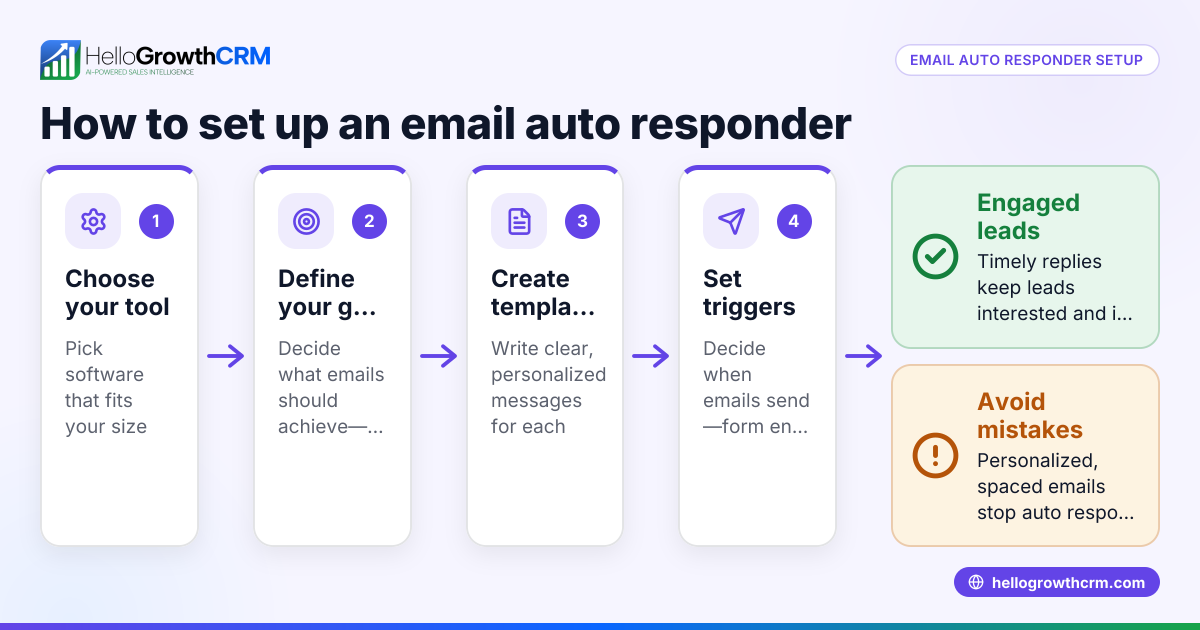
- Track your email. Use tools or CRM features to monitor if and when the recipient replies, so you can follow up if needed.
- Follow up appropriately. If you don’t get a response within a reasonable time, send a polite reminder referencing the original email.
For managing sequences and automating follow-ups, see email automation and sequences.
Example (fictional figures)
Jane runs a landscaping business in Charlotte, North Carolina. On 06/10/2025, she needs help from a supplier about a delayed order.
Subject: Request for Help with Delayed Mulch Delivery
Email body:
"Hello Mike,
I’m reaching out to ask for help regarding my mulch order #4567 placed on 05/25/2025. The delivery was scheduled for 06/05/2025 but has not arrived yet. Could you please check the status and let me know when it will be delivered?
Thank you for your assistance.
Best regards, Jane"
This email is clear, polite, and asks for a specific action (checking and updating on delivery status).
Common mistakes
- Being vague about the request. Prevent this by clearly stating what help you need.
- Writing too long or detailed emails. Keep it concise to respect the recipient’s time.
- Not specifying a desired action or deadline. Always include what you want and by when.
- Failing to follow up. Use reminders or CRM tools to track and send polite follow-ups.
- Ignoring team visibility. When multiple people handle a deal, ensure replies are visible to the whole team to avoid duplicated efforts.
Avoid these by following the step-by-step guide and using tools like HelloGrowthCRM to manage email communications.
Doing this in HelloGrowthCRM
HelloGrowthCRM helps small-business teams manage email asks for help efficiently. Its HelloMail shared inbox lets your team see all replies to a quotation or help request on the same deal, avoiding lost or duplicated responses. You can set up sequences and campaigns to automate a five-step follow-up over two weeks that stops as soon as the prospect replies, ensuring timely responses without manual tracking. If you don’t have a dedicated sales manager, Managed RevOps provides a specialist who works the follow-up queue weekly, keeping your help requests on track. Learn more about these features at email automation and sequences and HelloGrowthCRM for the United States.
Frequently asked questions
How do I politely ask for help by email? Start with a friendly greeting, state your request clearly in the first lines, provide brief context, specify what you want the recipient to do, and close with thanks. Keep your tone respectful and concise.
What if I don’t get a reply to my help request email? Wait a reasonable time (usually 3-5 business days), then send a polite follow-up referencing your original email. You can automate this with email sequences to avoid forgetting.
Should I include attachments when asking for help? Only include attachments if they are necessary for understanding or resolving your request. Mention them in the email and ensure they are clear and relevant.
Can I manage help requests with text messages or WhatsApp? Yes, integrating WhatsApp and SMS with your CRM can complement email communication, especially for quick responses. See WhatsApp and SMS CRM for details.
How can I avoid losing track of help requests? Use a CRM with shared inbox and automated follow-up sequences like HelloGrowthCRM. This keeps your team aligned and ensures timely responses.
Key takeaways
- Start your email ask for help with a clear subject and direct request.
- Keep context brief and specify the exact action you want.
- Use polite language and close with thanks.
- Follow up politely if you don’t get a timely reply.
- Avoid vague requests, overly long emails, and missed follow-ups.
- Use HelloGrowthCRM features like shared inbox and sequences to manage help requests efficiently.
Start managing your help requests better today. Start on the Free Forever plan (200 leads, no credit card).
Ready to put this into practice?
Set up your pipeline, WhatsApp follow-ups, and AI lead scoring in minutes — free, no credit card.
Try HelloGrowthCRM freeGet CRM tips in your inbox
Join thousands of sales professionals who get weekly insights on CRM strategy, AI automation, and pipeline optimization.

The HelloGrowthCRM team publishes guides on CRM strategy, AI sales tools, and revenue operations for small business sales teams.