HelloGrowthCRM software
Built for real small-business sales teams
HelloGrowthCRM helps reps qualify faster, follow up on time, and close more deals—with practical automation in one place.
- AI lead scoring and pipeline visibility
- Built-in dialer, WhatsApp, and email automation
- Sales forecasting and RevOps-ready reporting
A purchase order email subject line is your first chance to clearly communicate with your vendor or customer. It signals that the email contains an important purchase order or related information, helping avoid delays or confusion. A well-crafted subject line makes your emails stand out in busy inboxes and keeps your business running smoothly.
Why this comes up / what goes wrong
Small-business owners often email purchase orders to suppliers or clients. But if the subject line is vague or missing key details, the recipient might overlook or delay processing the order. This can cause lost sales, stock shortages, or unhappy customers. Many owners struggle to balance brevity with clarity, especially when handling multiple orders or vendors. Without a clear subject line, follow-up emails increase, wasting time and risking errors.
Step-by-step
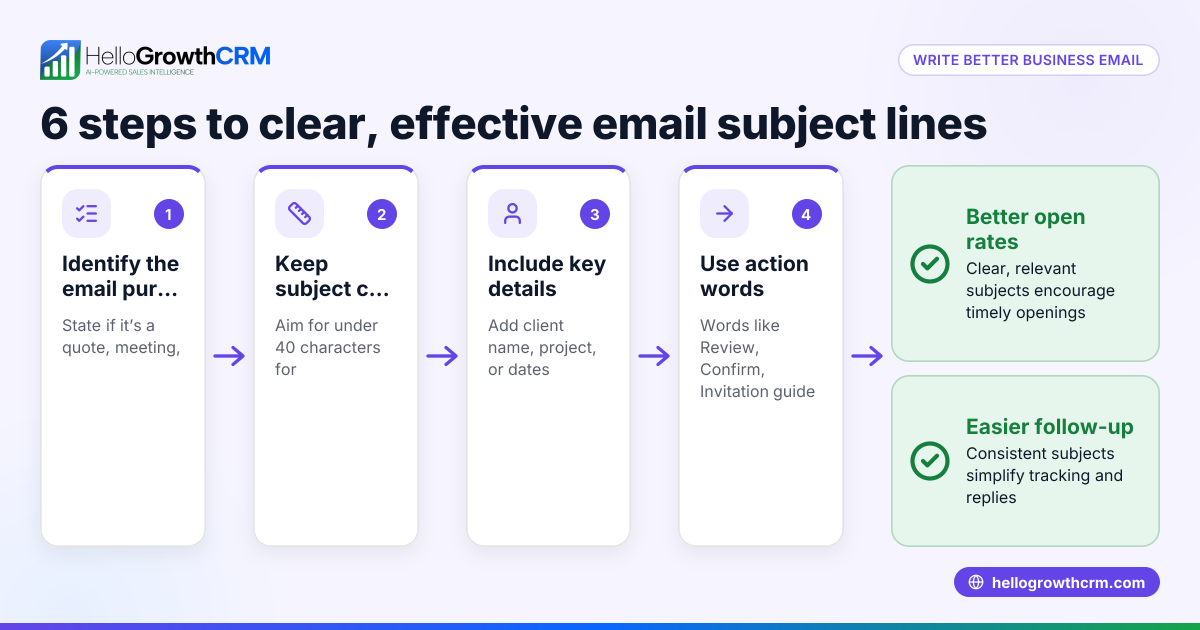
- Start with a clear phrase: Begin the subject with "Purchase Order" or "PO" to immediately show the email’s purpose.
- Include the purchase order number: This unique identifier helps both sender and recipient track and reference the order.
- Add your company or vendor name: This lets the recipient quickly recognize who the order is from or for.
- Include the order date if relevant: Adding the date helps with sorting and prioritizing orders.
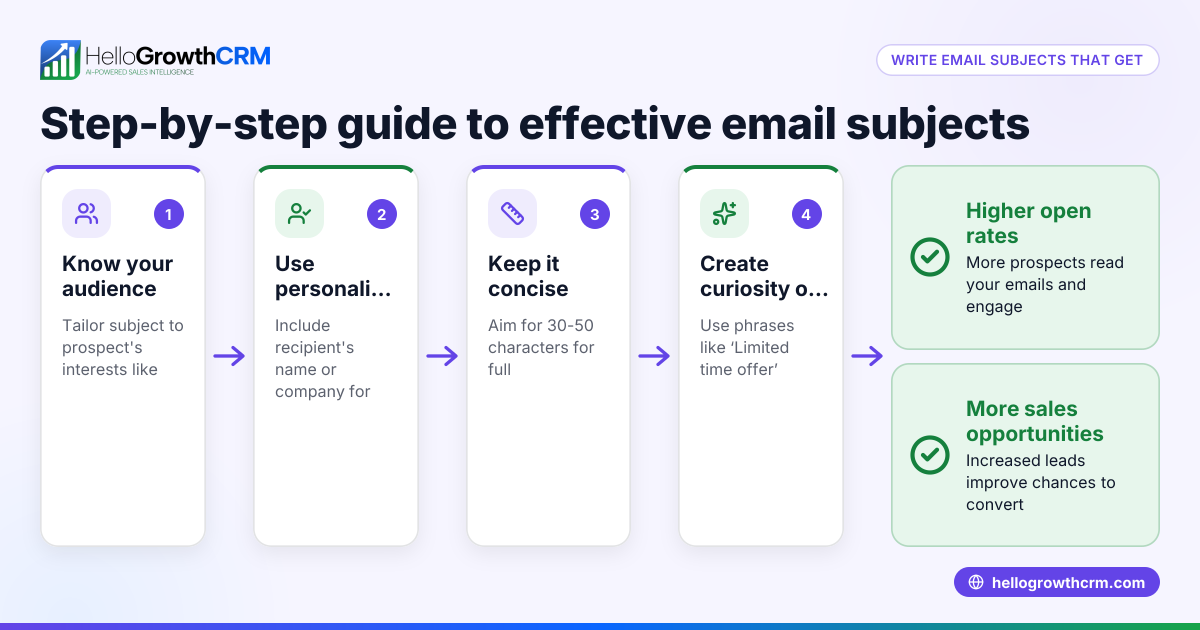
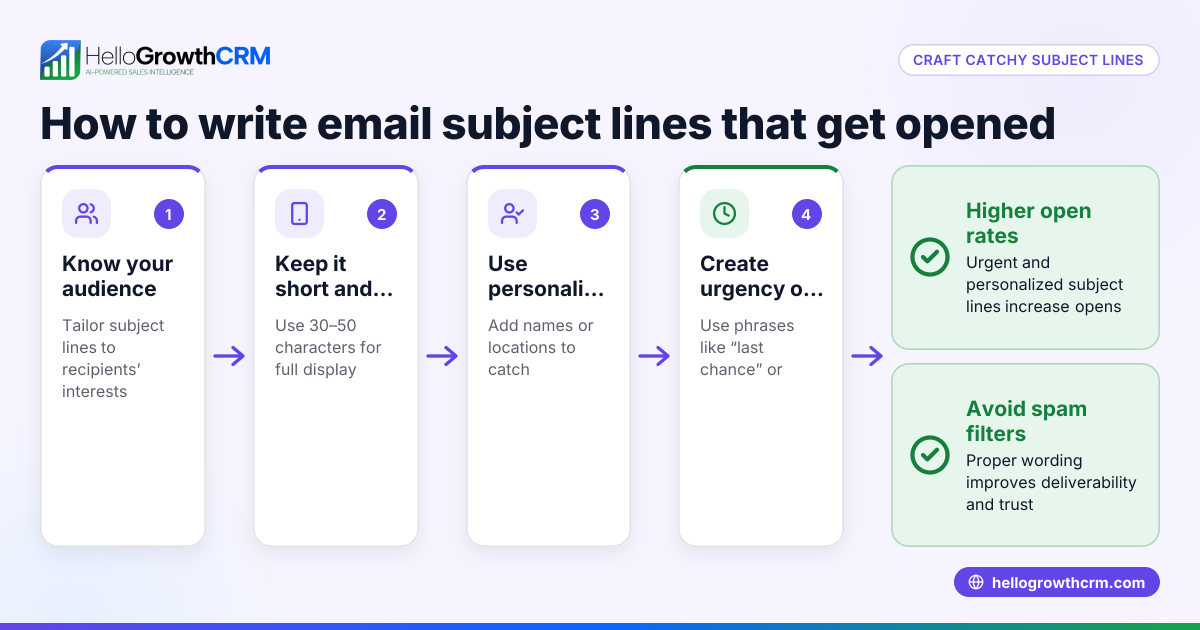
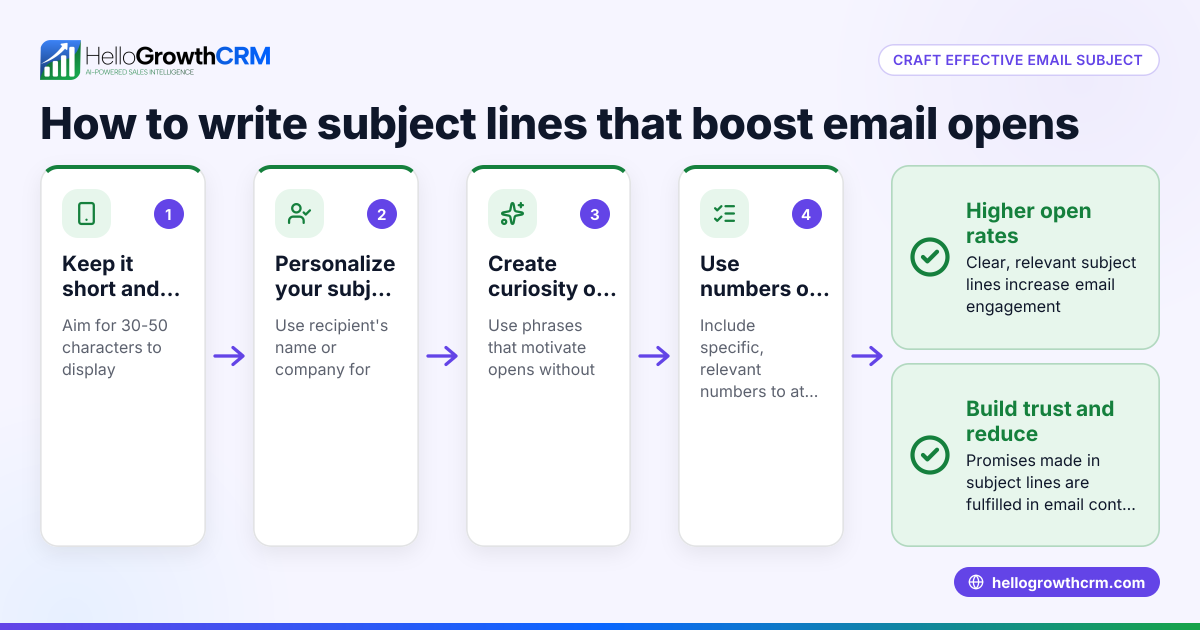
- Keep it concise: Aim for under 60 characters so the subject displays fully on most devices.
- Avoid special characters and all caps: These can trigger spam filters or appear unprofessional.
- Proofread carefully: Typos in the subject line reduce credibility and can cause confusion.
Example subject line: "PO #12345 - Acme Supplies - 06/15/2026"
Following these steps ensures your purchase order emails are clear and easy to manage, reducing follow-up time and errors. To keep your team aligned and responsive, consider tools with email automation and sequences that manage follow-ups automatically. Learn more about email automation and sequences.
Example (fictional figures)
A B2B software reseller in Denver, Colorado, sends a purchase order email with this subject:
"PO #67890 - Denver Software Resellers - 06/10/2026"
The email body orders 50 software licenses at $1,200 each.
Calculate the total order value: 50 licenses × $1,200 = $60,000
This subject line helps the supplier quickly identify the order and respond promptly, speeding up processing.
Common mistakes
- Vague subject lines: Using generic terms like "Order" or "Request" alone can cause confusion. Always specify "Purchase Order".
- Missing PO number: Without the purchase order number, tracking and referencing the order becomes difficult.
- Too long or cluttered subjects: Overly long subjects may get cut off on mobile devices, hiding important info.
- Using all caps or special characters: These can look unprofessional and increase the chance of being flagged as spam.
- No company or vendor name: Including this helps recipients sort and prioritize emails faster.
- Skipping proofreading: Typos reduce professionalism and may cause misunderstandings.
Prevent these mistakes by following the step-by-step guide and using email tools that allow previewing and managing sequences effectively. HelloGrowthCRM supports this with WhatsApp and SMS CRM for multi-channel outreach.
Doing this in HelloGrowthCRM
HelloGrowthCRM offers HelloMail, a shared inbox inside the CRM where your team can manage inbound emails from leads and customers without switching to a separate email client. Replies to a quotation email are visible to the whole team on the deal, preventing missed messages. You can also set up sequences and campaigns to automate follow-ups over two weeks. These sequences stop automatically as soon as the prospect replies, saving time and ensuring timely communication. Learn more about email automation and sequences.
Frequently asked questions
What should I include in a purchase order email subject? Include "Purchase Order" or "PO," the purchase order number, your company or vendor name, and optionally the date. This helps the recipient quickly identify and prioritize your email.
How long should the subject line be? Keep it under 60 characters so it displays fully on most devices. Concise subject lines reduce the chance of being overlooked or truncated.
Can I automate purchase order email follow-ups? Yes, using CRM tools like HelloGrowthCRM, you can automate multi-step follow-ups via email, SMS, or WhatsApp. These sequences run until the recipient replies, improving response rates without manual effort.
Why is the purchase order number important in the subject? The PO number is a unique reference that helps both sender and recipient track and manage orders efficiently, reducing errors and delays.
Should I use special characters or all caps in the subject? No, avoid special characters and all caps to prevent your email from being flagged as spam and to keep it professional.
Can my team share access to purchase order emails? With HelloMail’s shared inbox, your team can see all replies related to purchase orders on the same deal, improving collaboration and avoiding missed messages.
Key takeaways
- Start your subject line with "Purchase Order" or "PO" to clarify the email’s purpose.
- Always include the purchase order number and company or vendor name.
- Keep the subject concise and free of special characters or all caps.
- Use CRM tools like HelloGrowthCRM to automate follow-ups and share email visibility with your team.
- Proofread your subject line to maintain professionalism and avoid mistakes.
Clear purchase order email subjects help your business avoid delays and improve communication with suppliers and clients. To streamline your sales and email management, start on the Free Forever plan (200 leads, no credit card) with HelloGrowthCRM today.
Ready to put this into practice?
Set up your pipeline, WhatsApp follow-ups, and AI lead scoring in minutes — free, no credit card.
Try HelloGrowthCRM freeGet CRM tips in your inbox
Join thousands of sales professionals who get weekly insights on CRM strategy, AI automation, and pipeline optimization.

The HelloGrowthCRM team publishes guides on CRM strategy, AI sales tools, and revenue operations for small business sales teams.