HelloGrowthCRM software
Built for real small-business sales teams
HelloGrowthCRM helps reps qualify faster, follow up on time, and close more deals—with practical automation in one place.
- AI lead scoring and pipeline visibility
- Built-in dialer, WhatsApp, and email automation
- Sales forecasting and RevOps-ready reporting
A real estate broker CRM is a tool that helps brokers manage their leads, client interactions, and sales processes in one place. Unlike generic CRMs, it supports real estate-specific workflows such as tracking property listings, scheduling showings, and maintaining ongoing communication with buyers and sellers. This article explains why real estate brokers seek industry-specific CRMs, outlines the key steps to select the right one, provides a realistic US example, highlights common mistakes, and shows how HelloGrowthCRM can assist real estate teams.
Why this comes up / what goes wrong
Real estate brokers often juggle multiple leads from various sources like websites, referrals, and open houses. Without a dedicated CRM, brokers and their agents may rely on spreadsheets, text messages, or email threads, which leads to disorganized data and slow follow-up. This can cause lost sales opportunities, missed appointments, and poor client experience. Brokers also need to manage listings, track buyer preferences, and coordinate communications across channels like WhatsApp and SMS, which many generic CRMs do not handle well. Accountants supporting brokers may struggle with incomplete sales data and inconsistent reporting without a unified system.
Step-by-step
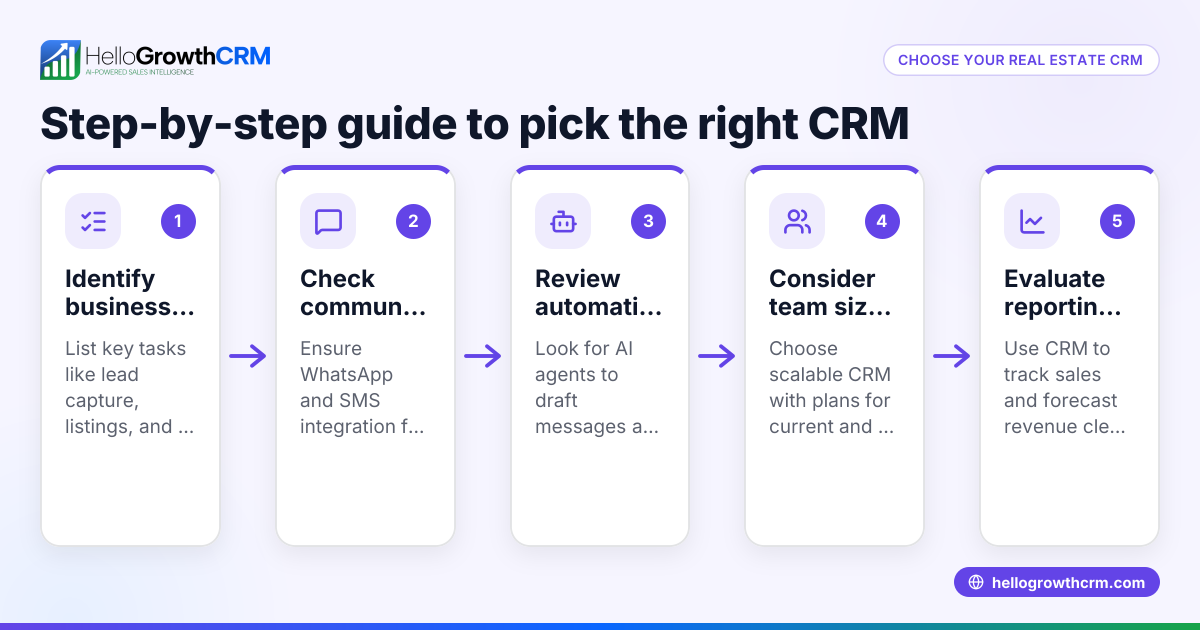
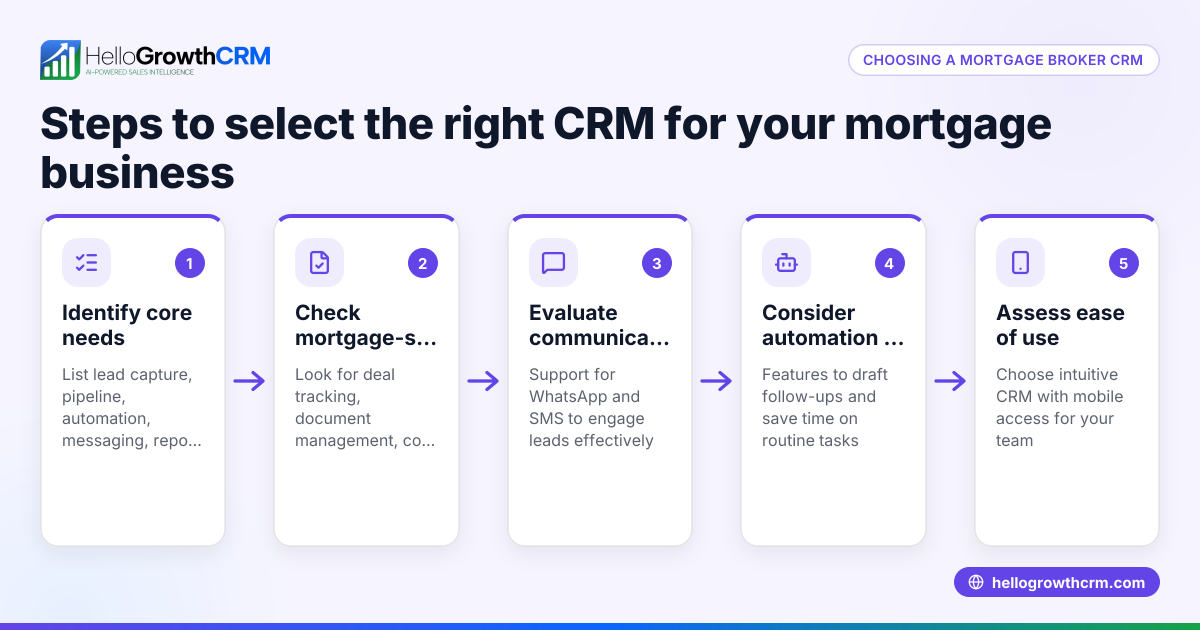
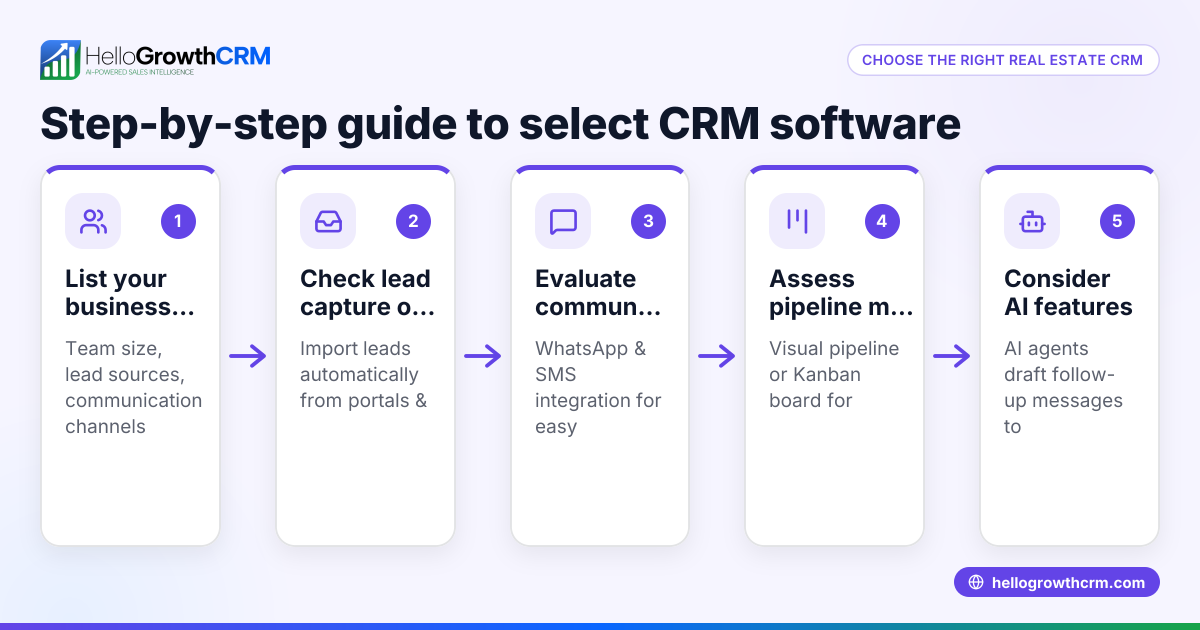
- Identify your business needs: List what your brokerage requires from a CRM, such as lead capture, pipeline management, messaging channels (WhatsApp, SMS), and reporting.
- Check industry-specific features: Ensure the CRM supports real estate workflows like property tracking, showing schedules, and buyer/seller communication.
- Evaluate ease of use: Choose software that your agents and staff will actually use daily without heavy training.
- Consider communication channels: Confirm the CRM integrates WhatsApp and SMS if these are key for your client interactions.
- Look for automation options: Features like AI drafting follow-ups can save time and improve responsiveness.
- Assess scalability and pricing: Ensure the CRM can grow with your team and fits your budget.
- Request demos and trials: Test the CRM with real leads and workflows before committing.
- Check integration capabilities: Verify it can connect with your existing tools (web forms, email, calendars).
- Review support and training: Confirm availability of customer support and learning resources.
For more on real estate and builders CRM features, see Real estate and builders.
Example (fictional figures)
A Charlotte, North Carolina real estate brokerage with 15 agents wants to improve lead follow-up and communication. They receive 300 leads monthly from web forms and referrals.
- Current conversion rate: 10% (30 sales per month)
- Average sale price: $350,000
- Goal: Increase conversion to 15% by improving follow-up speed and messaging
Calculations:
Current sales revenue: $350,000 × 30 sales = $10,500,000
Target sales at 15% conversion: 300 leads × 15% = 45 sales
Projected revenue: $350,000 × 45 sales = $15,750,000
Revenue increase: $15,750,000 - $10,500,000 = $5,250,000
By adopting a real estate broker CRM that automates WhatsApp and SMS follow-ups and tracks all communications centrally, the brokerage aims to close 15 additional deals monthly, increasing revenue by $5,250,000.
Common mistakes
- Choosing a generic CRM without real estate features: Leads to manual work tracking properties and client preferences. Prevent by prioritizing industry-specific tools.
- Ignoring communication channels like WhatsApp and SMS: Missing these means slower client responses. Check for native support or integrations, such as those in HelloGrowthCRM. See WhatsApp and SMS CRM.
- Overlooking user adoption: Complex CRMs are abandoned by agents. Prevent by selecting intuitive software and involving users in demos.
- Neglecting automation: Manually drafting follow-ups wastes time and risks delays. Use AI agents if available to draft messages, as in HelloGrowthCRM’s Growth plan.
- Failing to test scalability: A CRM that suits a solo agent may not handle a growing team. Verify growth options and pricing.
- Skipping integration checks: Without syncing web forms or calendars, data silos form. Confirm integration capabilities.
Doing this in HelloGrowthCRM
HelloGrowthCRM supports real estate brokers with native WhatsApp and SMS messaging, logging all conversations on lead records, and enabling quick follow-ups through messages. Its AI agents (in Beta on the Growth plan) draft follow-up messages after calls, so reps only review and send them, saving time. For small teams, the Free Forever plan allows two users to manage their pipeline at no cost until dialing or WhatsApp automation is needed. Learn more about HelloGrowthCRM’s messaging features at WhatsApp and SMS CRM and its US-specific support at HelloGrowthCRM for the United States.
Frequently asked questions
What makes a CRM suitable for real estate brokers? A real estate broker CRM includes features like property and listing tracking, buyer/seller communication management, scheduling showings, and integration with messaging channels such as WhatsApp and SMS. These features help brokers manage complex sales processes more efficiently.
Can I use WhatsApp within a real estate CRM? Yes, some CRMs, including HelloGrowthCRM, offer WhatsApp-native messaging where conversations are logged automatically on lead records, allowing seamless follow-ups and better client engagement.
How does AI help in a real estate broker CRM? AI agents can draft follow-up messages after calls or meetings, reducing the manual workload for agents. This speeds up communication and reduces the chance of missing timely follow-ups.
Is there a free CRM option for small real estate teams? Yes, HelloGrowthCRM offers a Free Forever plan for up to two users, which includes a full Kanban pipeline and task management, suitable for small teams starting out.
How do I ensure my team will use the CRM? Choose a CRM that is easy to use, supports your preferred communication channels, and involves team members in the selection and trial process. Training and support are also important.
For more on industry-specific CRM options, visit Real estate and builders.
Key takeaways
- Real estate broker CRMs centralize lead and property management tailored to industry workflows.
- Prioritize CRMs with WhatsApp and SMS messaging to match common client communication channels.
- AI-powered follow-up drafting saves time and improves lead response.
- Test CRM usability and scalability before committing.
- Small teams can start with free plans and upgrade as needs grow.
- Integration with web forms and calendars is essential for smooth data flow.
Start managing your real estate leads effectively by exploring the Free Forever plan with HelloGrowthCRM, which supports up to two team members and 200 leads without a credit card at Start on the Free Forever plan (200 leads, no credit card).
Ready to put this into practice?
Set up your pipeline, WhatsApp follow-ups, and AI lead scoring in minutes — free, no credit card.
Try HelloGrowthCRM freeGet CRM tips in your inbox
Join thousands of sales professionals who get weekly insights on CRM strategy, AI automation, and pipeline optimization.

The HelloGrowthCRM team publishes guides on CRM strategy, AI sales tools, and revenue operations for small business sales teams.