HelloGrowthCRM software
Built for real small-business sales teams
HelloGrowthCRM helps reps qualify faster, follow up on time, and close more deals—with practical automation in one place.
- AI lead scoring and pipeline visibility
- Built-in dialer, WhatsApp, and email automation
- Sales forecasting and RevOps-ready reporting
Real time feedback is the process of receiving immediate responses or data about an activity, service, or interaction as it happens or shortly after. For small business owners, this means you can spot problems, improve customer service, and adjust your sales or operations quickly rather than waiting for delayed reports or reviews.
Why this comes up / what goes wrong
Many small business owners struggle with delayed or incomplete information. For example, a sales lead might lose interest if you don’t respond quickly, or a customer might leave negative feedback that you only see days later. Without real time feedback, you can’t fix issues promptly or take advantage of opportunities. This can lead to lost sales, unhappy customers, and inefficient processes. Businesses that rely on text messages, emails, or spreadsheets often miss timely signals because these tools don’t alert them instantly or organize feedback clearly.
Step-by-step
- Define what feedback you need: Decide if you want feedback from customers, employees, or about processes. Check that this feedback aligns with your business goals.
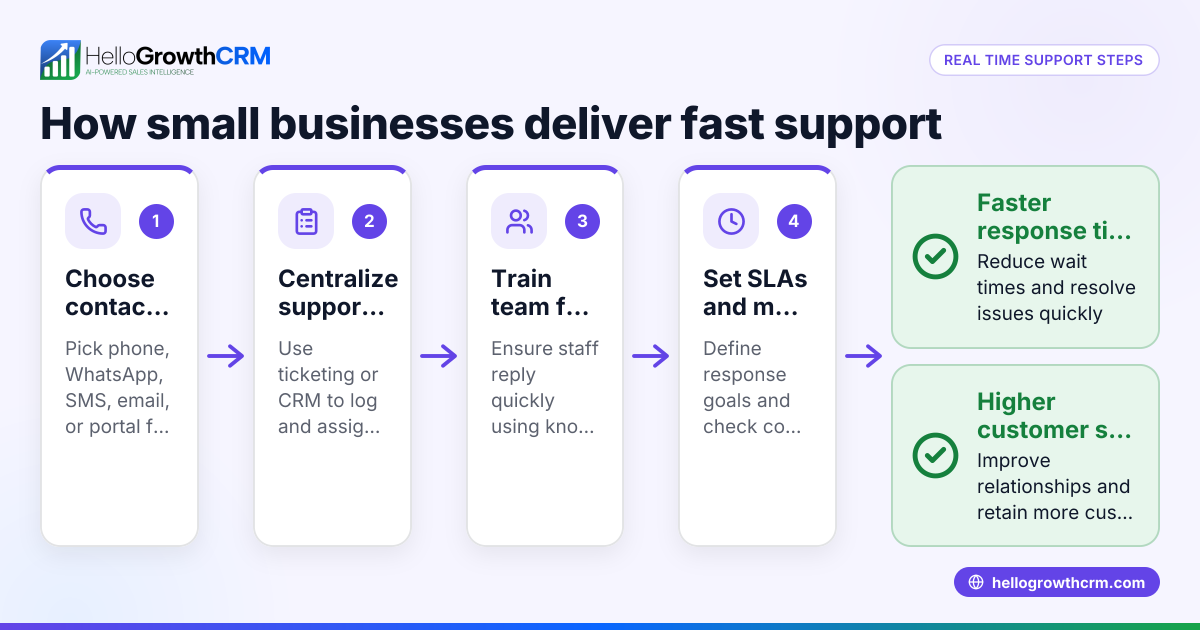
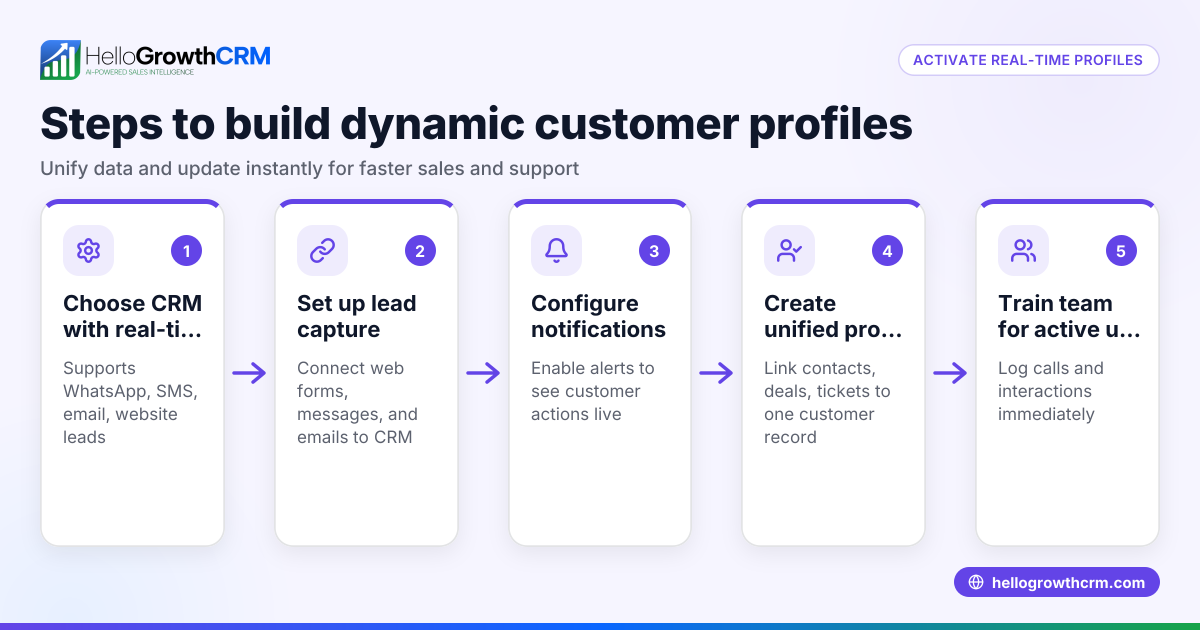
- Choose your feedback channels: Use tools where your customers or team already communicate, such as WhatsApp, SMS, or email. Check that these channels are convenient and widely used by your audience.
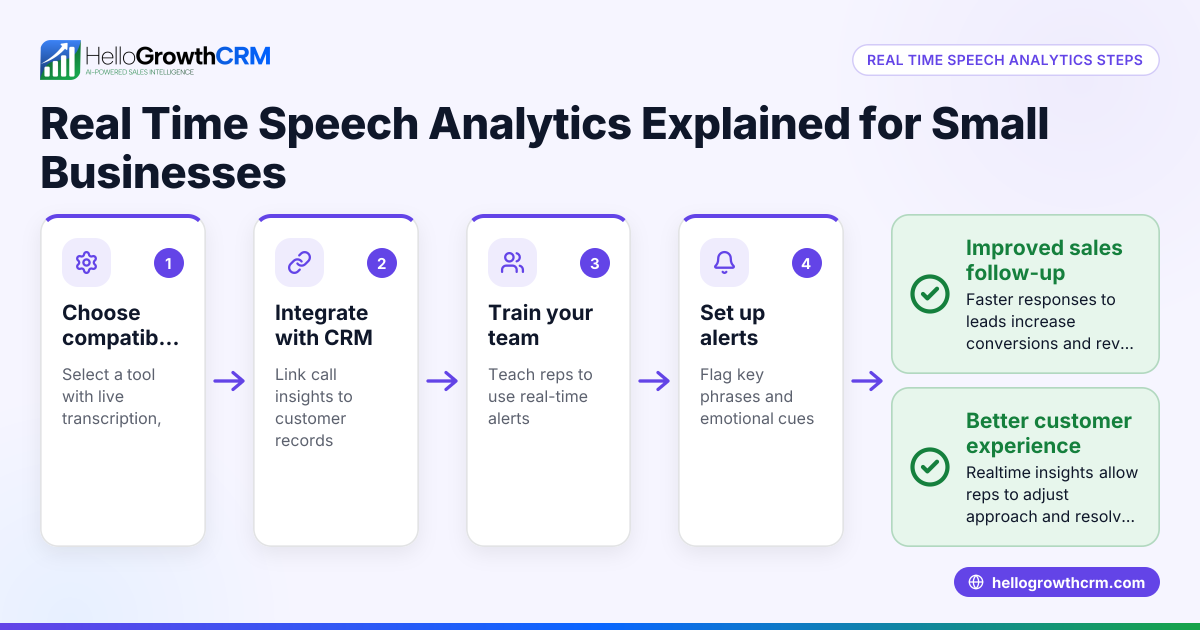
- Set up immediate alerts or notifications: Make sure you or your team get notified as soon as feedback arrives. Check that notifications are not buried in spam or overlooked.
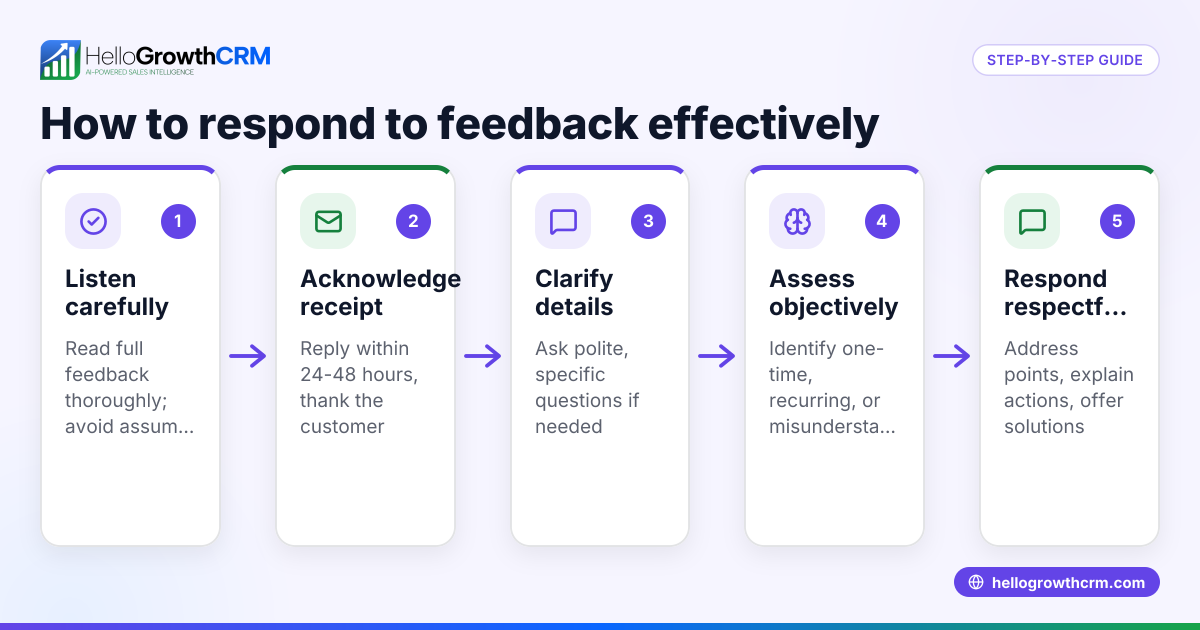
- Respond quickly: When feedback comes in, reply or act on it within minutes or hours, not days. Check that your response addresses the issue or thanks the responder.
- Track feedback trends: Collect feedback data over time to spot patterns or recurring issues. Check that your tracking method is simple and accessible to your team.
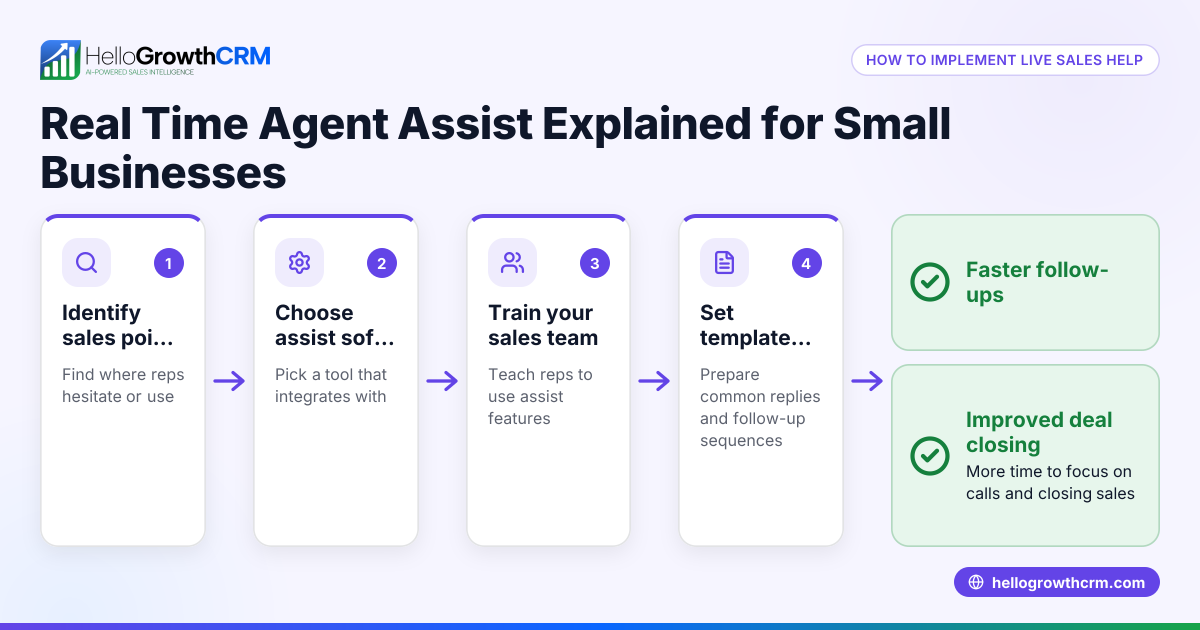
- Train your team: Teach your sales or customer service teams how to recognize and use real time feedback effectively. Check that they understand the importance and know the tools.
- Review and improve: Regularly assess how well your real time feedback process works and make adjustments. Check that you close the feedback loop by showing customers or employees their input matters.
Example (fictional figures)
A landscaping contractor in Charlotte, North Carolina, wants to improve customer satisfaction by using real time feedback from WhatsApp messages.
- On 04/15/2026, the contractor receives a message: “Can you start the lawn service earlier next week?”
- They reply within 30 minutes confirming the new time.
- Customer satisfaction improves, leading to a referral worth $1,200.
Calculations:
Referral value = $1,200
If the contractor previously lost 1 referral per month due to slow responses, gaining this referral increases monthly revenue by $1,200.
Annual impact = $1,200 × 12 = $14,400
This shows how quick feedback and response can boost revenue by $14,400 per year.
Common mistakes
- Ignoring feedback channels: Not monitoring the channels where customers communicate. Prevent by regularly checking WhatsApp, SMS, and email.
- Delayed responses: Waiting too long to reply. Prevent by setting up instant notifications and prioritizing quick replies.
- Overloading with feedback requests: Asking for feedback too often can annoy customers. Prevent by timing requests appropriately.
- Not training staff: Employees don’t know how to handle feedback. Prevent by providing clear guidelines and training.
- Failing to track feedback: Losing sight of trends. Prevent by using simple tracking tools or spreadsheets regularly.
- Not closing the loop: Customers or employees don’t see any action taken. Prevent by communicating back what changes were made.
Frequently asked questions
What is the difference between real time feedback and regular feedback? Real time feedback is immediate or near-immediate, allowing quick action. Regular feedback might come days or weeks later, delaying responses and improvements.
How can I collect real time feedback from customers? Use communication channels your customers use daily, like WhatsApp or SMS. Encourage quick replies and set up alerts so you know instantly when feedback arrives. Tools like WhatsApp and SMS CRM can help manage these channels efficiently.WhatsApp and SMS CRM
Why is real time feedback important for sales teams? It helps sales teams respond quickly to leads, increasing chances of closing deals. Using tools with built-in CRM dialers can streamline calls and follow-ups immediately after feedback.built-in CRM dialer
Can real time feedback improve customer retention? Yes, by addressing issues quickly and showing customers you care, you increase satisfaction and loyalty.
How do I start implementing real time feedback in my small business? Start by identifying key feedback channels, setting up notifications, and training your team. Consider adopting a CRM designed for your communication methods, like WhatsApp, to keep feedback organized and actionable. Learn more about HelloGrowthCRM for the United States to see if it fits your needs.HelloGrowthCRM for the United States
Key takeaways
- Real time feedback means getting immediate responses to act quickly.
- Choose communication channels your customers and team use daily.
- Set up alerts and train your team to respond fast.
- Track feedback trends to improve continuously.
- Avoid ignoring feedback, slow replies, and lack of follow-up.
- Use tools like WhatsApp and SMS CRM to organize and manage feedback efficiently.
Real time feedback helps you catch issues early, improve customer satisfaction, and boost sales. To get started easily, try HelloGrowthCRM’s Free Forever plan with 200 leads and no credit card at Start on the Free Forever plan (200 leads, no credit card).
Ready to put this into practice?
Set up your pipeline, WhatsApp follow-ups, and AI lead scoring in minutes — free, no credit card.
Try HelloGrowthCRM freeGet CRM tips in your inbox
Join thousands of sales professionals who get weekly insights on CRM strategy, AI automation, and pipeline optimization.

The HelloGrowthCRM team publishes guides on CRM strategy, AI sales tools, and revenue operations for small business sales teams.