HelloGrowthCRM software
Built for real small-business sales teams
HelloGrowthCRM helps reps qualify faster, follow up on time, and close more deals—with practical automation in one place.
- AI lead scoring and pipeline visibility
- Built-in dialer, WhatsApp, and email automation
- Sales forecasting and RevOps-ready reporting
Sales automation and spreadsheets are common tools for managing sales, but they serve very different purposes and suit different business needs. This article helps Canadian small business owners understand the differences, advantages, and limitations of each method.
Why this comes up / what goes wrong
Many Canadian small businesses start with spreadsheets because they are familiar, free, and flexible. However, as lead volume and sales complexity grow, spreadsheets often lead to slow follow-up, lost leads, and disorganized data. Sales automation tools promise to solve these issues by automating repetitive tasks and providing better tracking.
Owners and sales leaders face a choice: continue managing sales manually with spreadsheets or invest in sales automation. The decision depends on factors like team size, sales volume, communication channels, and growth plans.
Step-by-step
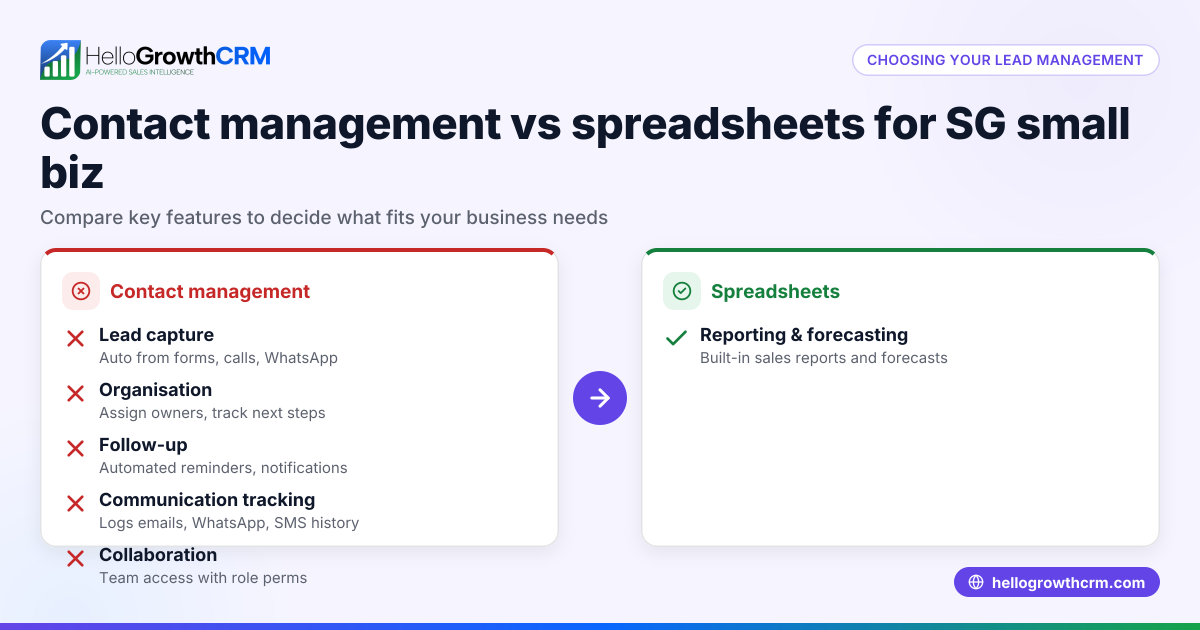
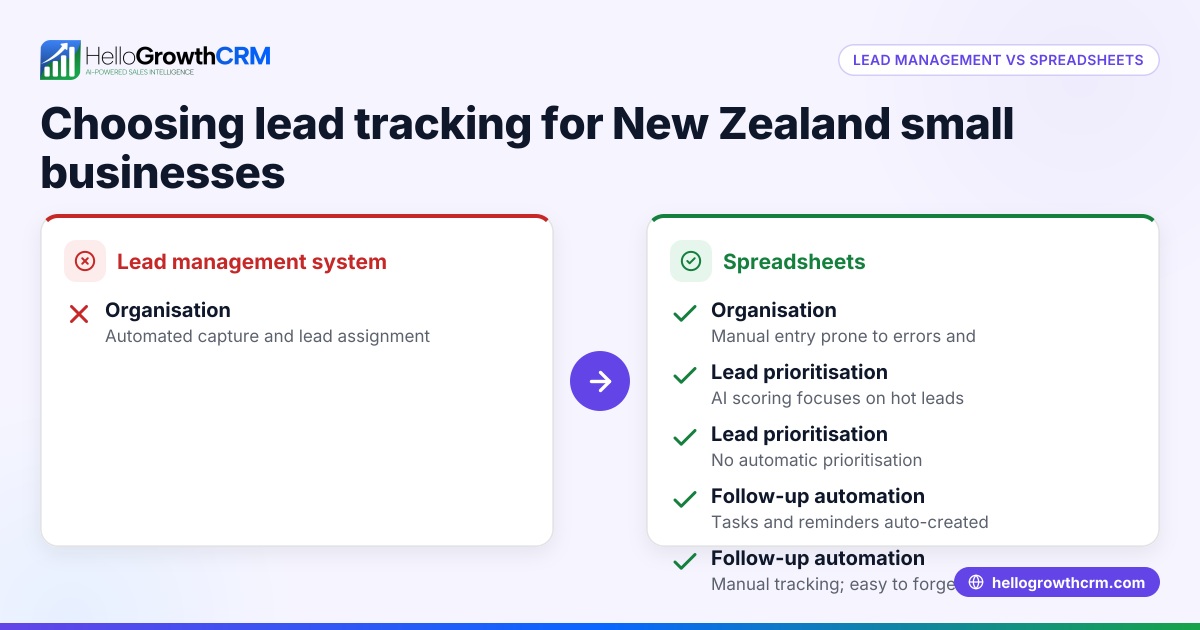
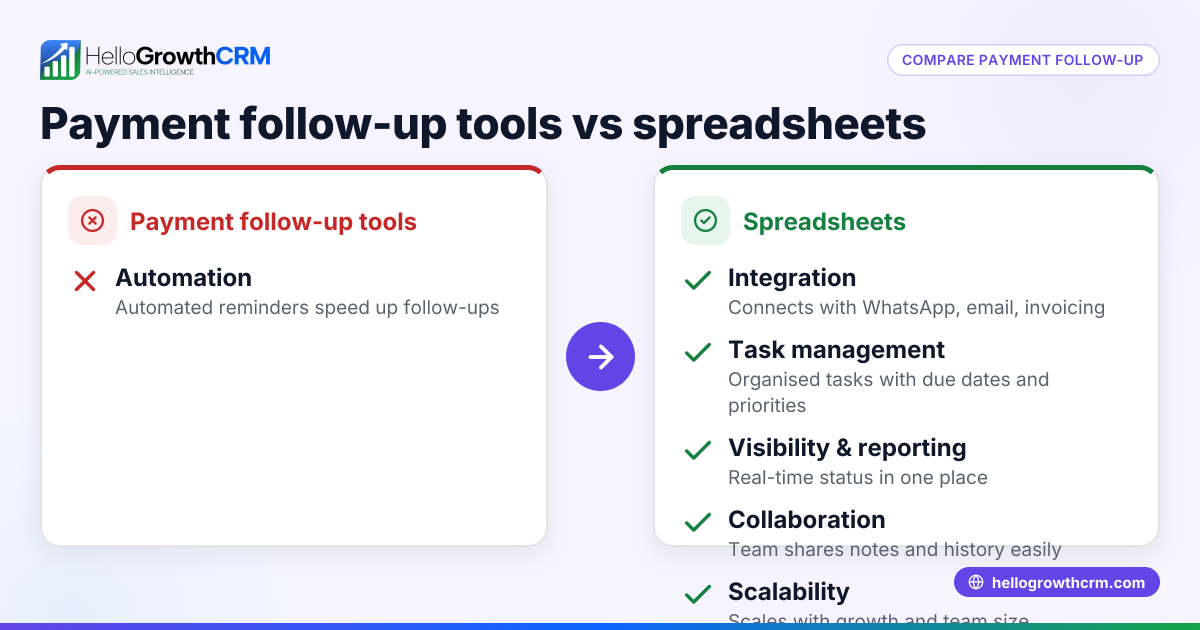
Here is a comparison of sales automation versus spreadsheets on key criteria relevant to Canadian small businesses:
| Criteria | Sales Automation | Spreadsheets |
|---|---|---|
| Lead capture | Automated from web forms and integrations | Manual entry or copy-paste |
| Follow-up speed | Automated sequences ensure timely contact | Manual follow-up prone to delays |
| Multi-channel outreach | Supports email, WhatsApp, SMS sequences | Limited to manual email or messaging |
| Task and pipeline management | Visual boards, automated task creation | Manual tracking, no automation |
| Scalability | Easily scales with team growth | Becomes cumbersome as data grows |
| Reporting and forecasting | Built-in sales forecasting and reports | Requires manual data compilation and analysis |
| Error risk | Lower due to validations and automation | Higher due to manual data entry errors |
Who should pick which?
- Sales automation suits businesses with multiple sales reps, frequent leads, and a need for consistent follow-up across channels. It helps reduce lost leads and improves sales team productivity.
- Spreadsheets may suffice for very small teams with low lead volume, simple sales processes, and minimal need for automation.
For growing Canadian businesses aiming to improve sales efficiency, sales automation is generally the better choice.
Example (fictional figures)
A home-renovation contractor in Calgary, Alberta, handles about 50 new leads per month. They currently use spreadsheets to track leads and follow up manually.
- Each lead requires 3 follow-up attempts at 10 minutes each = 30 minutes per lead.
- Total follow-up time per month = 50 leads × 30 minutes = 1,500 minutes = 25 hours.
- At C$25/hour labour cost, follow-up labour cost = 25 hours × C$25 = C$625.
Switching to sales automation with sequences reduces follow-up time by automating messages and only requiring review when prospects respond.
- Estimated time saved: 70% reduction = 25 hours × 30% = 7.5 hours.
- New follow-up labour cost = 7.5 hours × C$25 = C$187.50.
- Monthly labour cost saved = C$625 - C$187.50 = C$437.50.
This example shows how automation reduces labour costs and improves follow-up speed, helping retain more leads.
Common mistakes
- Relying solely on spreadsheets as leads grow
- Prevent by regularly assessing if manual tracking slows your sales process.
- Ignoring multi-channel communication needs
- Prevent by using tools that support WhatsApp, SMS, and email, not just email.
- Failing to automate repetitive tasks
- Prevent by adopting sales automation workflows to save time.
- Not validating data entry in spreadsheets
- Prevent by using validation rules or switching to CRM with built-in validations.
- Underestimating the value of sales reporting
- Prevent by choosing tools that provide forecasting and performance insights.
Using solutions like HelloGrowthCRM helps avoid these mistakes by combining automation with multi-channel outreach and task management. See compare CRMs for more options.
Doing this in HelloGrowthCRM
HelloGrowthCRM offers sales automation features that help Canadian small businesses improve follow-up and lead management:
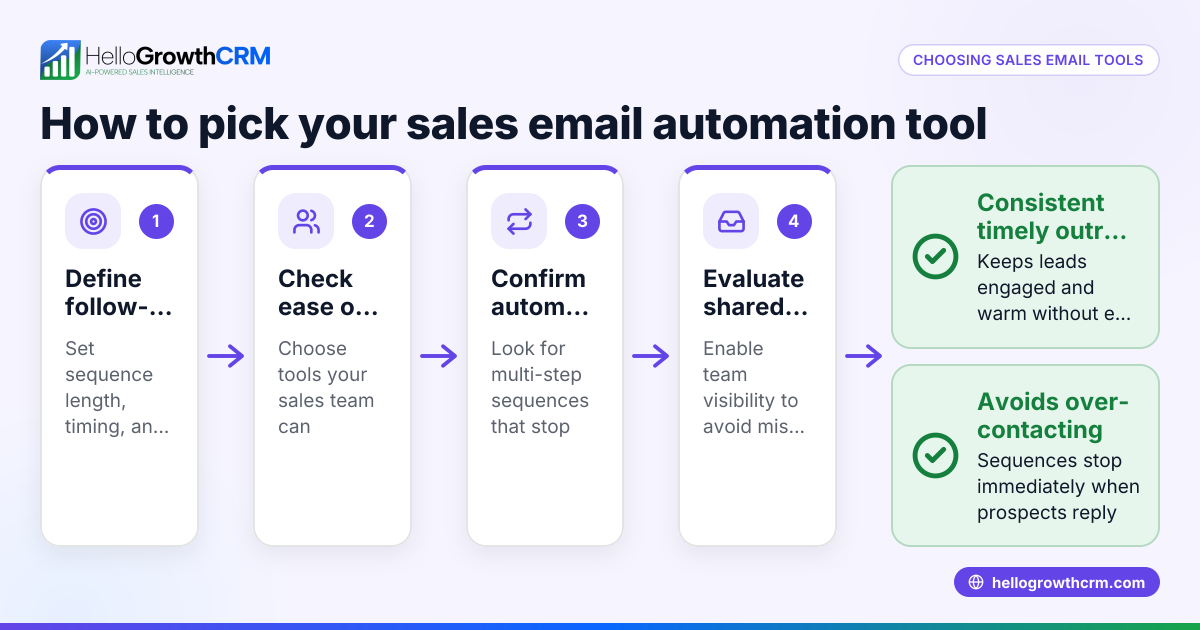
- Sequences and campaigns: A five-step follow-up over two weeks runs automatically and stops when the prospect replies, ensuring timely contact without manual effort.
- AI agents: After a call, an AI agent drafts the follow-up message for the rep to review and send, saving time on messaging.
- Workflows, lead routing and validation rules: New enquiries are assigned round-robin and first-call tasks are created automatically, streamlining lead distribution.
Learn more about these features at AI CRM and see how HelloGrowthCRM supports HelloGrowthCRM for Canada.
Frequently asked questions
Is sales automation expensive compared to spreadsheets? Sales automation often involves subscription costs, but it saves labour and reduces lost leads, which can offset expenses. Spreadsheets are free but can cost more in time and missed opportunities.
Can small teams benefit from sales automation? Yes, even small teams can improve follow-up speed and consistency with automation, especially when managing leads across multiple channels like WhatsApp and email.
How does sales automation improve follow-up? Automation sends scheduled messages and reminders, ensuring leads are contacted promptly and consistently without manual tracking.
Are spreadsheets still useful for sales? They are useful for simple tracking or reporting but lack automation, multi-channel support, and scalability needed for growing sales teams.
Can I switch from spreadsheets to a CRM easily? Many CRMs offer import tools to migrate spreadsheet data. Planning the transition helps avoid data loss and ensures smooth adoption.
Key takeaways
- Sales automation provides timely, multi-channel follow-up and reduces lost leads.
- Spreadsheets are manual, error-prone, and less scalable for growing sales.
- Automation saves labour costs and improves sales team productivity.
- Small Canadian businesses with growing leads benefit most from sales automation.
- Avoid common mistakes by adopting workflows, validations, and multi-channel tools.
Start improving your sales process today. Start on the Free Forever plan (200 leads, no credit card) with HelloGrowthCRM and see the difference.
Ready to put this into practice?
Set up your pipeline, WhatsApp follow-ups, and AI lead scoring in minutes — free, no credit card.
Try HelloGrowthCRM freeGet CRM tips in your inbox
Join thousands of sales professionals who get weekly insights on CRM strategy, AI automation, and pipeline optimization.

The HelloGrowthCRM team publishes guides on CRM strategy, AI sales tools, and revenue operations for small business sales teams.