HelloGrowthCRM software
Built for real small-business sales teams
HelloGrowthCRM helps reps qualify faster, follow up on time, and close more deals—with practical automation in one place.
- AI lead scoring and pipeline visibility
- Built-in dialer, WhatsApp, and email automation
- Sales forecasting and RevOps-ready reporting
A sales call log template helps UAE small businesses track every sales call systematically. It records who was called, when, the discussion points, and next steps, ensuring no lead is forgotten or lost due to poor follow-up. This article explains why such a template is essential, how to create and use one step-by-step, common mistakes to avoid, and offers a fictional example to illustrate.
Why this comes up / what goes wrong
Many small-business owners in the UAE manage their sales leads using WhatsApp, phone calls, and spreadsheets. Without a proper call log, details of calls can be missed or forgotten, leading to slow follow-up and lost sales opportunities. This often causes revenue loss and frustration for sales teams. A ready-to-use sales call log template organises call details clearly and consistently, making it easier for sales teams to track progress, schedule follow-ups, and ensure leads are nurtured effectively.
Step-by-step
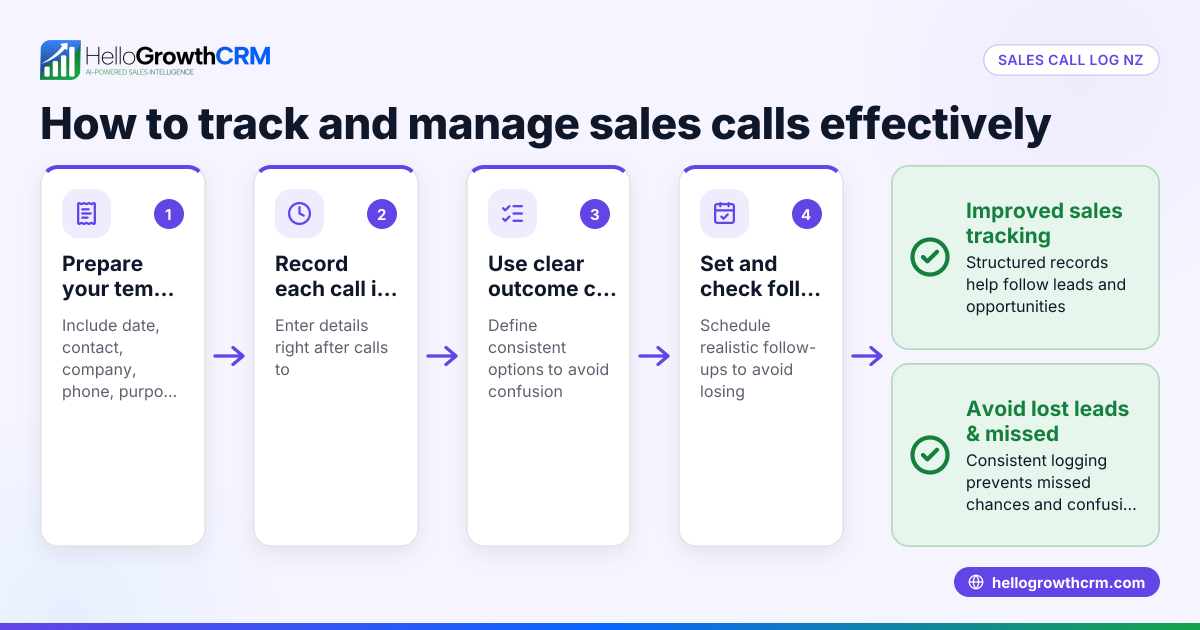
- Set up essential columns: Your call log should include Date, Time, Client Name, Contact Number, Call Purpose, Summary of Discussion, Call Outcome (e.g., interested, follow-up needed, not interested), Next Follow-up Date, and Salesperson.
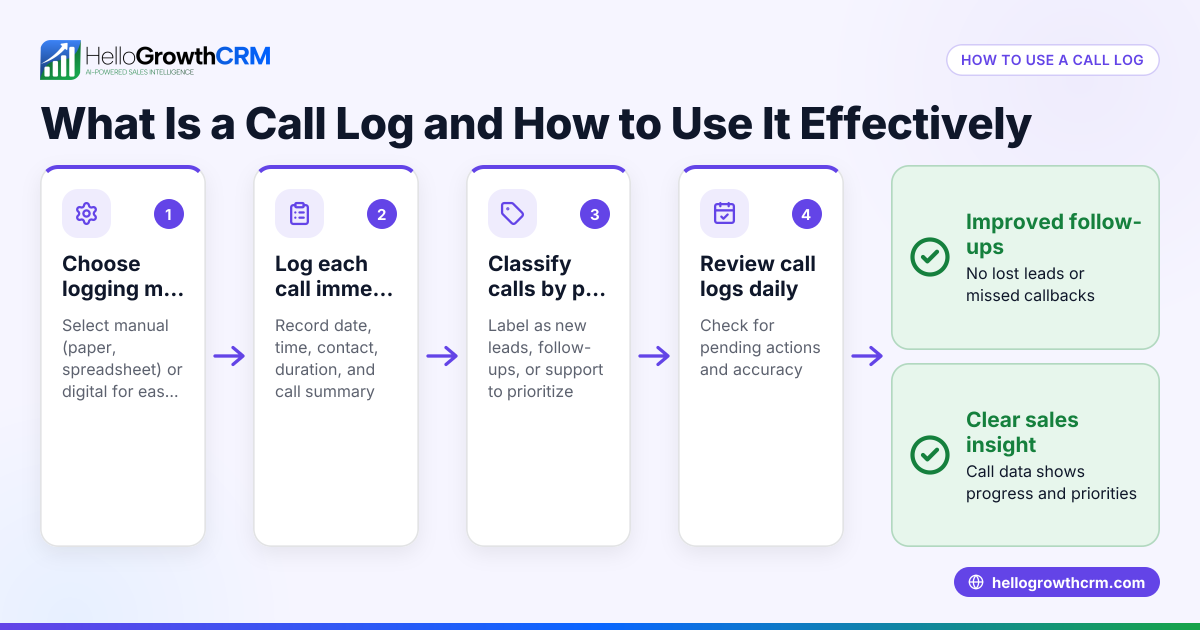
- Choose a digital format: Use Excel or Google Sheets for easy sorting, filtering, and sharing. This helps the team access and update the log in real time.
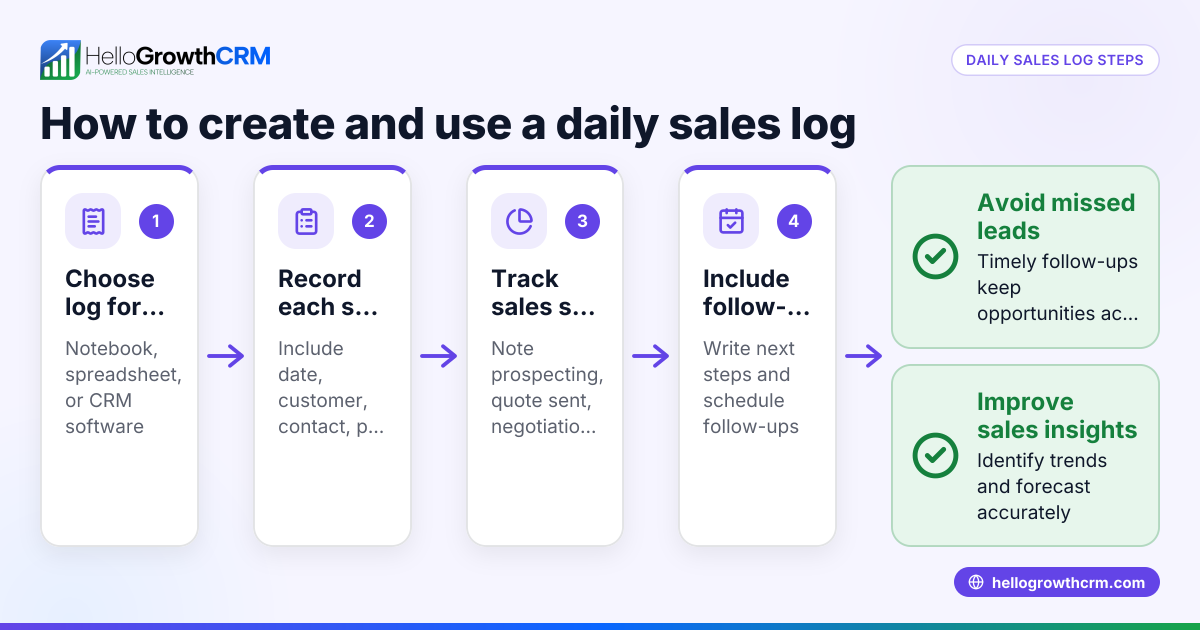
- Record calls immediately: After each call, enter the details while they are fresh to avoid missing or incorrect information.
- Check for completeness: Before saving, ensure all required fields are filled, especially the Next Follow-up Date.
- Review regularly: Supervisors or sales managers should review the call log daily or weekly to track progress and ensure timely follow-ups.
- Protect client data: Use access controls on your file to keep sensitive information secure.
For a ready-made format, you can download free sales templates at HelloGrowthCRM’s sales templates page.
Example (fictional figures)
A real-estate brokerage in Dubai Marina uses this call log entry on 15/05/2024:
| Date | Time | Client Name | Contact Number | Call Purpose | Summary of Discussion | Call Outcome | Next Follow-up Date | Salesperson |
|---|---|---|---|---|---|---|---|---|
| 15/05/2024 | 10:30 | Sarah Al Mansoor | +971 50 1234567 | Discuss apartment sale | Interested in 2-bedroom apartment; requested brochure | Follow-up needed | 20/05/2024 | Ahmed |
To estimate sales potential from this lead:
- Estimated property value: AED 1,500,000
- Expected commission rate: 2% of sale price
Calculation: AED 1,500,000 × 2% = AED 30,000 commission potential
This entry helps Ahmed remember to follow up on 20/05/2024 and keeps the sales pipeline updated.
Common mistakes
- Delaying call logging: Waiting to log calls causes forgotten details. Prevent this by logging immediately after each call.
- Incomplete data entries: Missing follow-up dates or call outcomes lead to lost leads. Always fill in all fields.
- Using paper or isolated files: This limits team access and causes confusion. Use shared digital templates.
- Neglecting regular reviews: Without scheduled checks, follow-ups slip. Set weekly reviews of the call log.
- Mixing personal and business calls: Keep separate logs to avoid confusion.
You can find free templates and checklists on HelloGrowthCRM’s free sales tools and calculators page to help avoid these mistakes.
Doing this in HelloGrowthCRM
HelloGrowthCRM provides free sales tools, templates, and calculators that you can download without an account, including follow-up cadence and pipeline templates. Its built-in dialer allows telecallers to make calls directly from the CRM and automatically logs call outcomes on each lead. The deals (pipeline) feature tracks quotations sent and schedules follow-ups, so no opportunity is forgotten. Learn more about the built-in CRM dialer and pipeline features to improve your sales call management.
Frequently asked questions
What should a sales call log include? A sales call log should capture date, time, client name, contact details, call purpose, discussion summary, call outcome, next follow-up date, and salesperson name. This ensures all relevant information is recorded for effective follow-up.
Can I use Excel for a sales call log? Yes, Excel or Google Sheets are practical tools for maintaining a sales call log. They allow easy sorting, filtering, and sharing among team members. You can download ready-made templates from HelloGrowthCRM’s sales templates page.
How often should I update the sales call log? Update the log immediately after each call to avoid forgetting important details. Supervisors should review the log daily or weekly to ensure timely follow-ups.
What is the benefit of using a CRM for call logging? Using a CRM integrates call logging with lead management, follow-ups, and pipeline tracking. Calls made through the built-in dialer are automatically logged, saving time and reducing errors.
Is there a free sales call log template available? Yes, free downloadable sales templates and tools are available without an account on HelloGrowthCRM’s free sales tools and calculators page.
Key takeaways
- Use a clear, structured sales call log template with essential columns.
- Log calls immediately and fully to prevent lost leads.
- Review and update the log regularly to maintain follow-up discipline.
- Avoid common errors like incomplete entries and unshared files.
- Download free templates and tools from HelloGrowthCRM’s sales templates and tools pages.
- Consider using HelloGrowthCRM’s built-in dialer and pipeline features for automated call logging and follow-up management.
Start organising your sales calls and improve lead follow-up today. Start on the Free Forever plan (200 leads, no credit card) to access templates and built-in call logging for your UAE business.
Ready to put this into practice?
Set up your pipeline, WhatsApp follow-ups, and AI lead scoring in minutes — free, no credit card.
Try HelloGrowthCRM freeGet CRM tips in your inbox
Join thousands of sales professionals who get weekly insights on CRM strategy, AI automation, and pipeline optimization.

The HelloGrowthCRM team publishes guides on CRM strategy, AI sales tools, and revenue operations for small business sales teams.