HelloGrowthCRM software
Built for real small-business sales teams
HelloGrowthCRM helps reps qualify faster, follow up on time, and close more deals—with practical automation in one place.
- AI lead scoring and pipeline visibility
- Built-in dialer, WhatsApp, and email automation
- Sales forecasting and RevOps-ready reporting
A sales call log template NZ is essential for small and mid-sized businesses to keep track of their sales calls, outcomes, and next actions. This helps prevent lost leads and missed follow-ups. The template typically includes fields for date, contact name, company, phone number, call purpose, call outcome, and follow-up date.
Why this comes up / what goes wrong
Many small business owners and sales teams in New Zealand run their sales calls informally, often using text messages, email, or spreadsheets that are not designed for call tracking. Without a proper sales call log template, it’s easy to forget which leads to follow up, lose track of call outcomes, or fail to prioritise promising prospects. This leads to lost sales and inefficient use of time.
A ready-to-use sales call log template NZ provides a structured way to capture all relevant call details in one place. This improves consistency, accountability, and follow-up discipline.
Step-by-step
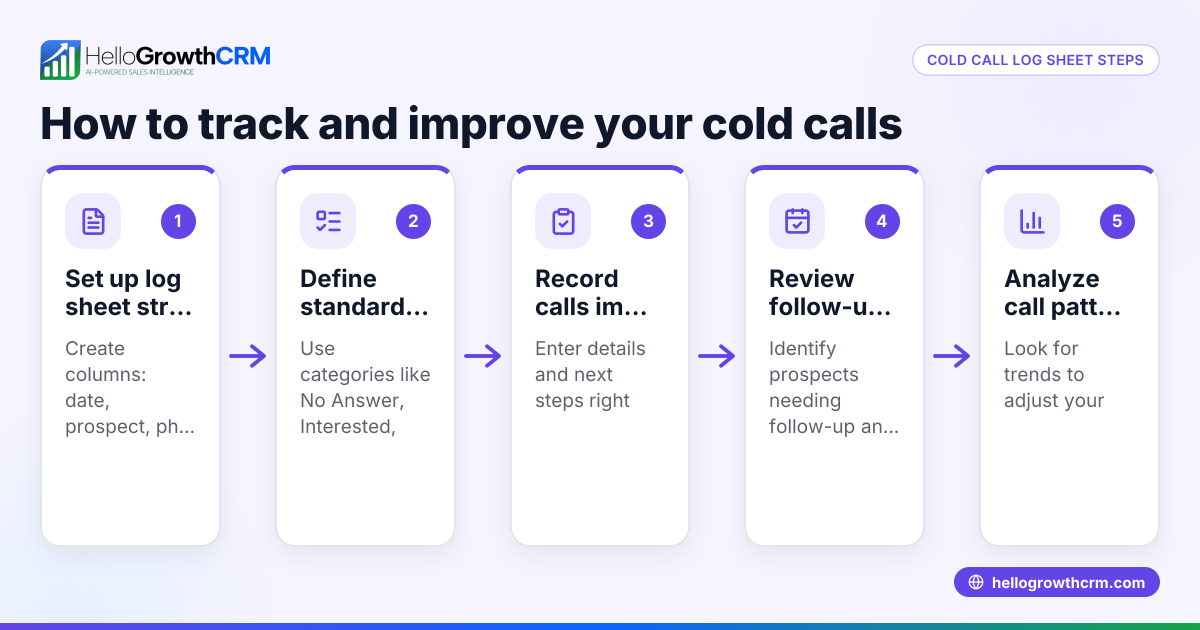
- Prepare your template: Use a spreadsheet or download a free sales call log template NZ from a trusted source. Check it includes columns for:
- Date of call
- Contact name
- Company name
- Phone number
- Call purpose (e.g., introduction, follow-up, quotation)
- Outcome (e.g., interested, no answer, follow-up scheduled)
- Next action and follow-up date
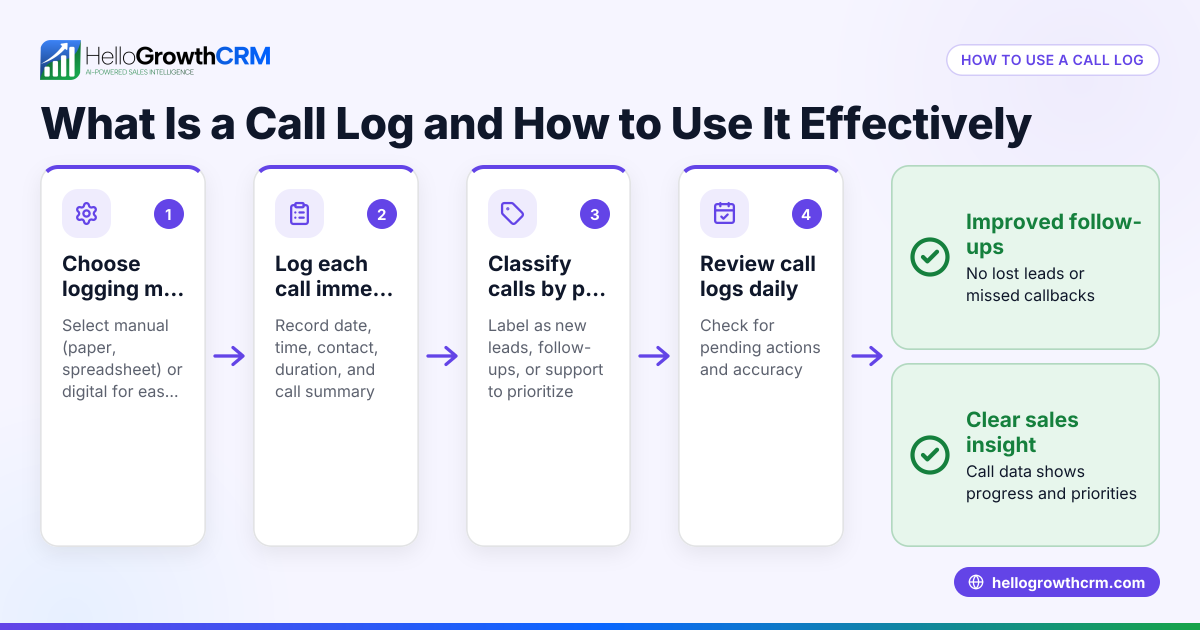
- Record every call immediately: After each call, enter the details while the information is fresh. Check that the date and contact details are accurate.
- Use clear outcome categories: Define consistent outcome options to avoid confusion (e.g., ‘Left voicemail’, ‘Meeting booked’, ‘Not interested’).
- Set follow-up dates: For calls requiring follow-up, enter a specific date to revisit the lead. Check that follow-up dates are realistic and not missed.
- Review and update regularly: At least weekly, review your call log to track progress, prioritise leads, and plan next steps.
- Back up your data: Save your call log in a secure location or cloud storage to prevent data loss.
For more structured sales tracking, consider using free sales templates available online like those at sales templates.
Example (fictional figures)
An electrical contractor in Wellington calls a potential client on 15/04/2024:
- Date of call: 15/04/2024
- Contact name: Sarah Thompson
- Company name: Wellington Builders Ltd
- Phone number: 04 123 4567
- Call purpose: Introduction and quotation follow-up
- Outcome: Quotation sent, follow-up scheduled
- Next action and follow-up date: Phone call on 22/04/2024
This entry looks like:
| Date | Contact Name | Company Name | Phone Number | Call Purpose | Outcome | Next Action |
|---|---|---|---|---|---|---|
| 15/04/2024 | Sarah Thompson | Wellington Builders | 04 123 4567 | Introduction, quotation | Quotation sent | Follow-up call 22/04 |
This clear record helps the contractor remember to call Sarah again on 22 April to check on the quotation.
Common mistakes
- Not logging calls immediately: Leads to forgotten details or missed follow-up. Prevent by entering call info right after each call.
- Inconsistent outcome descriptions: Causes confusion when reviewing logs. Use a fixed set of outcome categories.
- Missing follow-up dates: Results in lost sales opportunities. Always set and check follow-up dates.
- Using multiple unlinked spreadsheets or notes: Makes tracking difficult. Keep one central log or use a CRM.
- Failing to review the log regularly: Leads to stale leads and no action. Schedule weekly reviews.
Using free sales tools and calculators can help standardise your process; see free sales tools and calculators for options.
Doing this in HelloGrowthCRM
HelloGrowthCRM offers free sales tools including templates and calculators that anyone can download without signing up. Its built-in dialer lets your telecaller work through a list inside the CRM, automatically logging the outcome of each call on the lead record. Deals in the sales pipeline show quotations sent with follow-up dates, so you never forget to re-engage prospects. Learn more about the built-in CRM dialer and how HelloGrowthCRM can organise your sales calls.
Frequently asked questions
What should a sales call log template include? A good sales call log template includes the call date, contact and company names, phone number, call purpose, call outcome, and next action with a follow-up date. This ensures all relevant details are captured for tracking.
Can I use Excel or Google Sheets for a sales call log? Yes, spreadsheets are a common and flexible way to manage sales call logs. Use columns for each data point and update immediately after calls. For more structure, you can download free sales templates designed for this purpose.
How often should I review my sales call log? Review your call log at least once a week to prioritise leads, update statuses, and plan follow-ups. Regular reviews help avoid missed opportunities.
How can I avoid losing leads between calls? Set clear follow-up dates in your call log and use reminders. Alternatively, use a CRM with a pipeline feature to track deals and next steps automatically.
Is there a tool to help me log calls more efficiently? Yes, HelloGrowthCRM includes a built-in dialer that lets you call contacts directly and logs call outcomes automatically. This reduces manual entry and keeps all data in one place.
Key takeaways
- Use a structured sales call log template with key fields: date, contact, company, purpose, outcome, and follow-up.
- Record call details immediately and use consistent outcome categories.
- Always set and track follow-up dates to avoid losing leads.
- Review your call log regularly to prioritise and plan next steps.
- Avoid multiple unlinked spreadsheets; centralise your call tracking.
- Consider using free sales templates and tools or a CRM with a built-in dialer for efficiency.
Start organising your sales calls today with a free sales call log template and improve your follow-up success.
Get started on the Free Forever plan (200 leads, no credit card) at HelloGrowthCRM.
Ready to put this into practice?
Set up your pipeline, WhatsApp follow-ups, and AI lead scoring in minutes — free, no credit card.
Try HelloGrowthCRM freeGet CRM tips in your inbox
Join thousands of sales professionals who get weekly insights on CRM strategy, AI automation, and pipeline optimization.

The HelloGrowthCRM team publishes guides on CRM strategy, AI sales tools, and revenue operations for small business sales teams.