HelloGrowthCRM software
Built for real small-business sales teams
HelloGrowthCRM helps reps qualify faster, follow up on time, and close more deals—with practical automation in one place.
- AI lead scoring and pipeline visibility
- Built-in dialer, WhatsApp, and email automation
- Sales forecasting and RevOps-ready reporting
A call log is a detailed record of phone calls related to your business. It typically includes who called or was called, the date and time of the call, how long the call lasted, and the outcome or notes about the conversation. For small-business owners, maintaining a call log ensures no leads or customer inquiries are lost, and follow-up actions are clear and timely.
Why this comes up / what goes wrong
Small-business owners often rely heavily on phone communication with leads, customers, and suppliers. Without a proper call log, it’s easy to lose track of conversations, forget to follow up, or miss important details discussed during calls. Many small teams still use scattered notes, text messages, or spreadsheets that don’t capture the full picture of calls. This disorganization can lead to lost sales opportunities, unhappy customers, and inefficient workflows.
Step-by-step
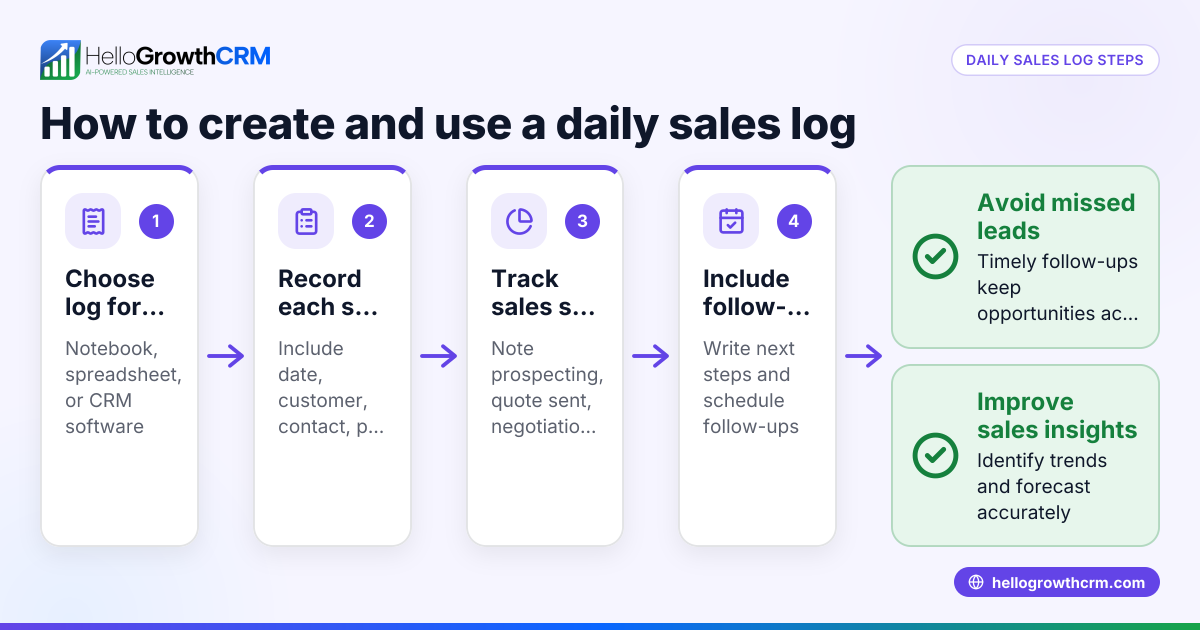
- Decide on your call logging method. Choose whether to keep a manual log (paper or spreadsheet) or a digital system. Ensure it is easy to update and accessible to your team.
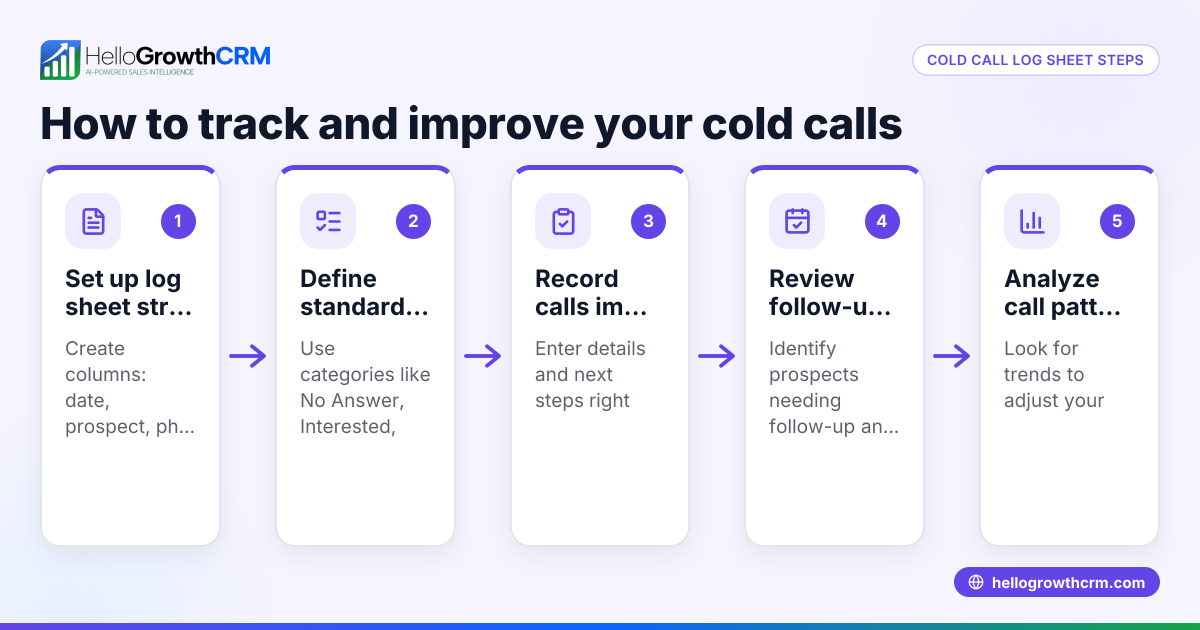
- Log each call immediately after it ends. Record the date and time, contact name and phone number, call duration, and a brief summary or outcome of the call.
- Classify calls by purpose. Label calls as new leads, follow-ups, customer support, or other relevant categories to prioritize next steps.
- Review call logs daily. Check your log for pending tasks or follow-ups and confirm that all calls are recorded accurately.
- Use call logs to generate reports. Summarize call activity weekly or monthly to identify sales trends, pipeline progress, or recurring customer issues.
- Ensure your team shares access and updates the log consistently. Centralizing call logs prevents confusion and missed information.
Example (fictional figures)
A B2B software reseller in Denver, Colorado, uses a call log to track leads.
- On 04/10/2026, the sales rep calls a new lead, John Smith.
- Call duration: 15 minutes.
- Outcome: Scheduled a product demo for 04/15/2026.
Logging this call looks like:
Date: 04/10/2026 Caller: John Smith Phone: (303) 555-1234 Duration: 15 minutes Outcome: Demo scheduled for 04/15/2026
This helps the sales rep remember the next step and ensures the lead is not forgotten.
If that demo leads to a sale:
Sale price: $12,000 Commission rate: 8% Commission earned = $12,000 × 8% = $960
This shows how tracking calls leads to revenue and commissions.
Common mistakes
- Not logging calls immediately: Leads to forgotten details. Prevent by logging right after each call.
- Using multiple unlinked call logs: Causes confusion and missed follow-ups. Prevent by centralizing call logs.
- Ignoring call outcomes: Makes it hard to prioritize next steps. Prevent by always recording the call result.
- Failing to review call logs regularly: Misses deadlines and opportunities. Prevent by scheduling daily or weekly reviews.
- Not training the team on logging: Leads to inconsistent records. Prevent by standardizing the process and training everyone.
How to Know If Your Call Log System Is Working
To make sure your call log helps your business, check these signs regularly:
- Are follow-ups happening on time? If you or your team miss callbacks, your logging might be incomplete.
- Do you have clear next steps recorded after each call? Without this, calls may not lead to action.
- Is the call log easy for everyone to access and update? If it’s a hassle, people might skip logging.
- Are you seeing fewer lost leads or forgotten conversations? This shows your system is capturing what matters.
- Does reviewing the log help you spot patterns or issues? If it’s just data without insight, adjust how you summarize calls.
If you notice problems in these areas, revisit your process to simplify or improve training. A working call log keeps your sales and support running smoothly.
Doing this in HelloGrowthCRM
HelloGrowthCRM includes a built-in dialer that lets your team make calls directly from the CRM. Each call’s outcome is logged automatically on the lead’s record, keeping your call history organized and accessible. A rep can work through a call list inside the CRM, ensuring no lead is missed or forgotten. This feature helps small and mid-sized businesses maintain accurate call logs without extra manual work. Learn more about the built-in CRM dialer and how HelloGrowthCRM supports WhatsApp and SMS CRM for unified communication.
Frequently asked questions
What information should a call log include? A call log should include the date and time of the call, contact name and phone number, call duration, and a brief summary or outcome. This helps track communication and plan follow-ups.
How can a call log improve sales follow-up? Recording each call’s details and outcome ensures sales reps know when and how to follow up, reducing lost leads and improving conversion rates.
Can I keep a call log without special software? Yes, spreadsheets or paper logs work, but they become harder to manage as your business grows. Digital tools like HelloGrowthCRM’s built-in dialer automate logging and keep all call history tied to contacts and deals.
How often should I review call logs? Daily reviews catch urgent follow-ups, while weekly summaries identify trends and pipeline status. Regular review keeps your sales process on track.
Is call logging legal in the US? Logging call details like time and outcome is legal, but recording calls may require consent depending on state laws. Always check local regulations before recording conversations.
Key takeaways
- A call log records details of every business call to track communication and outcomes.
- Immediate and consistent logging prevents lost leads and missed follow-ups.
- Centralizing call logs improves team coordination and sales efficiency.
- Regular review of call logs helps prioritize tasks and understand sales trends.
- HelloGrowthCRM’s built-in dialer automates call logging and keeps history tied to leads.
Start managing your calls more effectively with HelloGrowthCRM. Start on the Free Forever plan (200 leads, no credit card).
Ready to put this into practice?
Set up your pipeline, WhatsApp follow-ups, and AI lead scoring in minutes — free, no credit card.
Try HelloGrowthCRM freeGet CRM tips in your inbox
Join thousands of sales professionals who get weekly insights on CRM strategy, AI automation, and pipeline optimization.

The HelloGrowthCRM team publishes guides on CRM strategy, AI sales tools, and revenue operations for small business sales teams.