HelloGrowthCRM software
Built for real small-business sales teams
HelloGrowthCRM helps reps qualify faster, follow up on time, and close more deals—with practical automation in one place.
- AI lead scoring and pipeline visibility
- Built-in dialer, WhatsApp, and email automation
- Sales forecasting and RevOps-ready reporting
A sales commission invoice format is a document used to bill or record commissions owed to sales agents or representatives. It clearly states the sales made, the commission rate agreed upon, and the total commission amount due. A proper format prevents confusion and ensures timely payment.
Why this comes up / what goes wrong
Canadian small-business owners often pay commissions to sales teams or independent agents. Without a standard invoice format, errors can happen: missing invoice numbers, unclear commission calculations, or forgotten payment terms. Many rely on informal notes, emails, or spreadsheets, which increase the risk of mistakes and delayed payments. These errors can lead to disputes, cash flow problems, and strained relationships with sales staff. A ready-to-use sales commission invoice format helps standardize payments, improve record-keeping, and avoid disputes by clearly communicating what is owed and when.
Step-by-step
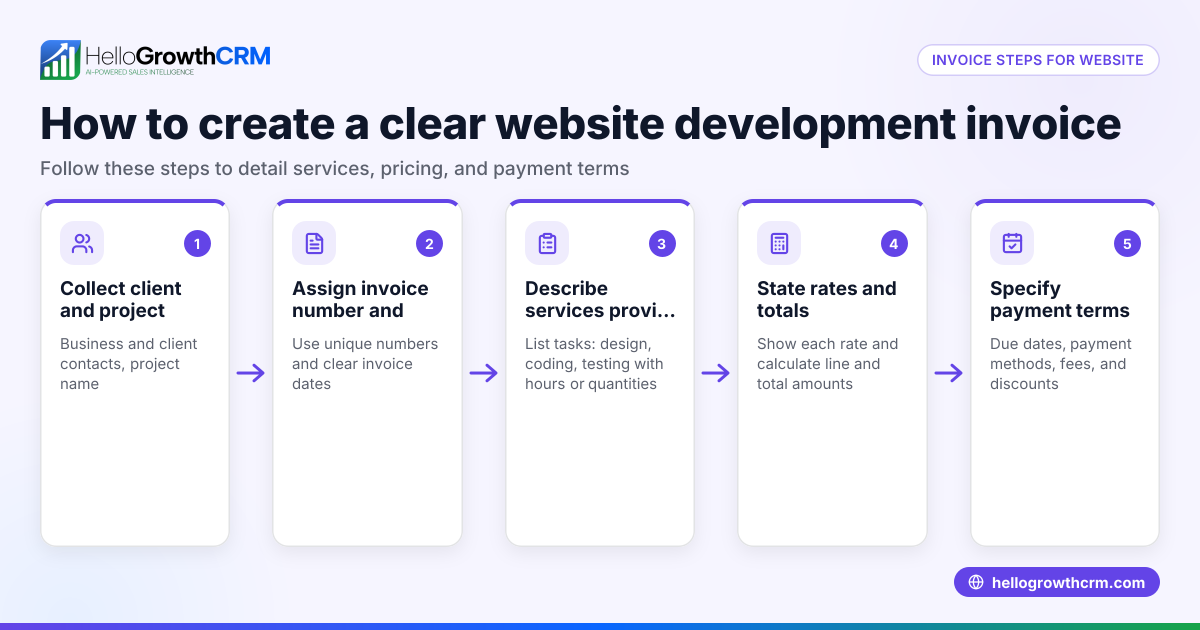
- Header and Invoice Details: Include your business name, address, and contact information. Add a unique invoice number and the invoice date to track payments and avoid duplicates.
- Recipient Information: Add the sales agent's full name and contact details to specify who the commission is payable to.
- Sales Details: List the sales transactions or total sales amount commissions apply to. Include invoice or order numbers if available to link commissions to actual sales.
- Commission Rate: Clearly state the commission percentage or fixed rate agreed upon in the sales contract or agreement.
- Commission Amount Calculation: Show the calculation by multiplying the sales value by the commission rate. This transparency helps avoid confusion.
- Total Commission Payable: Sum commission amounts if multiple sales are listed or if there are tiered rates.
- Payment Terms: Specify payment due date, acceptable payment methods (cheque, e-transfer, etc.), and any penalties for late payment.
- Additional Notes: Add any relevant terms or remarks such as adjustments, bonuses, or deductions.
Before sending, check all figures for accuracy and ensure the invoice number is unique to avoid duplication. Keep a copy for your records and for the sales agent.
Example (fictional figures)
An HVAC company in Surrey, British Columbia, pays commissions monthly to its sales agent Jordan Smith.
| Detail | Information |
|---|---|
| Business Name | CoolAir Solutions |
| Invoice Number | INV-2026-045 |
| Invoice Date | 2026-06-15 |
| Sales Agent | Jordan Smith |
| Sales Total | C$48,000 |
| Commission Rate | 9% |
Calculation:
C$48,000 × 9% = C$4,320
Total Commission Payable = C$4,320
Payment due within 30 days by cheque or e-transfer.
Common mistakes
- Omitting invoice numbers: Always assign a unique invoice number to track payments and avoid confusion. Use a consistent numbering system.
- Incorrect commission calculations: Double-check percentages and math before sending. Use formulas or software to reduce errors.
- Missing sales details or dates: Include sales references and invoice dates to clarify commission basis and avoid disputes.
- No payment terms stated: Specify payment deadlines and methods to avoid delays and misunderstandings.
- Using inconsistent formats: Use a standard template for clarity and professionalism, which helps both parties understand the invoice.
- Not keeping copies: Always keep copies of invoices sent and payments received to resolve any future queries.
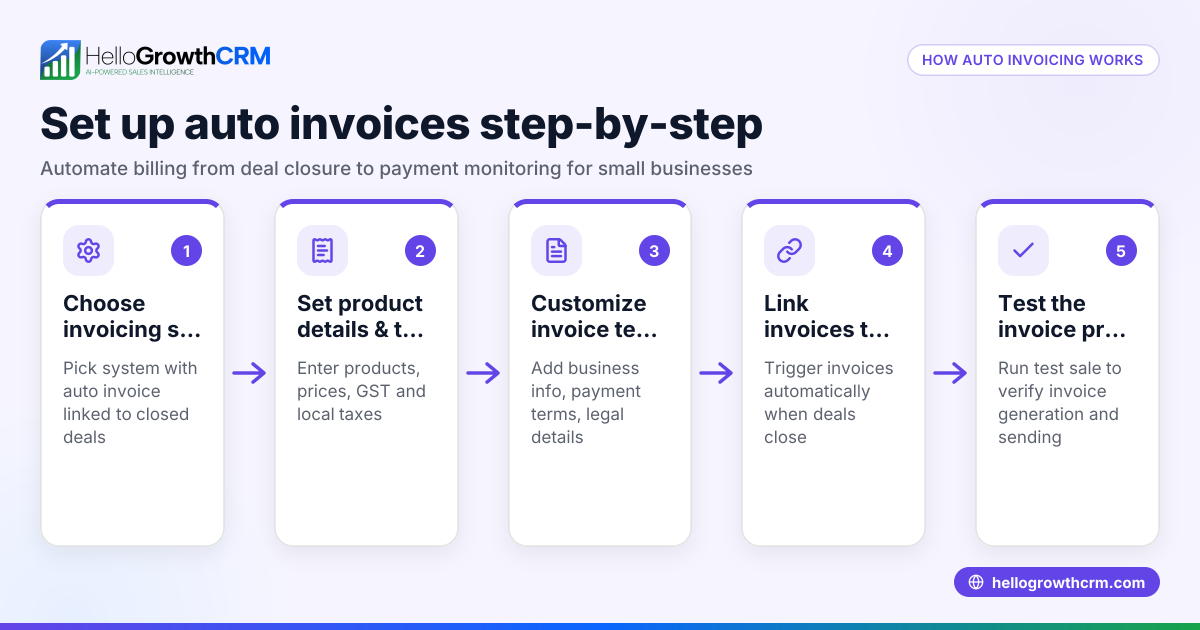
Using a CRM like HelloGrowthCRM helps avoid these errors by tracking deals and commissions systematically and linking invoices directly to deals.
Doing this in HelloGrowthCRM
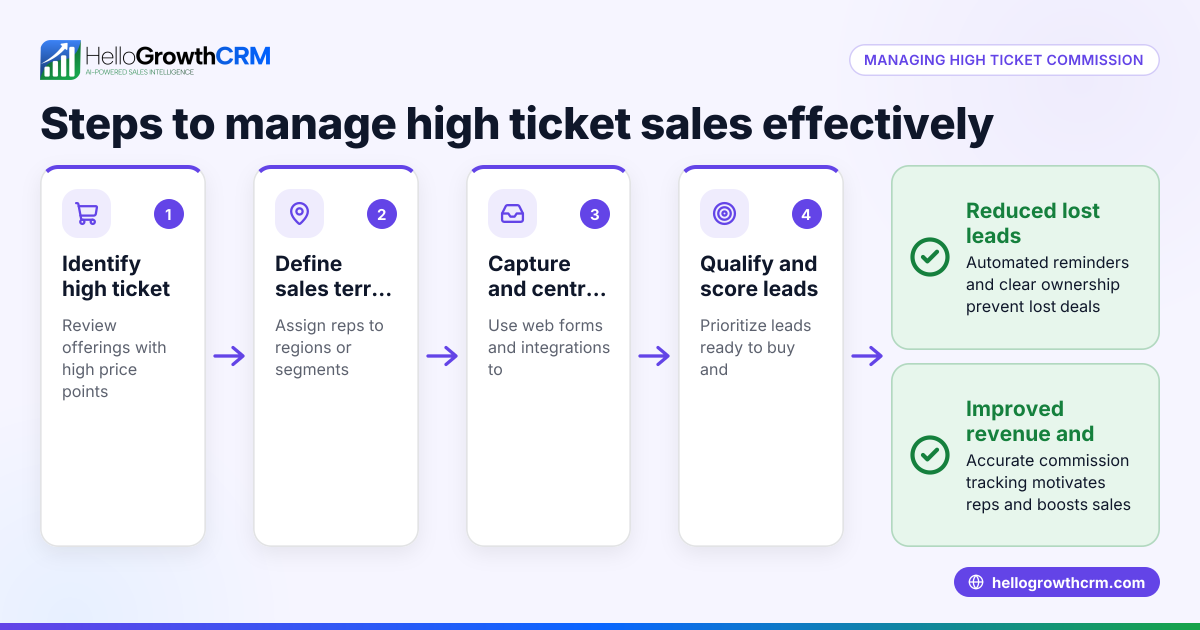
HelloGrowthCRM supports commission tracking linked to deal outcomes through its Territories, field operations and commissions features. Field sales reps can log visits and sales from their phones, while managers monitor daily activities and commissions. The CRM integrates quotes, proposals, invoices, and payment tracking from the same deal record, showing document status alongside follow-up tasks. Deals in the pipeline are tracked with stages and follow-up dates so commission-related invoices are not forgotten. Learn more about these features at territories, field operations and commissions, quotes, proposals, invoices and payments, and deals (pipeline).
Frequently asked questions
What should a sales commission invoice include? It should include your business and sales agent details, invoice number and date, sales amounts, commission rate, commission calculation, total payable, and payment terms. This ensures clarity and helps prevent disputes.
Can I use a simple spreadsheet for commission invoices? Yes, but spreadsheets risk errors and lack integration with sales data. Using a CRM or invoicing software improves accuracy, automates calculations, and links commissions to actual sales.
How do I calculate commission if there are multiple sales? Calculate commission for each sale separately by multiplying each sale amount by the commission rate, then sum the amounts to get the total commission payable.
Is it necessary to have payment terms on the invoice? Yes, specifying payment terms helps ensure timely payment and sets clear expectations for both parties, reducing the risk of late payments.
How does HelloGrowthCRM help with commission invoicing? It tracks commissions linked to deals, supports managing quotes, proposals, invoices, and payments in one place, and helps keep commission invoices from being forgotten by showing their status alongside follow-up tasks.
Key takeaways
- Use a clear invoice format including invoice number, dates, sales details, commission rate, and payment terms.
- Calculate commissions explicitly and verify calculations to avoid errors.
- Keep consistent records with unique invoice numbers for easy tracking.
- Avoid common mistakes like missing details or unclear payment terms by using a standard template.
- HelloGrowthCRM helps manage commissions, quotes, invoices, and deal tracking in one tool.
Start on the Free Forever plan (200 leads, no credit card) at HelloGrowthCRM to try commission tracking and sales management features.
Ready to put this into practice?
Set up your pipeline, WhatsApp follow-ups, and AI lead scoring in minutes — free, no credit card.
Try HelloGrowthCRM freeGet CRM tips in your inbox
Join thousands of sales professionals who get weekly insights on CRM strategy, AI automation, and pipeline optimization.

The HelloGrowthCRM team publishes guides on CRM strategy, AI sales tools, and revenue operations for small business sales teams.