HelloGrowthCRM software
Built for real small-business sales teams
HelloGrowthCRM helps reps qualify faster, follow up on time, and close more deals—with practical automation in one place.
- AI lead scoring and pipeline visibility
- Built-in dialer, WhatsApp, and email automation
- Sales forecasting and RevOps-ready reporting
An invoice for website development is a commercial document sent by a developer or agency to a client requesting payment for website design, coding, or related services. It specifies the work performed, pricing, payment terms, and deadlines. Proper invoicing ensures clear communication and timely payment.
Why this comes up / what goes wrong
Small-business owners who hire website developers often face confusion about what details to include in invoices or how to bill for phased work like design, development, and testing. Without a clear invoice, clients may delay payment or dispute charges. Developers sometimes miss key elements like due dates or itemized services, causing cash flow problems. Understanding how to create a clear, professional invoice helps both parties avoid disputes and get paid on time.
Step-by-step
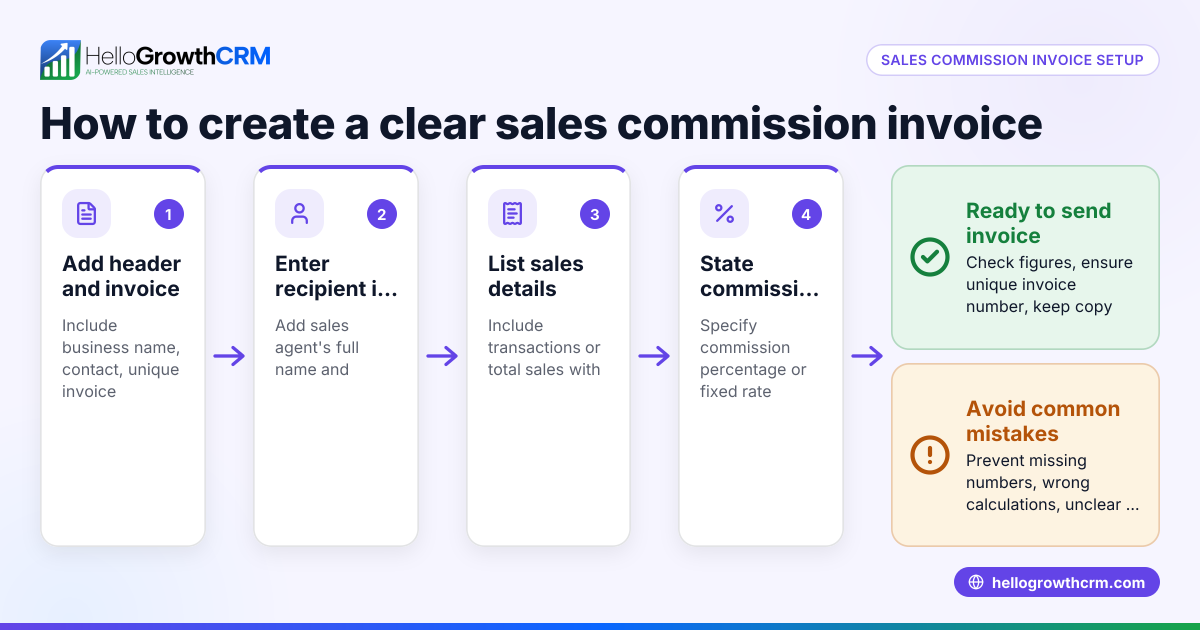
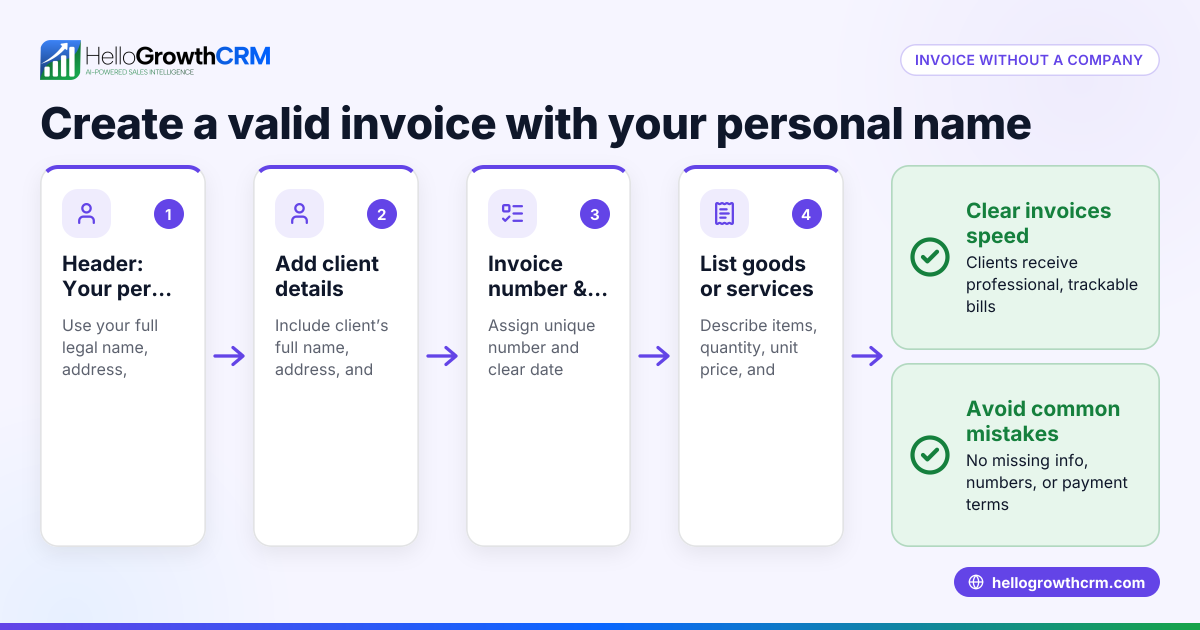
- Collect client and project details: Include your business name, address, phone, email, and the client’s contact details. Note the project name or reference.
- Assign an invoice number and date: Use a unique invoice number for tracking and state the invoice date clearly.
- Describe the services provided: List website development tasks such as design, coding, testing, or maintenance. Break down services into line items with quantities or hours.
- State the rates and total amounts: For each service, show the rate (hourly or fixed) and calculate the line total. Sum all line totals for the invoice total.
- Specify payment terms: Include the due date (e.g., Net 30 days), accepted payment methods, and any late fees or discounts.
- Add tax information if applicable: If you charge sales tax or other taxes, list the tax rate and amount separately.
- Include payment instructions: Provide bank details, mailing address, or online payment links.
- Review and send: Double-check all details for accuracy. Send the invoice by email or postal mail.
- Track invoice status and follow up: Keep records of sent invoices and follow up on unpaid ones promptly.
Using tools that allow you to send quotes and invoices from the same place can reduce errors and improve follow-up efficiency. For example, a built-in CRM dialer and WhatsApp and SMS CRM can help keep communication and invoicing organized.
Example (fictional figures)
A two-location dental practice in Columbus, Ohio, hires a freelance developer to build a new website. The invoice covers design and coding phases.
- Design: 40 hours × $75/hour = $3,000
- Coding: 60 hours × $80/hour = $4,800
- Testing: fixed fee = $500
Subtotal = $3,000 + $4,800 + $500 = $8,300 Sales tax (assumed 7%) = $8,300 × 7% = $581 Total due = $8,300 + $581 = $8,881
Invoice date: 04/15/2026 Payment due: 05/15/2026 (Net 30)
This invoice clearly shows each service, the rate, tax, and payment terms.
Common mistakes
- Missing or unclear payment terms: Always state due dates and accepted payment methods to avoid delays.
- Not itemizing services: Break down work to justify charges and avoid disputes.
- Failing to assign unique invoice numbers: This causes confusion in tracking payments; use sequential numbers.
- Ignoring tax requirements: Check if you must charge sales tax and include it properly.
- Not following up on unpaid invoices: Use a system or service to remind clients promptly.
- Using separate tools for quotes and invoices: This can cause errors; keep quoting and invoicing integrated with your sales follow-up tasks using tools like a built-in CRM dialer and WhatsApp and SMS CRM.
Doing this in HelloGrowthCRM
HelloGrowthCRM offers tools for sending quotes, proposals, and invoices directly from a deal record. The status of sent documents (sent, viewed, accepted) appears alongside follow-up tasks, helping you stay organized. Payment received can be tracked and matched to invoices and deals. For founders without a sales manager, the Managed RevOps service provides a specialist who works your follow-up queue weekly, ensuring no lead or invoice is overlooked. Learn more about these capabilities at HelloGrowthCRM for the United States.
Frequently asked questions
What should be included in an invoice for website development? An invoice should include your business and client contact details, invoice number, invoice date, detailed description of services, rates, total amount, payment terms, tax details if applicable, and payment instructions.
Can I invoice in phases for a website project? Yes. Many developers invoice by milestones such as design completion, coding, and testing. Each invoice should clearly state the work covered and amounts due for that phase.
Do I need to charge sales tax on website development invoices? It depends on your state laws and business status. Check local tax regulations or consult a tax professional to determine if sales tax applies to your services.
How can I track unpaid invoices effectively? Using tools that combine quoting, invoicing, and follow-up tasks in one place helps you monitor unpaid invoices and send reminders promptly. Features like a built-in CRM dialer and WhatsApp and SMS CRM can support this process.
Is it better to send invoices by email or postal mail? Email is faster and more common, but some clients may prefer postal mail. Confirm client preferences and keep proof of delivery for either method.
Key takeaways
- An invoice for website development details services, pricing, and payment terms to request payment.
- Include client info, invoice number, service breakdown, rates, taxes, and payment instructions.
- Invoice in phases if the project is large or milestone-based.
- Avoid common mistakes like unclear terms, missing invoice numbers, and not following up.
- Use integrated tools such as a built-in CRM dialer and WhatsApp and SMS CRM to manage quotes, invoices, and follow-ups efficiently.
- Managed RevOps support can help founders keep up with follow-ups and invoicing tasks.
Start managing your website development invoices more efficiently with HelloGrowthCRM. Start on the Free Forever plan (200 leads, no credit card).
Ready to put this into practice?
Set up your pipeline, WhatsApp follow-ups, and AI lead scoring in minutes — free, no credit card.
Try HelloGrowthCRM freeGet CRM tips in your inbox
Join thousands of sales professionals who get weekly insights on CRM strategy, AI automation, and pipeline optimization.

The HelloGrowthCRM team publishes guides on CRM strategy, AI sales tools, and revenue operations for small business sales teams.