HelloGrowthCRM software
Built for real small-business sales teams
HelloGrowthCRM helps reps qualify faster, follow up on time, and close more deals—with practical automation in one place.
- AI lead scoring and pipeline visibility
- Built-in dialer, WhatsApp, and email automation
- Sales forecasting and RevOps-ready reporting
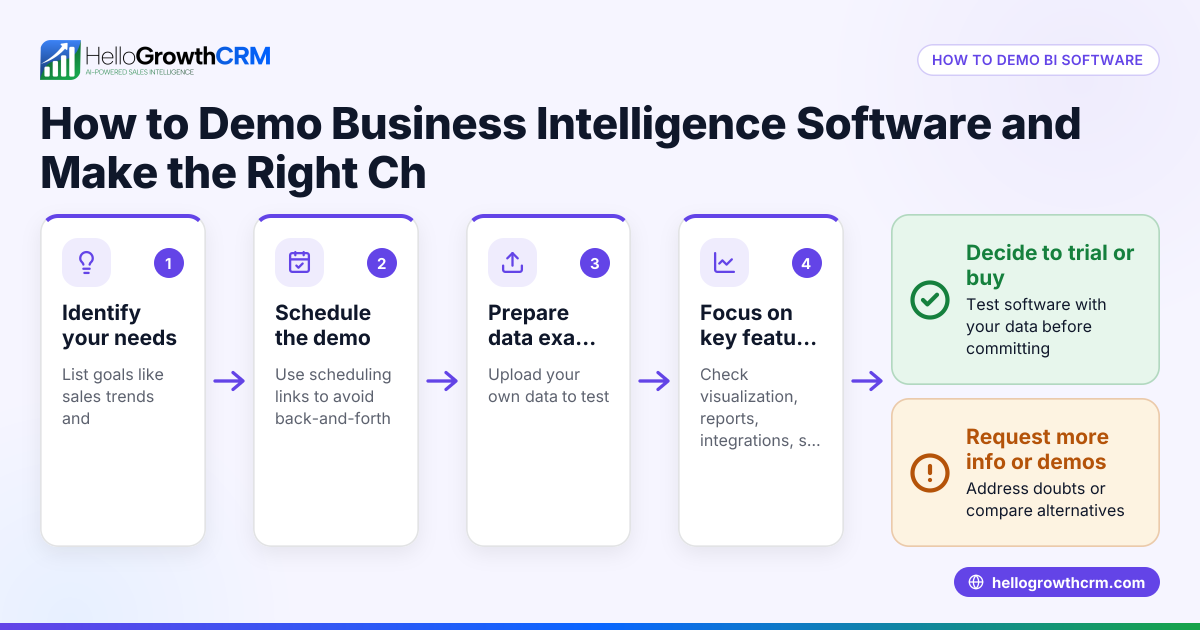
Sales demo personalization means tailoring your sales presentation to address the specific needs, pain points, and interests of each prospect. This approach improves engagement and increases the chance of closing deals. This article explains why personalization matters, how to do it step-by-step, common mistakes to avoid, and how HelloGrowthCRM features support personalized demos.
Why this comes up / what goes wrong
Small-business owners and sales leaders often struggle to keep sales demos relevant and engaging for each prospect. Many rely on generic presentations that don’t address the unique challenges or goals of their leads. This can cause prospects to lose interest or feel the product isn’t a good fit. Additionally, managing demos manually—via text messages, emails, or spreadsheets—makes it hard to track what each prospect needs or when to follow up. Without personalization, demos become less effective, deals stall, and leads slip away.
Step-by-step
- Research your prospect: Before the demo, gather information about the prospect’s business size, industry, pain points, and goals. Check previous communications, social media, and any public data.
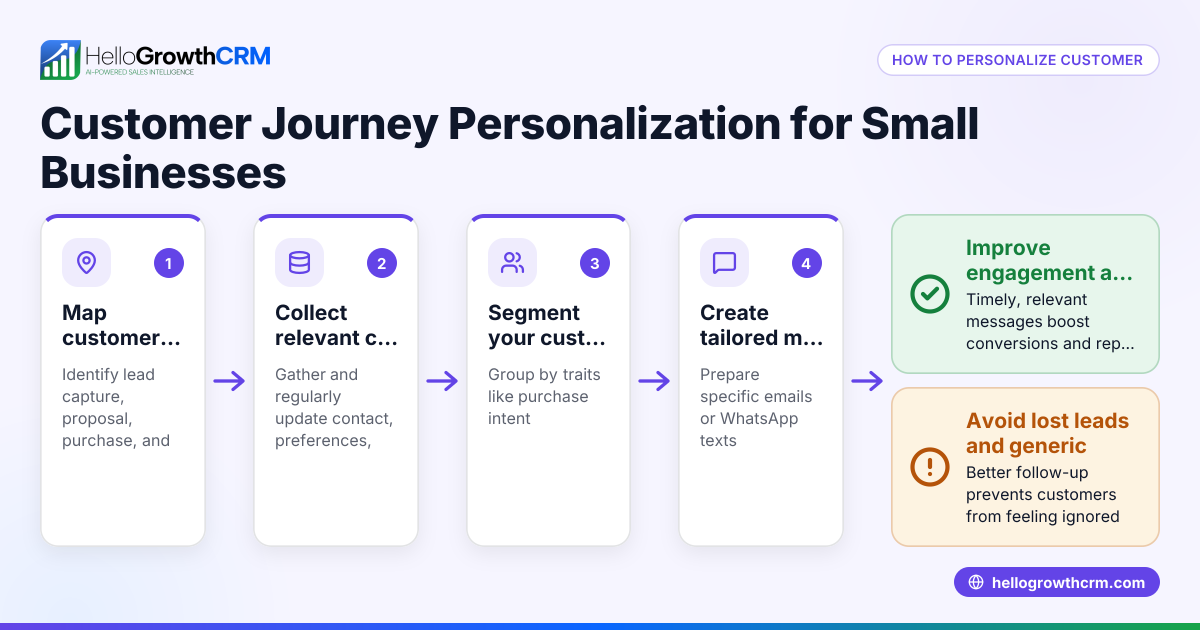
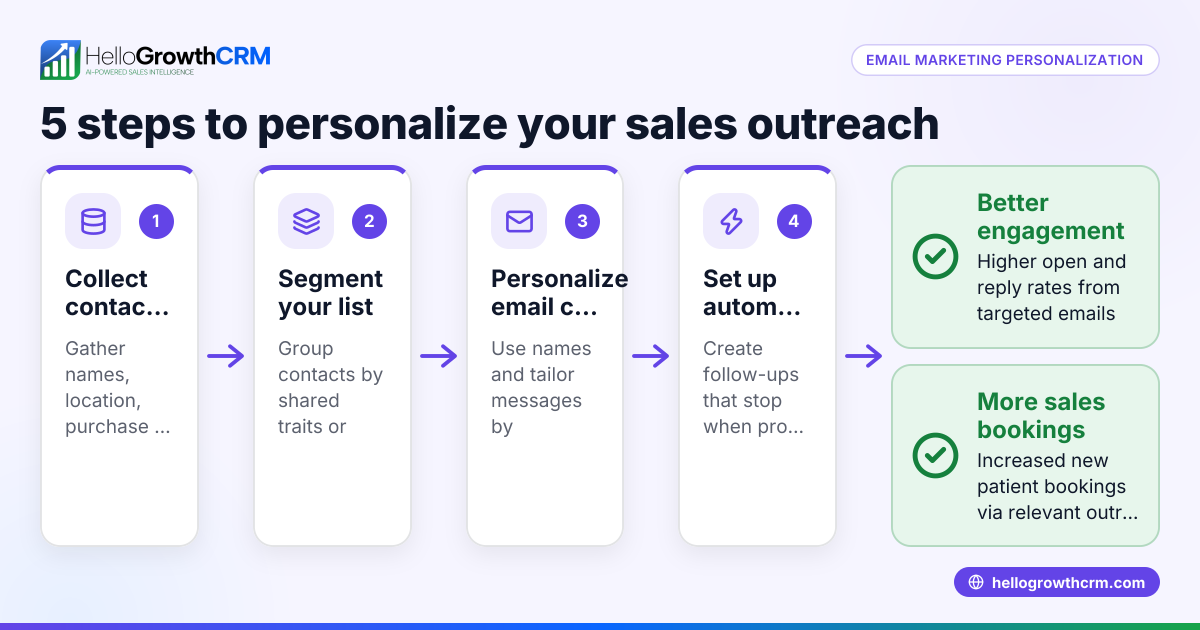
- Segment your prospects: Group prospects based on common characteristics such as industry, company size, or use case. This helps tailor your demo content efficiently.
- Customize your demo content: Adjust your presentation to highlight features and benefits that solve the prospect’s specific problems. Remove irrelevant information to keep the demo concise.
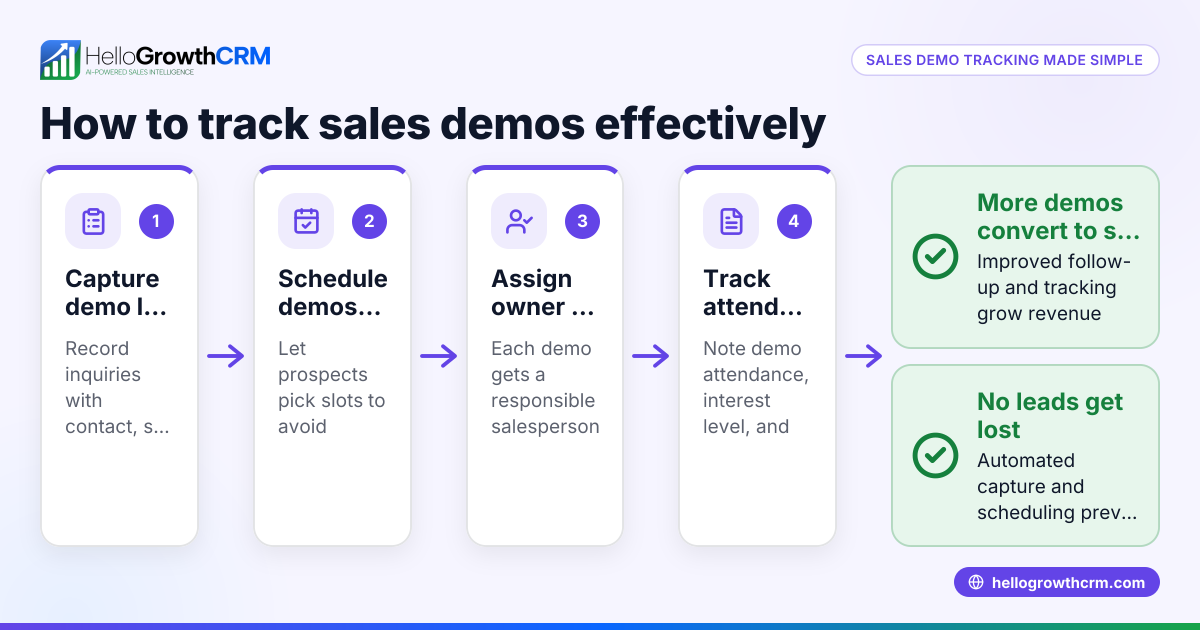
- Use personalized communication channels: Reach out via the prospect’s preferred channels like WhatsApp, SMS, or email. Scheduling tools can let prospects pick demo times without back-and-forth (/product/meeting-scheduler).
- Incorporate real examples and data: Use case studies or examples that resemble the prospect’s situation. Show how your product can impact their business with numbers or scenarios.
- Prepare follow-up actions: Set reminders to follow up after the demo with tailored messages addressing any questions or objections raised.
- Track and update your sales pipeline: Record the demo outcome and next steps in your CRM pipeline to ensure no opportunities are missed (/product/ai-crm).
Example (fictional figures)
Consider a plumbing company in Austin, Texas, called "Austin Flow Masters". They sell water filtration systems and want to personalize demos for commercial clients.
- They identify a prospect, "Green Office Buildings," needing filtration for 5 locations.
- The sales rep researches and finds the prospect values eco-friendly solutions and cost savings.
- The rep customizes the demo to focus on energy-efficient filtration and cost reductions.
- The demo is scheduled via a booking link, avoiding scheduling delays.
- After the demo on 03/15/2026, the rep sets a follow-up reminder for 03/22/2026.
Financial impact:
Estimated cost savings per location: $2,000 annually
Total locations: 5
Annual savings = $2,000 × 5 = $10,000
Demo preparation time saved by scheduling link: 30 minutes
Time saved per week (assuming 4 demos): 30 minutes × 4 = 2 hours
This personalized approach increases the chance of closing the $10,000 annual savings deal and saves time.
Common mistakes
- Using one-size-fits-all demos: Avoid generic demos that don’t speak to the prospect’s specific needs. Prevent this by researching and segmenting prospects.
- Ignoring the prospect’s preferred communication channel: Don’t force email if the prospect prefers WhatsApp or SMS. Use scheduling and booking tools to reach prospects on their channels and simplify demo setup (/product/meeting-scheduler).
- Poor scheduling causing delays: Avoid back-and-forth on timing by using scheduling links so prospects pick slots themselves (/product/meeting-scheduler).
- Not tracking demo outcomes: Without recording demo results and follow-ups, leads get lost. Use a deals pipeline to keep track of each opportunity (/product/ai-crm).
- Failing to update demos based on feedback: Continuously improve your demo content based on what works and what doesn’t.
Doing this in HelloGrowthCRM
HelloGrowthCRM supports sales demo personalization with several features:
- Deals (pipeline): When you send a quotation, it appears as a deal at the 'quote sent' stage with a follow-up date, ensuring you don’t forget to check back (/product/ai-crm).
- Scheduling and booking: Prospects can pick demo slots from a link, eliminating back-and-forth on WhatsApp or SMS (/product/meeting-scheduler).
- Territories, field operations and commissions: For businesses with field reps, visits can be logged on mobile, and managers can view daily activities, helping tailor demos based on real-time data (/product/territory-management).
Frequently asked questions
What is sales demo personalization? Sales demo personalization is customizing your sales presentation to address the specific needs, challenges, and interests of each prospect. It makes demos more relevant and engaging, increasing the chance of closing deals.
How can I personalize demos without spending too much time? Segment your prospects into groups with similar needs and create demo templates for each. Use scheduling tools and CRM features to automate follow-ups and reminders, reducing manual work (/product/meeting-scheduler, /product/ai-crm).
Which communication channels work best for demo personalization? Use the channels your prospects prefer, such as WhatsApp, SMS, or email. Scheduling tools help simplify outreach and booking (/product/meeting-scheduler).
How do I track demo progress and follow-ups? Use a CRM with a deals pipeline to track each demo’s stage, set follow-up dates, and record outcomes. This keeps your sales process organized and prevents leads from falling through (/product/ai-crm).
Can scheduling links improve demo personalization? Yes. Scheduling links let prospects pick convenient times without lengthy back-and-forth, speeding up the demo process and improving the customer experience (/product/meeting-scheduler).
Key takeaways
- Personalize demos by researching and segmenting your prospects.
- Use tailored content that addresses specific prospect pain points.
- Leverage multiple communication channels and scheduling tools to simplify booking.
- Track demo progress and follow-ups in a CRM pipeline.
- Avoid generic demos and poor follow-up to increase closing rates.
Start personalizing your sales demos today with HelloGrowthCRM. You can manage deals, schedule meetings, and track field operations all in one place. Start on the Free Forever plan (200 leads, no credit card).
Ready to put this into practice?
Set up your pipeline, WhatsApp follow-ups, and AI lead scoring in minutes — free, no credit card.
Try HelloGrowthCRM freeGet CRM tips in your inbox
Join thousands of sales professionals who get weekly insights on CRM strategy, AI automation, and pipeline optimization.

The HelloGrowthCRM team publishes guides on CRM strategy, AI sales tools, and revenue operations for small business sales teams.