HelloGrowthCRM software
Built for real small-business sales teams
HelloGrowthCRM helps reps qualify faster, follow up on time, and close more deals—with practical automation in one place.
- AI lead scoring and pipeline visibility
- Built-in dialer, WhatsApp, and email automation
- Sales forecasting and RevOps-ready reporting
Small business web support means providing ongoing help to keep your website running smoothly, fix issues, update content, and manage customer questions. This support ensures your website remains functional, secure, and effective in attracting and serving customers.
Why this comes up / what goes wrong
Many small business owners launch a website to reach customers but soon realize that maintaining it requires constant attention. Problems like broken links, outdated information, slow loading speeds, or unanswered customer inquiries can damage your business reputation and reduce sales. Owners often lack the technical skills, time, or resources to handle these tasks, leading to poor website performance and lost opportunities.
Small businesses often rely on multiple tools such as email, text messages, or spreadsheets to track customer requests and website issues. This scattered approach can cause delays in responses and missed follow-ups. Without a clear system, tracking what needs fixing or updating becomes difficult, and customers may feel ignored.
Step-by-step
- Assess your website needs: Review your site’s current state. Identify technical issues, content that needs updating, and how you handle customer questions online. Check site speed, mobile usability, and security.
- Decide on support resources: Choose whether to handle web support yourself, hire a freelancer, or contract a web support service. Consider your budget and required expertise.
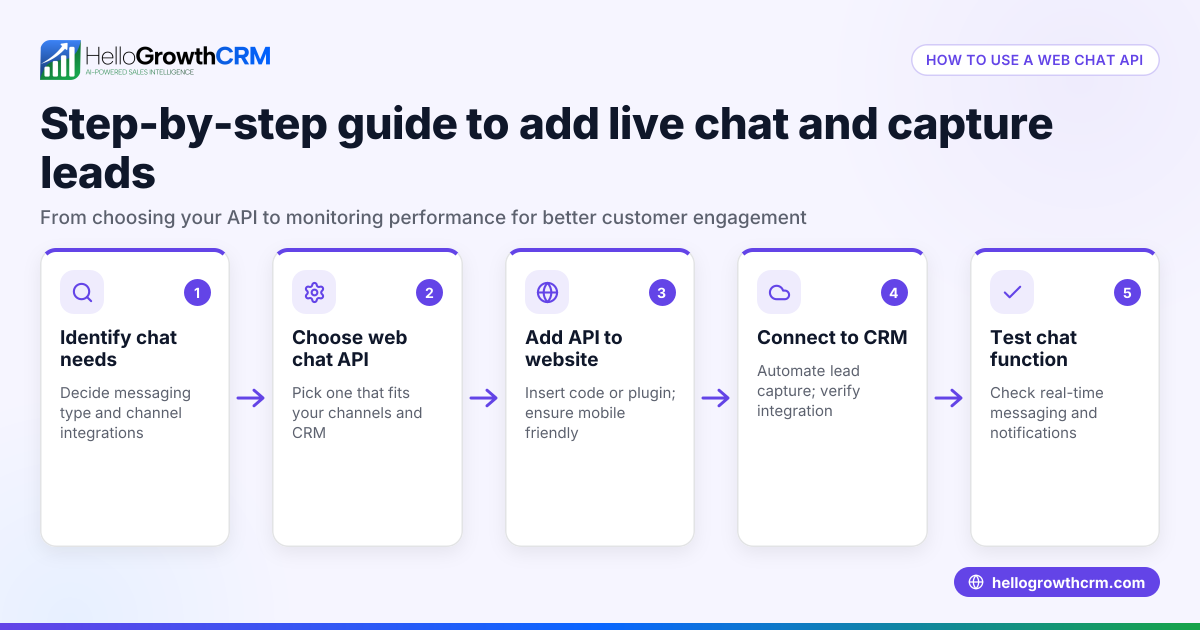
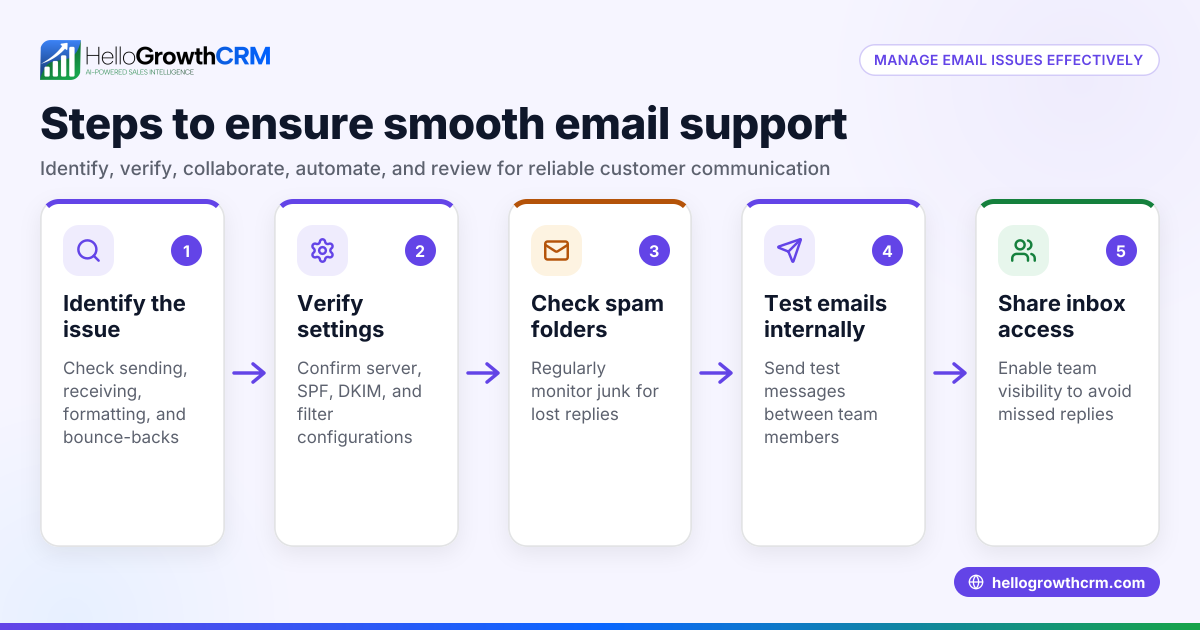
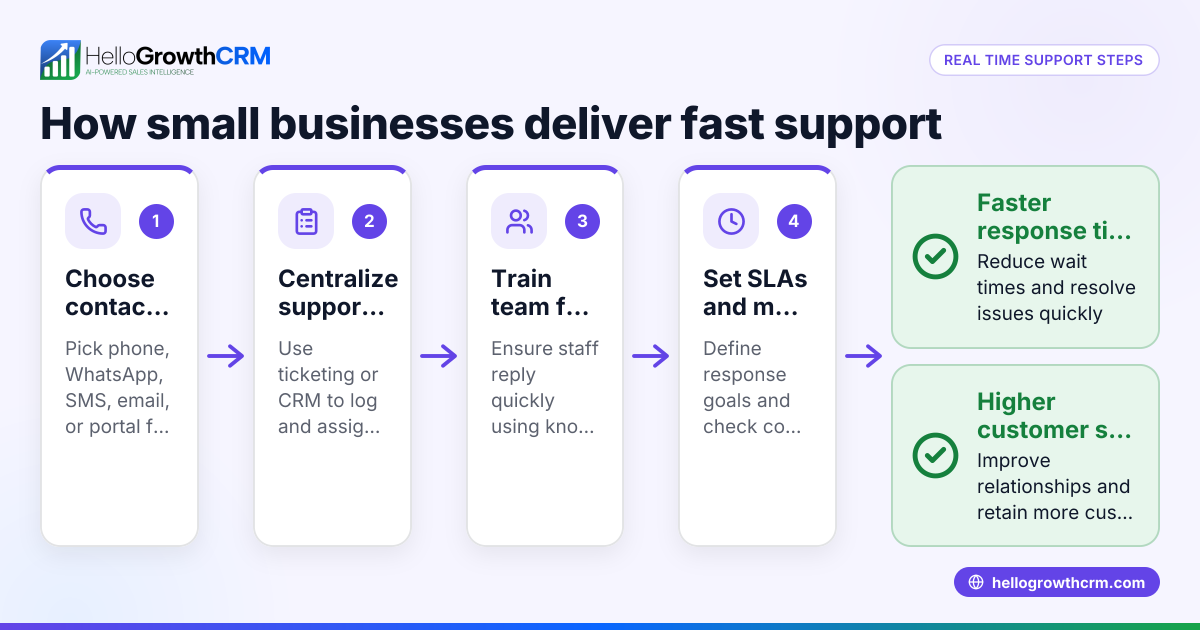
- Set up customer communication channels: Make sure customers can contact you easily through your website, email, or messaging apps like WhatsApp. Verify these channels are monitored regularly.
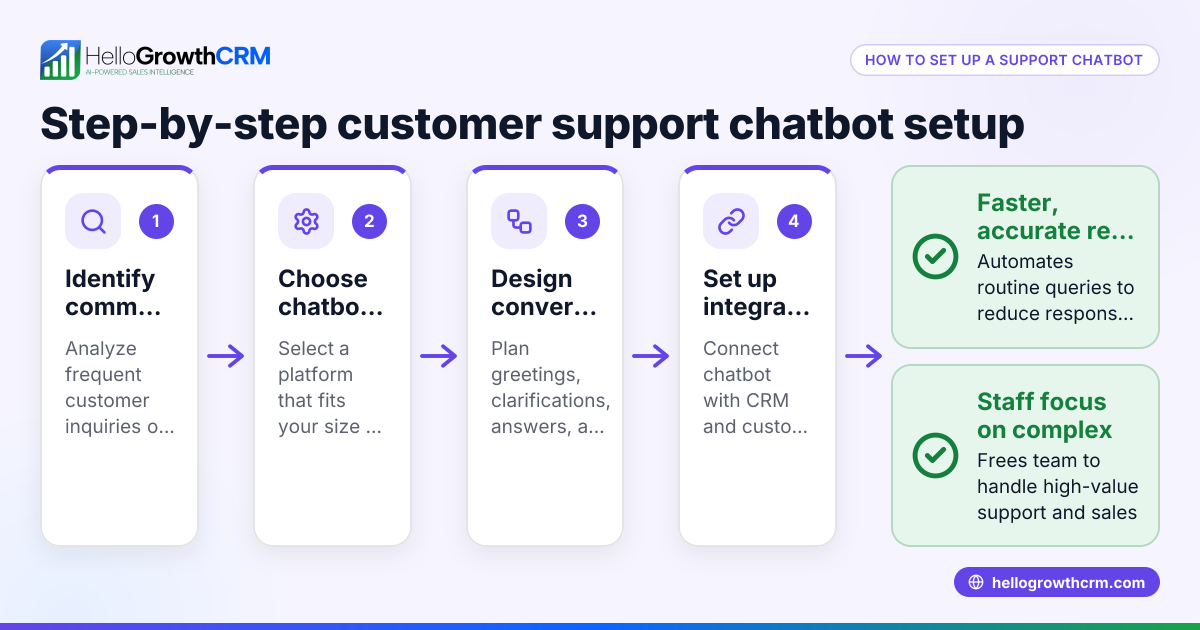
- Implement a support ticket system: Use software to track customer requests and issues so none are missed. This organizes support work and prioritizes urgent problems.
- Create a knowledge base or FAQ section: Provide customers with self-service answers to common questions to reduce support workload.
- Schedule regular maintenance: Plan routine checks for website health, security updates, and content freshness to prevent issues.
- Monitor support performance: Track response times, resolution rates, and customer satisfaction to improve your processes.
Consider consolidating your support tasks in one system to avoid lost information and improve team coordination. For example, a CRM that keeps service requests linked to the same customer record as the deal simplifies management and follow-up.
Example (fictional figures)
A B2B software reseller in Denver, Colorado, began web support on 04/01/2026 after customers complained about slow responses.
- Monthly freelance web support cost: $800
- Customer support software subscription: $200/month
- Time saved by automated FAQs and ticketing: 10 hours/month valued at $30/hour = $300
Total monthly cost = $800 + $200 = $1,000 Value from time saved = $300
Net monthly expense = $1,000 - $300 = $700
By investing $700 net per month, the reseller improved customer satisfaction and increased sales leads by following up faster and more reliably.
Common mistakes
- Ignoring customer inquiries: Prevent this by setting up a ticketing system and monitoring communication channels regularly.
- Overcomplicating support processes: Keep communication simple and straightforward to avoid confusion.
- Neglecting website updates: Schedule regular maintenance to fix bugs and keep content current.
- Not providing self-service options: Build a knowledge base or FAQ so customers can find answers quickly without waiting.
- Failing to track support effectiveness: Use metrics like response time and resolution rate to improve service.
- Using multiple disconnected tools: Consolidate support tasks in one system to avoid lost information. For example, some CRMs keep service requests linked to the same customer record as the deal, simplifying management.
Doing this in HelloGrowthCRM
HelloGrowthCRM provides a branded self-service customer portal where your customers can find support resources and submit tickets. Its referrals and knowledge base features help you build a reference library and track customer requests efficiently. After the sale, service requests stay on the same customer record as the deal, helping your team manage ongoing support without losing context. Learn more about these capabilities at customer health score.
Frequently asked questions
What does small business web support include? It includes technical maintenance, content updates, managing customer communications, and providing support resources like FAQs or ticketing systems.
Do I need a full-time team for web support? No. Many small businesses use freelancers, agencies, or software tools to handle web support within their budget.
How can I tell if my web support is effective? Track metrics such as response time, issue resolution rates, and customer satisfaction to see how well your support is working.
Can I manage customer support and sales leads in one place? Some platforms allow linking customer service requests to sales deals, which helps keep everything organized. Learn more about managing sales and support at HelloGrowthCRM for the United States.
How do I start web support if I’m new? Start by assessing your website’s current issues, then set up simple communication and ticketing channels. Add more support features as your business grows.
Key takeaways
- Small business web support keeps your website functional and customers satisfied.
- Begin by assessing your needs, setting communication channels, and using a ticketing system.
- Avoid ignoring inquiries and neglecting maintenance by scheduling regular checks.
- Self-service resources reduce support workload and improve customer experience.
- Consolidate support tasks in one system to avoid lost information.
- Use tools that link service requests to deals for better management.
Start managing your small business web support easily. Start on the Free Forever plan (200 leads, no credit card).
Ready to put this into practice?
Set up your pipeline, WhatsApp follow-ups, and AI lead scoring in minutes — free, no credit card.
Try HelloGrowthCRM freeGet CRM tips in your inbox
Join thousands of sales professionals who get weekly insights on CRM strategy, AI automation, and pipeline optimization.

The HelloGrowthCRM team publishes guides on CRM strategy, AI sales tools, and revenue operations for small business sales teams.