HelloGrowthCRM software
Built for real small-business sales teams
HelloGrowthCRM helps reps qualify faster, follow up on time, and close more deals—with practical automation in one place.
- AI lead scoring and pipeline visibility
- Built-in dialer, WhatsApp, and email automation
- Sales forecasting and RevOps-ready reporting
A web chat API is a programming interface that lets you embed live chat features directly on your website. It enables your customers to send messages instantly and your team to respond in real time, improving communication and speeding up lead capture.
Why this comes up / what goes wrong
Small-business owners often want to add live chat to their websites to connect quickly with visitors and capture leads faster. Without a web chat API, communication may rely on slower methods like email forms or phone calls, which can delay responses and cause lost opportunities. Many small teams run sales through text messages, email, or spreadsheets, making it difficult to track conversations or follow up efficiently. A web chat API solves this by integrating chat directly into your website and linking it to your sales tools, helping you respond faster and keep leads organized.
Step-by-step
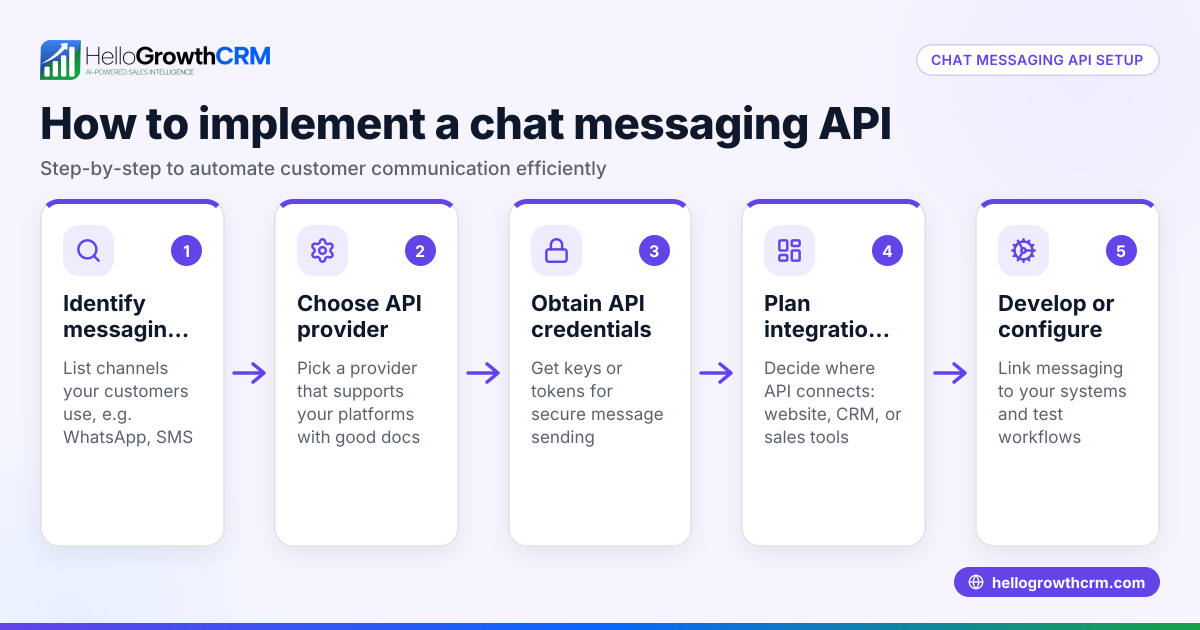
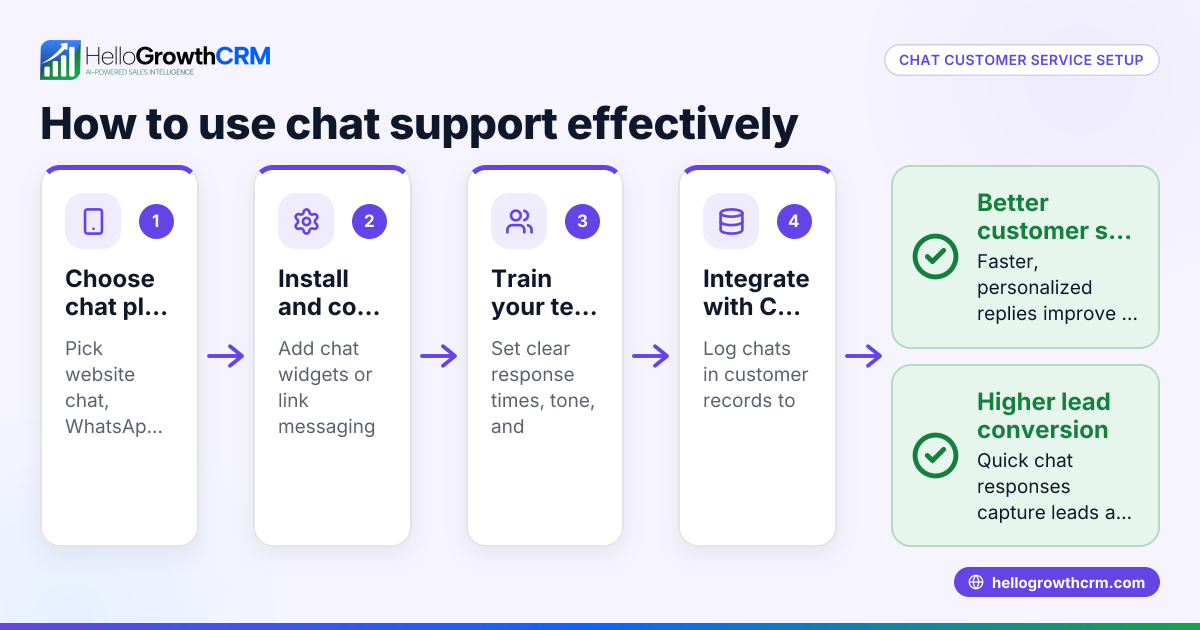
- Identify your chat requirements: Decide if you want simple messaging, automated responses, or integration with channels like WhatsApp or SMS. Check what features your team needs to serve customers effectively.
- Choose a web chat API provider: Pick one that supports your needed communication channels and offers easy integration with your existing systems. Confirm it can connect with your CRM or sales platform.
- Add the API to your website: Follow the provider’s instructions to insert the code snippet or plugin where you want the chat to appear. Ensure it works well on both desktop and mobile devices.
- Connect the chat API to your CRM or sales platform: This step is crucial to automatically capture leads and customer data without manual entry. Verify the integration is working correctly.
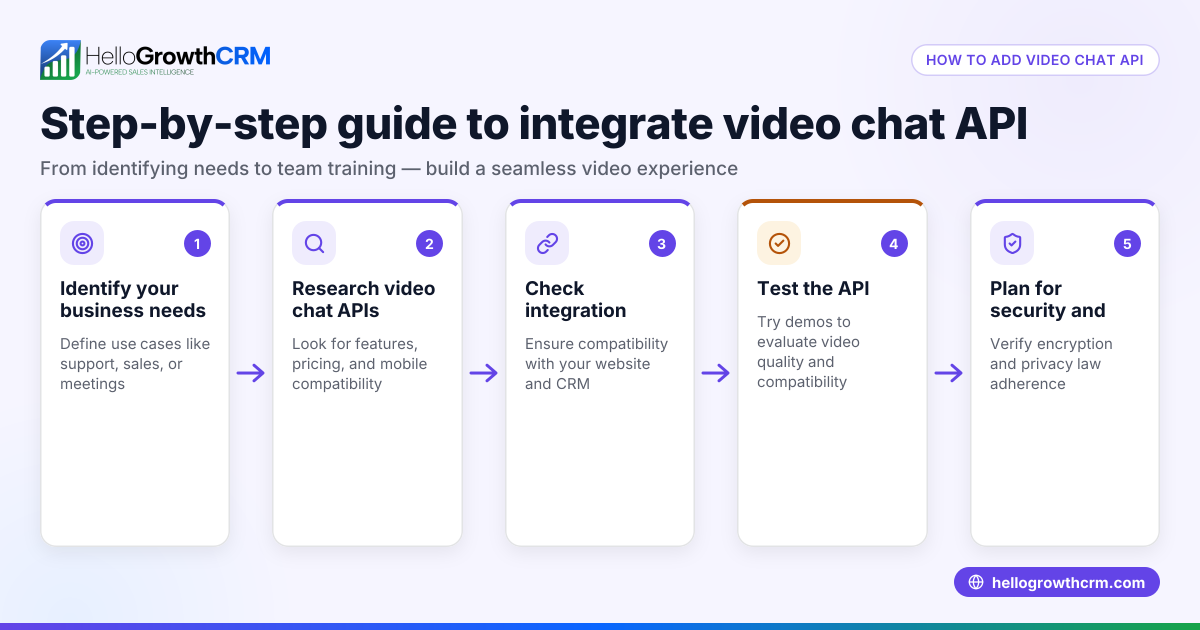
- Test the chat function: Send test messages to check real-time delivery and proper lead capture. Confirm notifications reach your sales or support team promptly.
- Train your team: Make sure sales and support staff know how to use the chat interface and respond quickly. Set expectations for response times.
- Monitor chat performance: Use analytics from the chat API or CRM to track response times, customer satisfaction, and lead conversion rates. Adjust your approach based on this data.
Businesses using HelloGrowthCRM benefit from API integrations that bring leads from web forms and other connected lead sources directly into the CRM. Learn more at HelloGrowthCRM for the United States.
Example (fictional figures)
GreenLeaf Landscaping in Charlotte, North Carolina, wants to add live chat to capture leads faster. They choose a web chat API that integrates with their CRM.
- Monthly fee for chat API: $100
- Estimated increase in leads per month: 20
- Average revenue per lead: $500
Calculate additional revenue:
20 leads × $500 = $10,000
Calculate net gain after chat API cost:
$10,000 - $100 = $9,900
By adding the web chat API, GreenLeaf Landscaping expects to increase monthly revenue by $9,900 after costs.
Common mistakes
- Not integrating chat with your CRM: Leads can get lost or require manual entry. Prevent this by linking your chat API to your CRM, such as HelloGrowthCRM with its API and integrations feature.
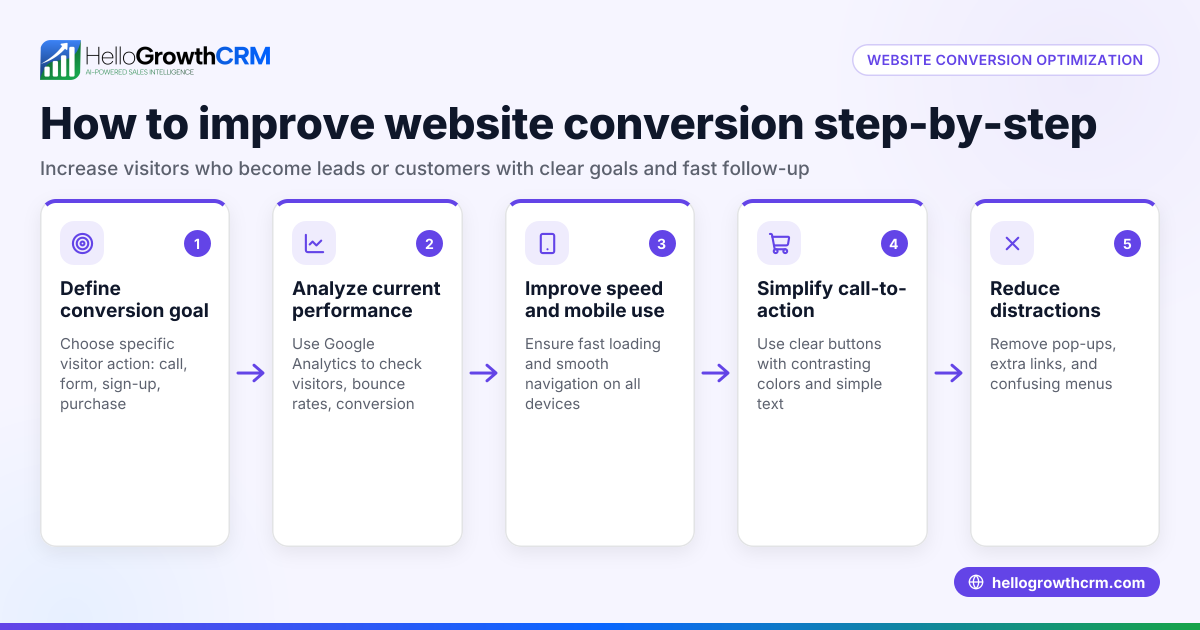
- Ignoring mobile users: Chat windows that don’t work well on phones lose leads. Always test chat on multiple devices.
- Slow response times: Customers expect quick replies. Train your team and use tools like the built-in CRM dialer to speed callbacks.
- Overcomplicating setup: Choosing complex APIs can delay launch. Start simple and add features later.
- Not tracking chat data: Without analytics, you can’t improve. Use CRM reporting tools to monitor chat performance.
- Failing to train staff: Even the best chat tools fail if staff don’t respond promptly. Provide clear guidelines and regular training.
Doing this in HelloGrowthCRM
HelloGrowthCRM supports API and integrations that bring leads from platforms such as web forms and other connected lead sources directly into your CRM as leads. This means when a customer contacts you via these channels, the lead appears automatically without manual entry. You can then manage follow-up, score leads with AI, and track sales pipelines all in one place. Learn more about these integrations at WhatsApp and SMS CRM and integrations.
Frequently asked questions
What exactly is a web chat API? A web chat API is a programming interface that lets you add live chat messaging to your website, enabling real-time conversations with visitors.
How does a web chat API help small businesses? It improves customer engagement by providing instant communication, helps capture leads faster, and integrates with sales tools to avoid losing prospects.
Can I connect a web chat API to my CRM? Yes, most web chat APIs allow integration with CRMs to automatically capture and organize leads, saving time and improving follow-up.
Do I need technical skills to set up a web chat API? Basic web skills help, but many providers offer easy-to-install plugins or guides. For complex setups, a developer may be needed.
What are common pitfalls when using web chat APIs? Not integrating with CRM, ignoring mobile users, slow response times, lack of analytics, and failing to train staff are common mistakes to avoid.
How can HelloGrowthCRM help with web chat lead capture? HelloGrowthCRM’s API and integrations bring leads from web forms and other connected lead sources directly into your CRM, automating lead capture and management.
Key takeaways
- A web chat API adds live chat to your website for real-time customer messaging.
- It helps small businesses capture leads faster and improve engagement.
- Integrate the chat API with your CRM to automate lead capture and follow-up.
- Test chat on all devices and train your team for quick responses.
- Avoid common mistakes like ignoring mobile users, slow responses, and no analytics.
- HelloGrowthCRM supports lead capture via API integrations from web forms and other connected lead sources.
Start using live chat to grow your business today. Start on the Free Forever plan (200 leads, no credit card).
Ready to put this into practice?
Set up your pipeline, WhatsApp follow-ups, and AI lead scoring in minutes — free, no credit card.
Try HelloGrowthCRM freeGet CRM tips in your inbox
Join thousands of sales professionals who get weekly insights on CRM strategy, AI automation, and pipeline optimization.

The HelloGrowthCRM team publishes guides on CRM strategy, AI sales tools, and revenue operations for small business sales teams.