HelloGrowthCRM software
Built for real small-business sales teams
HelloGrowthCRM helps reps qualify faster, follow up on time, and close more deals—with practical automation in one place.
- AI lead scoring and pipeline visibility
- Built-in dialer, WhatsApp, and email automation
- Sales forecasting and RevOps-ready reporting
Social media customer experience is the overall impression customers form based on their interactions with your business on social platforms. It includes how quickly and personally you respond to comments, messages, and inquiries, as well as how well you handle follow-up support. Good social media customer experience builds trust, encourages referrals, and can convert leads into sales.
Why this comes up / what goes wrong
Small-business owners often use social media to attract new customers and communicate with existing ones. However, many struggle to keep up with the volume of messages and comments. Without a clear system, responses can be slow or inconsistent, causing frustration and lost sales opportunities. Using spreadsheets or multiple disconnected apps to track social media interactions increases the chance of missing messages or losing context. This problem becomes more acute as the business grows and the team expands.
Step-by-step
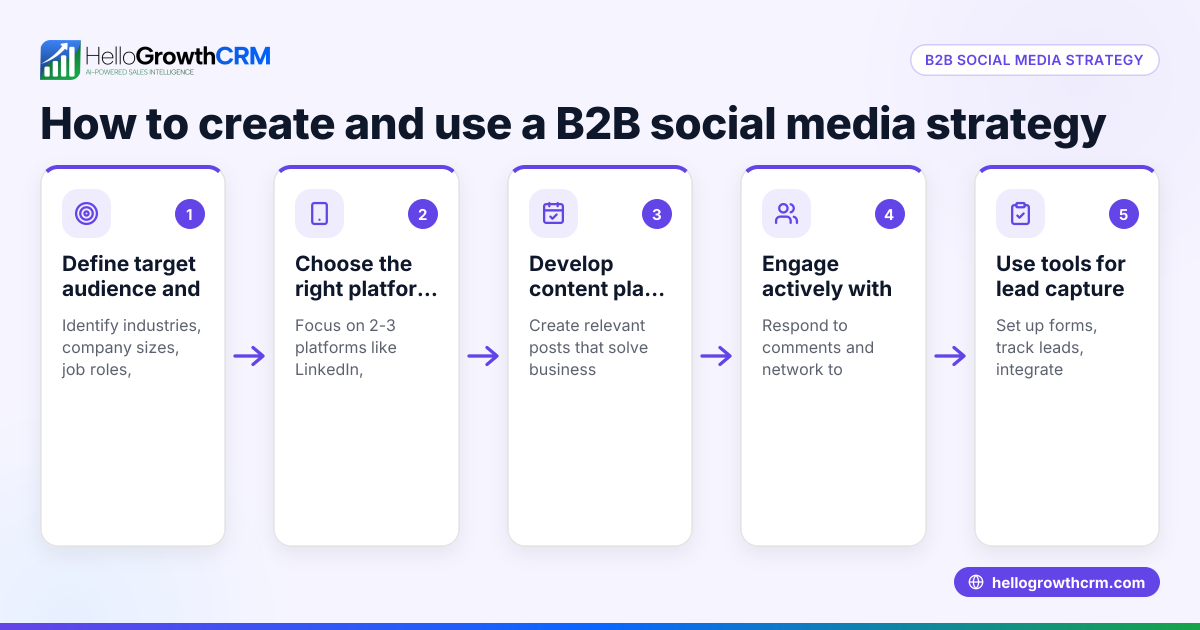
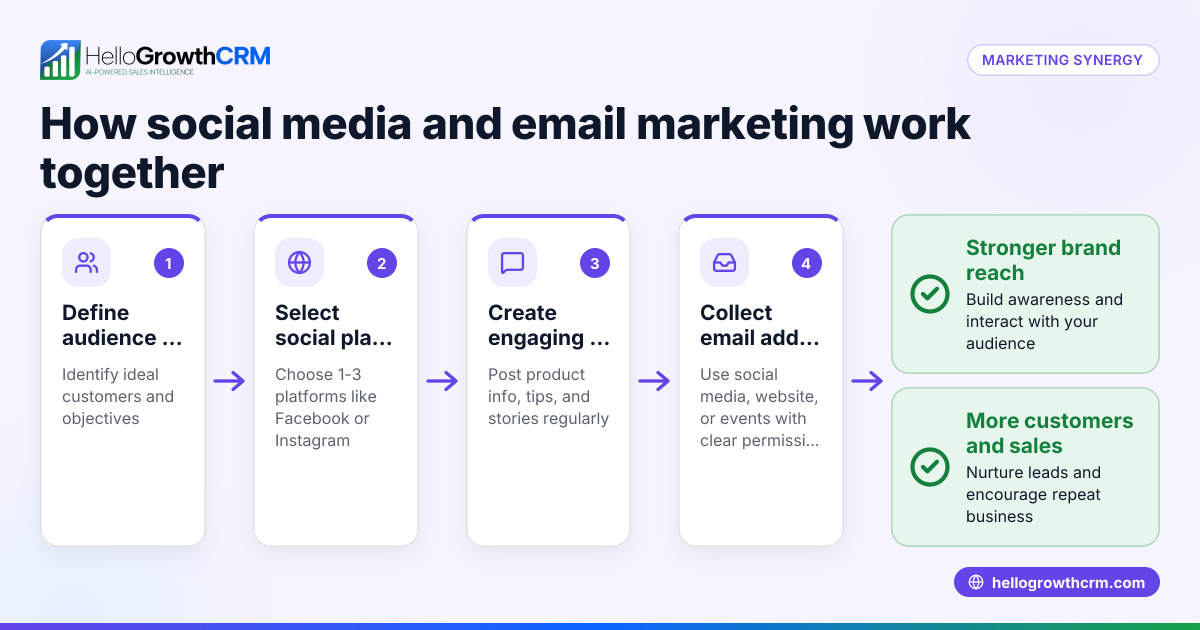
- Create clear social media profiles for customer communication. Ensure your business pages show how customers can reach you and what support is available.
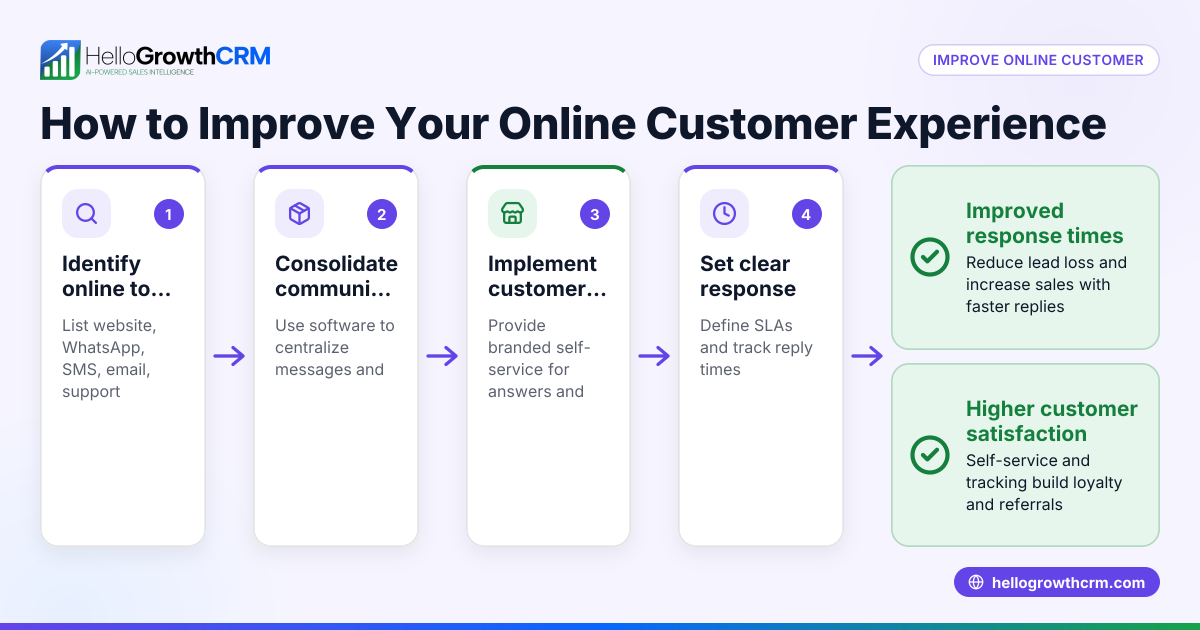
- Monitor social media messages and comments frequently. Set up alerts or use tools to avoid missing inquiries, aiming to respond within a few hours.
- Respond promptly with personalized messages. Use the customer’s name and address their specific questions or concerns rather than generic replies.
- Record all social media interactions in one place. Track conversations alongside other customer data to maintain a full history and context.
- Build a knowledge base for common questions. Share quick answers publicly or via direct messages to reduce repetitive inquiries.
- Follow up after resolving issues. Confirm customer satisfaction and encourage feedback or referrals.
- Analyze social media interactions regularly. Look for trends, common problems, and areas to improve your response process.
Following these steps helps you maintain strong customer relationships and avoid losing leads due to slow or disjointed communication. Integrating social media conversations with your CRM improves tracking and response times.
Example (fictional figures)
A residential real-estate team in Phoenix, Arizona, receives 100 social media inquiries monthly about home listings and services. They want to respond within 4 hours and aim to convert inquiries into clients.
- Total inquiries: 100
- Average sale value per client: $350,000
If the team responds slowly, fewer inquiries convert into clients, reducing sales.
Calculations:
Assuming 20 clients result from timely responses: 20 clients × $350,000 = $7,000,000 potential sales
If slow responses cut conversions to 10 clients: 10 clients × $350,000 = $3,500,000 actual sales
Loss due to slow social media response: $7,000,000 − $3,500,000 = $3,500,000
Improving response times and tracking social media leads properly can help recover lost sales by increasing conversion rates.
Common mistakes
- Ignoring messages or comments: Prevent this by assigning team members to monitor social media and setting up notifications.
- Using multiple unconnected tools: Prevent by consolidating customer interactions in one CRM to keep context and avoid data loss.
- Sending generic or delayed replies: Prevent by preparing templates but customizing each response with customer details.
- Failing to follow up: Prevent by scheduling follow-ups and tracking outcomes within your CRM.
- Not analyzing social media data: Prevent by reviewing reports regularly to identify trends and improve service.
- Overlooking after-sale service requests on social media: Prevent by linking service tickets to the same customer record to maintain continuity.
Doing this in HelloGrowthCRM
HelloGrowthCRM offers a branded self-service customer portal, referrals tracking, support tickets, and a knowledge base. After the sale, service requests stay on the same customer record as the deal, enabling your team to handle social media inquiries and ongoing support efficiently. This unified approach ensures no message or request is lost and helps maintain a complete view of the customer journey. Learn more about these features and customer health score tracking at HelloGrowthCRM for the United States and customer health score.
Frequently asked questions
What is social media customer experience? Social media customer experience is the overall impression customers have based on their interactions with your business on social media platforms. This includes how quickly you respond, the quality of your communication, and the support you provide.
Why is social media customer experience important for small businesses? Many customers first contact businesses through social media. Poor experiences can lead to lost leads and damage your reputation, while good experiences build trust and encourage referrals.
How can I manage social media customer interactions better? Use a CRM that integrates social media messages with other customer data, set clear response times, and maintain a knowledge base to answer common questions quickly. This helps keep communication organized and timely.
Can HelloGrowthCRM help with social media customer experience? Yes, it includes a customer portal, tickets, referrals, and a knowledge base that keep all service requests linked to the same customer record, improving follow-up and support.
What is the benefit of tracking referrals in social media interactions? Tracking referrals helps you understand which customers bring in new leads, enabling targeted rewards and improving your marketing ROI.
How often should I review social media customer experience? Regularly, at least monthly, to spot trends, fix issues, and improve your response processes. For more on managing conversations via messaging, see WhatsApp and SMS CRM.
Key takeaways
- Social media customer experience is how customers perceive interactions on social platforms.
- Quick, personal responses and consistent tracking improve lead conversion.
- Avoid common mistakes like ignoring messages and using scattered tools.
- HelloGrowthCRM keeps social media service requests linked to deals for better follow-up.
- Regular analysis of social media interactions helps improve your customer service.
Start managing your social media customer experience effectively today. Start on the Free Forever plan (200 leads, no credit card).
Ready to put this into practice?
Set up your pipeline, WhatsApp follow-ups, and AI lead scoring in minutes — free, no credit card.
Try HelloGrowthCRM freeGet CRM tips in your inbox
Join thousands of sales professionals who get weekly insights on CRM strategy, AI automation, and pipeline optimization.

The HelloGrowthCRM team publishes guides on CRM strategy, AI sales tools, and revenue operations for small business sales teams.