HelloGrowthCRM software
Built for real small-business sales teams
HelloGrowthCRM helps reps qualify faster, follow up on time, and close more deals—with practical automation in one place.
- AI lead scoring and pipeline visibility
- Built-in dialer, WhatsApp, and email automation
- Sales forecasting and RevOps-ready reporting
To solve CRM integrations, start by identifying the key systems your business uses, such as lead sources, messaging platforms, and accounting tools. Then, check if your CRM supports direct integration or API connectivity with these systems to automate data flow and reduce manual work. This article covers why integration issues arise, a step-by-step process to implement integrations correctly, common mistakes to avoid, and how HelloGrowthCRM supports Indian SMBs with integrated leads from IndiaMART and JustDial plus WhatsApp messaging.
Why this comes up / what goes wrong
Small and mid-sized business owners in India often rely on multiple tools: lead enquiries come from platforms like IndiaMART and JustDial, sales conversations happen over WhatsApp, and sales data is tracked on spreadsheets or basic software. Without proper CRM integrations, this leads to slow follow-ups, lost leads, and inefficient sales processes. Many SMBs struggle because their CRM either doesn't connect well with these lead sources or requires manual data entry, causing delays and errors. This makes it hard to keep track of leads, follow-ups, and sales pipelines efficiently.
Step-by-step
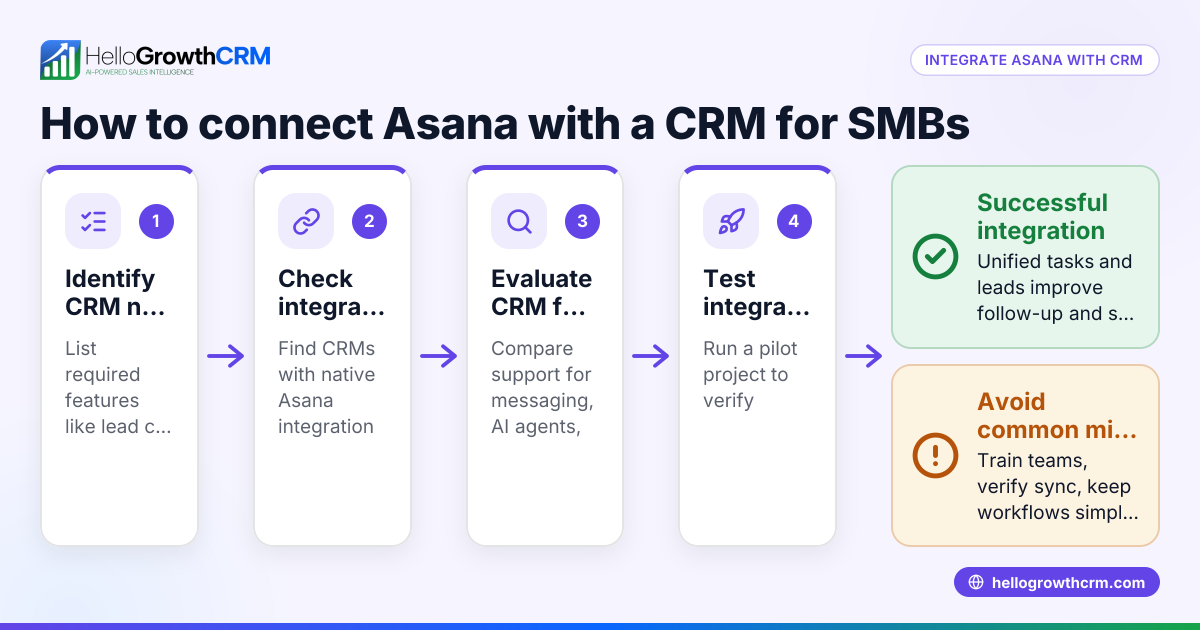
- List Your Key Business Systems Identify where your leads come from (IndiaMART, JustDial, website forms), communication channels (WhatsApp, SMS), and other tools like Tally or payment gateways.
- Check CRM Integration Options Review if your CRM offers direct integrations or APIs for these systems. For example, HelloGrowthCRM integrates with IndiaMART and JustDial to capture leads automatically and supports WhatsApp messaging.
- Map Data Flow Decide how data should move between systems. For instance, leads from IndiaMART should create new lead records in the CRM, and WhatsApp conversations should be logged under the correct lead.
- Configure and Test Integrations Set up the integrations in your CRM settings. Test by generating sample leads or sending WhatsApp messages to ensure data syncs correctly.
- Train Your Team Make sure sales reps know how to use the integrated CRM features, enter data properly, and follow up using the CRM rather than external apps.
- Monitor and Adjust Regularly check integration logs or reports to catch errors or missed data. Adjust settings or workflows as needed.
- Expand Integrations Gradually After stabilising core integrations, consider adding more like payment gateways or accounting software to complete your sales-to-accounting workflow.
Example (fictional figures)
Rajesh runs a small electronics parts business in Pune. He gets leads from IndiaMART and JustDial and uses WhatsApp to communicate. He wants to automate lead capture and follow-ups.
- Rajesh receives 50 leads monthly from IndiaMART and 30 from JustDial.
- Each lead manual entry takes 5 minutes, costing ₹100/hour for his assistant.
Calculations:
Total leads = 50 + 30 = 80 leads Manual entry time = 80 leads × 5 minutes = 400 minutes = 6 hours 40 minutes Cost of manual entry = ₹100/hour × 6.67 hours = ₹667
By integrating IndiaMART and JustDial with HelloGrowthCRM, leads arrive automatically, saving ₹667 monthly just on data entry. WhatsApp integration logs conversations automatically, reducing missed follow-ups.
Common mistakes
- Not verifying integration capabilities before purchase: Check if the CRM supports your key lead sources and communication channels to avoid wasted time.
- Ignoring data mapping and workflows: Without clear data flow plans, integrations may create duplicates or miss updates. Document how data should move.
- Skipping testing phases: Always test integrations with sample data to catch errors early.
- Neglecting team training: Even the best integrations fail if users don't adopt them properly. Provide hands-on training.
- Overloading with too many integrations at once: Start with essential systems, then add more gradually to keep control.
Doing this in HelloGrowthCRM
HelloGrowthCRM offers API and integrations that automatically bring IndiaMART and JustDial enquiries into your CRM as leads, eliminating manual entry. Its WhatsApp and SMS features log conversations on lead records and allow follow-ups via messages, keeping communication organised. Additionally, AI agents in beta draft follow-up messages after calls so sales reps only need to review and send, saving time on routine tasks. Learn more about HelloGrowthCRM integrations including IndiaMART, JustDial, Razorpay, and Tally at integrations (WhatsApp, Tally, IndiaMART), and explore its WhatsApp and SMS CRM capabilities at WhatsApp and SMS CRM.
Frequently asked questions
What are the benefits of integrating lead sources like IndiaMART and JustDial with a CRM? Integrating these lead sources ensures leads arrive automatically in your CRM, reducing manual data entry, speeding up follow-up, and improving lead tracking accuracy.
How does WhatsApp integration improve sales follow-up? WhatsApp integration logs all conversations with leads inside the CRM, so your team can see communication history and send follow-ups directly from the CRM without switching apps, reducing missed messages.
Can I customize integrations in HelloGrowthCRM? HelloGrowthCRM offers API and integrations for popular platforms. For advanced custom integrations, the RevOps Partner plan provides custom support. This helps fit the CRM into your unique business workflow.
How do AI agents assist with CRM integrations? AI agents can automate tasks like drafting follow-up messages after calls, reducing manual effort and speeding up response times. Currently, AI agents are in beta on the Growth plan.
Is it difficult to train my team on new CRM integrations? Training is important but straightforward when you start with core integrations and use a CRM designed for Indian SMBs like HelloGrowthCRM. Clear workflows and hands-on practice help adoption.
Key takeaways
- Identify all key systems to integrate with your CRM before choosing software.
- Verify the CRM supports direct integrations or APIs for your lead sources and communication channels.
- Plan and map how data should flow between systems to avoid errors.
- Test integrations thoroughly and train your sales team for smooth adoption.
- Start with essential integrations like IndiaMART, JustDial, and WhatsApp, then expand gradually.
- HelloGrowthCRM supports lead capture from IndiaMART and JustDial, WhatsApp messaging, and AI-assisted follow-ups to simplify integration.
To start solving your CRM integration challenges today, try HelloGrowthCRM’s Free Forever plan that includes 200 leads with no credit card required at Start on the Free Forever plan (200 leads, no credit card).
Ready to put this into practice?
Set up your pipeline, WhatsApp follow-ups, and AI lead scoring in minutes — free, no credit card.
Try HelloGrowthCRM freeGet CRM tips in your inbox
Join thousands of sales professionals who get weekly insights on CRM strategy, AI automation, and pipeline optimization.

The HelloGrowthCRM team publishes guides on CRM strategy, AI sales tools, and revenue operations for small business sales teams.