HelloGrowthCRM software
Built for real small-business sales teams
HelloGrowthCRM helps reps qualify faster, follow up on time, and close more deals—with practical automation in one place.
- AI lead scoring and pipeline visibility
- Built-in dialer, WhatsApp, and email automation
- Sales forecasting and RevOps-ready reporting
SugarCRM is generally more customizable and cost-effective for small businesses, while Salesforce offers a broader feature set and more integrations but usually at higher cost and complexity. This article compares SugarCRM vs Salesforce on key criteria such as cost, ease of use, customization, and scalability to help you decide which CRM fits your US small business best.
SugarCRM and Salesforce are two leading CRM platforms often compared by small and mid-sized US businesses. Choosing the right CRM can impact your sales efficiency, customer management, and growth. This article covers why small business owners face this choice, compares the two on important criteria, provides a practical example, and highlights common mistakes to avoid.
Why this comes up / what goes wrong
Small business owners often start managing their sales leads with basic tools like spreadsheets, email, or text messaging. These methods can cause slow follow-up, lost leads, and disorganized sales pipelines as the business grows. When looking for a CRM to streamline sales, many owners find themselves choosing between SugarCRM and Salesforce. Both offer overlapping features but differ in pricing, complexity, and customization options. The decision can be confusing because each CRM suits different business needs and scales differently.
Step-by-step
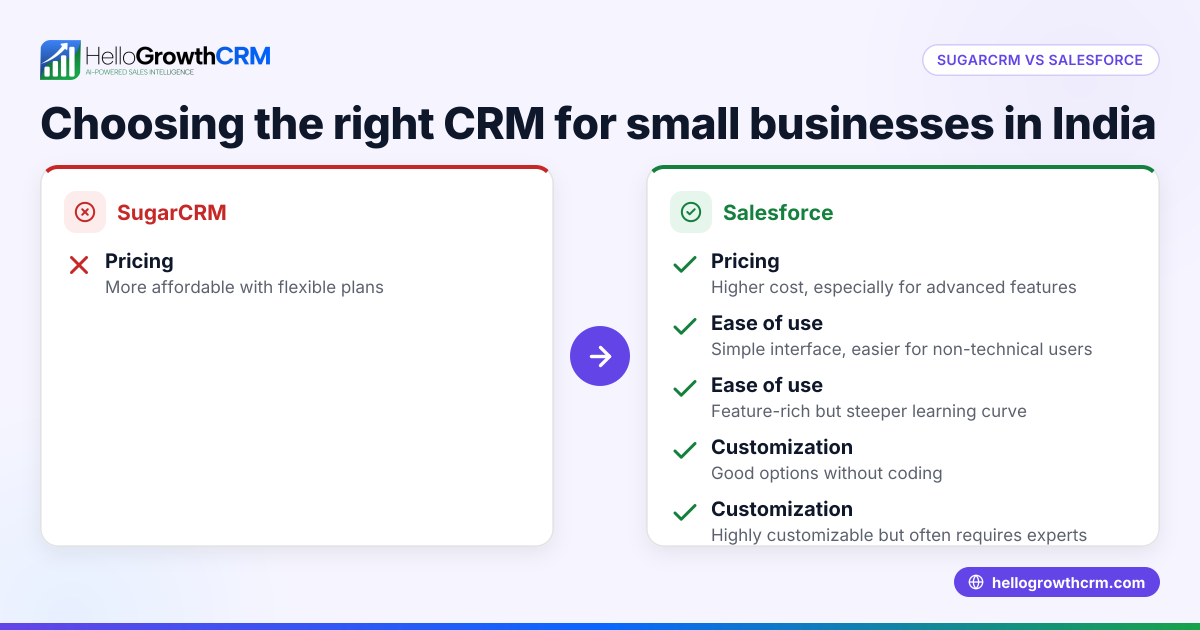
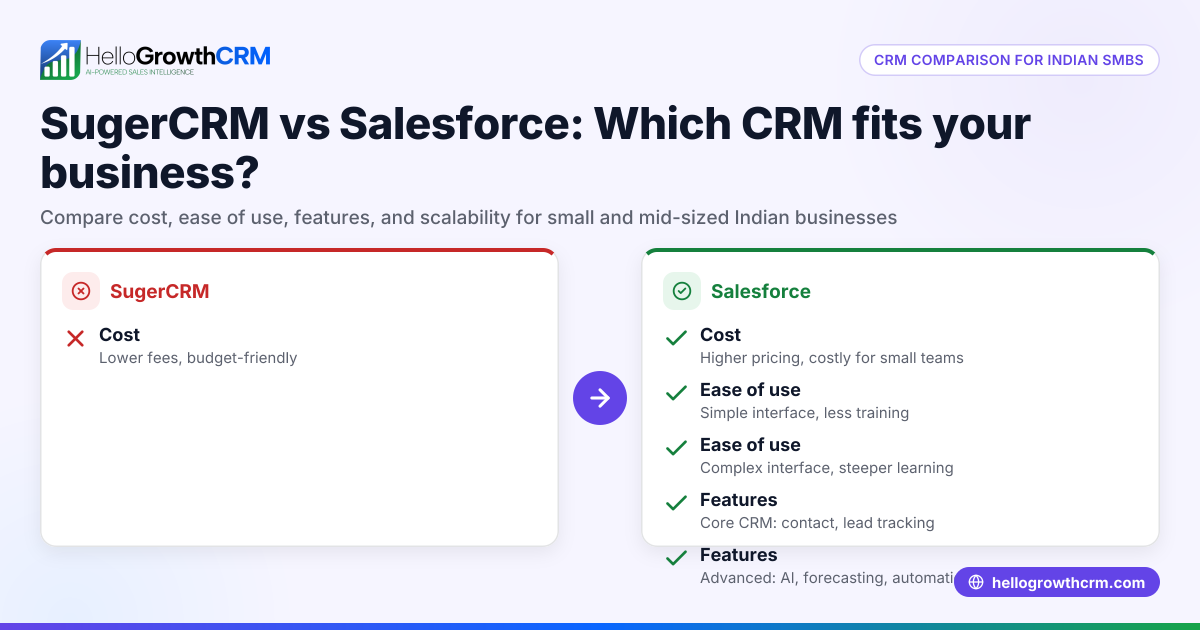
Here is a comparison of SugarCRM vs Salesforce on key criteria important to small US businesses:
| Criteria | SugarCRM | Salesforce |
|---|---|---|
| Cost | Generally lower total cost; flexible pricing plans suitable for small businesses. | Typically higher cost; pricing scales with features and users, can be expensive for SMBs. |
| Ease of Use | More straightforward interface with easier setup for SMBs. | Rich feature set but steeper learning curve; more complex to configure. |
| Customization | Highly customizable workflows, modules, and UI tailored to SMB needs. | Extensive customization but may require technical expertise or consultants. |
| Features | Core CRM functions plus marketing, sales automation, and reporting. | Comprehensive CRM with advanced analytics, AI, and broad app ecosystem. |
| Integrations | Good integration options with common SMB tools; fewer third-party apps than Salesforce. | Vast marketplace of integrations and third-party apps; supports complex ecosystems. |
| Support & Community | Responsive support focused on SMBs; smaller user community. | Large support network and community but can be costly; enterprise focus. |
| Scalability | Scales well for SMBs but less suited for very large enterprises. | Highly scalable from SMB to enterprise level with extensive features. |
Who should pick which?
- Choose SugarCRM if you want a cost-effective, customizable CRM with simpler setup and focused SMB support.
- Choose Salesforce if you need advanced features, extensive integrations, and plan to scale significantly or have complex sales processes.
For a broader view of CRM options tailored to small businesses, see our compare CRMs guide.
Example (fictional figures)
A B2B software reseller in Denver, Colorado, is deciding between SugarCRM and Salesforce. They expect 10 sales reps and want to budget carefully.
SugarCRM estimated annual cost:
- Base license: $50 per user/month × 10 users × 12 months = $6,000
- Implementation and training: $2,000 one-time
- Total first-year cost = $6,000 + $2,000 = $8,000
Salesforce estimated annual cost:
- Base license: $75 per user/month × 10 users × 12 months = $9,000
- Implementation, training, and customization: $5,000 one-time
- Total first-year cost = $9,000 + $5,000 = $14,000
The reseller values ease of use and lower cost, so SugarCRM fits their budget and needs better.
Common mistakes
- Choosing based on brand alone: Many SMBs pick Salesforce because it's well-known but overlook if its complexity fits their team. Prevent this by assessing your actual needs and budget.
- Ignoring user adoption: A feature-rich CRM is useless if your sales team doesn’t use it. Choose the CRM with an interface your team finds intuitive.
- Underestimating customization needs: Not all CRMs adapt well to your unique workflows. Evaluate how much customization you require before deciding.
- Neglecting integration compatibility: Ensure the CRM integrates with your existing tools like email, marketing platforms, or accounting software to avoid workflow disruptions.
- Skipping total cost of ownership: Consider implementation, training, and ongoing support costs, not just license fees.
For tips on choosing a CRM that your team will actually use, check out HelloGrowthCRM for the United States.
Frequently asked questions
What are the main differences between SugarCRM and Salesforce? SugarCRM is generally more affordable and easier for small businesses to customize and use, while Salesforce offers a broader feature set and integrations but at higher cost and complexity.
Is Salesforce better for small businesses than SugarCRM? Not necessarily. Salesforce suits small businesses planning to scale quickly or needing advanced features. SugarCRM often fits small businesses wanting simplicity and cost-effectiveness.
Can I integrate SugarCRM or Salesforce with my existing tools? Yes, both offer integrations with common business tools. Salesforce has a larger marketplace, but SugarCRM supports essential integrations suitable for many SMBs.
How do I ensure my sales team adopts the CRM? Choose a CRM with an intuitive interface and provide adequate training. Involve your sales team in the selection process to increase buy-in.
Where can I find a CRM that handles WhatsApp and SMS sales communication? For CRMs designed with WhatsApp and SMS capabilities, consider solutions like WhatsApp and SMS CRM.
Key takeaways
- SugarCRM is a cost-effective, customizable CRM suited for SMBs wanting simplicity.
- Salesforce offers extensive features and integrations but may be complex and costly for small businesses.
- Evaluate your budget, customization needs, and team adoption before choosing.
- Consider total costs including implementation and training.
- Check integration compatibility with your existing tools.
Choosing the right CRM can streamline your sales process and improve lead follow-up. To try a CRM designed for small and mid-sized businesses, start on the Free Forever plan (200 leads, no credit card).
Ready to put this into practice?
Set up your pipeline, WhatsApp follow-ups, and AI lead scoring in minutes — free, no credit card.
Try HelloGrowthCRM freeGet CRM tips in your inbox
Join thousands of sales professionals who get weekly insights on CRM strategy, AI automation, and pipeline optimization.

The HelloGrowthCRM team publishes guides on CRM strategy, AI sales tools, and revenue operations for small business sales teams.