HelloGrowthCRM software
Built for real small-business sales teams
HelloGrowthCRM helps reps qualify faster, follow up on time, and close more deals—with practical automation in one place.
- AI lead scoring and pipeline visibility
- Built-in dialer, WhatsApp, and email automation
- Sales forecasting and RevOps-ready reporting
Power dialers integrated with CRMs are essential tools for outbound sales teams aiming to increase call volume and track interactions effectively. Small and mid-sized business owners often face challenges with slow follow-up and fragmented communication channels. Using a CRM-linked power dialer helps centralize calling activities, automate dialing sequences, and maintain accurate call records linked to leads and deals.
Why this comes up / what goes wrong
Small business owners in the US running outbound sales often rely on manual calling methods like phone lists or basic dialers separate from their CRM. This leads to lost leads, missed follow-ups, and inaccurate tracking of sales activities. Without a power dialer connected to the CRM, sales reps waste time dialing numbers manually and logging calls separately. The result is lower productivity and revenue losses.
Step-by-step
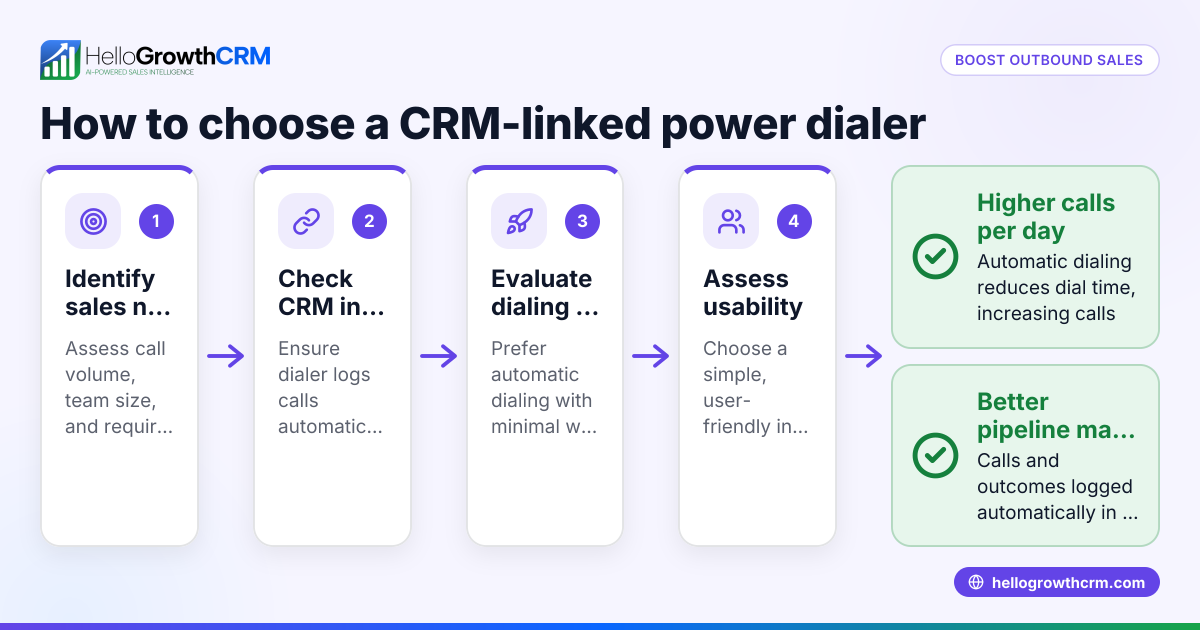
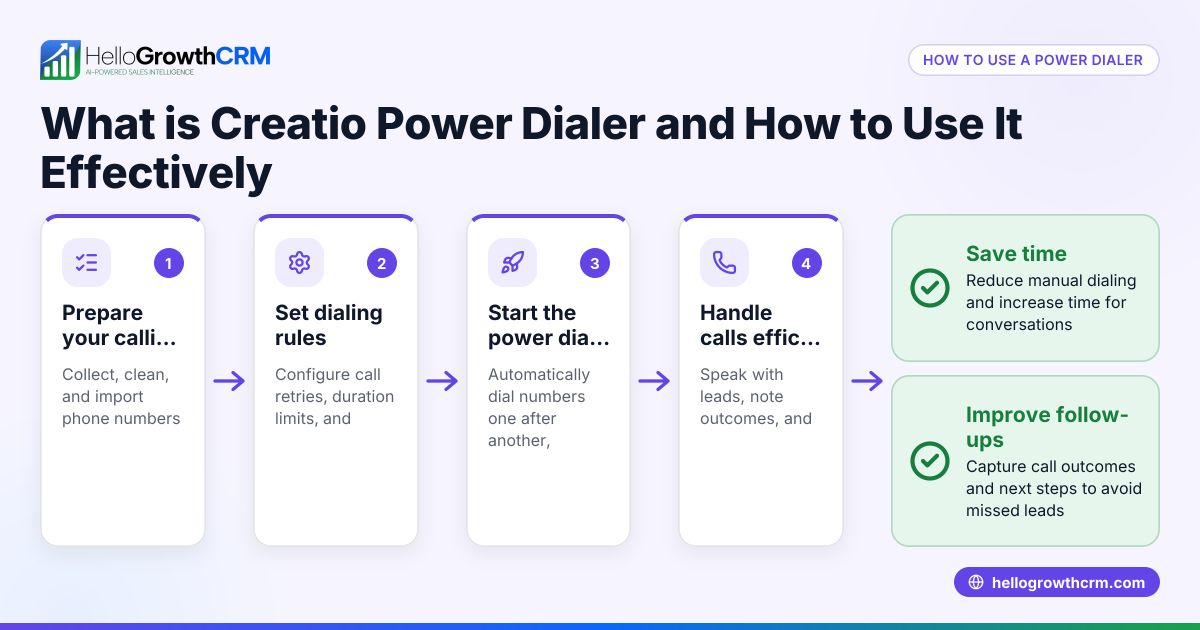
- Identify your sales volume and team size: Determine how many calls your team needs to make daily and how many users will access the dialer.
- Check CRM integration: Ensure the power dialer integrates natively with your CRM to sync call logs, outcomes, and follow-ups automatically.
- Evaluate dialing modes: Look for features like power dialing (automatic dialing of the next number after call completion) versus manual dialing.
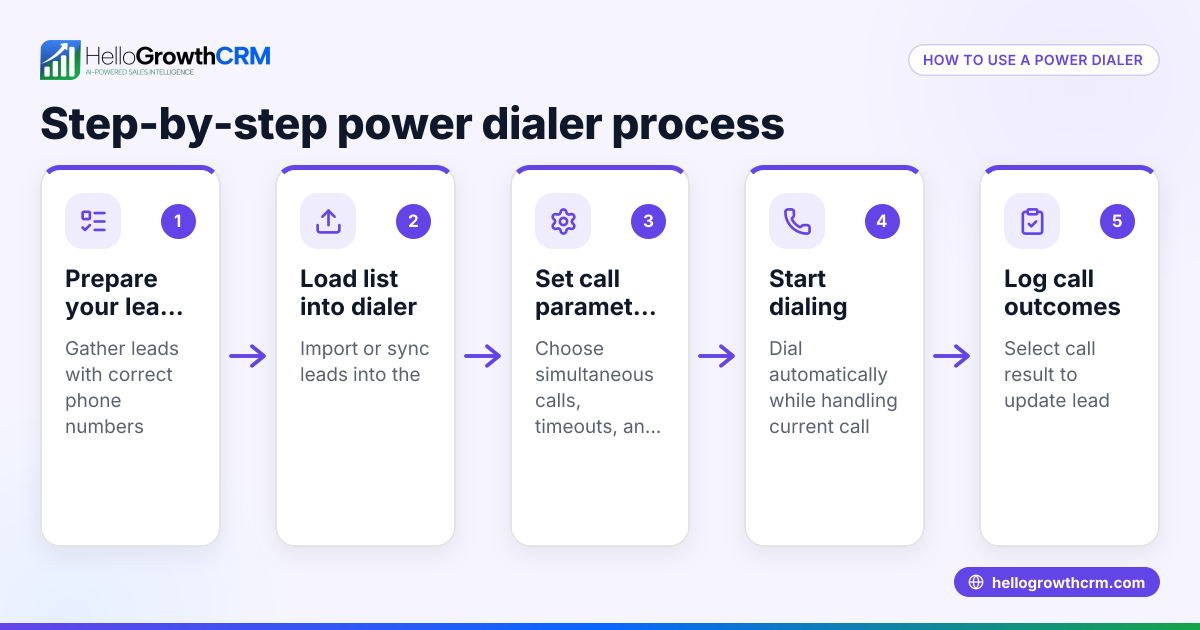
- Assess call outcome tracking: Confirm the dialer lets reps log call results per lead and that these outcomes update CRM records in real time.
- Consider ease of use and training: Choose a dialer that your team can adopt quickly without extensive training or IT support.
- Review reporting and analytics: The dialer should provide reports on call activity and sales pipeline impact.
- Check compliance and local regulations: Verify the dialer complies with US telemarketing laws and TCPA regulations. NEEDS EXPERT REVIEW
- Test with a pilot group: Run a trial with a small group to measure productivity gains and user feedback.
- Compare pricing and contract terms: Understand all costs and contract commitments before selecting.
- Plan for scaling: Ensure the dialer can support your business growth and increasing call volumes.
Example (fictional figures)
A two-location dental practice in Columbus, Ohio, wants to improve outbound patient appointment reminders and new patient calls. They have 3 sales reps making about 80 calls per day each.
- Current manual call logging takes 5 minutes per call.
- Each rep spends 80 calls × 5 minutes = 400 minutes (6 hours 40 minutes) daily on logging.
- With a power dialer, logging time drops to 1 minute per call.
Calculations:
Manual logging time per day = 80 calls × 5 minutes = 400 minutes Power dialer logging time per day = 80 calls × 1 minute = 80 minutes Time saved per rep per day = 400 minutes - 80 minutes = 320 minutes (5 hours 20 minutes)
For 3 reps:
Total time saved daily = 320 minutes × 3 = 960 minutes = 16 hours
Assuming average rep hourly cost = $25:
Daily cost saving = 16 hours × $25 = $400 Monthly (20 workdays) saving = $400 × 20 = $8,000
This time saving allows reps to make more calls and improve follow-up, boosting appointment bookings and revenue.
Common mistakes
- Choosing dialers without CRM integration: Prevent by verifying native CRM linkage to avoid double data entry.
- Ignoring dialing modes: Avoid dialers that only support manual dialing; power dialers automate calls and save time.
- Overlooking call outcome logging: Ensure the dialer logs call results directly into the CRM to track lead status accurately.
- Neglecting compliance checks: Always confirm the dialer meets US telemarketing regulations to avoid legal issues. NEEDS EXPERT REVIEW
- Skipping pilot testing: Prevent adoption failures by testing the dialer with a small group before full rollout.
- Underestimating training needs: Choose user-friendly dialers and provide adequate training to maximize usage.
Doing this in HelloGrowthCRM
HelloGrowthCRM offers a built-in dialer that lets your telecallers work from inside the CRM, calling leads directly and logging each call outcome automatically. This keeps your call history tied to contact and deal records, helping your team stay organized and efficient. Combined with Deals (pipeline) management, your quotations and follow-ups are tracked so no opportunity is forgotten. If you lack a sales manager, Managed RevOps support ensures someone works your follow-up queue weekly to keep leads moving. Learn more about the built-in CRM dialer and WhatsApp and SMS CRM features tailored for US businesses at HelloGrowthCRM for the United States.
Frequently asked questions
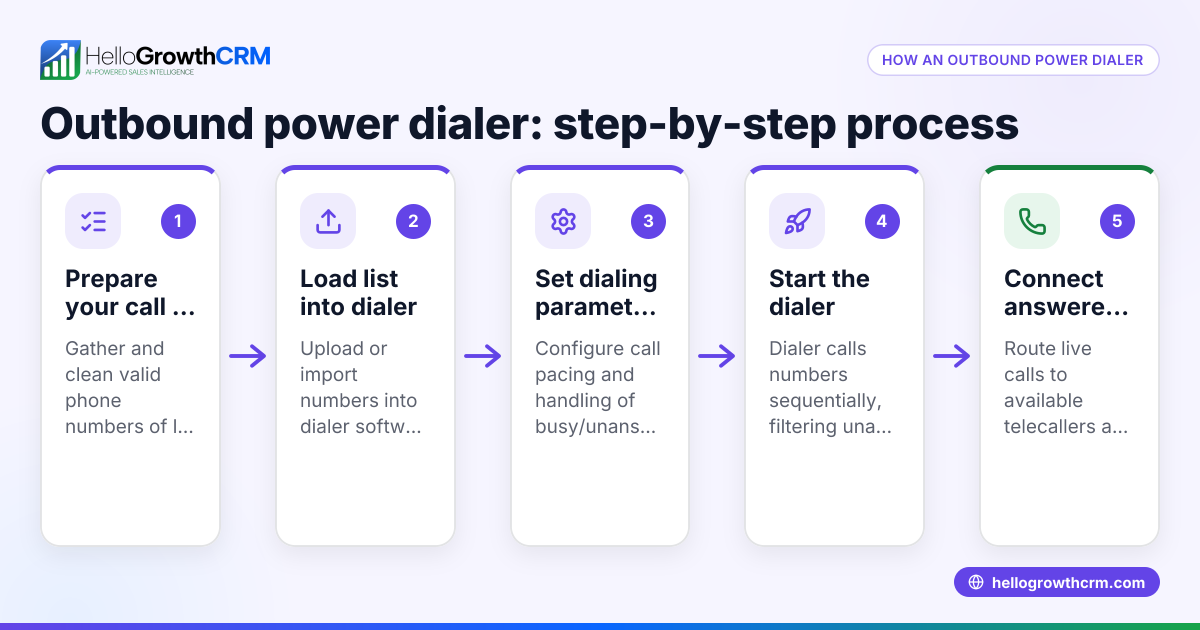
What is a power dialer and how does it differ from a predictive dialer? A power dialer automatically calls the next number on a list once a call is finished, reducing manual dialing time. Predictive dialers use algorithms to predict agent availability and dial multiple numbers simultaneously, connecting answered calls to free agents. Power dialers are simpler and often preferred by small teams.
Can I use a power dialer without a CRM? You can, but it’s less efficient. Without CRM integration, you must manually update call outcomes and lead details, increasing errors and lost information. CRM-linked power dialers sync data automatically, improving productivity.
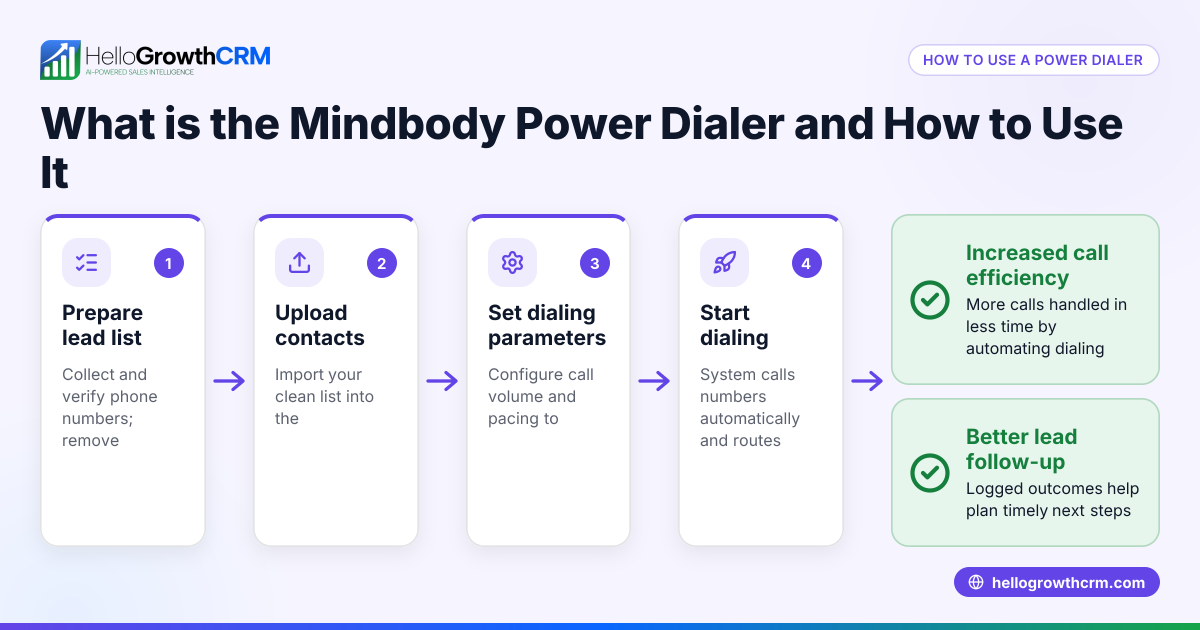
How do power dialers improve outbound sales productivity? They reduce downtime between calls by automating dialing, log call outcomes instantly, and keep sales data organized. This lets reps focus on conversations, follow-ups, and closing deals faster.
Are there any legal risks with using power dialers? Yes, US telemarketing laws such as the TCPA regulate automated calls. It’s important to use dialers compliant with these laws and maintain proper consent records. NEEDS EXPERT REVIEW
What should I look for in a CRM when choosing a power dialer? Look for native integration with the dialer, easy call logging, pipeline tracking, and follow-up task automation. Features like HelloGrowthCRM’s built-in dialer and Deals pipeline help manage leads efficiently.
Key takeaways
- CRM-linked power dialers automate outbound calls and call logging, boosting sales productivity.
- Verify native CRM integration, dialing modes, and call outcome tracking before choosing.
- Avoid common mistakes like ignoring compliance and skipping pilot testing.
- HelloGrowthCRM’s built-in dialer and Deals pipeline help small businesses manage calls and follow-ups efficiently.
- Managed RevOps support can keep your follow-up queue active without a dedicated sales manager.
Start improving your outbound sales productivity today. Start on the Free Forever plan (200 leads, no credit card).
Ready to put this into practice?
Set up your pipeline, WhatsApp follow-ups, and AI lead scoring in minutes — free, no credit card.
Try HelloGrowthCRM freeGet CRM tips in your inbox
Join thousands of sales professionals who get weekly insights on CRM strategy, AI automation, and pipeline optimization.

The HelloGrowthCRM team publishes guides on CRM strategy, AI sales tools, and revenue operations for small business sales teams.