HelloGrowthCRM software
Built for real small-business sales teams
HelloGrowthCRM helps reps qualify faster, follow up on time, and close more deals—with practical automation in one place.
- AI lead scoring and pipeline visibility
- Built-in dialer, WhatsApp, and email automation
- Sales forecasting and RevOps-ready reporting
Training an AI chatbot means teaching it to understand your customers’ questions and respond accurately. This involves providing the chatbot with examples of conversations, correcting its mistakes, and updating it regularly to improve its responses. This article covers why small businesses want to train AI chatbots, the exact steps to follow, common pitfalls, a realistic example, and how HelloGrowthCRM’s AI features can help.
Why this comes up / what goes wrong
Small-business owners often want an AI chatbot to handle customer inquiries quickly and consistently without needing a large support team. However, many struggle because the chatbot doesn’t understand their specific products, services, or customer language out of the box. Without proper training, the chatbot may give irrelevant or incorrect answers, leading to frustrated customers and lost leads. Training the chatbot ensures it speaks your business’s language and handles questions the way you want.
Step-by-step
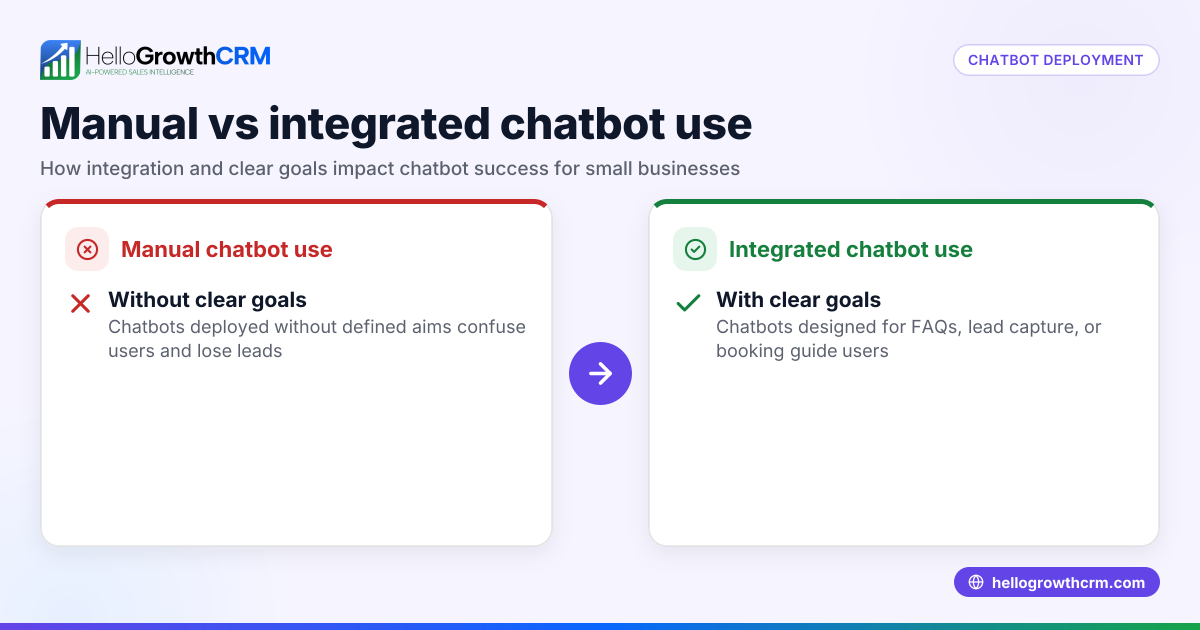
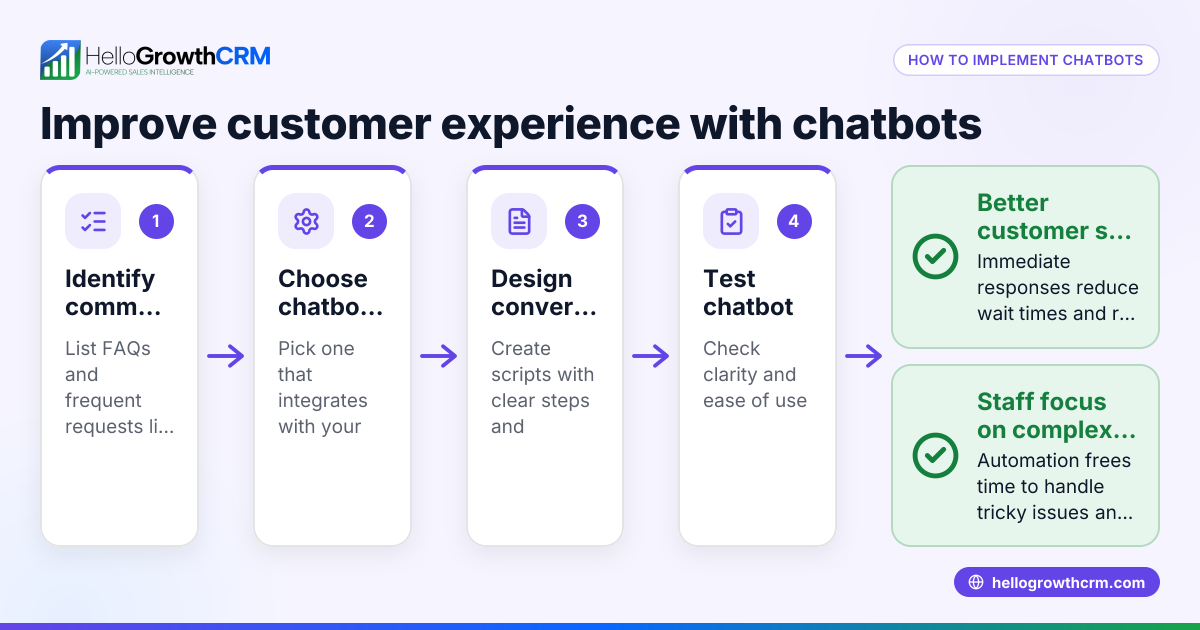
- Define your chatbot’s purpose and scope. Decide what questions or tasks the chatbot should handle (e.g., booking appointments, answering product questions). Check that this scope matches your business needs.
- Collect relevant conversation data. Gather examples of real customer questions and your ideal answers. Check the data for clarity and variety to cover common scenarios.
- Choose a chatbot platform or AI framework. Pick a tool that allows training with your data and supports updates. Check if it integrates with your current tools.
- Input training data into the chatbot. Feed your collected question-answer pairs into the chatbot’s training system. Check for errors or formatting issues.
- Test the chatbot with sample conversations. Ask it typical questions and see if the responses are accurate and helpful. Check for misunderstandings or irrelevant answers.
- Refine training based on test results. Add or adjust training examples where the chatbot failed. Check improvements after each update.
- Deploy the chatbot to your website or messaging channels. Make sure the chatbot is accessible to customers. Check that it functions smoothly in the live environment.
- Monitor chatbot interactions regularly. Review conversations to spot new questions or errors. Check customer satisfaction and chatbot performance.
- Update training data continuously. Add new questions and improve responses based on feedback. Check that updates improve chatbot accuracy over time.
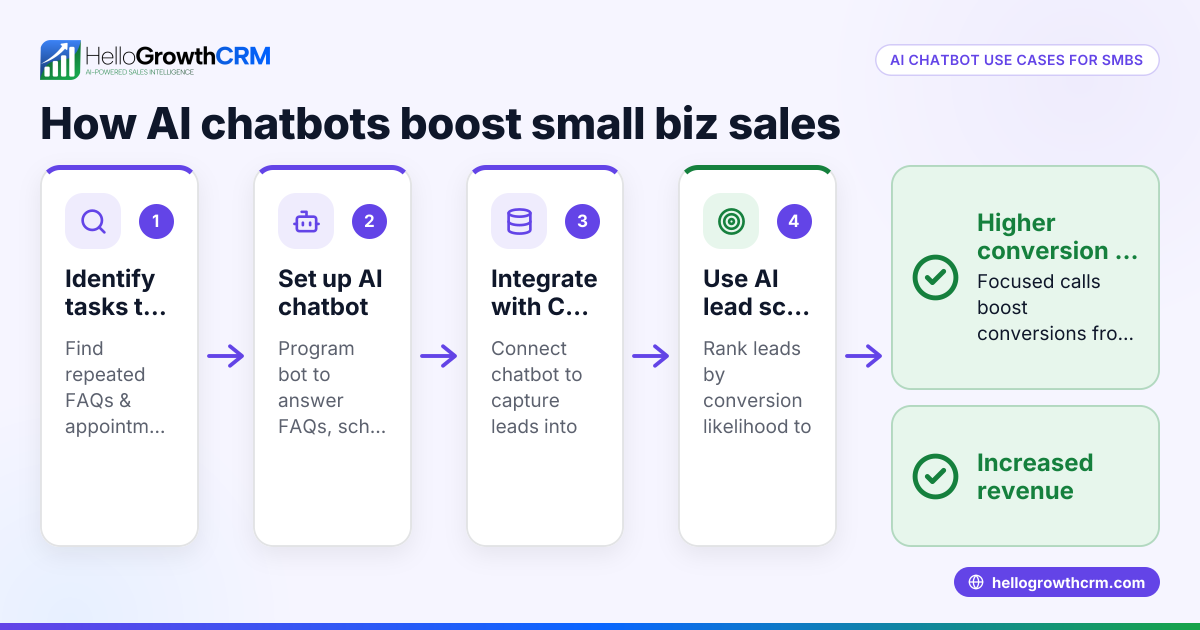
- Integrate chatbot insights with your CRM. Use chatbot data to score leads and identify sales opportunities. Check that your CRM supports AI lead scoring and pipeline insights.
For more on AI-assisted sales tools, see AI CRM and WhatsApp and SMS CRM.
Example (fictional figures)
A plumbing company in Austin, Texas, called "Austin Pipe Solutions," wants to train an AI chatbot to handle appointment requests and common questions about services.
- They collect 500 customer questions from emails and calls.
- They prepare 500 corresponding answers written by their sales team.
- They choose a chatbot platform compatible with their website and CRM.
- Feeding the data takes 3 days.
- Initial testing shows the chatbot answers 70% of questions correctly.
- They add 100 more examples focused on misunderstood questions.
- Retesting improves accuracy to 85%.
- The chatbot goes live on 09/01/2025.
- In the first month, it handles 1,200 conversations, booking 150 appointments.
This process helps the company reduce phone calls by 30% and focus sales reps on high-value leads.
Common mistakes
- Using too little training data. Prevent this by collecting diverse, real customer questions before training.
- Ignoring chatbot errors during testing. Prevent by thoroughly testing and refining before launch.
- Not updating the chatbot regularly. Prevent by scheduling monthly reviews of chatbot conversations.
- Overloading the chatbot with unrelated tasks. Prevent by defining a clear scope and sticking to it.
- Not integrating chatbot data with sales tools. Prevent by using a CRM that supports AI lead scoring and pipeline insights.
For tips on sales pipeline management, visit HelloGrowthCRM for the United States.
Doing this in HelloGrowthCRM
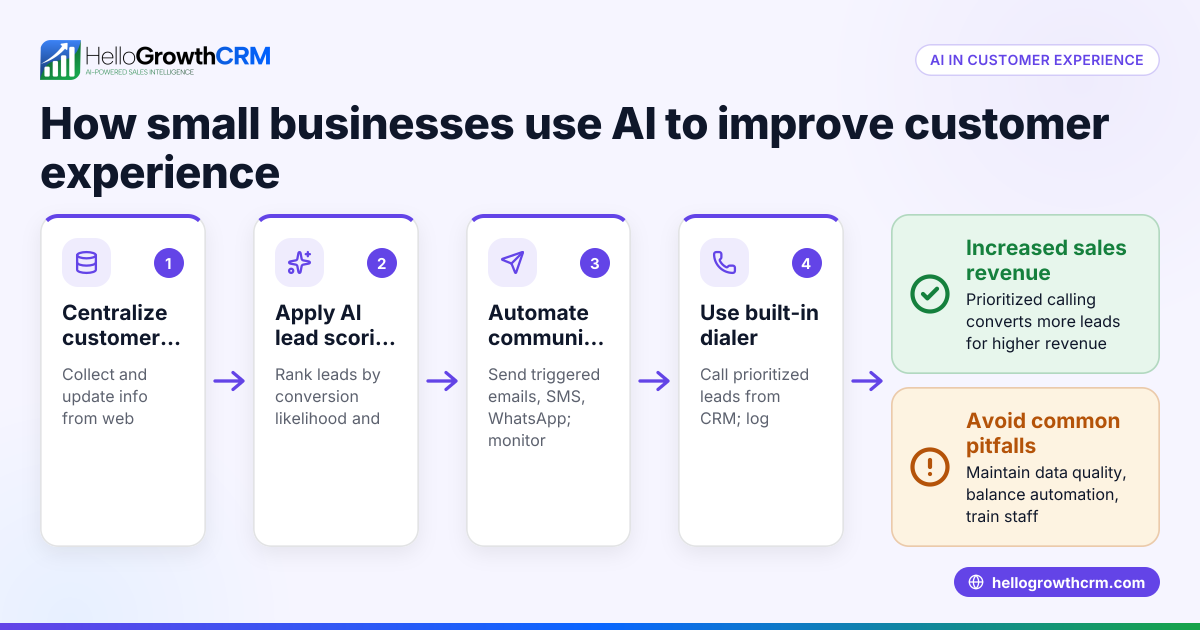
HelloGrowthCRM supports training your AI chatbot indirectly through its AI lead scoring, pipeline forecast and AI insights, and AI agents features. Telecallers can prioritize leads most likely to convert based on AI lead scoring. The owner can see which deals are stalling in the pipeline without building spreadsheets using AI insights. After calls, an AI agent drafts follow-up messages for reps to review and send, speeding up communication. These features help you act on chatbot-generated leads efficiently. Learn more at AI CRM.
Frequently asked questions
How long does it take to train an AI chatbot? Training time varies but expect several days to weeks depending on data size and chatbot complexity. Initial training is followed by ongoing updates based on new customer interactions.
Do I need technical skills to train an AI chatbot? Basic technical skills help, but many chatbot platforms offer user-friendly interfaces. You mainly need to prepare quality training data and test the chatbot thoroughly.
Can I train a chatbot to handle multiple languages? Yes, but it requires separate training data for each language and a platform that supports multilingual chatbots.
How do I measure if my chatbot is well-trained? Track metrics like accuracy of responses, customer satisfaction, and the number of leads or appointments generated. Regular testing and monitoring conversations are critical.
What if my chatbot gives wrong answers? Identify the problematic questions, update the training data with correct answers, and retrain the chatbot. Continuous refinement is key.
Key takeaways
- Training an AI chatbot involves defining its purpose, collecting data, inputting training examples, testing, and refining.
- Regular updates and monitoring are essential to keep the chatbot accurate and helpful.
- Avoid common mistakes like insufficient data, ignoring errors, and lack of integration with sales tools.
- HelloGrowthCRM’s AI lead scoring, pipeline insights, and AI agents help you prioritize and follow up on chatbot leads effectively.
- Start small, focus on clear tasks for the chatbot, and expand as confidence grows.
Train your AI chatbot to improve customer interactions and boost sales. To get started with AI tools for lead management and follow-up, Start on the Free Forever plan (200 leads, no credit card).
Ready to put this into practice?
Set up your pipeline, WhatsApp follow-ups, and AI lead scoring in minutes — free, no credit card.
Try HelloGrowthCRM freeGet CRM tips in your inbox
Join thousands of sales professionals who get weekly insights on CRM strategy, AI automation, and pipeline optimization.

The HelloGrowthCRM team publishes guides on CRM strategy, AI sales tools, and revenue operations for small business sales teams.