HelloGrowthCRM software
Built for real small-business sales teams
HelloGrowthCRM helps reps qualify faster, follow up on time, and close more deals—with practical automation in one place.
- AI lead scoring and pipeline visibility
- Built-in dialer, WhatsApp, and email automation
- Sales forecasting and RevOps-ready reporting
Voicemail to email is a service that converts your voicemail messages into audio files or transcriptions and sends them directly to your email inbox. This lets you access and manage voicemails easily without calling your voicemail box. This article explains why small businesses use voicemail to email, how to set it up step-by-step, common mistakes to avoid, and how HelloGrowthCRM can help streamline your communication.
Why this comes up / what goes wrong
Many small-business owners rely on landlines or mobile phones to receive calls but find checking voicemail inconvenient. Voicemails can be missed, forgotten, or take too long to retrieve, causing lost leads or delayed responses. For businesses that run sales or service calls on phone lines without CRM integration, voicemails might sit unheard for hours or days. Converting voicemail to email solves this by delivering messages directly to your inbox where you already manage communication. It also helps when multiple team members need access to voicemails without sharing phone passwords or devices.
Step-by-step
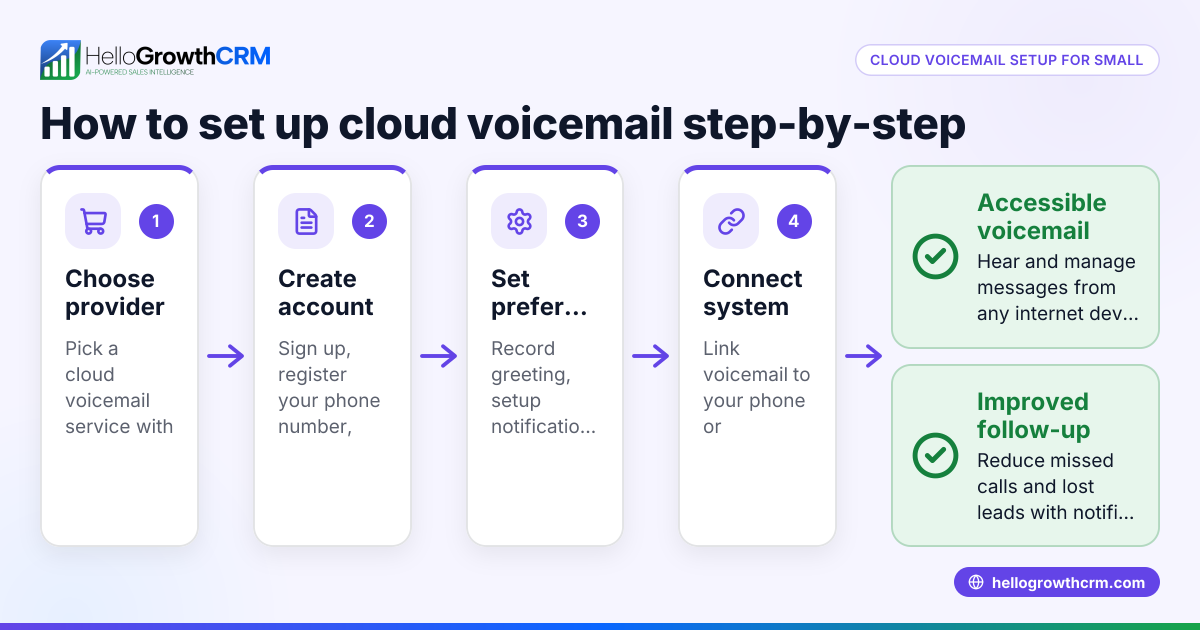
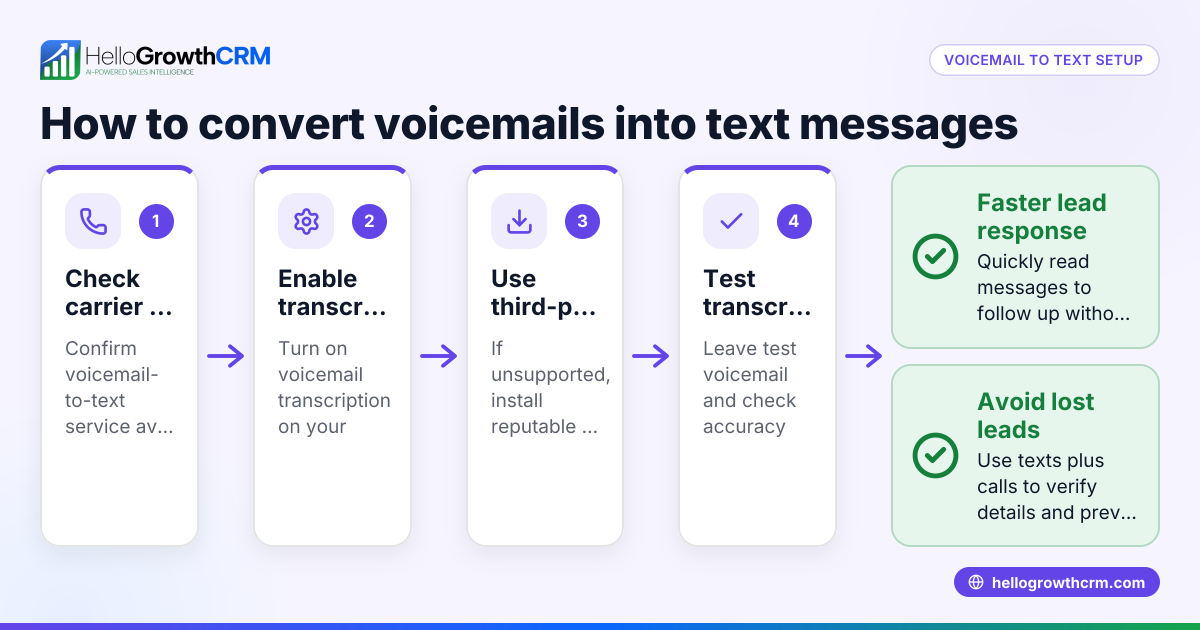
- Check your phone service provider's voicemail to email options. Many landline and mobile carriers offer voicemail to email as a built-in feature or add-on. Contact your provider or check their website for setup instructions.
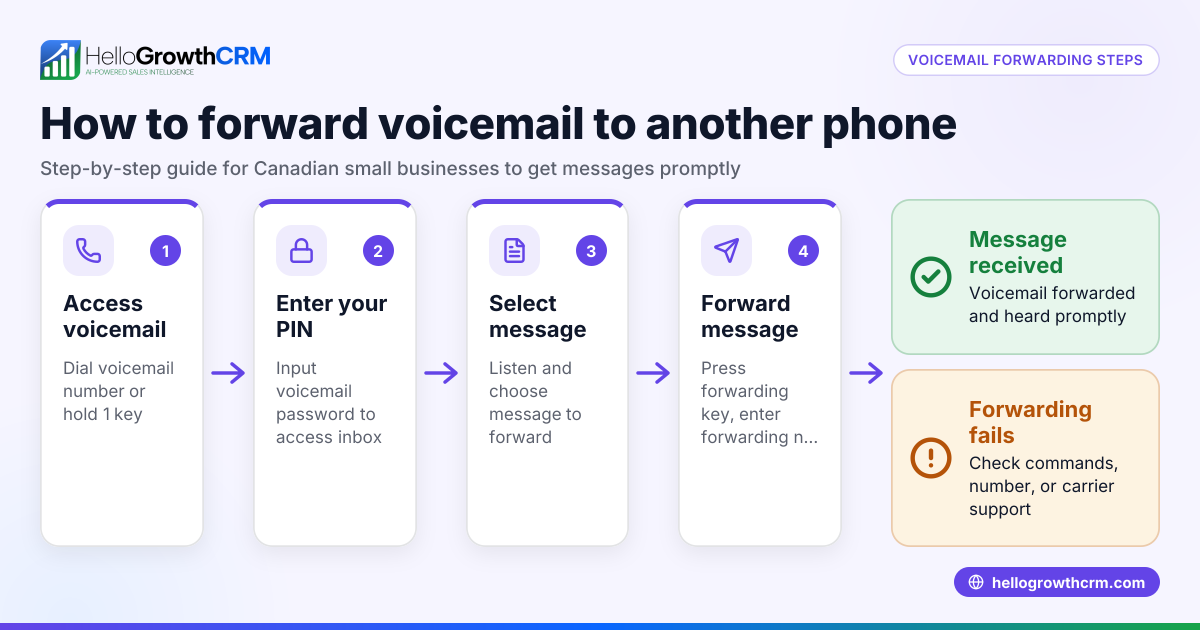
- Set up voicemail forwarding to your email address. This usually involves logging into your voicemail account online or calling a setup number, then entering the email address where you want voicemails sent.
- Choose between audio attachments or transcription. Some services send voicemails as audio files (.wav or .mp3) attached to emails, while others include a text transcription of the message in the email body. Decide which suits your workflow better.
- Test the setup. Call your business number, leave a voicemail, and verify that it arrives in your email inbox correctly with clear audio or readable transcription.
- Organize your voicemail emails. Create email filters or folders to separate voicemails from other messages. This helps keep your inbox tidy and ensures quick access.
- Train your team. Make sure everyone who needs access knows how to find and respond to voicemail emails promptly.
- Integrate with your CRM if possible. If your CRM supports email integration, route voicemail emails into customer records to track communication history. For example, HelloGrowthCRM offers features like HelloMail shared inbox and email sequences to automate follow-up email automation and sequences.
Example (fictional figures)
GreenFlow Plumbing in Austin, Texas, wants to improve lead follow-up by using voicemail to email. They pay $30/month for a voicemail to email service from their phone provider.
- Monthly cost: $30
- Average monthly new leads calling voicemail: 50
- Average value per lead: $1,000
If GreenFlow misses some voicemails due to delayed checking, they risk losing potential leads and revenue. By setting up voicemail to email, they ensure faster response times and better lead management.
This simple service helps GreenFlow respond faster and close more sales, making the $30 monthly cost worthwhile.
Common mistakes
- Not verifying voicemail forwarding works properly. Always test by leaving a voicemail and confirming receipt in email.
- Ignoring transcription errors. Automated transcriptions may misinterpret words; listen to audio attachments to avoid miscommunication.
- Overloading the inbox. Without filters or folders, voicemail emails clutter the inbox and get overlooked. Use email rules to organize.
- Not sharing access with the team. If only one person receives voicemail emails, others can miss important messages. Use shared inboxes or forwarding.
- Failing to follow up quickly. Receiving voicemails by email helps only if you act on them promptly. Set reminders or use CRM sequences to automate follow-up email automation and sequences.
- Assuming landline voicemail to email is automatic. Some landline providers require extra setup or third-party services.
Doing this in HelloGrowthCRM
HelloGrowthCRM supports sales teams managing leads and communication efficiently. With HelloMail shared inbox, your team can see all email replies related to a deal, including voicemail emails forwarded to your inbox. This visibility prevents missed messages and duplicate replies. Additionally, automated sequences and campaigns let you create a five-step follow-up over two weeks that runs automatically and stops as soon as a prospect replies. This ensures timely follow-up after voicemail contacts without manual tracking. Learn more about these features at email automation and sequences.
Frequently asked questions
What is voicemail to email service? Voicemail to email service converts your voicemail messages into audio files or text transcriptions and sends them directly to your email inbox. This lets you listen or read voicemails without calling your voicemail box.
Can I get landline voicemail to email? Yes, some landline providers offer voicemail to email either as a built-in feature or through third-party services. Setup usually involves enabling forwarding of voicemail messages to an email address.
How do I choose between audio attachments and transcription? Audio attachments preserve the original message sound but require listening. Transcriptions provide quick reading but may have errors. Many services offer both options.
Will voicemail to email work for mobile phones? Many mobile carriers support voicemail to email, but availability and setup vary. Check with your carrier for details.
How does voicemail to email help my sales team? It centralizes voicemails in email, making it easier to track and respond quickly. Integrating voicemail emails into a CRM like HelloGrowthCRM improves team visibility and automates follow-up.
Key takeaways
- Voicemail to email sends your voicemail messages directly to your email inbox as audio or text.
- Setting it up involves enabling forwarding with your phone provider and testing carefully.
- Organize voicemail emails with filters and share access with your team to avoid missed leads.
- Avoid common mistakes like ignoring transcription errors and delayed follow-up.
- HelloGrowthCRM offers shared inboxes and automated sequences to manage voicemail follow-up efficiently.
Start improving your voicemail management today and see how it can boost your lead response time.
Start on the Free Forever plan (200 leads, no credit card) at HelloGrowthCRM.
Ready to put this into practice?
Set up your pipeline, WhatsApp follow-ups, and AI lead scoring in minutes — free, no credit card.
Try HelloGrowthCRM freeGet CRM tips in your inbox
Join thousands of sales professionals who get weekly insights on CRM strategy, AI automation, and pipeline optimization.

The HelloGrowthCRM team publishes guides on CRM strategy, AI sales tools, and revenue operations for small business sales teams.