HelloGrowthCRM software
Built for real small-business sales teams
HelloGrowthCRM helps reps qualify faster, follow up on time, and close more deals—with practical automation in one place.
- AI lead scoring and pipeline visibility
- Built-in dialer, WhatsApp, and email automation
- Sales forecasting and RevOps-ready reporting
Website customer service chats are brief conversations between a business and its website visitors to answer questions, solve problems, or guide purchases. Typical examples include greeting messages, FAQs, order status updates, and troubleshooting help. Small businesses use these chats to respond faster and keep leads engaged.
Why this comes up / what goes wrong
Many small business owners in the US handle sales and support through email, text, or spreadsheets, which slows down response times. Website visitors expect quick answers, but without ready chat examples or scripts, teams can give inconsistent or delayed replies. This leads to lost leads, unhappy customers, and extra work to track conversations across multiple tools. Owners want practical examples to build chats that their teams can use easily and customers find helpful.
Step-by-step
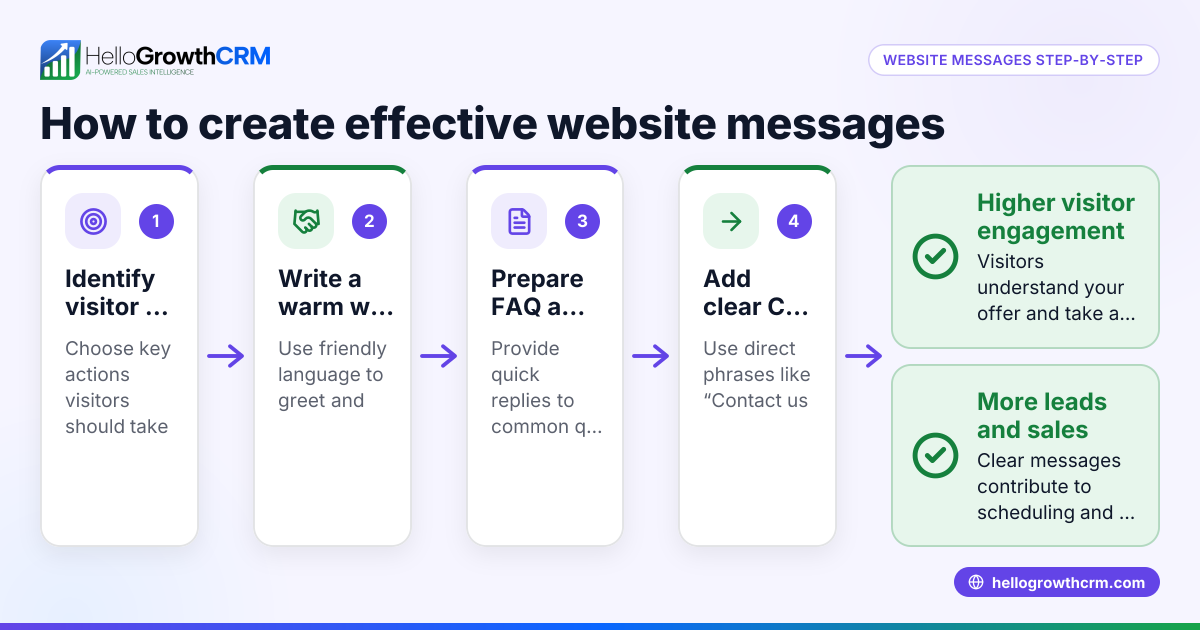
- Identify common customer questions or issues: Look at past emails, calls, or texts to find frequent queries such as product details, pricing, or delivery times.
- Create short, clear chat scripts: Write simple, friendly answers for each common question. Keep language direct and easy to understand.
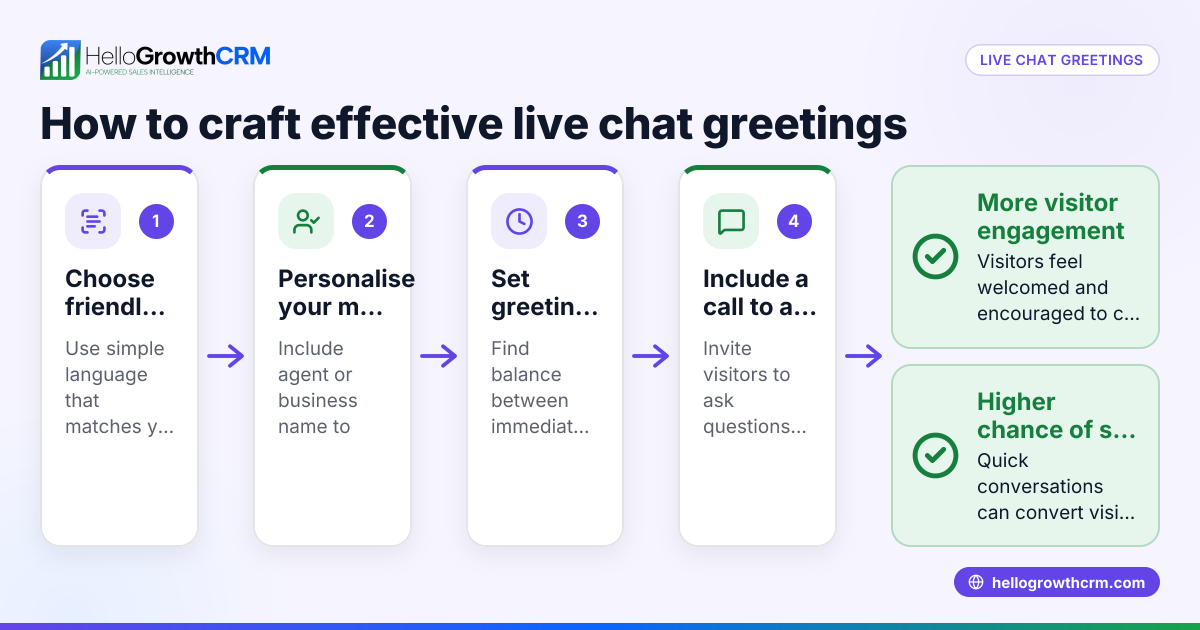
- Set up chat greetings and prompts: Use welcoming messages like "Hi! How can we help you today?" to invite visitors to start a chat.
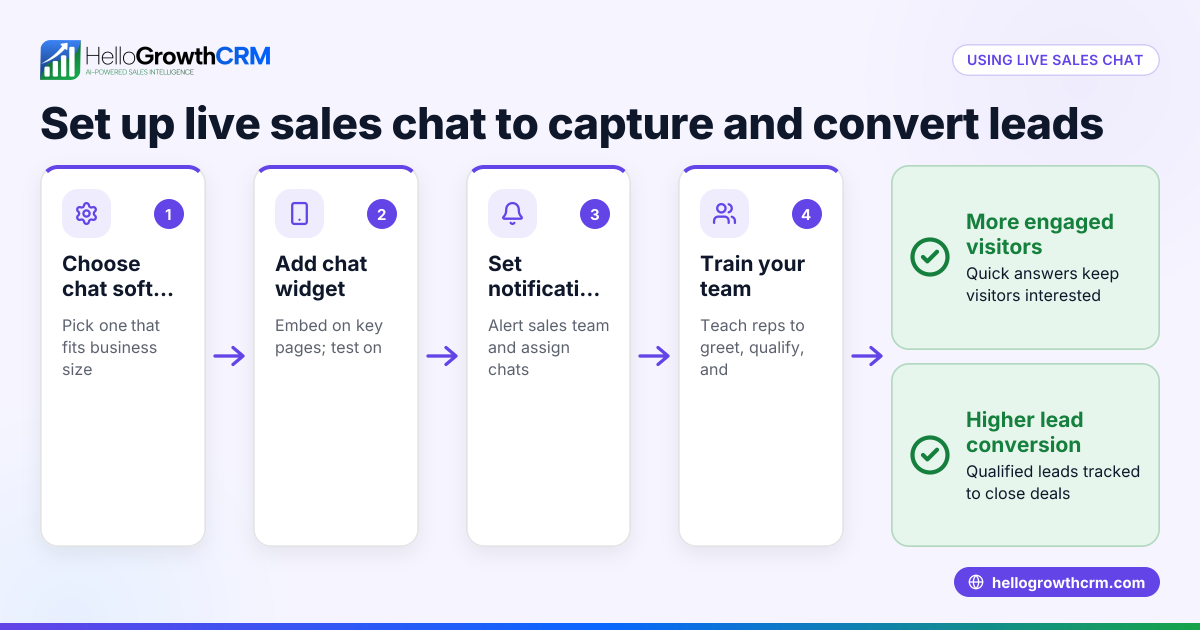
- Implement live chat for complex issues: Assign a team member to take over when questions need personalized answers.
- Add chatbot or automated replies for after-hours: Prepare messages that inform customers when support will resume or offer self-help links.
- Test chat flows on your website: Ensure chats appear correctly and responses trigger as expected.
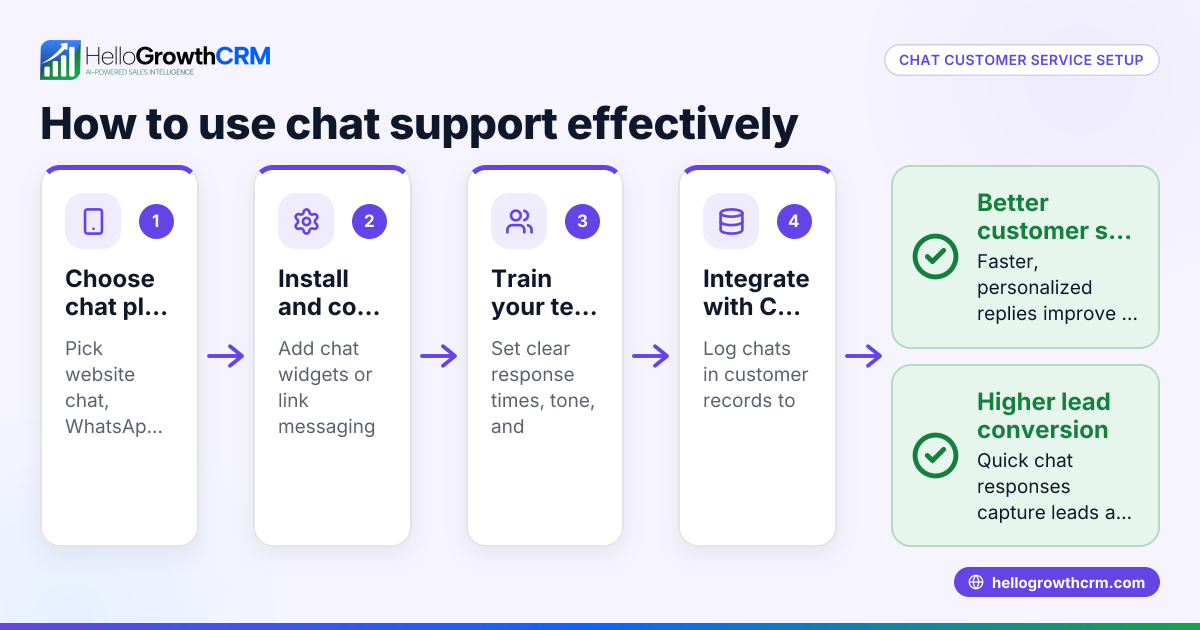
- Train your team on chat scripts and tools: Make sure everyone knows how to use the chat system and follow up on conversations.
- Monitor chat conversations and update scripts regularly: Use feedback and chat logs to improve responses and add new examples. Consider tracking customer interactions in a CRM to avoid scattering data across tools, as explained in the customer health score feature.
Example (fictional figures)
A landscaping contractor in Charlotte, North Carolina, wants to set up a website chat to handle customer inquiries.
- They identify two main questions: pricing and scheduling.
- They write two chat scripts:
- Pricing: "Our basic lawn care package starts at $150 per month. Would you like a detailed quote?"
- Scheduling: "We offer service appointments Monday through Friday. What day works best for you?"
- They set a greeting: "Hi! Welcome to GreenThumb Landscaping. How can we assist you today?"
- They assign a team member to monitor chats live from 9 AM to 5 PM.
- For after-hours, the chatbot replies: "Thanks for reaching out. Our team is available 9 AM to 5 PM. Meanwhile, check our care tips here: [link]"
They estimate that handling 10 chat inquiries per day, converting 30% into new customers paying $150 monthly.
Calculations: 10 inquiries × 30% conversion rate = 3 new customers 3 new customers × $150 per month = $450 monthly revenue $450 × 12 months = $5,400 annual revenue
This setup helps them respond faster and increase sales efficiently.
Common mistakes
- Using overly long or technical replies: Prevent by keeping chat scripts short and simple.
- Failing to offer live support when needed: Prevent by assigning team members to monitor chats during business hours.
- Not updating chat scripts based on new questions: Prevent by reviewing chat logs monthly and revising scripts.
- Ignoring after-hours visitors: Prevent by setting automated chatbot messages with helpful links.
- Scattering customer info across tools: Prevent by using a CRM to keep chats and service requests in one place, such as HelloGrowthCRM’s customer portal described below.
Doing this in HelloGrowthCRM
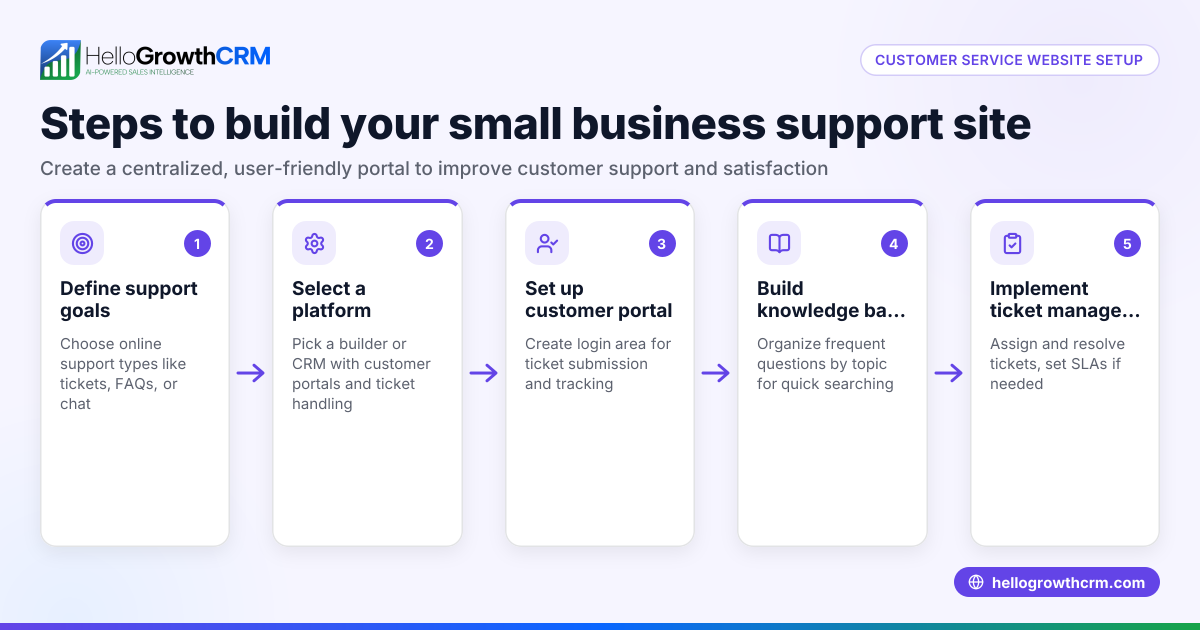
HelloGrowthCRM offers a branded self-service customer portal where after the sale, service requests stay on the same customer record as the deal. This means support tickets and knowledge base articles are linked directly to each customer, making follow-up easier and more organized. You can also track referrals and manage customer service efficiently in one place. Learn more about the customer health score and how HelloGrowthCRM supports US businesses at HelloGrowthCRM for the United States.
Frequently asked questions
What are some good examples of website customer service chats? Good examples include greeting messages, quick answers to FAQs, live chat handoffs, and chatbot replies for after-hours. These help customers get instant help and feel supported.
How do I create effective chat scripts? Start by listing common questions, then write clear, friendly, and concise answers. Test the scripts with your team and update them regularly based on customer feedback.
Can chatbots replace live agents? Chatbots handle simple questions and after-hours messages but live agents are important for personalized help and complex issues. A mix of both works best.
How can I keep track of customer chats and service requests? Using a CRM like HelloGrowthCRM keeps all chats, tickets, and customer info in one place, improving follow-up and customer satisfaction. See how the WhatsApp and SMS CRM features integrate chat and messaging.
Is it hard to train my team on chat tools? It takes some time, but with clear scripts and regular practice, your team can quickly learn to use chat effectively. Regular updates and feedback help keep skills sharp.
Key takeaways
- Website customer service chat examples include greetings, FAQs, live support, and chatbot messages.
- Prepare clear, concise chat scripts based on common customer questions.
- Use live chat for complex questions and chatbots for after-hours support.
- Regularly update chat content and train your team.
- Avoid scattering customer info by using a CRM that links chats, tickets, and deals.
- HelloGrowthCRM’s customer portal keeps service requests on the same customer record for easy management.
Start improving your website customer service chats today. Start on the Free Forever plan (200 leads, no credit card).
Ready to put this into practice?
Set up your pipeline, WhatsApp follow-ups, and AI lead scoring in minutes — free, no credit card.
Try HelloGrowthCRM freeGet CRM tips in your inbox
Join thousands of sales professionals who get weekly insights on CRM strategy, AI automation, and pipeline optimization.

The HelloGrowthCRM team publishes guides on CRM strategy, AI sales tools, and revenue operations for small business sales teams.