HelloGrowthCRM software
Built for real small-business sales teams
HelloGrowthCRM helps reps qualify faster, follow up on time, and close more deals—with practical automation in one place.
- AI lead scoring and pipeline visibility
- Built-in dialer, WhatsApp, and email automation
- Sales forecasting and RevOps-ready reporting
WhatsApp appointment booking allows customers to choose and confirm appointment times using WhatsApp messaging or a linked scheduler page. This avoids the usual back-and-forth chats that slow down booking and cause confusion. By streamlining this process, businesses can engage leads faster, reduce no-shows, and improve overall service.
Why this comes up / what goes wrong
Many small and mid-sized businesses in Singapore rely heavily on WhatsApp to communicate with customers. However, booking appointments through chat alone often leads to inefficiencies. Customers and staff spend time negotiating suitable slots over multiple messages, which can cause delays and lost leads.
Without a structured booking system, businesses face common problems such as:
- Double-booking or overlapping appointments
- Missed or forgotten bookings
- Difficulty tracking appointment details across multiple chats
- Lost leads due to slow or unclear follow-up
These issues reduce sales opportunities and frustrate both customers and staff.
Step-by-step
- Define your available slots: Decide the days and times you can offer appointments, the length of each slot, and any breaks or buffers.
- Choose a scheduling tool or booking page: Use a tool that integrates with WhatsApp or creates a booking link customers can access to pick slots without chatting back and forth.
- Share the booking link on WhatsApp: Send the link directly in chats with interested customers or include it in your business profile.
- Confirm bookings automatically: Ensure the system sends confirmation messages via WhatsApp or SMS once a customer selects a slot.
- Log all conversations and bookings: Keep appointment details linked to the customer's WhatsApp chat for easy reference and follow-up.
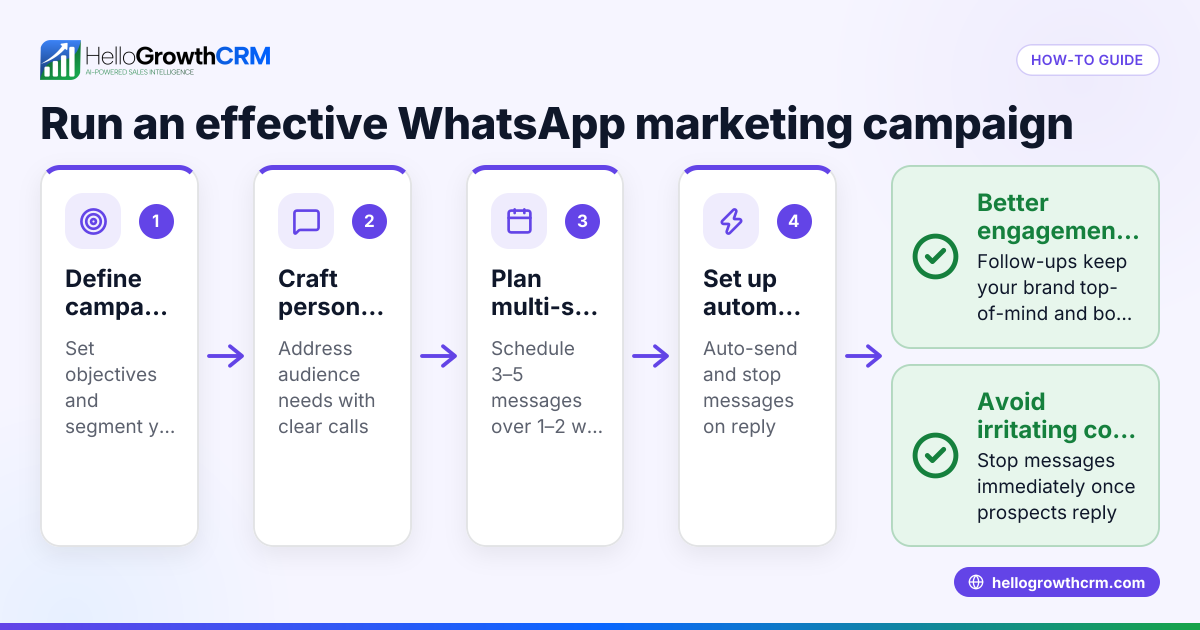
- Send automated reminders: Use WhatsApp messages to remind customers about upcoming appointments and reduce no-shows.
- Follow up post-appointment: Continue engagement through WhatsApp to gather feedback or offer additional services.
Check that your scheduling system updates availability in real time and that your team knows how to manage bookings and customer communication efficiently. Using a CRM that integrates WhatsApp and scheduling simplifies this process.
Example (fictional figures)
A renovation contractor in Jurong offers 1-hour consultation appointments Monday to Friday, 9am to 5pm, with a 30-minute lunch break from 12pm to 12:30pm.
- Available slots per day: 9:00am - 10:00am 10:00am - 11:00am 11:00am - 12:00pm 12:30pm - 1:30pm 1:30pm - 2:30pm 2:30pm - 3:30pm 3:30pm - 4:30pm
Total slots per day = 7
- Consultation fee per appointment: S$150
- Bookings per week: 20
Calculate weekly revenue from consultations:
20 appointments × S$150 = S$3,000
By using WhatsApp appointment booking, the contractor reduces scheduling time by 50%, freeing staff to handle more leads and improving customer experience.
Common mistakes
- No fixed booking slots: Leads to confusion and double-booking. Prevent by clearly defining available times.
- Manual follow-ups only: Causes missed reminders and no-shows. Use automated WhatsApp reminders.
- Scattered appointment records: Makes tracking difficult. Keep bookings and chats in one CRM system.
- Ignoring customer communication preferences: Some customers prefer WhatsApp over calls or emails; offer WhatsApp booking options.
- Delayed booking confirmations: Customers may lose interest or book elsewhere. Send instant confirmations.
Prevent these mistakes by using tools designed for WhatsApp appointment booking and training your team to use them.
Doing this in HelloGrowthCRM
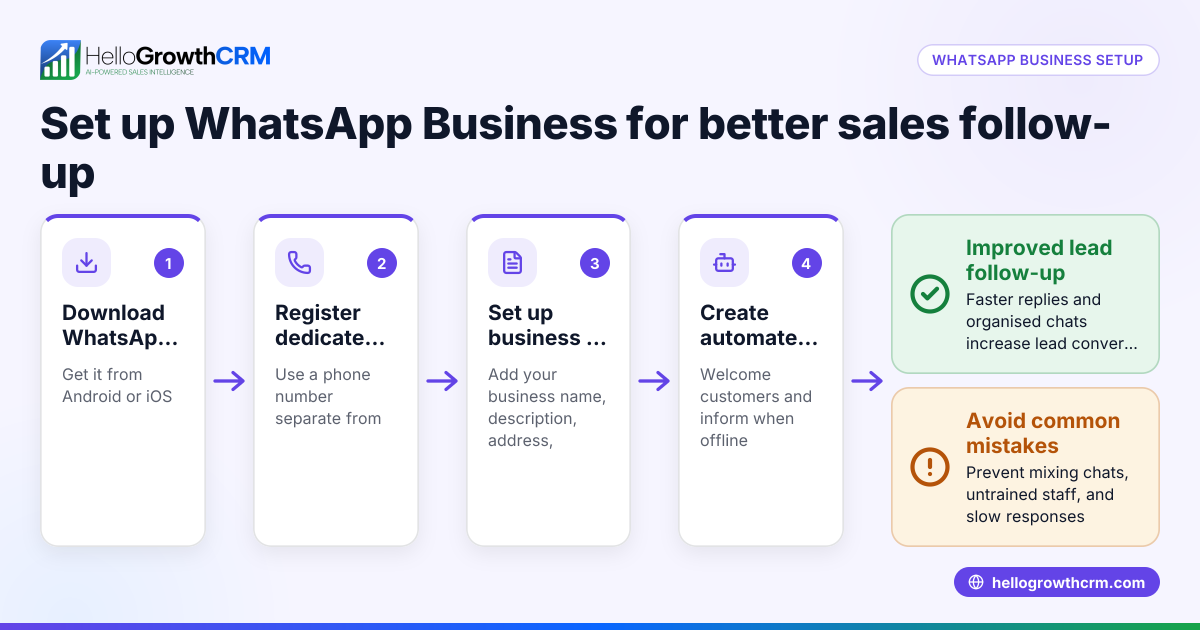
HelloGrowthCRM offers scheduling and booking pages where prospects pick appointment slots via a link, avoiding endless WhatsApp back-and-forth. WhatsApp conversations with leads are automatically logged on their records, and follow-ups can be sent as WhatsApp or SMS messages. This keeps all appointment details and communication in one place, helping Singapore businesses manage leads and appointments efficiently. Learn more about the meeting scheduler and WhatsApp and SMS CRM features that support this.
Frequently asked questions
Can I book appointments directly inside WhatsApp? Yes, by sharing a booking link within WhatsApp chats, customers can select available slots without typing messages back and forth. This link leads to a scheduler page integrated with WhatsApp.
How do I avoid double-booking appointments? Use a scheduling system that automatically updates availability in real time. This prevents customers from selecting already booked slots.
Is WhatsApp appointment booking suitable for all business types? It works well for any business that schedules meetings or services, especially SMEs in Singapore using WhatsApp as a primary communication channel.
Can I send reminders and follow-ups via WhatsApp? Yes, automated reminders and follow-up messages can be sent through WhatsApp to improve attendance and customer engagement.
Do I need special software to start WhatsApp appointment booking? While you can manage manually, using CRM software with scheduling and WhatsApp integration simplifies the process and reduces errors. HelloGrowthCRM supports these features.
How does using HelloGrowthCRM improve appointment booking? HelloGrowthCRM logs WhatsApp conversations with leads on their records and allows sending follow-ups as WhatsApp or SMS messages. Its scheduling feature lets prospects pick appointment slots from a link, reducing back-and-forth chats and keeping all data organised.
Key takeaways
- WhatsApp appointment booking speeds up scheduling by letting customers pick slots via a link.
- Defining clear, fixed booking slots prevents confusion and double-booking.
- Automated WhatsApp reminders reduce no-shows and improve customer experience.
- Keeping chats and bookings together helps track appointments effectively.
- HelloGrowthCRM offers scheduling and WhatsApp messaging tools tailored for Singapore SMEs.
Start simplifying your appointment booking today. Start on the Free Forever plan (200 leads, no credit card) to try HelloGrowthCRM’s scheduling and WhatsApp features.
Ready to put this into practice?
Set up your pipeline, WhatsApp follow-ups, and AI lead scoring in minutes — free, no credit card.
Try HelloGrowthCRM freeGet CRM tips in your inbox
Join thousands of sales professionals who get weekly insights on CRM strategy, AI automation, and pipeline optimization.

The HelloGrowthCRM team publishes guides on CRM strategy, AI sales tools, and revenue operations for small business sales teams.