HelloGrowthCRM software
Built for real small-business sales teams
HelloGrowthCRM helps reps qualify faster, follow up on time, and close more deals—with practical automation in one place.
- AI lead scoring and pipeline visibility
- Built-in dialer, WhatsApp, and email automation
- Sales forecasting and RevOps-ready reporting
Sales appointments are scheduled meetings where a sales representative connects with a prospective or current customer to discuss their needs, present solutions, and advance the sales process. These meetings can take place in person, by phone, or virtually. Sales appointments are essential because they create dedicated time to build relationships, clarify customer requirements, and move toward closing deals.
Why this comes up / what goes wrong
Small business owners often face challenges managing sales appointments because they handle many roles simultaneously and may lack a dedicated sales team. Leads can be lost or forgotten if follow-up is delayed or if appointments are not properly scheduled and tracked. Disorganized scheduling leads to missed meetings or double bookings, and without clear records, it’s hard to prioritize prospects effectively. These issues result in lost sales opportunities and inefficient use of time and resources.
Step-by-step
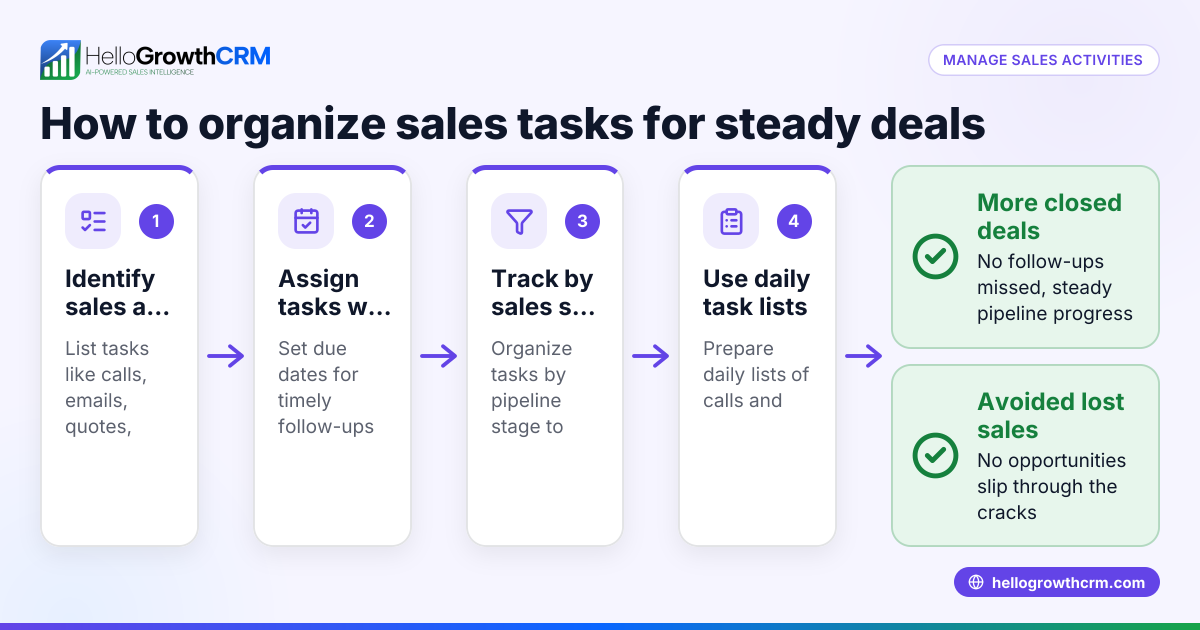
- Identify prospects ready for a sales appointment. Review your leads and pipeline to find customers who have shown interest and are ready for a detailed discussion.
- Reach out promptly to schedule the meeting. Contact the prospect via their preferred method—phone, email, WhatsApp, or SMS—and suggest specific dates and times.
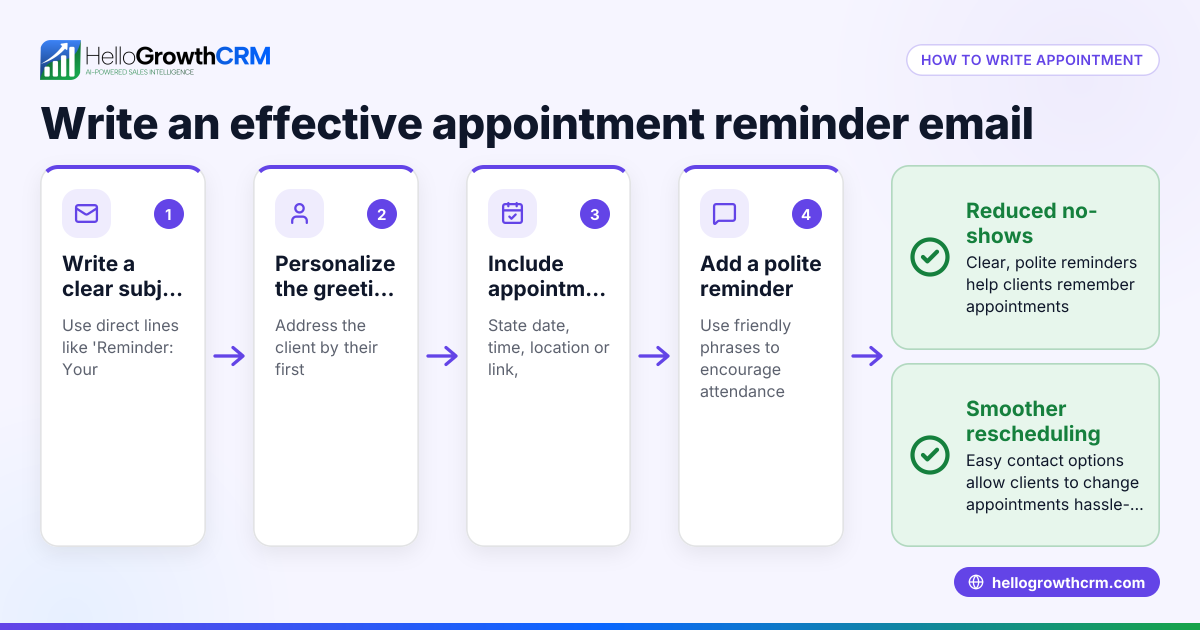
- Confirm appointment details clearly. Send a calendar invite or confirmation message including the date, time, location or call link, and agenda.
- Prepare for the appointment. Review the prospect’s background, previous conversations, and tailor your presentation or questions accordingly.
- Conduct the sales appointment. Engage the prospect actively, listen to their needs, present your solutions clearly, and address any objections.
- Agree on next steps and follow up. Decide on actions such as sending a quote, scheduling another meeting, or providing additional information, then record these commitments.
- Log the appointment outcome promptly. Update your CRM or tracking system with notes, decisions made, and set follow-up reminders to maintain momentum.
Make sure appointments are scheduled with enough lead time for preparation. Using a meeting scheduler can automate booking, reduce back-and-forth communication, and send automatic reminders.
Example (fictional figures)
A B2B software reseller in Denver, Colorado, called TechSolutions is improving its sales appointment process. On 04/01/2026, a lead expresses interest in their software.
- TechSolutions contacts the lead on 04/02/2026 to schedule a sales appointment.
- The lead agrees to meet on 04/05/2026 at 10:00 AM.
- After the appointment, TechSolutions sends a quote for $48,000.
- They schedule a follow-up appointment for 04/12/2026 to discuss the quote.
Calculations for potential commission:
$48,000 × 9% commission rate = $4,320 commission
If the sale closes, TechSolutions earns $48,000 in revenue.
Total revenue plus commission:
$48,000 + $4,320 = $52,320
This structured process helps TechSolutions track appointments and potential earnings clearly.
Common mistakes
- Delaying follow-up after an appointment. Prevent this by setting automatic reminders in your CRM to follow up promptly.
- Scheduling without confirming details. Use a meeting scheduler tool to send confirmations and reduce no-shows.
- Failing to prepare for meetings. Always review prospect information and tailor your approach before the appointment.
- Not logging appointment outcomes. Update your CRM immediately after meetings to keep your sales pipeline accurate.
- Double-booking or overbooking time slots. Use calendar integrations and scheduling tools to avoid conflicts.
Explore how a meeting scheduler can help you avoid these mistakes.
Doing this in HelloGrowthCRM
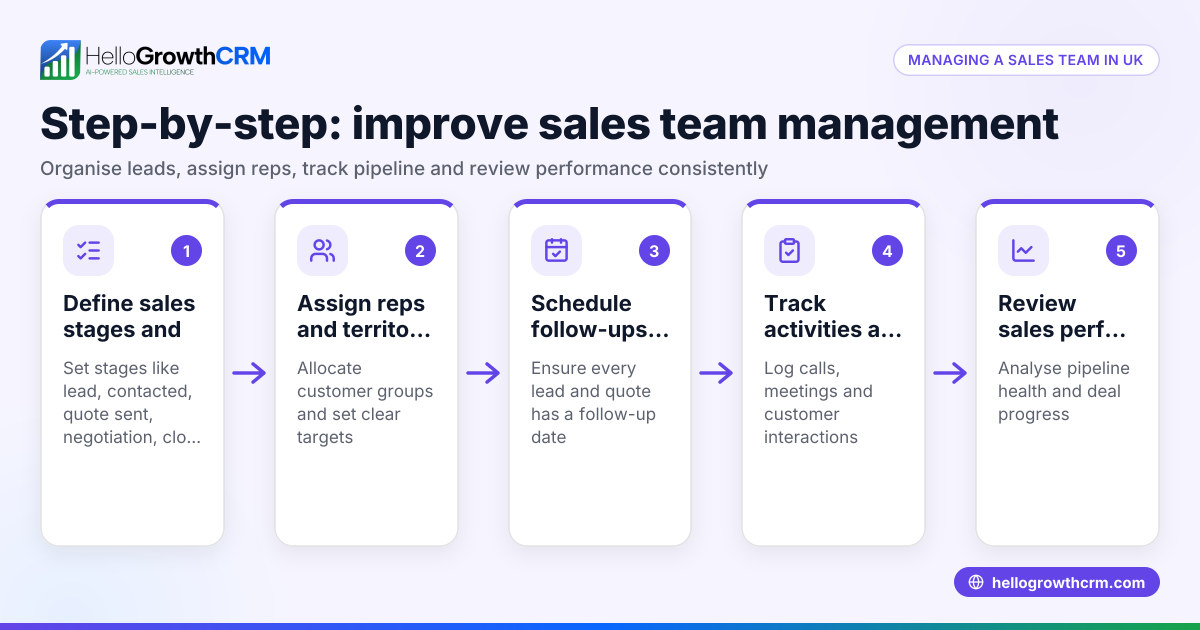
HelloGrowthCRM supports managing sales appointments through its Deals (pipeline) feature. For example, a quotation sent last week appears as a deal at the "quote sent" stage with a follow-up date, so it is not forgotten. If your business uses field sales reps, Territories, field operations and commissions tools let them log visits from their phones, while managers can monitor daily activity. For founders without a sales manager, Managed RevOps support provides weekly follow-up execution and pipeline hygiene, keeping your sales appointments organized and effective. Learn more about HelloGrowthCRM for the United States.
Frequently asked questions
What is the difference between a sales appointment and a sales call? A sales appointment is a scheduled meeting with a set time and agenda focused on progressing the sale. A sales call can be any phone conversation, scheduled or spontaneous, aimed at advancing the sales process.
How can I schedule sales appointments efficiently? Using a meeting scheduler tool allows you to offer available times, send automatic reminders, and reduce scheduling back-and-forth. HelloGrowthCRM integrates such features to help streamline appointment booking. See meeting scheduler.
How many sales appointments should a small business aim for? The number depends on your sales goals and team capacity. Track your sales pipeline and conversion rates to set realistic targets and adjust as needed.
Can sales appointments be conducted over WhatsApp or SMS? Yes, many small businesses use WhatsApp and SMS for scheduling and conducting sales conversations. HelloGrowthCRM supports these channels to keep communication centralized. See WhatsApp and SMS CRM.
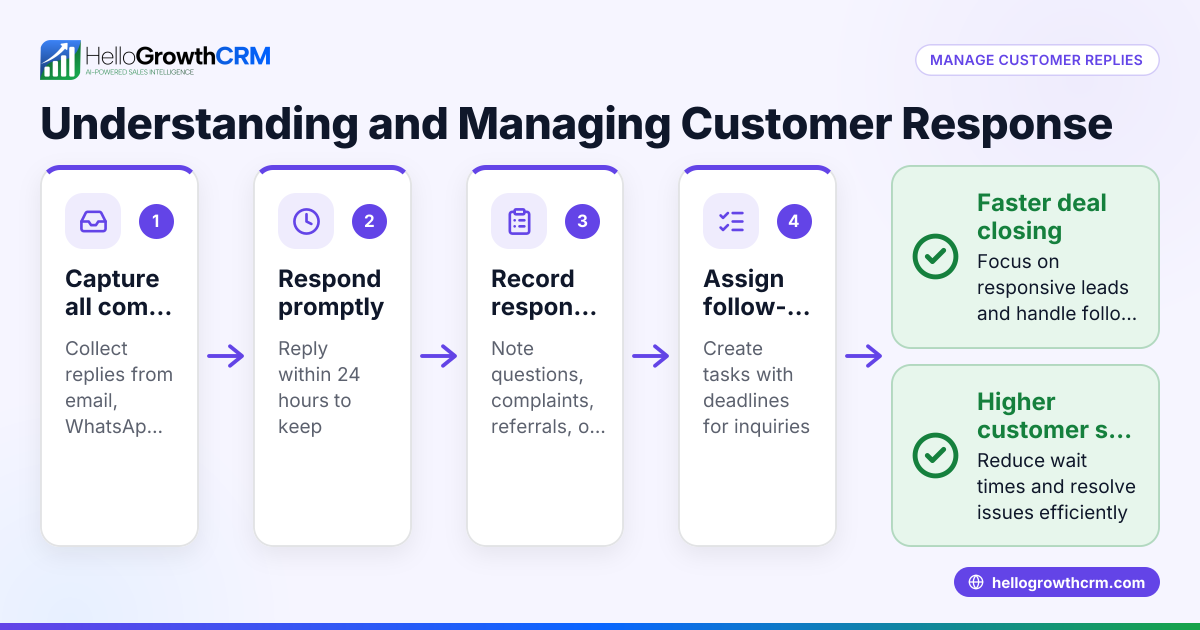
What should I do if a prospect cancels a sales appointment? Reschedule promptly, confirm the new time with the prospect, and note any reasons given to tailor your follow-up appropriately.
Key takeaways
- Sales appointments are scheduled meetings that help advance sales conversations.
- Prompt scheduling, clear confirmation, and timely follow-up prevent lost opportunities.
- Use tools like a meeting scheduler to automate booking and reminders.
- Always log appointment outcomes in a CRM to maintain an accurate sales pipeline.
- HelloGrowthCRM offers pipeline management, field sales logging, and Managed RevOps support to keep sales appointments on track.
Managing sales appointments effectively improves your chances of closing deals and growing your business. To get started organizing your sales appointments and leads, Start on the Free Forever plan (200 leads, no credit card).
Ready to put this into practice?
Set up your pipeline, WhatsApp follow-ups, and AI lead scoring in minutes — free, no credit card.
Try HelloGrowthCRM freeGet CRM tips in your inbox
Join thousands of sales professionals who get weekly insights on CRM strategy, AI automation, and pipeline optimization.

The HelloGrowthCRM team publishes guides on CRM strategy, AI sales tools, and revenue operations for small business sales teams.