What support does
Support in HelloGrowthCRM is tiered to match how central the CRM is to your revenue. Free Forever users get community resources and documentation for self-serve help. Software Only adds email and chat support for everyday questions and configuration issues. Growth Engine moves you into a priority queue with faster response times, and RevOps Partner provides dedicated support — a named contact who knows your setup and offers proactive, strategic guidance.
Support tiering matters most on a bad day. When a rep cannot log calls mid-campaign or an integration stops syncing leads, the difference between a community thread and a priority queue is measured in lost pipeline. Teams routinely under-buy support relative to how dependent they are on the system, then discover the gap during the exact week they can least afford it.
How it works in HelloGrowthCRM
Support requests route according to your plan: community forum and documentation for free users, email and chat channels from Software Only up, and a priority queue that fast-tracks Growth Engine customers. On RevOps Partner, support merges with your managed service relationship — your dedicated contact already knows your workflows, integrations, and configuration, so issues skip the explain-everything-from-scratch phase.
Support coverage also interacts with the managed-service layer: on retainer plans, many issues get caught by your specialist during weekly work before you would have raised them yourself.
See it in action
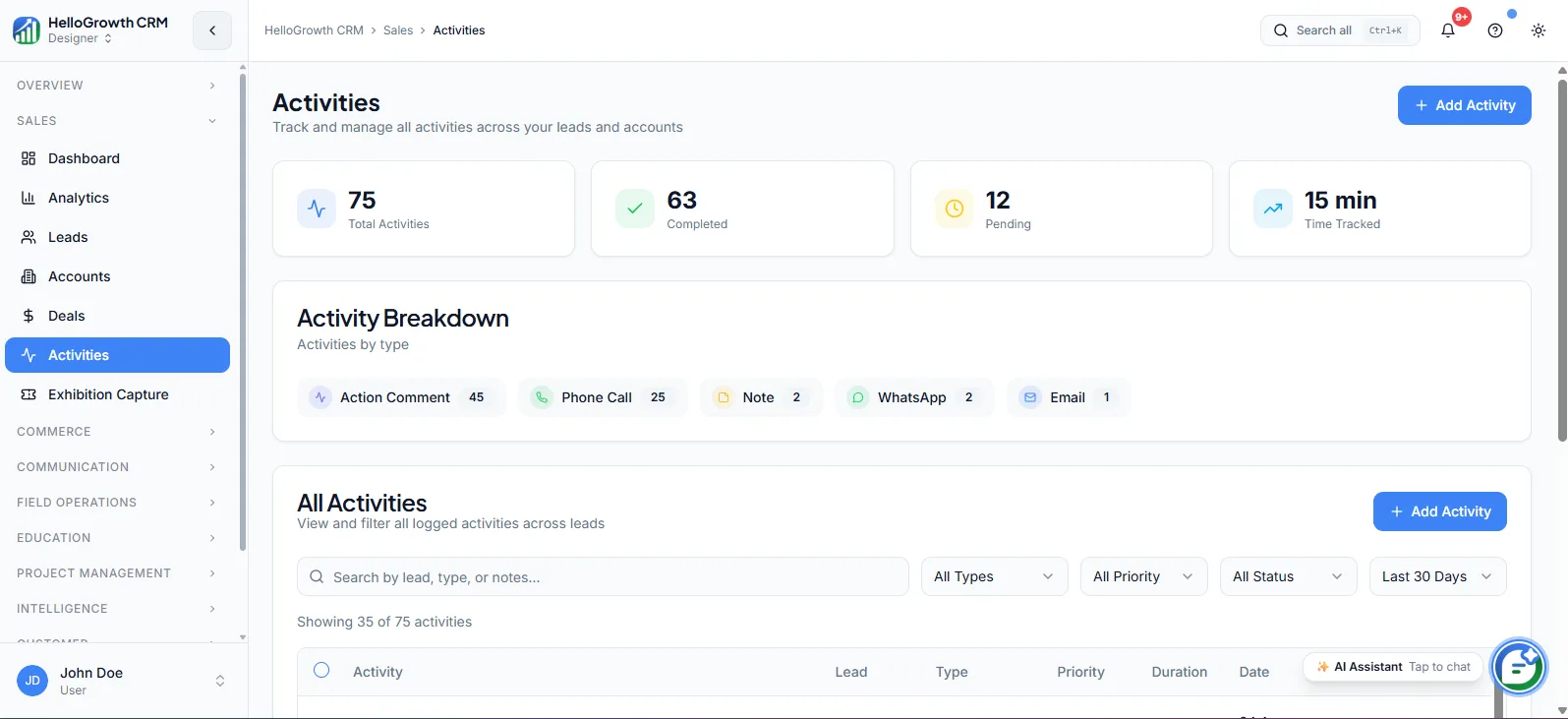
How this capability is packaged by plan
| Plan | Availability |
|---|---|
| Free Forever | Community |
| Software Only | Email + Chat |
| Growth Engine | Priority |
| RevOps Partner | Dedicated |
Setting it up — step by step
- 1
Register your support contacts
During onboarding, confirm who on your team can raise tickets and who receives incident updates.
- 2
Learn your plan's channels
Get oriented on where to go — community, chat, email, or your dedicated contact — so nobody wastes time in the wrong queue.
- 3
Document your critical workflows
Flag the processes that cannot break — lead capture, dialer, invoicing — so urgent issues get triaged with correct severity.
- 4
Set escalation expectations
On priority and dedicated tiers, agree how urgent issues are flagged and what response expectations apply.
- 5
Brief your team
Make sure reps know the internal path for reporting problems, so issues reach support instead of dying in group chat.
Who uses support
Founder/owner
Chooses the support tier as an operating decision: community is fine while exploring, but once the CRM runs invoicing and lead capture, they want a queue that answers before deals are affected.
Sales manager
Raises the issues that block the floor — a rep locked out mid-call-block, a routing rule misfiring — and needs resolution speed matched to how much selling stops while it is broken.
Support lead
Acts as the internal point of contact: triaging what reps report, raising tickets through the right channel, tracking responses, and feeding recurring product questions into internal documentation.
Support in practice — industry examples
Retail
A retail chain runs festival-season promotions where WhatsApp campaigns and lead capture cannot afford downtime. On Growth Engine, their priority queue means a template or sync issue raised on the busiest sales weekend gets fast-tracked instead of waiting behind routine questions.
Dental clinics
A dental clinic on Software Only uses chat support while the front desk configures appointment reminders and patient follow-up sequences. Everyday how-do-I questions get answered without a consultant, keeping setup moving between patients rather than stalling for days.
Field sales
A distributor with field reps on RevOps Partner leans on their dedicated contact when mobile check-ins misbehave in low-coverage territories. Because the contact already knows their territory setup and field workflows, fixes and workarounds arrive without re-explaining the deployment each time.
Common mistakes to avoid
Staying on community support after the CRM becomes revenue-critical, then losing selling days to an issue a priority queue would have resolved quickly.
Letting every rep raise tickets individually, producing duplicate, context-free reports instead of one well-documented issue through a nominated contact.
Not flagging critical workflows during onboarding, so a lead-capture outage gets triaged like a cosmetic bug.
Reporting problems in internal group chats and assuming support knows, then blaming response times for an issue never actually raised.
What teams usually care about here
Defines how quickly teams can get answers, issue help, and operating guidance
Higher tiers are designed for teams that need faster resolution and more proactive support
Support quality matters more as the CRM becomes central to revenue execution
Start free with community resources and documentation for self-serve setup
Move to email and chat support for everyday questions and configuration help
Priority tiers shorten response times when an issue is blocking active selling
Dedicated support adds a named contact and proactive guidance for critical deployments
How this fits the buying decision
Buyers usually do not evaluate support in isolation. They want to know whether it improves execution, reporting, handoffs, and accountability inside the broader CRM workflow. That is why this capability matters most when it is connected to records, ownership, activity history, and manager review rather than living in a separate point tool.
The real decision is often less about whether a box is checked and more about how much depth the team needs. Lower tiers may be enough when the workflow is simple or the volume is small. Higher tiers become more valuable when teams need governance, faster response expectations, specialist execution, or a repeatable operating cadence around the process.
If this capability is important to your rollout, compare it in the context of the whole plan. That includes related workflows, support level, reporting expectations, and whether your team will manage the motion itself or rely on managed RevOps help to keep it consistent.
Frequently asked questions
What support does each plan include?
Free Forever includes community support and documentation. Software Only adds email and chat support. Growth Engine provides priority support with faster response times, and RevOps Partner includes dedicated support — a named contact with proactive, strategic guidance who already knows your configuration.
How do I set up support access for my team?
During onboarding, register who can raise tickets and who receives updates, learn your plan's channels, and flag your critical workflows — lead capture, dialer, invoicing — so urgent issues get triaged at the right severity from the first report.
Is there help for WhatsApp, dialer, and integration issues?
Yes. Channel and integration issues — WhatsApp template problems, dialer connectivity, sync failures across the 259+ integrations — go through your normal support channel. On priority and dedicated tiers these are exactly the revenue-blocking issues the faster queues exist for.
What is different about dedicated support on RevOps Partner?
You get a named contact who knows your workflows, integrations, and history, so issues skip re-explanation. Support also becomes proactive: your managed team often catches and fixes problems during weekly work before you would have noticed and raised them yourself.
Can I get faster support without moving to a managed plan?
Priority support comes with Growth Engine, which is a managed plan. On Software Only, email and chat cover everyday questions and configuration help; if resolution speed on revenue-blocking issues matters to your team, that is a strong signal the priority tier fits your dependence level.
Related Pricing Capabilities
Field Operations
Tools for managing field sales teams — check-ins, visit logs, route planning, and on-site activity capture from mobile.
Named Revenue Specialist
A dedicated operator who manages follow-up, pipeline discipline, and day-to-day revenue workflow reliability inside your CRM.
Managed RevOps
Done-for-you revenue operations support that turns HelloGrowthCRM from software into an execution system run with specialist help.
Weekly Follow-up Execution
A managed operating cadence where follow-up tasks, outreach queues, and next steps are actively worked every week.
Same-Business-Day Lead SLA
A service commitment around inbound lead handling so new opportunities are worked quickly instead of aging in queues.
Pipeline Cleanup & Hygiene
Ongoing cleanup of stale records, mis-staged deals, missing fields, and messy ownership so reporting stays trustworthy.