Webinar Follow-Up Sequence(Free Download)
Post-webinar nurture sequence for attendees and no-shows with recording, slides, and personalized CTAs.
Template preview
Email sequence builder
What's included
Post-webinar nurture sequence for attendees and no-shows with recording, slides, and personalized CTAs.
Template specs
Updated 2026-02-08
No credit card · Free forever
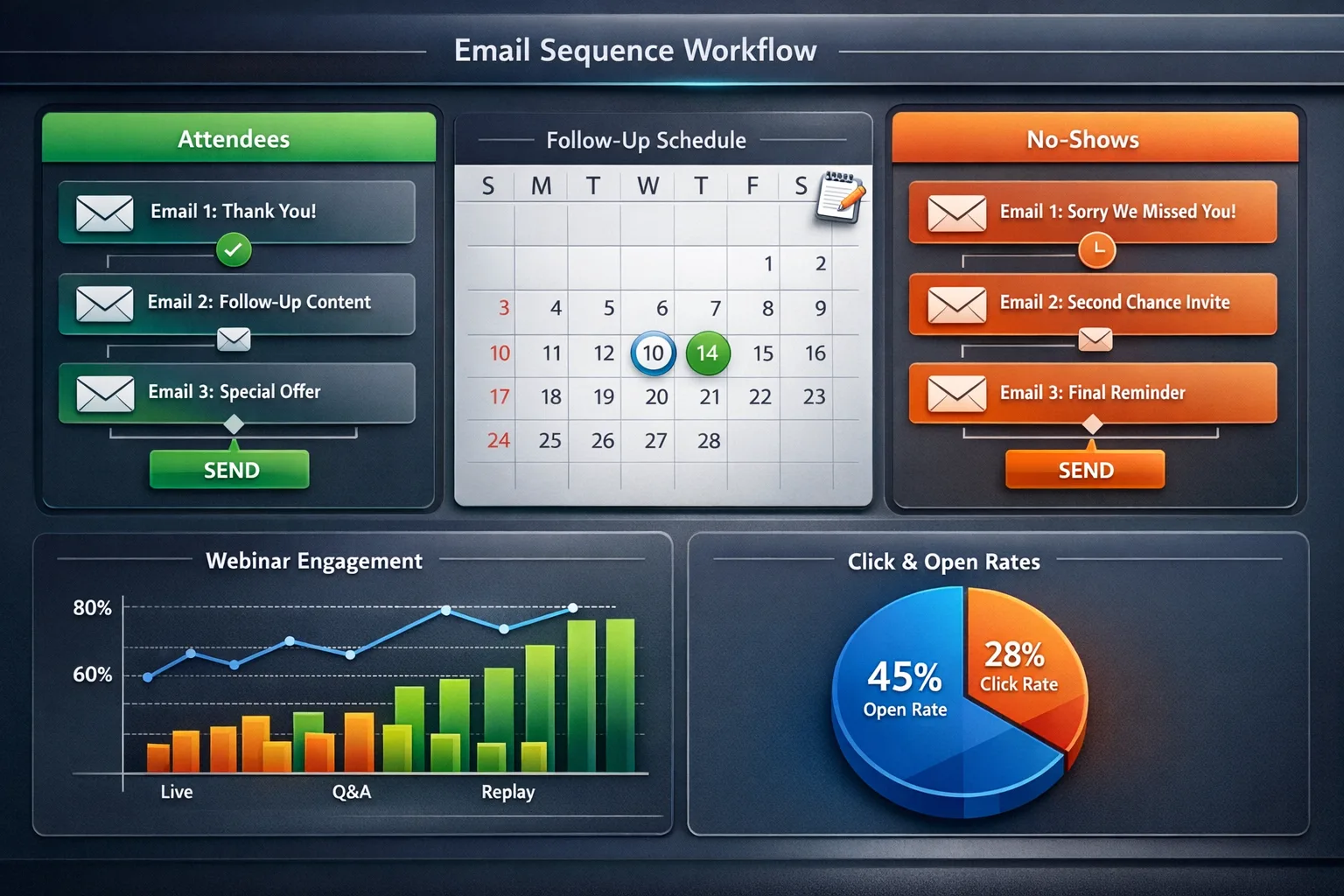
Post-webinar nurture sequence for attendees and no-shows. Sends recording, slide deck, Q&A answers, related resources, and personalized CTAs based on poll responses and chat engagement during the event. The sequence splits into two branches the moment your webinar platform syncs attendance: attendees receive a thank-you with the recording and a deeper-dive resource within two hours, while no-shows get a softer 'here is what you missed' email with the recording and one highlight clip. A third, optional branch targets highly engaged attendees — anyone who asked a question or answered a poll — with a direct demo invitation from a named rep rather than a marketing alias. The template also includes a 7-day re-engagement email for no-shows who never opened the first message, because registration intent decays fast but rarely disappears overnight.
The Problem This Solves
Most webinar leads go cold within 48 hours. Without immediate, segmented follow-up, the investment in content and promotion is wasted.
Who It's For
Marketing teams, demand gen managers, and event coordinators running educational or product webinars.
Use Cases
- Automatically follow up with attendees and no-shows within 2 hours
- Segment follow-up based on engagement level during the webinar
- Convert webinar attendees to demo bookings or trial signups
How to Use This Template
- 1
Import the sequence and connect your webinar platform (Zoom, GoToWebinar, etc.)
- 2
Create two branches: Attended and No-Show
- 3
Customize email content with your webinar recording link and slides
- 4
Set trigger: 'Webinar ended' with a 2-hour delay
- 5
Track demo booking rate from webinar leads
Inside the template: sample data
The exact rows that ship with the Webinar Follow-Up Sequence download — replace them with your own records after import.
| Branch | Timing | Primary CTA | |
|---|---|---|---|
| Attended | Thank you + recording + slides | 2 hrs after event | Watch key segment |
| Attended | Q&A answers + related resource | Day 2 | Read companion guide |
| Attended (engaged) | Personal note from rep | Day 1 | Book a demo |
| No-show | Sorry we missed you + recording | 2 hrs after event | Watch recording |
| No-show | Highlight clip + key takeaways | Day 3 | Watch 3-min clip |
| No-show | Re-engagement: next event invite | Day 7 | Register for next session |
Frequently Asked Questions
Ready to use this template?
Deploy Webinar Follow-Up Sequence in HelloGrowthCRM with one click. Get started free — no credit card · free forever.
Free forever · No credit card required · Set up in minutes