HelloGrowthCRM software
Built for real small-business sales teams
HelloGrowthCRM helps reps qualify faster, follow up on time, and close more deals—with practical automation in one place.
- AI lead scoring and pipeline visibility
- Built-in dialer, WhatsApp, and email automation
- Sales forecasting and RevOps-ready reporting
Agentic AI CRM for US B2B sales teams means a CRM that does more than store records and send reminders. It can take approved actions on its own, like routing leads, drafting follow-ups, updating fields, and flagging risk, while still working inside rules your team sets. For growing sales teams in the United States, the value is speed, cleaner data, and more consistent execution without losing control.
Key takeaways
- An agentic AI CRM can act on sales data, not just analyze it.
- The best use cases are narrow, high-volume, and easy to review.
- Guardrails matter most in outreach, lead assignment, forecasting, and data updates.
- US B2B teams should check for support around email, phone, CAN-SPAM, TCPA, and SOC 2 expectations.
- The right system should fit your workflow, integrate with tools like QuickBooks and Stripe, and be easy for reps to trust.
- Start with one or two workflows, measure outcomes, and expand only after the team sees value.
What is an agentic AI CRM for US B2B sales teams?
An agentic AI CRM is a CRM with AI that can recommend, decide, and complete limited tasks based on your rules and data. A standard CRM waits for a rep or manager to click a button. An agentic system can notice a lead from Houston came in from a pricing page, score it, assign it, draft the first response, and create a follow-up task before a rep opens the record.
That does not mean the system should run wild. In B2B sales, the real win is controlled action. The CRM should handle repetitive work where the process is clear and the risk is low. It should also give your team a clear audit trail.
For US businesses, this matters because sales teams still run on email and phone. They also face real compliance and buyer expectations. Outreach needs to respect CAN-SPAM rules for email and TCPA issues for calling and texting. Buyers often ask security questions early, and larger accounts may expect SOC 2 controls from software vendors. So the CRM should not just be smart. It should be usable, reviewable, and predictable.
A good AI CRM helps with that by combining pipeline management, outreach, and reporting in one place. But the real difference comes from how it acts, how it logs those actions, and how easily your team can tune the rules.
What can an agentic AI CRM actually do?
It can monitor events, make small decisions, and trigger approved actions inside the sales process.
In practice, that means it can do things like:
- Capture leads from forms, email, or imports.
- Enrich records using available business data.
- Score and prioritize accounts.
- Assign leads by territory, segment, or product line.
- Draft outreach based on account context.
- Create tasks when a deal goes quiet.
- Move opportunities when key fields change.
- Flag forecast risk based on activity patterns.
- Prompt reps to update close dates or next steps.
- Summarize calls, emails, and account history.
The key phrase is approved actions. An ai-powered CRM should not decide your strategy. It should execute the playbook your team already believes in.
The difference between assistive AI and agentic AI
Assistive AI gives suggestions. Agentic AI takes action within limits.
For example, assistive AI may tell a rep, “This lead looks promising.” Agentic AI may score the lead, assign it to the right rep in Chicago, draft the first email, and set a reminder if there is no reply in three business days.
That difference matters because most B2B teams do not have a thinking problem. They have an execution problem. Follow-ups slip. Fields go stale. Handoffs break. Forecasts drift because no one updates the CRM. Agentic behavior helps when it removes small delays across hundreds of records.
Which use cases are worth automating first?
Start with lead handling, follow-up discipline, and pipeline hygiene. Those are high-volume tasks with clear rules and fast payback.
The best first use cases share three traits:
- They happen often.
- They follow a repeatable pattern.
- A mistake is easy to catch and reverse.
Here are practical examples for US B2B sales teams.
Lead capture and qualification
When a new lead comes in, the system can create the contact and company, match duplicates, score fit, and route the record. If your team sells industrial services in Detroit and software subscriptions nationwide, routing can follow product line and territory rules.
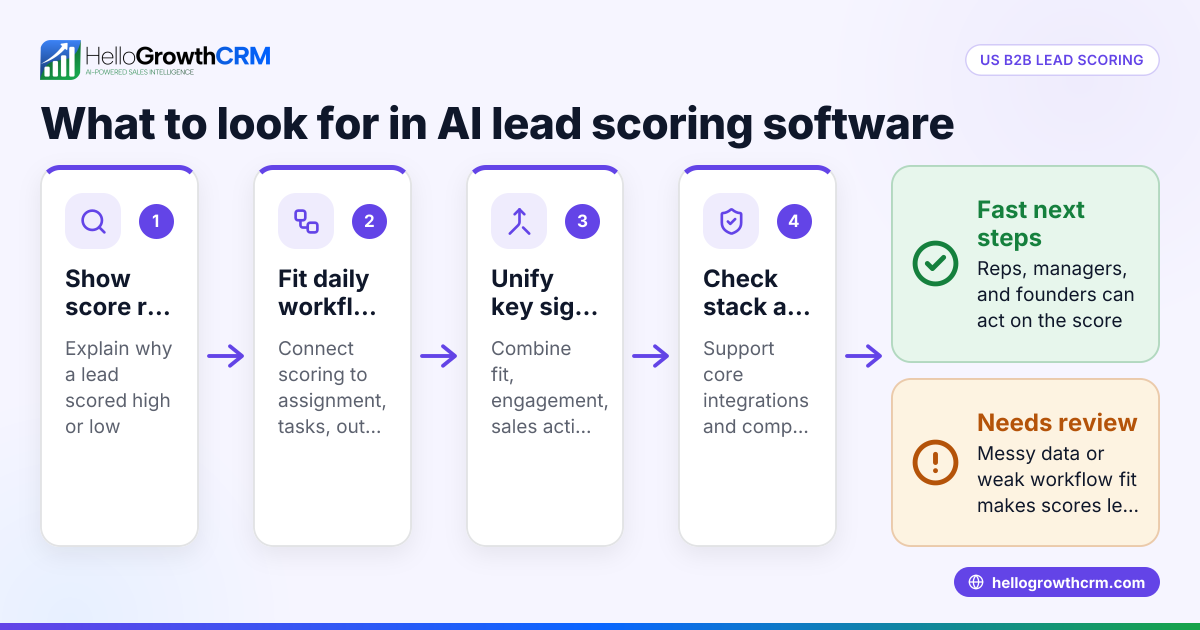
This is where AI lead scoring is useful. It helps reps focus on accounts with better intent and fit. That matters if your inbound volume is rising and your team cannot call every form fill within ten minutes.
First-touch and follow-up outreach
The CRM can draft a first response using the lead source, company name, and page visited. It can also trigger a sequence if the lead does not reply. This is one of the strongest forms of ai automation because it removes dead time between inquiry and response.
The system should still let you approve templates, sender rules, and stop conditions. If you use email automation, make sure suppression rules, unsubscribe handling, and task creation are easy to review.
Opportunity stage management
Reps often forget to move deals or update next steps. An agentic CRM can watch for signals like booked meetings, sent proposals, or signed order forms and suggest or apply stage changes. That keeps reporting cleaner and helps managers coach from real data.
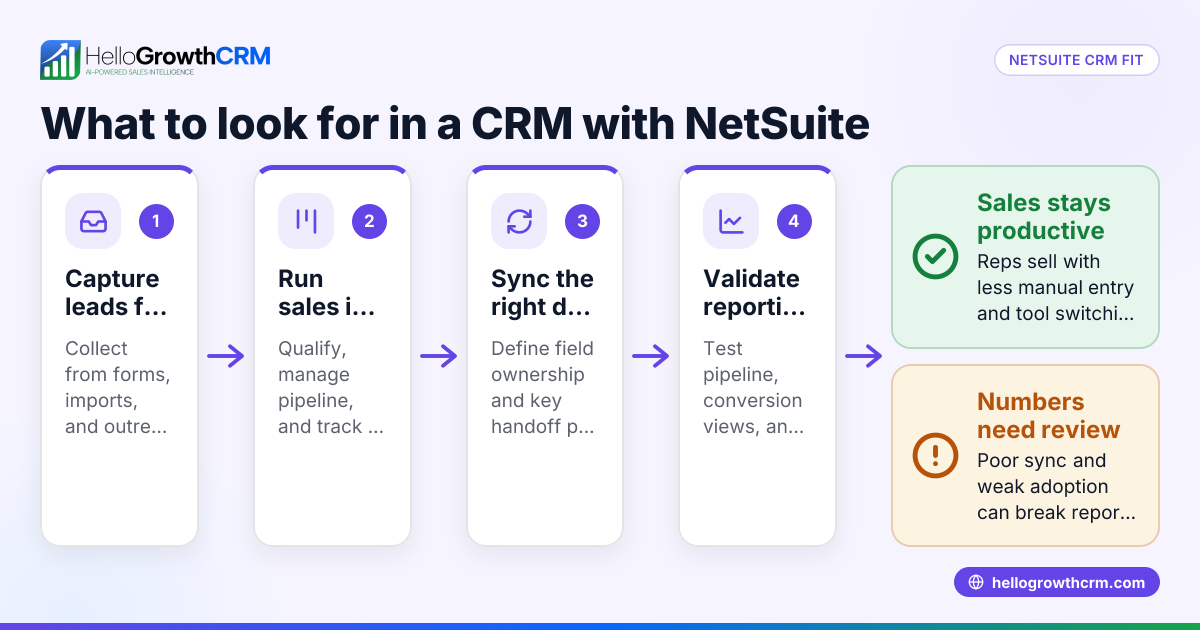
For manufacturers and distributors in the United States, this can also help align CRM records with ERP-driven milestones. The CRM does not need to replace the ERP. It just needs to keep sales activity synced with what the team needs to see.
Forecast risk detection
When deals sit too long, lose activity, or show inconsistent close dates, the CRM can flag them for review. It can also prompt the owner to confirm amount, date, and next step before forecast meetings.
This kind of ai software is most useful when it surfaces risk early, not when it produces a fancy score no one trusts. If your team reviews forecast categories every Friday, use the system to prepare the exceptions list before the meeting.
How do you keep agentic AI under control?
Use clear rules, limited permissions, and human review on anything customer-facing or forecast-critical.
That short answer is the right starting point. Agentic systems create value when they handle repetitive work, but they also create risk if the scope is vague. The fix is not to avoid AI. The fix is to define what the system may do, where it may act, and when a person must approve the next step.
Set action tiers
Create three action tiers before rollout:
- Auto-execute: low-risk actions like creating tasks, updating non-critical fields, and assigning owners.
- Suggest first: medium-risk actions like moving stage, changing close date, or drafting a custom email.
- Human approval required: high-risk actions like pricing changes, contract communications, or bulk outreach.
This simple model keeps the CRM useful without making it reckless.
Restrict channels and content
Customer-facing content needs strong controls. Let the system draft emails, but lock approved templates, brand voice, legal footers, and unsubscribe behavior. For calling and texting, make sure your workflow respects TCPA concerns and your internal consent rules.
An ai tool should improve speed without creating new compliance headaches. If the system can send on its own, it should also log who set the rule, what triggered the message, and how to stop it.
Log every action
You need an audit trail. If the CRM updates a field, assigns a record, or sends a message, the team should be able to see:
- What happened
- When it happened
- Why it happened
- Which rule or trigger caused it
That matters for coaching, reporting, and trust. It also matters when a rep says, “Why did this deal move?” and a manager needs a clear answer.
Keep data quality as a first-class rule
Bad data makes smart systems look dumb. Before you add more automation, clean up core objects, naming standards, owner rules, and required fields. Decide which system is the source of truth for company, contact, deal amount, and closed-won status.
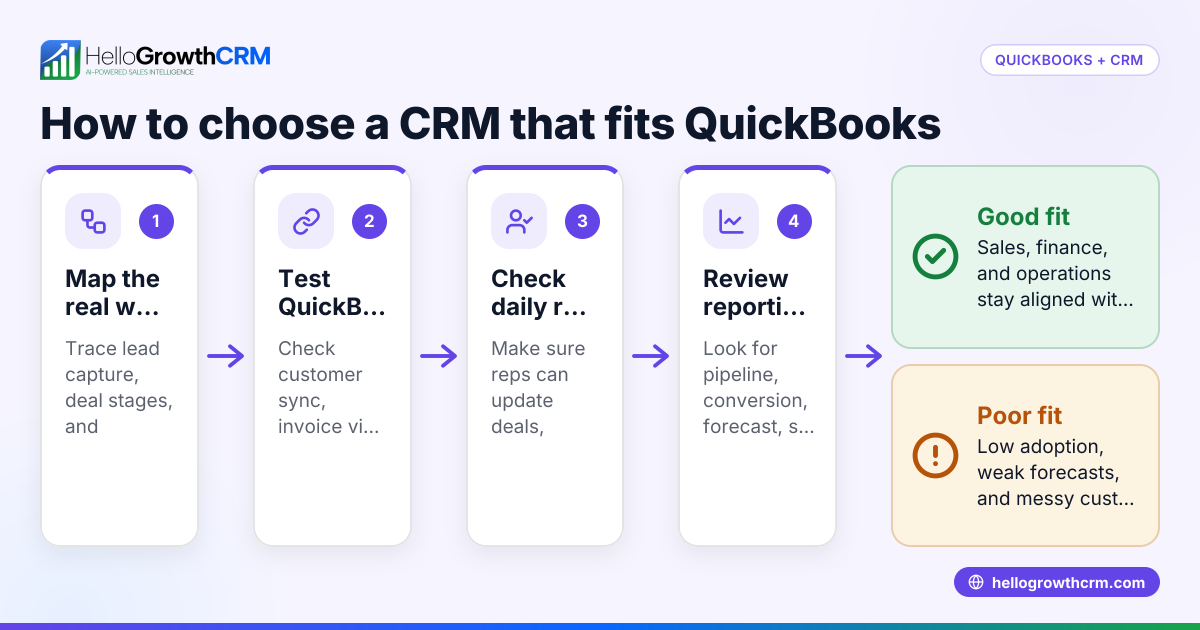
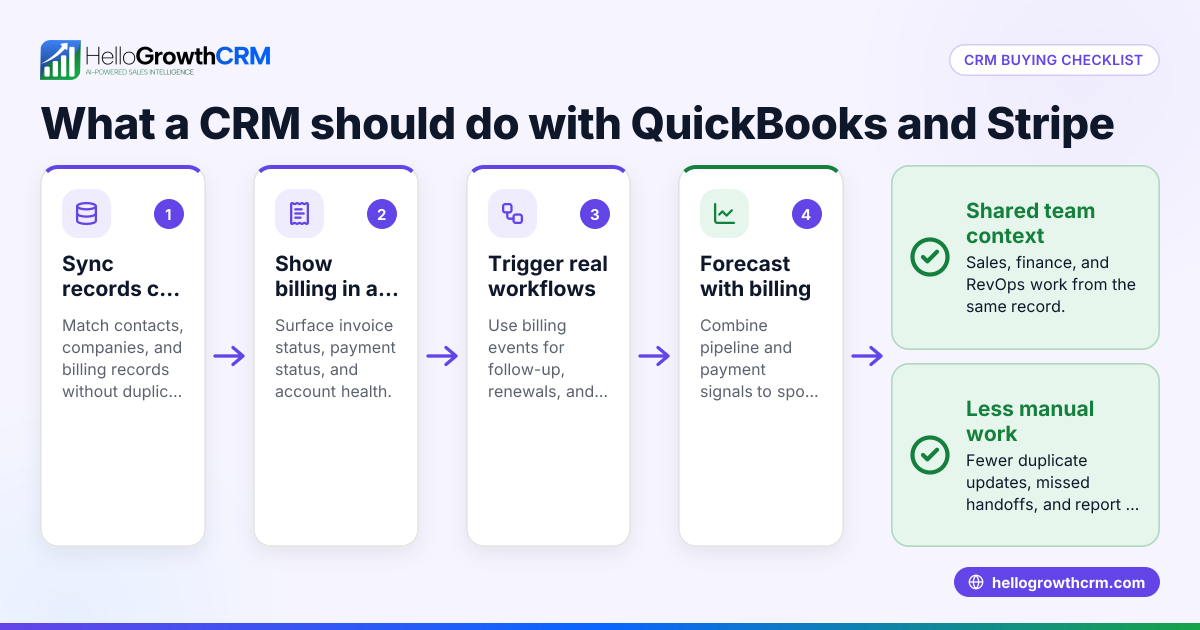
If your team relies on QuickBooks or Stripe for billing context, integration quality matters as much as AI quality. Check whether your integrations support the workflows your team actually uses.
What should US B2B teams look for in the United States?
Look for strong workflow controls, support for US outreach channels, security maturity, and easy reporting your team will actually use.
That is the shortlist. Most teams do not fail because the model is weak. They fail because the CRM is hard to trust, hard to configure, or disconnected from daily work. In the United States, a practical buying checklist should reflect how your sales team operates.
1. Fast setup for your actual sales motion
Your CRM should fit inbound, outbound, partner, or account-based motion without heavy custom work. If you need weeks of admin effort to launch one workflow, adoption will stall.
Ask:
- Can we model our pipeline without a consultant?
- Can we set routing rules by territory, segment, or product?
- Can managers change logic without filing tickets?
2. Native support for email, calling, and tasking
US B2B teams still live in email and phone. The CRM should make those channels easy to manage and log. If reps must jump between five tools to work one deal, your data quality will drift.
Look for one place to handle outreach, follow-up, notes, and activity history. That is where agentic behavior becomes useful because the system can act on complete context.
3. Security and buyer-ready processes
Mid-market buyers often ask about security early. Even if you are not selling into heavily regulated industries, buyers may still expect SOC 2 or similar controls from vendors handling customer data.
A CRM does not need to be flashy. It needs to make security and permissions understandable. Ask about role-based access, audit logs, and how automation permissions are managed.
4. Forecasting that managers believe
Forecasting should not be a black box. Leaders need to see why a deal is in a category and what changed. A system with sales forecasting should make risk factors visible, not hidden behind mystery scores.
This matters for board reporting, hiring plans, and cash flow. A founder in Chicago or Houston needs a forecast they can explain, not just admire.
5. Managed help if your team is lean
Many small and mid-sized B2B teams do not have a full RevOps department. They have one sales ops person, or none. In that case, the right answer may be a platform plus operational support.
That is where managed RevOps can make sense. The goal is not more complexity. The goal is to keep workflows clean, reporting consistent, and automation aligned with how the team sells.
Practical guardrails for rollout
The safest rollout is small, measured, and visible. Do not begin with ten workflows and a company-wide promise that AI will fix adoption.
Instead, use this rollout plan.
Step 1: Choose one revenue bottleneck
Pick one pain point with a clear owner. Good examples include slow lead response, missed follow-ups, stale pipeline stages, or forecast clean-up.
Step 2: Define the rule in plain English
Write the workflow so any manager can understand it. Example: “If a demo request from a target account arrives during business hours, assign it to the named territory rep, create a call task, and send the approved first-touch email.”
Step 3: Set approval levels
Decide what the system can do alone, what it can draft, and what needs review. Keep customer-facing messages tighter than back-office updates.
Step 4: Measure a few simple outcomes
Do not track twenty metrics. Track three to five:
- Speed to first response
- Lead-to-meeting rate
- Opportunity stage aging
- Rep task completion
- Forecast changes before the weekly call
Step 5: Review exceptions every week
Look at wrong assignments, awkward drafts, duplicate records, and stage errors. Update rules. This is how the system learns your process, even when the model itself is not changing.
Step 6: Expand only after trust is earned
Once one workflow works, add another. Teams adopt automation when they see fewer clicks and better outcomes. They resist it when it feels like management theater.
Common mistakes to avoid
Treating AI like a strategy
AI is execution support, not your go-to-market plan. If your ICP is unclear or your pipeline stages mean different things to different reps, fix that first.
Automating broken processes
Bad process plus automation becomes fast bad process. Standardize lead routing, field definitions, and pipeline exits before you add more triggers.
Hiding the logic from reps
If reps do not know why records are scored, assigned, or moved, they will ignore the system. Explain the rules. Show the history. Let them challenge edge cases.
Over-automating customer communication
Drafting is fine. Sending every message without oversight is risky. Keep high-stakes outreach under tighter control, especially around pricing, procurement, and contract timing.
Buying for features instead of adoption
A huge feature list will not save a CRM no one opens. Review the features that matter to your workflow, then validate whether your team can use them every day.
How to evaluate vendors without getting distracted
Most demos look good. The better test is whether the system can handle your real process with your real data.
Ask each vendor to show:
- A new inbound lead routed by your actual rules.
- A draft follow-up created from a real account record.
- A deal risk alert based on missing activity.
- A forecast view a manager can explain in one minute.
- The audit log for an automated action.
- The permissions model for AI-driven changes.
Then ask who will maintain all this after launch. If your team is small, support matters as much as product depth.
If you are comparing options, focus less on promise and more on daily use. Can the system help reps move faster? Can managers trust the data? Can your team change rules without a six-week project? Those questions matter more than broad claims about being “fully automated with ai.”
A practical platform should also make it easy to understand setup, scope, and support. You can review HelloGrowthCRM pricing if you want to compare approach and fit without jumping straight into a long sales process.
Read next
This article covers one part of a bigger topic. For the complete picture, read our guide to agentic ai.
Ready to put this into practice?
Set up your pipeline, WhatsApp follow-ups, and AI lead scoring in minutes — free, no credit card.
Try HelloGrowthCRM freeGet CRM tips in your inbox
Join thousands of sales professionals who get weekly insights on CRM strategy, AI automation, and pipeline optimization.

The HelloGrowthCRM team publishes guides on CRM strategy, AI sales tools, and revenue operations for small business sales teams.