HelloGrowthCRM software
Built for real small-business sales teams
HelloGrowthCRM helps reps qualify faster, follow up on time, and close more deals—with practical automation in one place.
- AI lead scoring and pipeline visibility
- Built-in dialer, WhatsApp, and email automation
- Sales forecasting and RevOps-ready reporting
If your B2B sales team in the United States runs on NetSuite, the best CRM is the one that keeps sales, finance, and operations in sync without adding more admin work. It should capture leads, score them, manage pipeline activity, and connect cleanly with NetSuite so reps can sell while leadership gets accurate forecasts and customer data.
Key takeaways
- The best CRM for US B2B sales teams using NetSuite reduces manual entry between sales and finance.
- Look for strong lead capture, pipeline control, activity tracking, and flexible integration options.
- US teams should also consider compliance needs like CAN-SPAM, TCPA, and buyer expectations around SOC 2.
- A good CRM should support email, phone, and reporting in one place so reps actually use it.
- AI features matter when they improve speed and forecast accuracy, not when they add complexity.
- RevOps support can make a big difference if your team lacks time to maintain fields, workflows, and reporting.
Why NetSuite users need a CRM built for real sales work
NetSuite is a strong system for finance, orders, and back-office operations. Many growing B2B companies in the United States rely on it to manage revenue, billing, and inventory. That is especially true in sectors like manufacturing, distribution, software, and business services.
But NetSuite is not always the place where sales teams do their best work day to day. Reps need a faster workflow. They need simple lead capture, clear pipeline stages, call notes, email history, reminders, and reporting they can trust. They also need all of that without jumping between six tools.
That is where the search for the best crm for us b2b sales teams using netsuite starts. The right CRM does not replace NetSuite. It complements it. It gives sales a system they will actually use, while helping finance and operations keep clean records.
In practice, that means a few things:
- New leads should enter the CRM automatically.
- Reps should qualify and work deals in one system.
- Important customer and deal data should sync with NetSuite.
- Leadership should get accurate pipeline and revenue visibility.
- The handoff from closed-won deal to billing or fulfillment should be smooth.
If those steps break, teams feel it quickly. Reps waste time on admin. Forecasts become unreliable. Finance chases missing details. Leadership loses confidence in the numbers.
What should US sales teams expect from a CRM that works with NetSuite?
A good CRM for NetSuite users should keep sales activity easy and customer data clean. It should help reps move deals forward, while giving finance and RevOps a dependable process from lead to revenue.
That sounds simple, but many systems miss the mark. Some tools are too rigid. Some demand heavy setup. Others have flashy AI features but weak day-to-day usability. For a small or mid-sized B2B team in Chicago, Houston, or Detroit, the basics still matter most.
Lead capture and qualification
The CRM should collect leads from forms, imports, and outreach channels without delay. It should also make it easy to assign ownership and move leads into the right pipeline.
This is where AI can help. Good AI lead scoring highlights which accounts deserve attention first. That matters when your team has a limited number of reps and a full pipeline.
Look for:
- Automatic lead routing
- Lead scoring based on fit and behavior
- Clear qualification fields
- Fast conversion from lead to account, contact, and opportunity
Pipeline management reps actually use
A CRM only works if reps update it. That means the interface must be simple. Stages should be clear. Next steps should be visible. Tasks should be easy to log from email, calls, or meetings.
For US B2B teams with longer sales cycles, this is critical. A rep selling industrial services in Houston may work a deal for months. A software AE in Chicago may manage a committee of buyers across procurement, IT, and finance. The CRM should support that complexity without becoming slow.
Look for:
- Custom pipeline stages
- Required fields only where they matter
- Easy activity logging
- Mobile-friendly access
- Simple reminders and follow-ups
Communication tools in one place
Email and phone are still core sales channels in the United States. Some teams also use WhatsApp for certain buyer relationships. A CRM should track these interactions in one timeline so reps and managers can see what happened.
This helps with coaching and account coverage. It also reduces risk when reps leave or territories change.
Features that matter include:
- Shared email visibility
- Call logging and recordings where appropriate
- Email sequences and follow-up automation
- Contact history tied to the deal record
For growing teams, built-in email automation can remove a lot of repetitive work without forcing reps into stiff templates.
Is AI really useful when choosing a CRM?
Yes, if AI removes admin work, improves prioritization, and helps forecast revenue. No, if it is just a label on features your team will not trust or use.
That short answer matters because AI is everywhere in CRM marketing right now. Buyers hear terms like predictive selling, smart scoring, and automated insights. Some of those tools are useful. Some are just noise.
The best use of AI in a CRM is practical. It should help a sales rep decide what to do next. It should help a manager spot deal risk sooner. It should help RevOps keep data cleaner without constant manual cleanup.
Where AI helps most in a NetSuite environment
When your company already uses NetSuite, your CRM should not create another silo. AI should improve the quality of information moving between systems.
Useful examples include:
- Scoring inbound leads based on firmographic and engagement signals
- Flagging stalled deals based on activity gaps
- Suggesting next actions for reps
- Identifying forecast risk from pipeline behavior
- Surfacing duplicates or incomplete records
This is where an ai best crm should prove itself. It should make the sales process sharper, not harder to understand.
Where AI does not solve the real problem
AI will not fix a messy sales process on its own. It will not fix unclear pipeline stages. It will not solve ownership confusion between sales and finance. And it will not make reps trust the system if the data is already wrong.
Before you chase advanced AI features, make sure the CRM can handle the basics well:
- Clean contact and account records
- Simple opportunity management
- Good activity tracking
- Reliable reporting
- Strong integration structure
A solid AI CRM should build on those basics, not distract from them.
What integration details matter most with NetSuite?
The most important integration detail is field discipline. Decide which system owns each record, which fields sync, and when data should move between the CRM and NetSuite.
That is the short version. If you skip this step, your team will end up with duplicate records, broken reporting, and arguments about which number is correct.
Define the system of record
This is the first decision. For many B2B companies, the CRM should own early-stage lead and pipeline data. NetSuite often owns customer financial records, orders, invoices, and fulfillment data.
That split can work well if it is documented clearly.
Common ownership patterns look like this:
- CRM owns leads, activities, opportunities, and sales notes
- NetSuite owns billing, subscription, order, and invoice records
- Account and contact records may sync both ways with rules
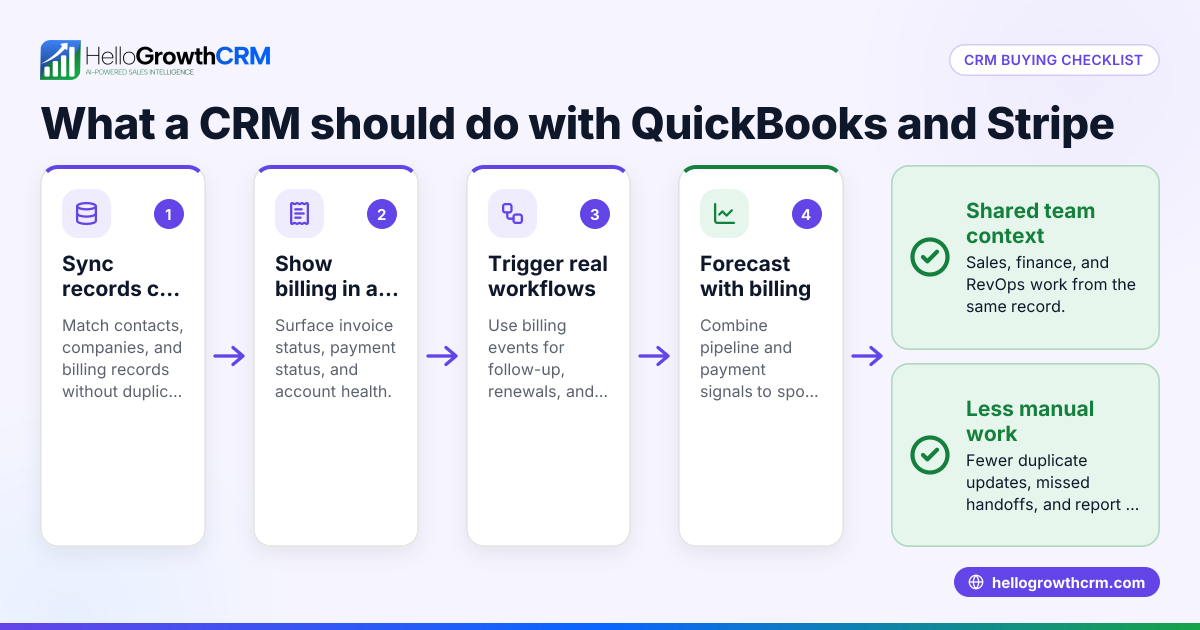
The exact setup depends on your sales model. A manufacturer with ERP processes may need customer and item data to flow differently than a software company using Stripe and QuickBooks alongside NetSuite.
Map the handoff points
The most important sync points are usually:
- New customer creation
- Closed-won opportunity handoff
- Product or service details needed for quoting
- Payment or invoice status visibility
- Renewal or expansion triggers
When these handoffs are clear, sales avoids re-entry. Finance gets complete records. Leadership gets cleaner reporting.
Do not sync everything
A common mistake is trying to sync every field and every status. That creates complexity fast. Start with the fields your team actually uses to sell, invoice, and report.
Focus on:
- Account name and ownership
- Contact details
- Deal stage and amount
- Expected close date
- Product or line item summary where needed
- Customer status after close
Then expand only when there is a real business case.
Choose a CRM with practical integrations
Your CRM should support the systems your team already depends on. For many US companies, that includes email, calling, calendars, forms, and finance tools. If your workflow includes NetSuite plus Stripe, QuickBooks, or ERP-related processes, integration planning matters even more.
The best setup is usually the one your team can maintain. Fancy architecture is not helpful if nobody can troubleshoot it after launch.
How do you evaluate CRM fit for a US B2B sales team?
Start with daily workflow, not vendor pitch decks. If a rep cannot manage a normal week of prospecting, follow-up, and pipeline review inside the CRM, it is not the right fit.
That simple test saves time. Too many teams buy based on feature volume instead of practical use.
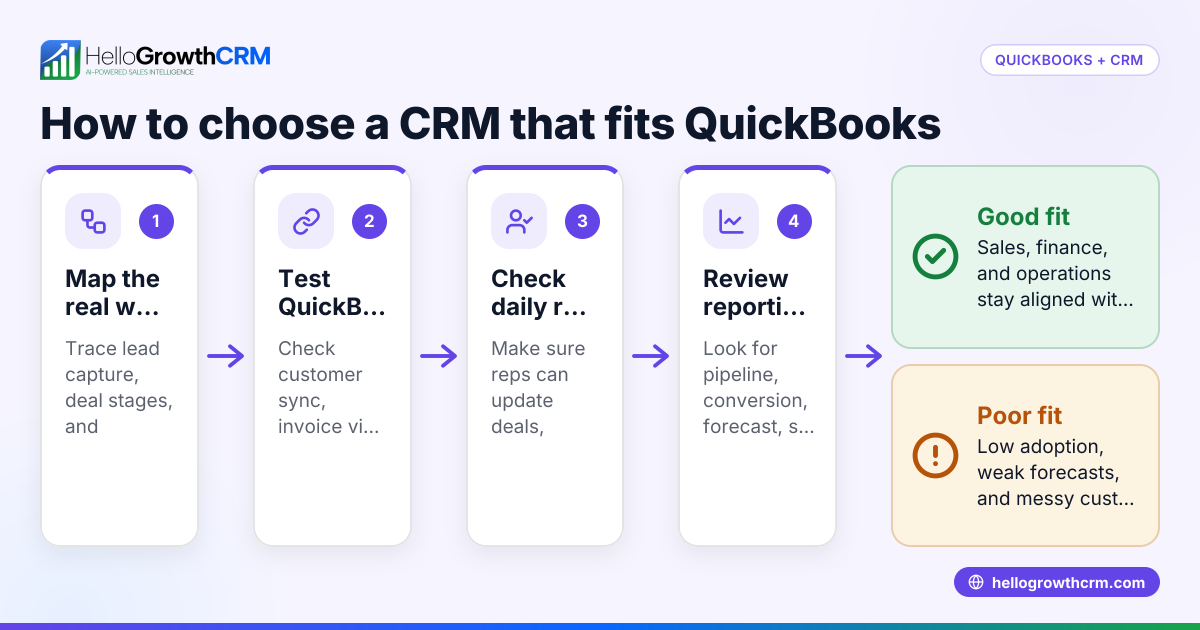
Step 1: Review your sales motion
Write down how your team actually sells today.
Include:
- Lead sources
- Qualification process
- Number of stages
- Average sales cycle length
- Number of contacts per deal
- Handoff to finance or operations
- Renewal or expansion motion
A company selling managed services in Detroit may need a different setup than a software team closing inbound demos nationwide. Both can use NetSuite. Both still need a CRM built around their real process.
Step 2: Test rep adoption risk
Ask these questions:
- Can reps update deals in seconds?
- Is note taking easy?
- Can managers inspect deals without chasing reps?
- Are required fields reasonable?
- Does the homepage show the next action clearly?
If the answer is no, adoption will suffer. And when adoption suffers, reporting breaks soon after.
Step 3: Check compliance and buyer expectations
US sales teams should not ignore compliance basics. If your CRM supports outbound email and calling, your process should reflect rules like CAN-SPAM and TCPA where applicable. If you sell to larger buyers, security reviews may also include questions about data handling and SOC 2.
Your CRM does not need to solve every compliance task on its own. But it should support good process control, user permissions, and clean records.
Step 4: Validate reporting before rollout
Do not wait until go-live to ask how reporting works. Test pipeline reports, conversion views, and forecast rollups in advance.
Leaders should be able to answer questions like:
- How much pipeline is in each stage?
- Which reps are creating qualified opportunities?
- Which lead sources produce revenue?
- Which deals are slipping?
- How accurate was last quarter’s forecast?
A strong sales forecasting setup matters more when the company is tying pipeline to NetSuite revenue planning.
Should you choose software alone or software plus RevOps support?
If your team has strong in-house operations capacity, software alone may be enough. If not, managed RevOps support can speed setup, improve adoption, and keep reporting clean after launch.
That matters because CRM success is rarely just about the product. It is also about ownership. Someone needs to define fields, stages, automations, dashboards, permissions, and integration logic. Someone also needs to maintain them.
When software alone works
You may be fine with software only if:
- You already have a RevOps or CRM admin
- Your process is simple
- Your data is relatively clean
- Your integration needs are straightforward
- Sales leadership is committed to process discipline
When support makes a real difference
Support helps most when:
- Your team is growing fast
- NetSuite data and CRM data are disconnected
- Forecasting is unreliable
- Reps are resisting the current CRM
- Nobody has time to manage workflows and reporting
This is where managed RevOps can be useful. The goal is not just implementation. The goal is a system your team will keep using three months later.
A practical checklist for choosing the best CRM
Use this checklist when comparing options for a US B2B sales team that already uses NetSuite.
Core workflow checklist
- Lead capture from forms and imports
- Fast qualification and assignment
- Simple pipeline stage management
- Easy email and call activity tracking
- Clear task and follow-up views
- Reporting managers can trust
Integration checklist
- Clear support for NetSuite-related workflows
- Flexible field mapping
- Defined sync ownership
- Reliable account and contact sync
- Closed-won handoff support
- Ability to avoid over-syncing unnecessary data
AI checklist
- Lead scoring that reflects fit and intent
- Deal risk detection
- Forecast support
- Data cleanup help
- Useful prompts or next-step suggestions
- Easy explanation of how scores or flags work
Adoption checklist
- Clean user interface
- Low admin burden for reps
- Fast onboarding
- Good permission controls
- Manager visibility without micromanagement
Growth checklist
- Support for multiple pipelines
- Room for territory changes
- Reporting for leadership and board reviews
- Flexibility for finance handoffs
- Service and expansion workflow potential
If you are evaluating options, compare this list against actual workflow tests, not just demo slides. You can also review HelloGrowthCRM features to see how an AI-focused CRM and managed support model can fit a growing B2B team.
Final recommendation for US teams using NetSuite
The best CRM for a US B2B sales team using NetSuite is one that keeps sales productive and data trustworthy at the same time. It should be easy for reps to use, strong enough for managers to forecast with confidence, and structured well enough to support finance and operations without duplicate work.
For most growing teams, the winning choice is not the tool with the longest feature list. It is the one that fits your sales motion, handles NetSuite handoffs cleanly, and improves adoption from week one. If you want a practical setup with AI-driven workflows and operational support, HelloGrowthCRM is worth a close look.
Start with a free trial or book a demo to see how HelloGrowthCRM can fit your NetSuite-based sales process.
Frequently asked questions
Does NetSuite replace the need for a CRM?
Not for most B2B sales teams. NetSuite is strong for financial and operational records, but reps usually need a faster system for lead management, pipeline work, and daily follow-up. A CRM fills that gap.
What is the biggest mistake when connecting a CRM to NetSuite?
The biggest mistake is syncing too much without clear ownership rules. Decide which system owns each record and field first. Then start with a small, useful sync scope.
Are AI CRM features worth paying attention to?
Yes, if they improve real work like lead prioritization, forecasting, and data quality. No, if they are hard to trust or explain. The best AI features support the process your team already needs.
Frequently Asked Questions
Ready to put this into practice?
Set up your pipeline, WhatsApp follow-ups, and AI lead scoring in minutes — free, no credit card.
Try HelloGrowthCRM freeGet CRM tips in your inbox
Join thousands of sales professionals who get weekly insights on CRM strategy, AI automation, and pipeline optimization.

The HelloGrowthCRM team publishes guides on CRM strategy, AI sales tools, and revenue operations for small business sales teams.