HelloGrowthCRM software
Built for real small-business sales teams
HelloGrowthCRM helps reps qualify faster, follow up on time, and close more deals—with practical automation in one place.
- AI lead scoring and pipeline visibility
- Built-in dialer, WhatsApp, and email automation
- Sales forecasting and RevOps-ready reporting
Anniversary emails to customers are personalized messages sent on the anniversary of a significant event like their first purchase, signup, or subscription with your business. These emails thank customers for their loyalty, celebrate the milestone, and often include special offers or invitations to engage further. Sending anniversary emails helps maintain a strong relationship, encourages repeat business, and can generate referrals.
Why this comes up / what goes wrong
Many small business owners want to keep customers coming back but struggle with inconsistent or slow follow-up. They often run sales and customer communication on email, text messages, or spreadsheets without a system to track important dates like anniversaries. This leads to missed opportunities to engage customers with timely, relevant messages. Without automation or reminders, anniversary emails may be forgotten or sent late, reducing their impact. Personalized messages can be hard to create and manage manually, causing owners to lose potential repeat sales and referrals.
Step-by-step
- Identify the anniversary date to celebrate. This is usually the date of the customer's first purchase, signup, or subscription start.
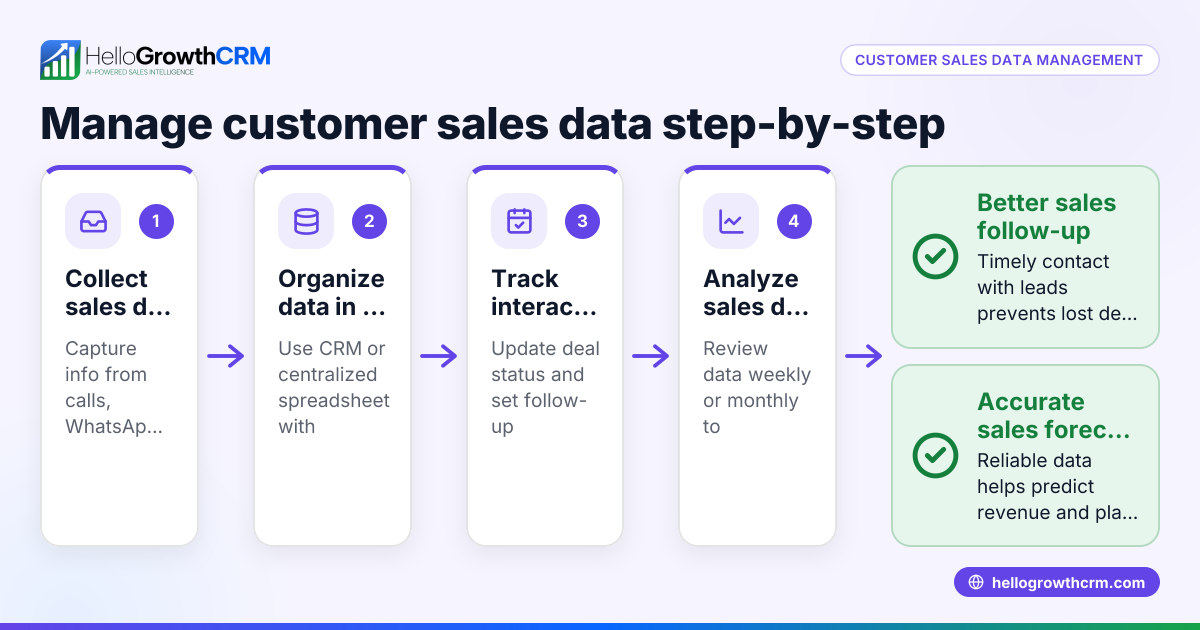
- Collect and organize customer data to ensure you have accurate anniversary dates for each customer. Regularly verify and update this information.
- Decide on the email content. Include a thank-you note, celebrate the milestone, offer a discount or gift, and invite feedback or referrals.
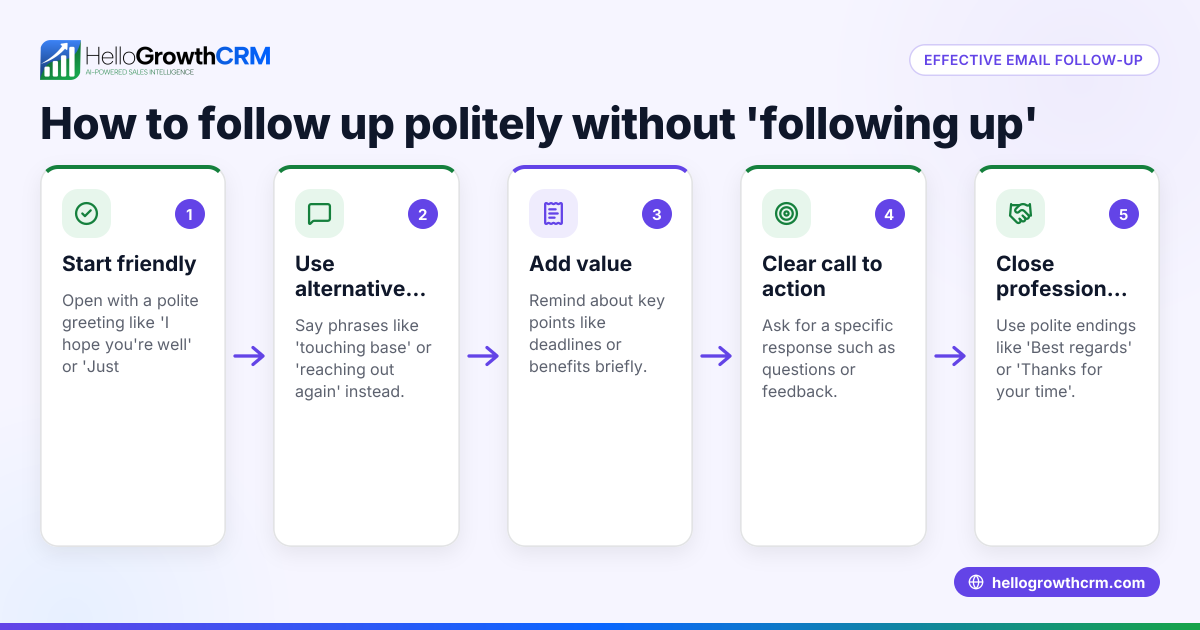
- Personalize the email with the customer's name and specific anniversary details to make it feel special.
- Choose the timing of the email. Send it on the exact anniversary date or a few days before to catch attention.
- Use an email automation tool or CRM to schedule and send anniversary emails automatically every year.
- Track key metrics like open rates, click-throughs, and responses to measure the effectiveness of your emails.
- Follow up on any replies, service requests, or referrals that come from the anniversary email to maintain engagement.
For more on automating these communications, see email automation and sequences.
Example (fictional figures)
A two-location dental practice in Columbus, Ohio, wants to send anniversary emails to patients marking one year since their first appointment.
They have 1,000 patients who started in 2023.
They decide to offer a $20 discount on the next cleaning.
Calculate the cost of the discount if 30% redeem it:
$20 × 1,000 patients × 30% = $6,000
Estimate the expected revenue from 30% return visits paying $150 each:
1,000 patients × 30% = 300 patients
300 patients × $150 = $45,000
Net gain from the campaign:
$45,000 - $6,000 = $39,000
The practice sets up automated emails to send on each patient's first appointment anniversary. This strategy increases patient loyalty and revenue while keeping costs predictable.
Common mistakes
- Sending generic, non-personalized emails: Prevent this by including customer names and specific anniversary details.
- Forgetting to update or verify customer data: Prevent by regularly cleaning and verifying your customer list.
- Sending emails too late or too early: Prevent by scheduling emails precisely on or just before the anniversary.
- Not including a clear call to action: Prevent by offering discounts, asking for referrals, or inviting feedback.
- Ignoring responses or service requests generated by the emails: Prevent by tracking replies and following up promptly, which you can manage with a CRM.
Learn more about tracking customer health and managing service requests with customer health score.
Doing this in HelloGrowthCRM
HelloGrowthCRM helps small businesses keep service requests, referrals, and support tickets linked to the same customer record as their deals. This means after the sale, you can track and manage all customer interactions in one place. The branded customer portal allows customers to self-serve and send requests, while referral program tracking helps grow your business through word-of-mouth. This unified approach makes anniversary emails more effective by keeping all customer data and history accessible.
For details, visit HelloGrowthCRM for the United States.
Frequently asked questions
What is an anniversary email to customers? An anniversary email is a message sent to a customer on the anniversary of a significant event like their first purchase or signup. It celebrates the relationship and often includes offers or calls to action.
Why should I send anniversary emails? They strengthen customer loyalty, encourage repeat purchases, and increase referrals by showing you value the customer relationship.
How often should I send anniversary emails? Typically, anniversary emails are sent once a year on the anniversary date. You can also send reminders or follow-ups around that time.
What should I include in anniversary emails? Include thank-you notes, personalized messages, special offers or discounts, invitations to refer friends, and links to your customer portal or support.
Can I automate anniversary emails? Yes, you can use email automation tools or a CRM system to schedule and personalize anniversary emails automatically.
How do I track if anniversary emails work? Measure open rates, click-through rates, redemption of offers, and any increase in repeat business or referrals.
Key takeaways
- Anniversary emails celebrate customer milestones to build loyalty.
- Accurate tracking of customer dates and personalized content are essential.
- Automation ensures timely and consistent delivery.
- Clear offers or calls to action encourage customer engagement.
- Use a CRM to track responses and manage ongoing customer service.
Start sending anniversary emails to your customers to strengthen your relationship and boost sales. You can Start on the Free Forever plan (200 leads, no credit card) with HelloGrowthCRM to manage your customer data and automate these communications easily.
Ready to put this into practice?
Set up your pipeline, WhatsApp follow-ups, and AI lead scoring in minutes — free, no credit card.
Try HelloGrowthCRM freeGet CRM tips in your inbox
Join thousands of sales professionals who get weekly insights on CRM strategy, AI automation, and pipeline optimization.

The HelloGrowthCRM team publishes guides on CRM strategy, AI sales tools, and revenue operations for small business sales teams.