HelloGrowthCRM software
Built for real small-business sales teams
HelloGrowthCRM helps reps qualify faster, follow up on time, and close more deals—with practical automation in one place.
- AI lead scoring and pipeline visibility
- Built-in dialer, WhatsApp, and email automation
- Sales forecasting and RevOps-ready reporting
Customer workflows are organized processes that guide your interactions with customers at every stage—from initial contact to ongoing support. They help your team follow consistent steps, avoid missed tasks, and improve customer satisfaction. This article covers why customer workflows are important for small businesses, how to build them step-by-step, an example using realistic figures, common errors to avoid, and how HelloGrowthCRM can automate and streamline these workflows.
Why this comes up / what goes wrong
Small and mid-sized business owners often struggle to keep track of customer interactions because they rely on scattered tools like text messages, emails, and spreadsheets. This leads to slow follow-up, lost leads, and inconsistent service. Without clear workflows, sales and support teams may miss important tasks or fail to assign leads properly. This reduces your chances of closing sales and retaining customers. Understanding and implementing customer workflows addresses these issues by creating a repeatable, manageable process.
Step-by-step
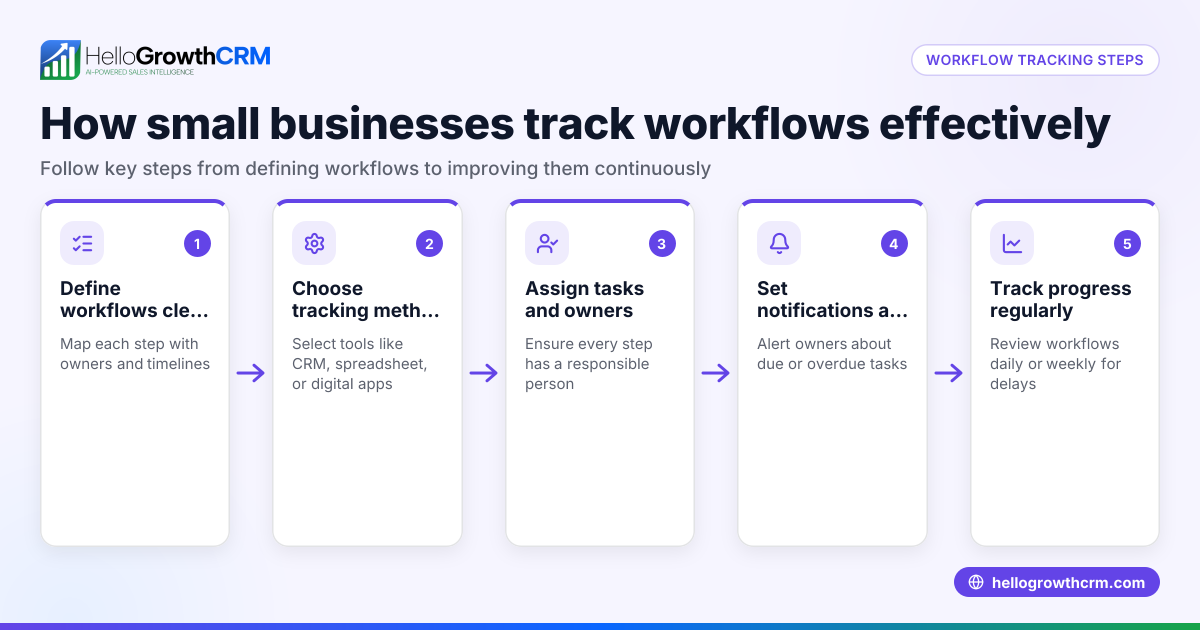
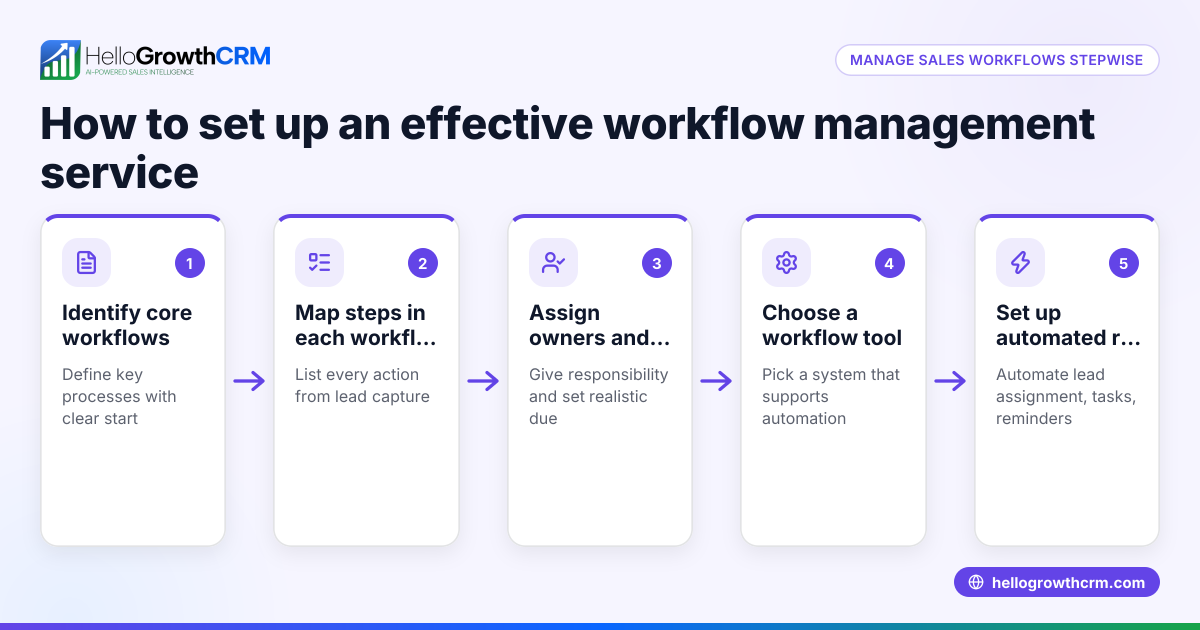
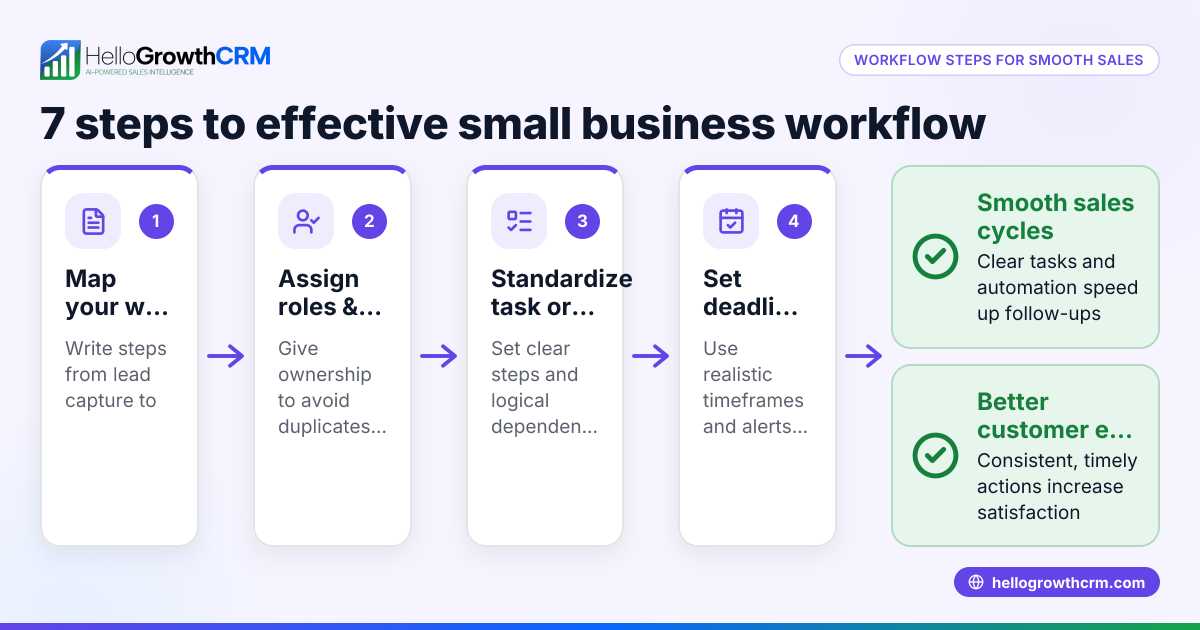
- Map your customer journey: Identify key stages such as lead capture, qualification, first contact, follow-up, sale, and post-sale support. Check that each stage has clear goals and actions.
- Define tasks for each stage: Decide what needs to happen at each step—sending emails, making calls, assigning tasks, or updating records. Verify task owners and deadlines.
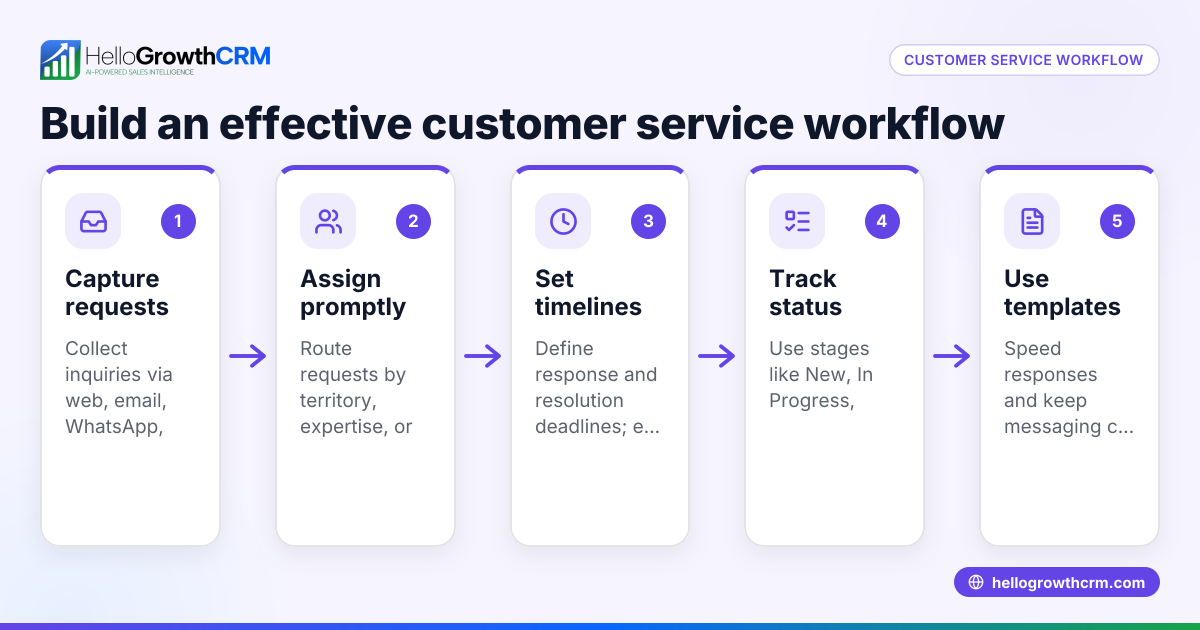
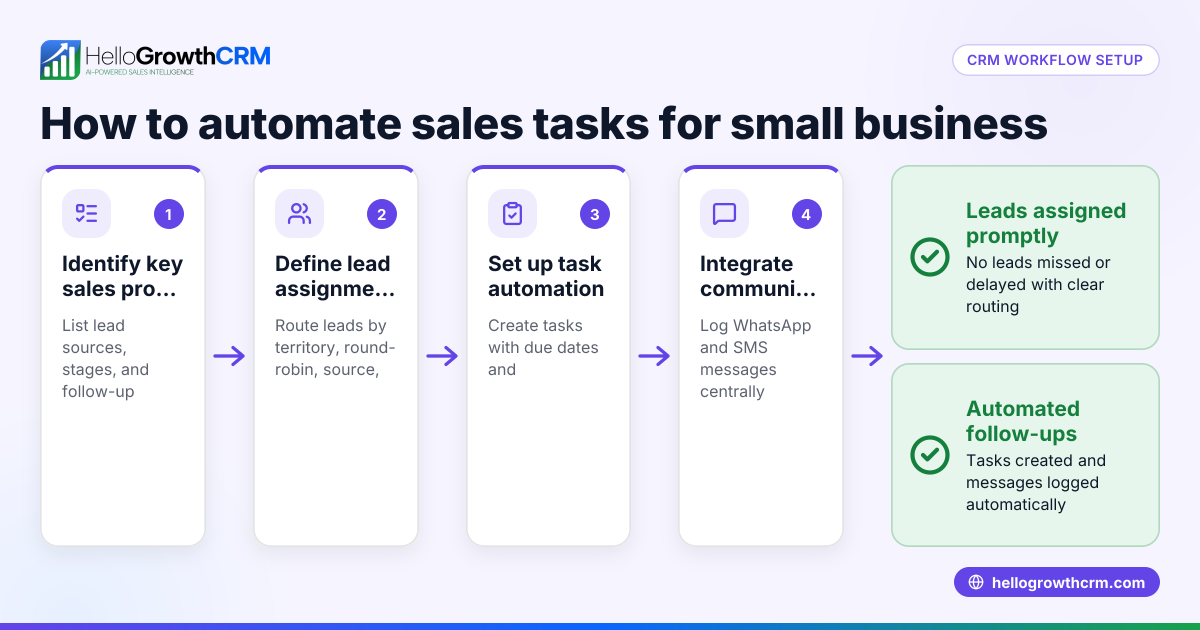
- Set lead routing rules: Determine how new leads are assigned to team members, for example by territory, source, score, or round-robin. Check that assignment rules are fair and balanced.
- Create validation checks: Ensure data quality with rules that verify required fields or correct formats before moving leads forward.
- Automate notifications and task creation: Use tools to automatically create follow-up tasks and send reminders based on customer actions or time triggers.
- Track progress and outcomes: Monitor pipeline stages and task completion to identify bottlenecks or delays.
- Review and improve workflows regularly: Check performance metrics and update workflows to reflect changes in your business or customer needs.
Example (fictional figures)
A residential real-estate team in Phoenix, Arizona, wants to improve lead follow-up. They receive 50 new leads monthly and aim to contact each lead within 24 hours.
- Step 1: Assign leads round-robin among 5 agents.
- Step 2: Automatically create a "First Call" task for each lead.
- Step 3: Agents complete calls within 24 hours.
Calculations:
50 leads ÷ 5 agents = 10 leads per agent
Each "First Call" task is created automatically, ensuring no lead is missed.
If an agent misses a call, a notification alerts the manager to reassign the lead.
This workflow reduces missed leads and speeds up follow-up.
Common mistakes
- Not defining clear stages: Prevent this by mapping the customer journey before building workflows.
- Ignoring lead assignment balance: Use round-robin or territory rules to distribute leads fairly.
- Skipping task automation: Manually tracking tasks leads to missed follow-ups; automate task creation and reminders.
- Failing to validate data: Implement field-level validation rules to maintain data quality.
- Not reviewing workflows: Schedule regular reviews to adapt workflows as your business changes.
- Separating sales and service data: Keep service requests linked to the same customer record to ensure continuity.
Doing this in HelloGrowthCRM
HelloGrowthCRM offers an automated workflow builder that triggers actions like task creation, field updates, notifications, and pipeline stage moves based on CRM events. It supports lead routing by territory, source, score, or round-robin, and includes validation rules to ensure data quality. For example, a new web-form inquiry can be assigned round-robin with an automatic first-call task created. After the sale, service requests stay on the same customer record as the deal, keeping all customer interactions in one place. Learn more about these features in the WhatsApp and SMS CRM and customer health score pages.
Frequently asked questions
What exactly are customer workflows? Customer workflows are step-by-step processes that guide your team’s interactions with customers to ensure consistent follow-up, task completion, and service. They cover activities from lead capture to post-sale support.
Why does my small business need workflows? Workflows reduce missed leads, speed up follow-up, and improve customer experience by making sure tasks are assigned and completed on time. Without workflows, important steps can be overlooked.
How do I start building customer workflows? Begin by mapping your customer journey stages, defining tasks for each stage, and setting rules for lead assignment and data validation. Use automation tools to create tasks and notifications.
Can workflows handle both sales and support? Yes, workflows can cover the entire customer lifecycle. For example, after a sale, support tickets can stay linked to the same customer record, ensuring continuity.
How does lead routing work in workflows? Lead routing assigns new leads automatically based on criteria like geographic territory, lead source, or round-robin distribution among sales reps to ensure balanced workloads.
What if my team uses WhatsApp and SMS for sales? Workflows in HelloGrowthCRM integrate with WhatsApp and SMS messaging, allowing you to automate follow-ups and task creation within those channels. See WhatsApp and SMS CRM for details.
Key takeaways
- Customer workflows are structured processes guiding customer interactions from lead to support.
- Mapping your customer journey and defining tasks is essential to build effective workflows.
- Automating lead routing, task creation, and notifications prevents missed follow-ups.
- Regularly review workflows to adapt to business changes.
- Keeping sales and service data linked improves customer continuity.
- HelloGrowthCRM supports workflows with automated task creation, lead routing, and customer portals.
Start organizing your customer workflows today to improve follow-up and customer satisfaction. You can Start on the Free Forever plan (200 leads, no credit card) with HelloGrowthCRM and see how automation helps your team stay on track.
Ready to put this into practice?
Set up your pipeline, WhatsApp follow-ups, and AI lead scoring in minutes — free, no credit card.
Try HelloGrowthCRM freeGet CRM tips in your inbox
Join thousands of sales professionals who get weekly insights on CRM strategy, AI automation, and pipeline optimization.

The HelloGrowthCRM team publishes guides on CRM strategy, AI sales tools, and revenue operations for small business sales teams.