HelloGrowthCRM software
Built for real small-business sales teams
HelloGrowthCRM helps reps qualify faster, follow up on time, and close more deals—with practical automation in one place.
- AI lead scoring and pipeline visibility
- Built-in dialer, WhatsApp, and email automation
- Sales forecasting and RevOps-ready reporting
Automated customer journeys use technology to send the right message or take the right action automatically at specific points in a customer's experience. This automation helps small businesses respond quickly to leads, nurture relationships consistently, and deliver better service without manual tracking or follow-up.
Why this comes up / what goes wrong
Small business owners often rely on manual methods like spreadsheets, email, and text messages to manage sales and customer service. This approach can cause delays in follow-up, lost leads, and inconsistent communication. For example, a lead captured from a website might not get a timely response, or a customer’s service request could be missed if it’s tracked separately. Automated customer journeys solve these problems by defining clear stages in the customer lifecycle and setting automated triggers and actions for each stage. This ensures leads and customers receive timely, relevant communication and service.
Step-by-step
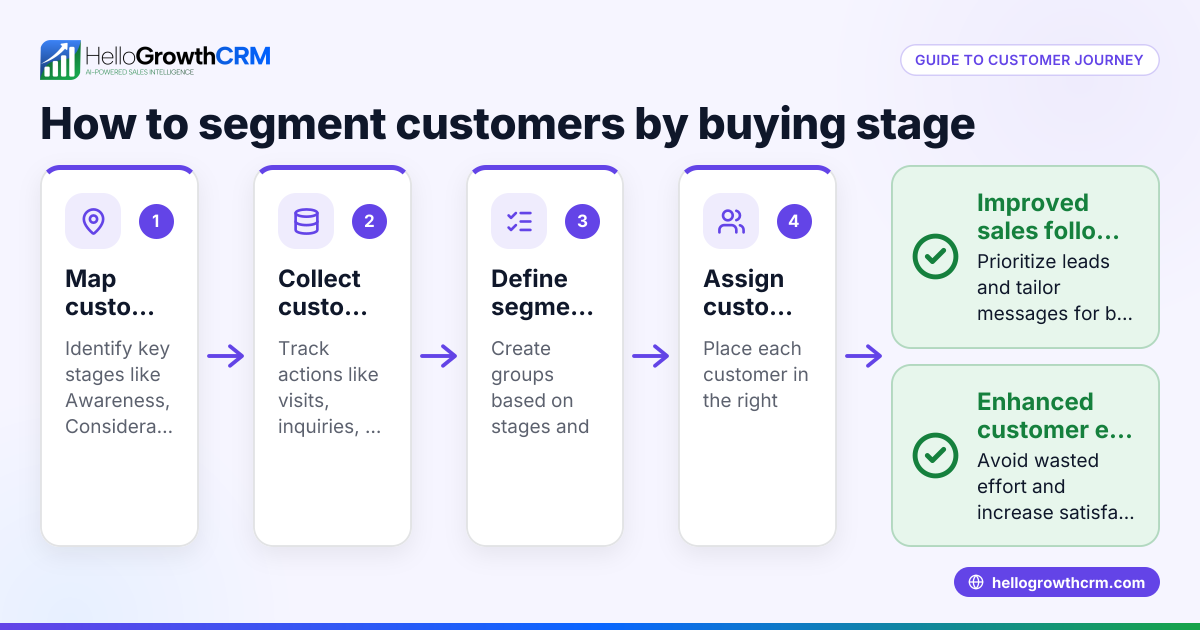
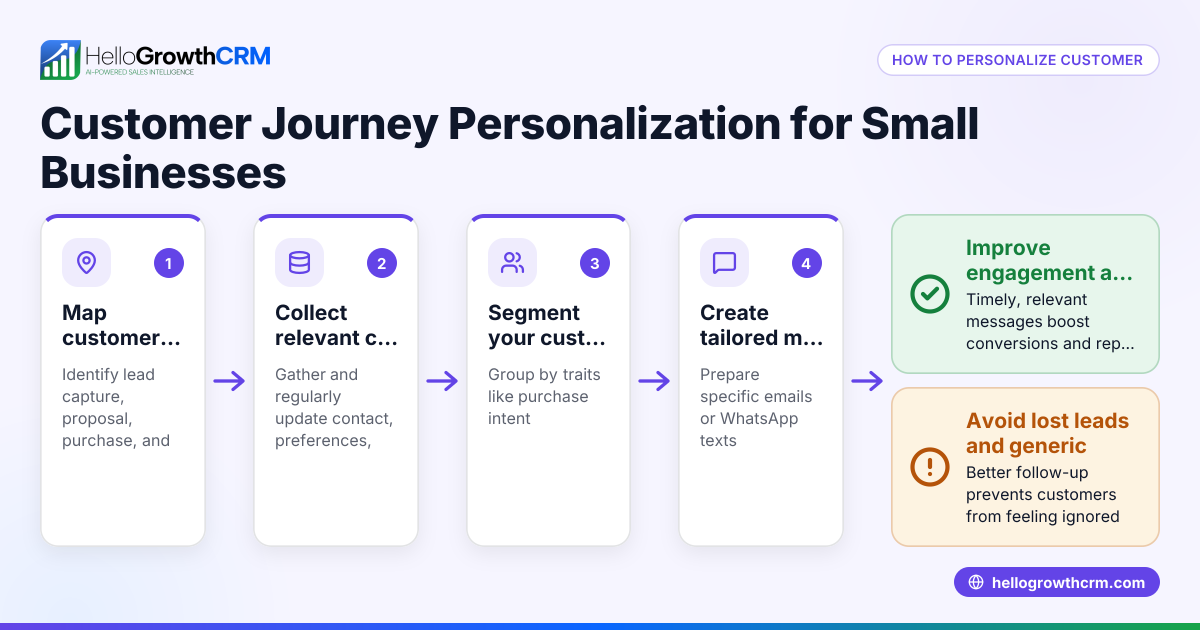
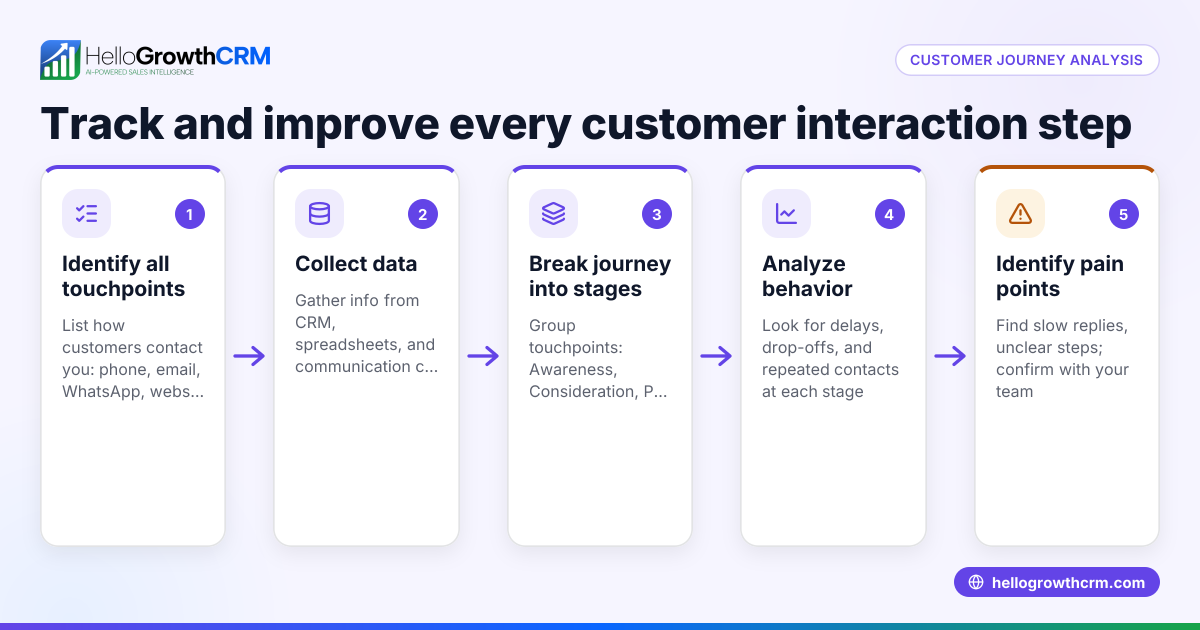
- Identify customer stages: List key points such as lead capture, qualification, purchase, onboarding, and support. Check your current process to find where leads or customers tend to drop off.
- Map out the journey: For each stage, decide what message or action should happen next. For example, send a welcome message after lead capture or open a support ticket after purchase.
- Set triggers: Choose what starts each step automatically, like a form submission, a reply, a payment confirmation, or a period of inactivity.
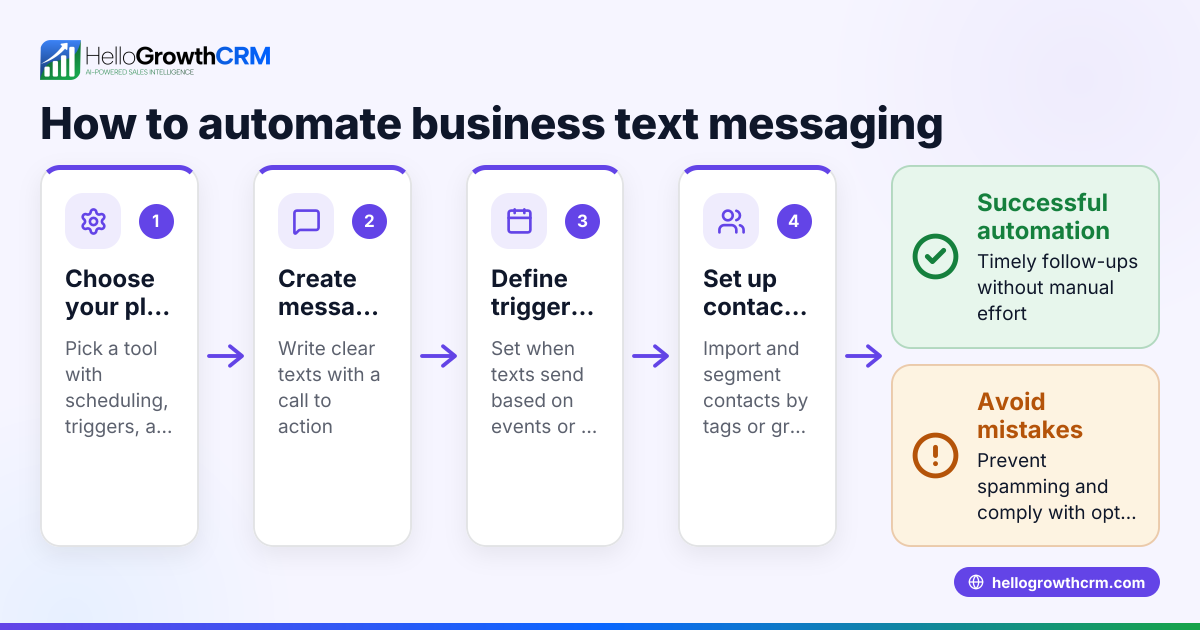
- Prepare content and tasks: Write emails, SMS, or WhatsApp messages and assign tasks to your sales or support team.
- Implement automation: Use your CRM or marketing platform to connect triggers with actions and schedule sequences.
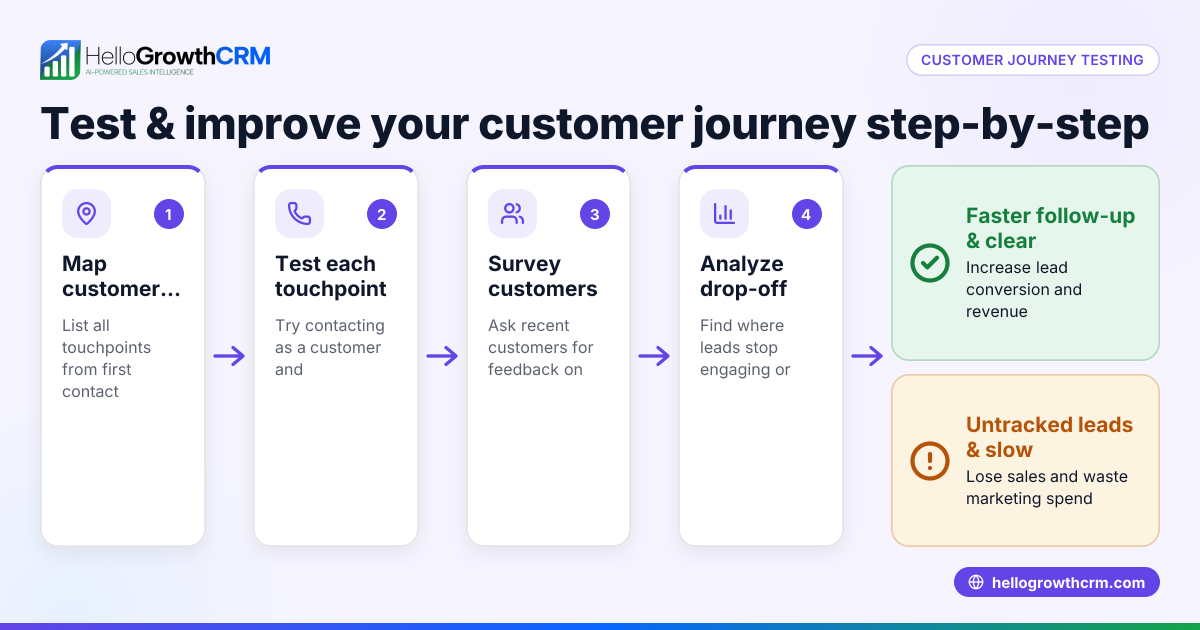
- Test the journey: Walk through the process as a customer would to check timing, message accuracy, and handoffs between sales and support.
- Monitor and improve: Track engagement, conversion, and satisfaction. Use tools like a customer health score to measure ongoing customer engagement and adjust your journey accordingly.
Example (fictional figures)
A landscaping contractor in Charlotte, North Carolina, wants to automate customer journeys to speed up follow-up and improve service.
- They capture 100 leads per month from their website form.
- Step 1: Send a WhatsApp welcome message immediately.
- Step 2: If no reply in 2 days, schedule a call.
- Step 3: After estimate approval, send payment instructions.
- Step 4: Once payment is received, open a support ticket to schedule the job.
Assuming these conversion rates and values:
- 100 leads × 80% open rate = 80 engaged leads
- 80 engaged leads × 50% reply rate = 40 interested customers
- 40 interested customers × $1,200 average job = $48,000 monthly revenue
Calculations:
100 × 80% = 80 80 × 50% = 40 40 × $1,200 = $48,000
This automated journey ensures no lead is missed and follow-ups happen on time, reducing manual errors and increasing revenue.
Common mistakes
- Skipping journey mapping: Without a clear plan, automation can confuse customers. Prevent this by documenting each stage and expected actions before automating.
- Overloading customers with messages: Too many contacts can annoy leads. Prevent by spacing messages and personalizing content.
- Ignoring data monitoring: Not tracking results means missed chances to improve. Prevent by using CRM features like the customer health score to monitor engagement.
- Separating sales and service systems: This causes information gaps. Prevent by using a CRM where service requests stay linked to deals.
- Failing to test automation: Errors in timing or messages can harm your reputation. Prevent by testing every step before launching.
Doing this in HelloGrowthCRM
HelloGrowthCRM supports automated customer journeys with a branded self-service customer portal, referral tracking, support tickets, and a knowledge base. After the sale, service requests stay on the same customer record as the deal, ensuring your sales and support teams have full context. This integration helps maintain smooth, continuous customer experiences.
Frequently asked questions
What is an automated customer journey? An automated customer journey is a series of planned interactions triggered by customer actions or timeframes that guide prospects and customers through sales and service stages without manual follow-up.
How do automated journeys improve small business sales? They provide consistent, timely communication, reduce lost leads, and save time by automating routine follow-ups and service tasks, helping close deals faster.
Can I use WhatsApp and SMS in automated journeys? Yes, integrating WhatsApp and SMS lets you reach customers on their preferred channels. HelloGrowthCRM offers WhatsApp and SMS CRM tools to manage these communications efficiently (/product/whatsapp-sms-crm).
How do I measure if my automated journey is working? Track response rates, conversion rates, and customer satisfaction. Using tools like a customer health score helps monitor engagement and spot when changes are needed.
What happens after the sale in an automated journey? After the sale, automated journeys can continue with onboarding, support tickets, and service requests all linked to the customer record, giving your team full visibility to provide timely assistance.
Key takeaways
- Automated customer journeys guide customers through sales and service steps without manual effort.
- Defining clear stages and triggers is essential for effective automation.
- Testing and monitoring automation prevents errors and improves results.
- Integrating sales and support data improves customer experience.
- HelloGrowthCRM offers tools like a customer portal and ticketing to manage post-sale service on the same customer record.
- Using WhatsApp and SMS in automation meets customers where they communicate.
Start building your automated customer journeys today to save time and keep every lead and customer engaged. You can Start on the Free Forever plan (200 leads, no credit card) with HelloGrowthCRM to try these features yourself.
Ready to put this into practice?
Set up your pipeline, WhatsApp follow-ups, and AI lead scoring in minutes — free, no credit card.
Try HelloGrowthCRM freeGet CRM tips in your inbox
Join thousands of sales professionals who get weekly insights on CRM strategy, AI automation, and pipeline optimization.

The HelloGrowthCRM team publishes guides on CRM strategy, AI sales tools, and revenue operations for small business sales teams.