HelloGrowthCRM software
Built for real small-business sales teams
HelloGrowthCRM helps reps qualify faster, follow up on time, and close more deals—with practical automation in one place.
- AI lead scoring and pipeline visibility
- Built-in dialer, WhatsApp, and email automation
- Sales forecasting and RevOps-ready reporting
To set up an automated text, choose a platform that supports scheduled messaging, create your message content, define the triggers or timing for sending, and test the automation before activating it. This article covers why businesses automate texts, detailed steps to set one up, a worked example, common pitfalls, and how HelloGrowthCRM can simplify the process.
Why this comes up / what goes wrong
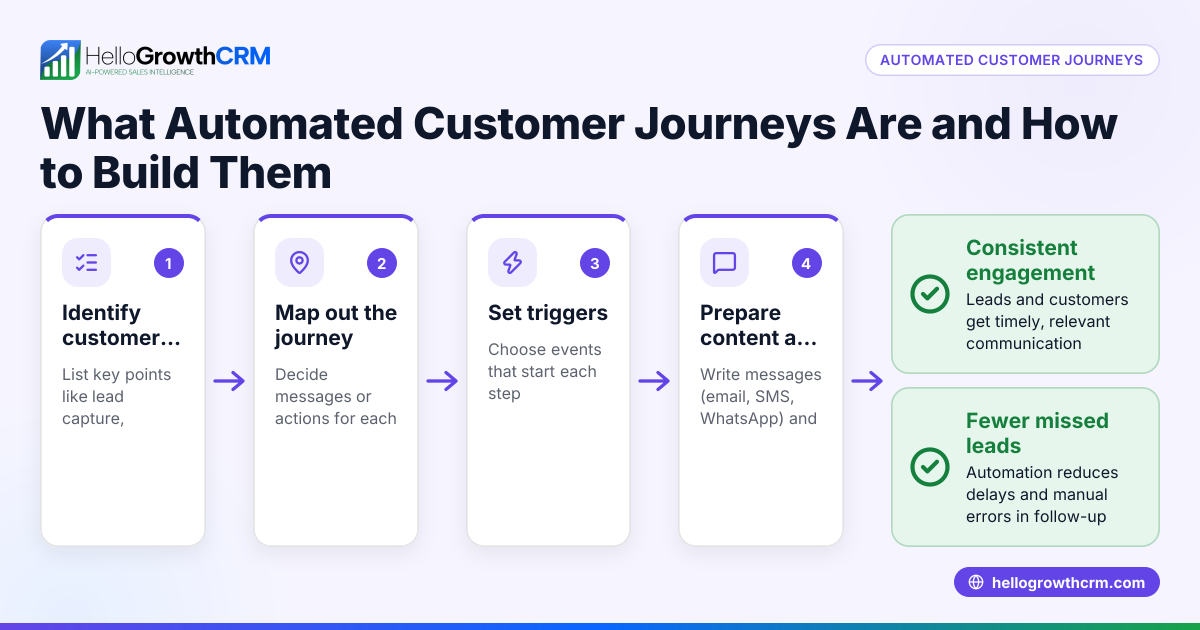
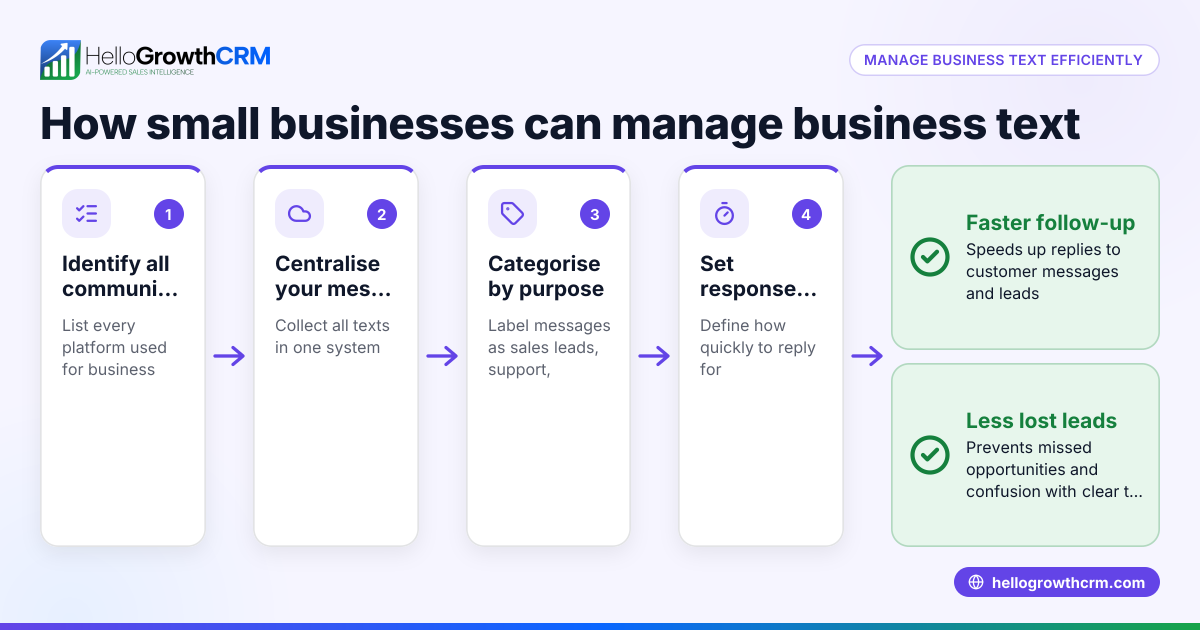
Many small business owners rely on manual texting for sales and customer follow-up, which can lead to delayed responses, missed opportunities, and inconsistent communication. Without automation, it’s easy to forget to send timely messages or spend too much time managing contacts and replies. Automated texts help maintain steady engagement with leads and customers, ensuring follow-ups happen on schedule without extra effort.
Step-by-step
- Choose your texting platform or CRM: Select a tool that supports automated SMS or WhatsApp messages. Check it allows message scheduling, triggers, and contact management.
- Create your message content: Write clear, concise text messages that fit your business tone. Include a call to action, such as "Reply to schedule a consultation" or "Click the link to confirm your appointment."
- Define your automation triggers or schedule: Decide when the text should send. Common triggers include a new lead capture, a specific date/time after an event, or no reply after a previous message.
- Set up your contact list or segment: Import or select the contacts who will receive the automated text. Organize contacts by tags or groups if your platform supports it.
- Configure the automation workflow: Program the sequence of messages if sending multiple texts over time. Set delays and conditions for stopping the sequence if the contact responds.
- Test the automated text: Send test messages to yourself or a colleague to verify timing, message content, and links.
- Activate the automation: Turn on your workflow and monitor initial results to adjust messaging or timing as needed.
For more detailed guidance on managing follow-ups and tasks, see the help center.
Example (fictional figures)
GreenFlow Plumbing, a small business in Austin, Texas, wants to automate a follow-up text after a customer submits a service request form.
- They decide to send the first text 1 hour after form submission.
- The message says: "Hi, this is GreenFlow Plumbing. We received your request and will contact you shortly. Reply if you have questions."
- If no reply after 2 days, a second text is sent: "Just checking in to see if you still need plumbing service. We're here to help!"
Setup:
- Lead submits form on 06/01/2026 at 9:00 AM.
- First text scheduled for 06/01/2026 at 10:00 AM.
- Second text scheduled for 06/03/2026 at 10:00 AM if no reply.
The timing calculation: "06/01/2026 09:00 AM" + 1 hour = "06/01/2026 10:00 AM" "06/01/2026 10:00 AM" + 2 days = "06/03/2026 10:00 AM"
This sequence ensures timely and polite follow-up without manual intervention.
Common mistakes
- Sending messages too frequently: This can annoy recipients. Prevent by spacing out messages with at least 24 hours between texts.
- Ignoring opt-out compliance: Always include an easy way for contacts to stop messages to comply with regulations. Check your platform’s compliance tools.
- Using generic messages: Personalize texts with names or specific details to increase engagement.
- Not testing automations: Skipping tests can lead to errors or wrong timing. Always send test messages first.
- Failing to monitor responses: Automation should stop when a contact replies. Ensure your system can detect replies and pause follow-ups.
For more on avoiding these mistakes, see HelloGrowthCRM for the United States.
Doing this in HelloGrowthCRM
HelloGrowthCRM offers several features to simplify automated texting:
- Activities and task boards: Each follow-up becomes a task with a due date, so your team sees the day’s calls and messages as a clear list, not a memory test.
- Sequences and campaigns: Set up automated multi-step outreach workflows that send timed messages over email, SMS, and WhatsApp until the prospect responds. A five-step follow-up over two weeks runs on its own and stops the moment the prospect replies.
- AI agents (Beta): After calls, an AI agent drafts follow-up messages for your review and sending, saving time on composing texts.
Learn more about these features at WhatsApp and SMS CRM.
Frequently asked questions
How soon after a lead is captured should I send an automated text? Send the first text within an hour to keep the lead warm and show responsiveness. Immediate follow-up increases engagement chances.
Can I customize automated texts for different customer segments? Yes, most platforms allow segmenting contacts and personalizing messages with variables like name or service type.
What if a customer replies to an automated text? Your automation should detect replies and pause further messages. Then a sales rep can take over personal communication.
Is it legal to send automated texts to customers? Automated texting is legal if you have consent and provide an opt-out option. Check local regulations and platform compliance features.
Can I automate texts on WhatsApp as well as SMS? Yes, HelloGrowthCRM supports sequences across WhatsApp and SMS channels, letting you reach customers where they prefer.
Key takeaways
- Choose a platform that supports scheduling, triggers, and contact management.
- Write clear, personalized messages with a call to action.
- Set timing and triggers carefully to avoid spamming.
- Test automations thoroughly before activating.
- Monitor replies and stop sequences when contacts respond.
- HelloGrowthCRM features like task boards, sequences, and AI agents help automate and manage follow-ups efficiently.
Start automating your texts today with HelloGrowthCRM’s Free Forever plan, which supports 200 leads and requires no credit card. See Start on the Free Forever plan (200 leads, no credit card) to begin.
Ready to put this into practice?
Set up your pipeline, WhatsApp follow-ups, and AI lead scoring in minutes — free, no credit card.
Try HelloGrowthCRM freeGet CRM tips in your inbox
Join thousands of sales professionals who get weekly insights on CRM strategy, AI automation, and pipeline optimization.

The HelloGrowthCRM team publishes guides on CRM strategy, AI sales tools, and revenue operations for small business sales teams.