HelloGrowthCRM software
Built for real small-business sales teams
HelloGrowthCRM helps reps qualify faster, follow up on time, and close more deals—with practical automation in one place.
- AI lead scoring and pipeline visibility
- Built-in dialer, WhatsApp, and email automation
- Sales forecasting and RevOps-ready reporting
Automatic calling is a system where phone calls are initiated automatically, often from a list of contacts, allowing sales teams to reach leads faster and reduce manual dialing. Small businesses use it to improve sales follow-up speed and accuracy.
Why this comes up / what goes wrong
Small business owners often lose potential sales because their sales team spends too much time manually dialing phone numbers. This slows down follow-up, causes missed calls, and leads to lost leads. When sales are managed with text messages, emails, and spreadsheets, it becomes harder to organize calling efforts and track outcomes. Automatic calling addresses these issues by automating the dialing process and logging call results.
Step-by-step
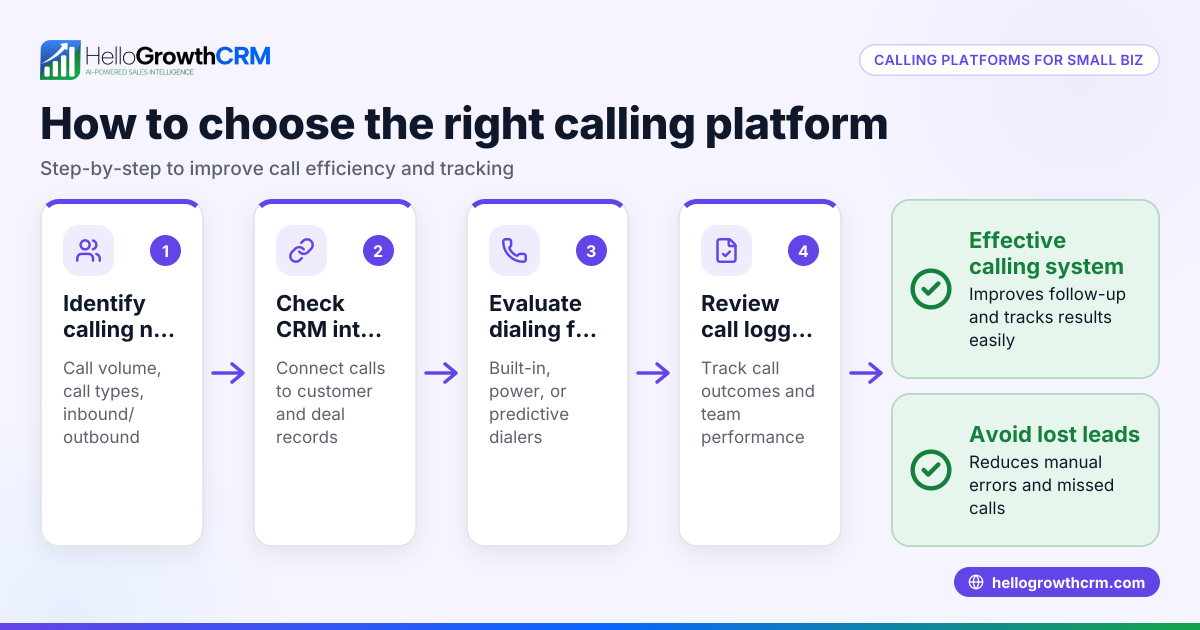
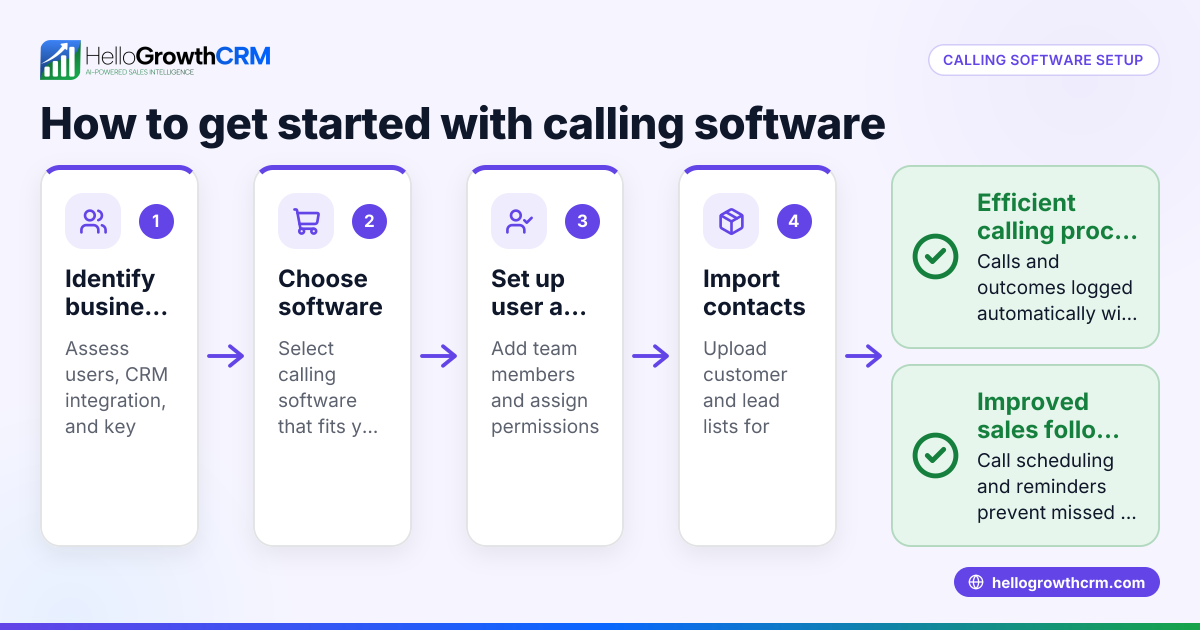
- Choose an automatic calling system: Select software that supports automatic dialing and integrates with your sales workflow. Check if it can import your lead lists and log call outcomes.
- Prepare your contact list: Clean and organize your leads with accurate phone numbers. Remove duplicates and outdated contacts.
- Upload the list into the system: Import your contacts into the automatic calling software, ensuring data fields like name and phone number are correctly mapped.
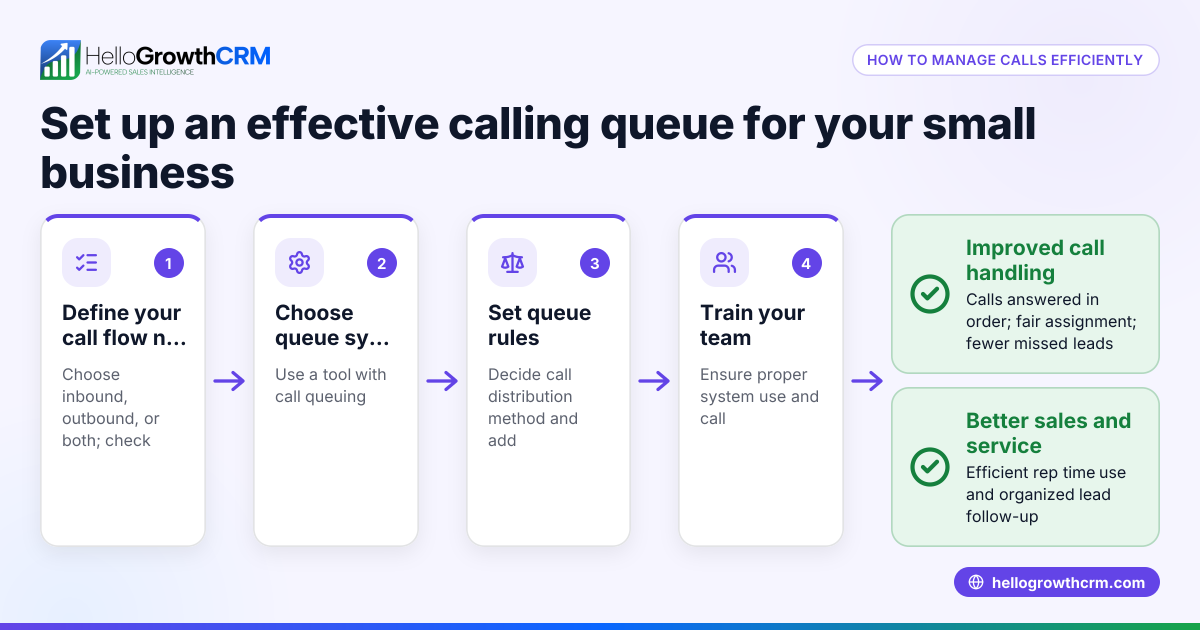
- Set call parameters: Define calling rules such as call time windows, retries for unanswered calls, and call pacing to avoid overwhelming your system.
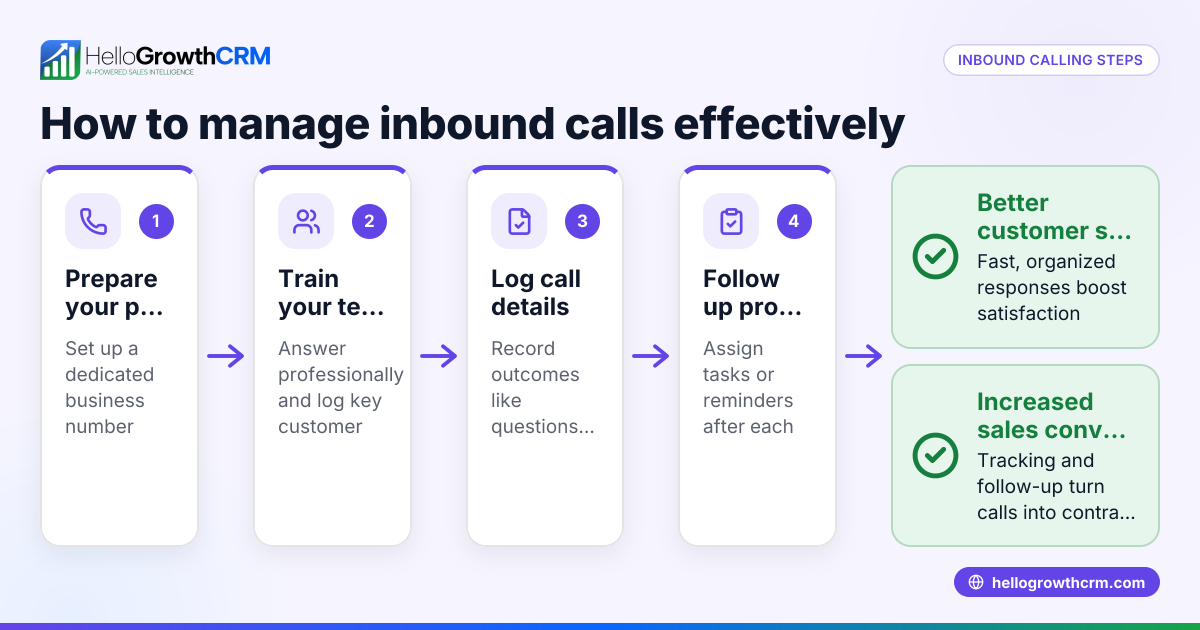
- Train your sales team: Ensure callers know how to use the system, handle calls efficiently, and log outcomes properly.
- Monitor and adjust: Track call success rates, listen for issues, and tweak settings or lists to improve results.
Using a system with a built-in CRM dialer helps keep call history tied to each lead and deal for better tracking and follow-up. Learn more about the built-in CRM dialer.
Example (fictional figures)
A landscaping contractor in Charlotte, North Carolina, wants to call 500 leads from a recent web form.
- Number of leads: 500
- Average call duration: 5 minutes
- Working hours per day: 6 hours (360 minutes)
- Calls per day = 360 minutes ÷ 5 minutes = 72 calls
- Days needed to call all leads = 500 leads ÷ 72 calls per day ≈ 6.94 days, rounded to 7 days
Without automatic calling, manual dialing wastes about 15 seconds per call just to dial and connect.
- Dialing time saved per call: 15 seconds = 0.25 minutes
- Total dialing time saved = 500 calls × 0.25 minutes = 125 minutes
- Additional calls possible in saved time = 125 minutes ÷ 5 minutes = 25 calls
So, automatic calling lets the contractor make 25 more calls in the same time, increasing reach and chances of closing deals.
Common mistakes
- Not cleaning the contact list: Leads with wrong numbers waste calling time. Prevent by regularly updating and verifying contact data.
- Ignoring call time restrictions: Calling outside acceptable hours annoys customers. Set calling windows to comply with local rules.
- Failing to train callers: Without training, reps may not log call outcomes or handle calls well. Provide clear instructions and practice sessions.
- Overloading the system: Calling too many leads at once can cause failures. Pace calls to match system capacity.
- Not tracking results: Without logging outcomes, it’s hard to know what works. Use a CRM dialer that logs every call against the lead.
For more tips on managing calls and messages in one place, see how WhatsApp and SMS CRM can help.
Doing this in HelloGrowthCRM
HelloGrowthCRM offers a built-in dialer that lets your reps work through a list of leads directly inside the CRM. Each call’s outcome is logged on the lead record, keeping full call history tied to contacts and deals. This helps your team follow up faster and keeps your sales process organized. Learn more about HelloGrowthCRM’s built-in CRM dialer and how it supports automatic calling.
Frequently asked questions
What is the difference between automatic calling and power dialing? Automatic calling initiates calls without manual dialing, while power dialing dials multiple numbers in sequence, connecting the agent only when a call is answered. Both speed up calling but power dialing balances call volume and agent availability.
Can automatic calling comply with US telemarketing laws? Yes, but you must set calling times and respect Do Not Call lists. (fcc.gov) Always configure your system to follow US regulations and obtain consent before marketing calls or texts.
How does automatic calling improve sales follow-up? It reduces the time spent manually dialing, allowing sales reps to focus on conversations. Calls are logged automatically, improving tracking and timely follow-up.
Do I need special hardware for automatic calling? No special hardware is needed if you use cloud-based software with a built-in dialer. You just need a computer and internet connection.
Is automatic calling suitable for small businesses? Yes, especially for small businesses with growing sales teams who want to save time and improve lead follow-up. HelloGrowthCRM’s dialer is designed for small to mid-sized businesses.
For more about HelloGrowthCRM’s capabilities in the US market, visit HelloGrowthCRM for the United States.
Key takeaways
- Automatic calling automates dialing to speed up sales calls and reduce manual work.
- Clean contact lists and set call rules to avoid common pitfalls.
- Training your team on the system ensures better call outcomes and logging.
- Use a CRM with a built-in dialer to keep call history linked to leads.
- Automatic calling helps small businesses improve follow-up and close more deals.
Start improving your sales calls today. Start on the Free Forever plan (200 leads, no credit card).
Ready to put this into practice?
Set up your pipeline, WhatsApp follow-ups, and AI lead scoring in minutes — free, no credit card.
Try HelloGrowthCRM freeGet CRM tips in your inbox
Join thousands of sales professionals who get weekly insights on CRM strategy, AI automation, and pipeline optimization.

The HelloGrowthCRM team publishes guides on CRM strategy, AI sales tools, and revenue operations for small business sales teams.