HelloGrowthCRM software
Built for real small-business sales teams
HelloGrowthCRM helps reps qualify faster, follow up on time, and close more deals—with practical automation in one place.
- AI lead scoring and pipeline visibility
- Built-in dialer, WhatsApp, and email automation
- Sales forecasting and RevOps-ready reporting
Automated sales emails are pre-scheduled or trigger-based emails sent to prospects or customers without manual sending each time. They ensure consistent follow-up, nurture leads, and save time by automating repetitive outreach tasks. This guide covers why small businesses need automated sales emails, how to create them, common mistakes to avoid, and how to use HelloGrowthCRM to manage your sales pipeline efficiently.
Why this comes up / what goes wrong
Small business owners often struggle with timely follow-up on leads because manual email outreach is time-consuming and easy to forget. Sales teams juggling phone calls, texts, and spreadsheets may lose track of who to contact next. This leads to missed opportunities and slower sales cycles. Automated sales emails address these issues by sending the right message at the right time without extra effort. However, many small businesses do not know how to set up these emails effectively or fear impersonal communication.
Step-by-step
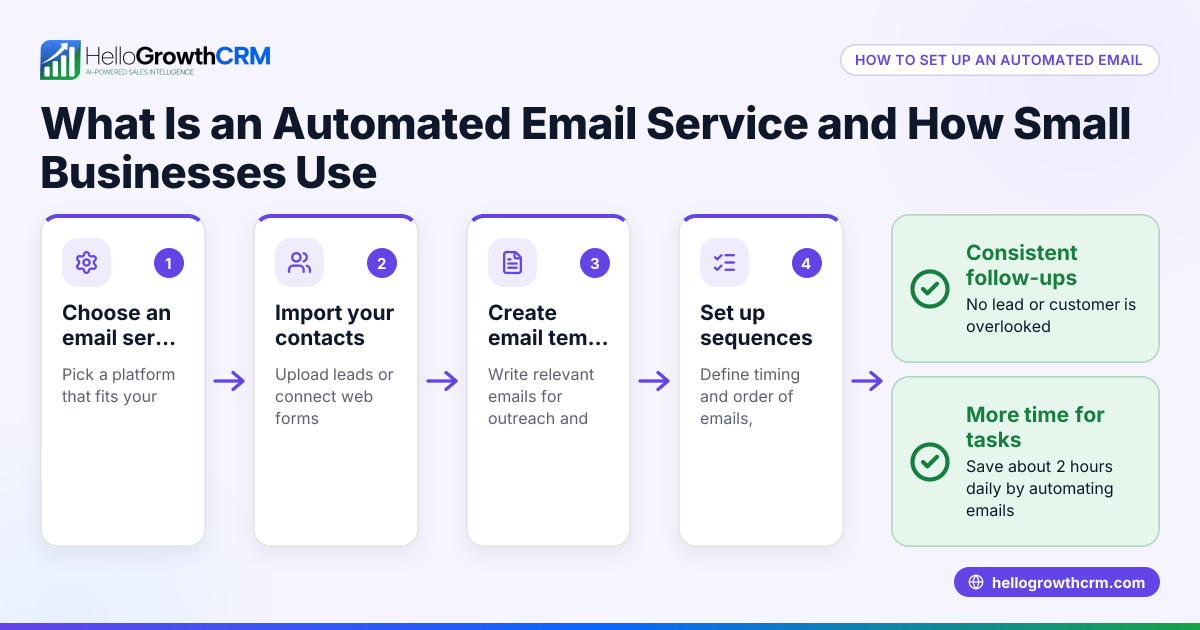
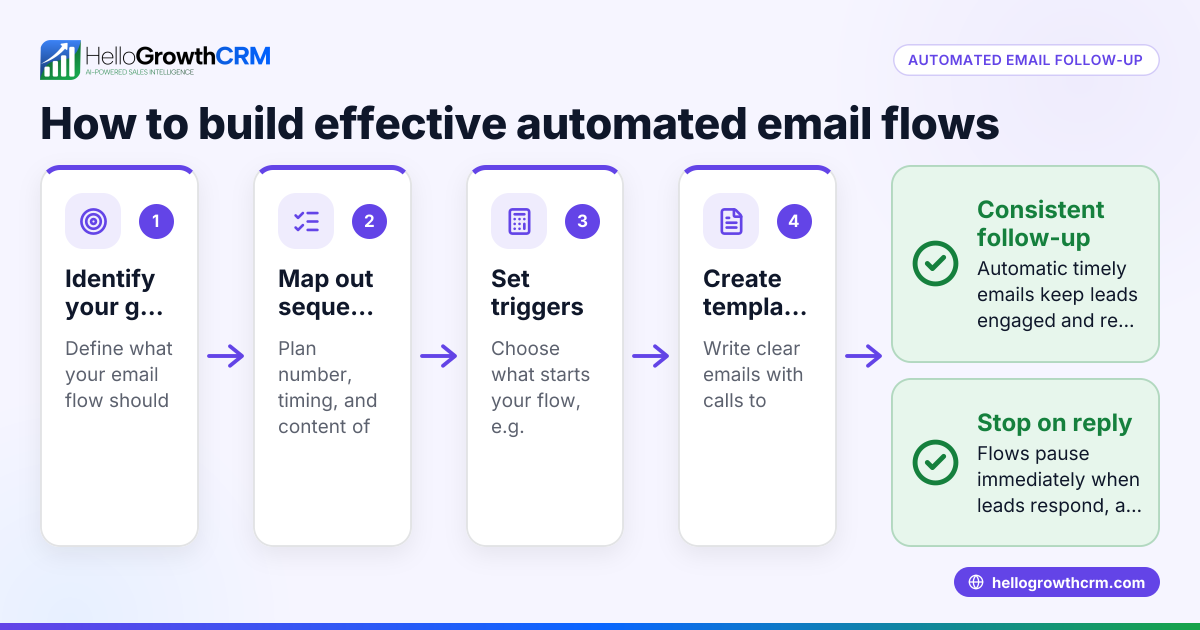
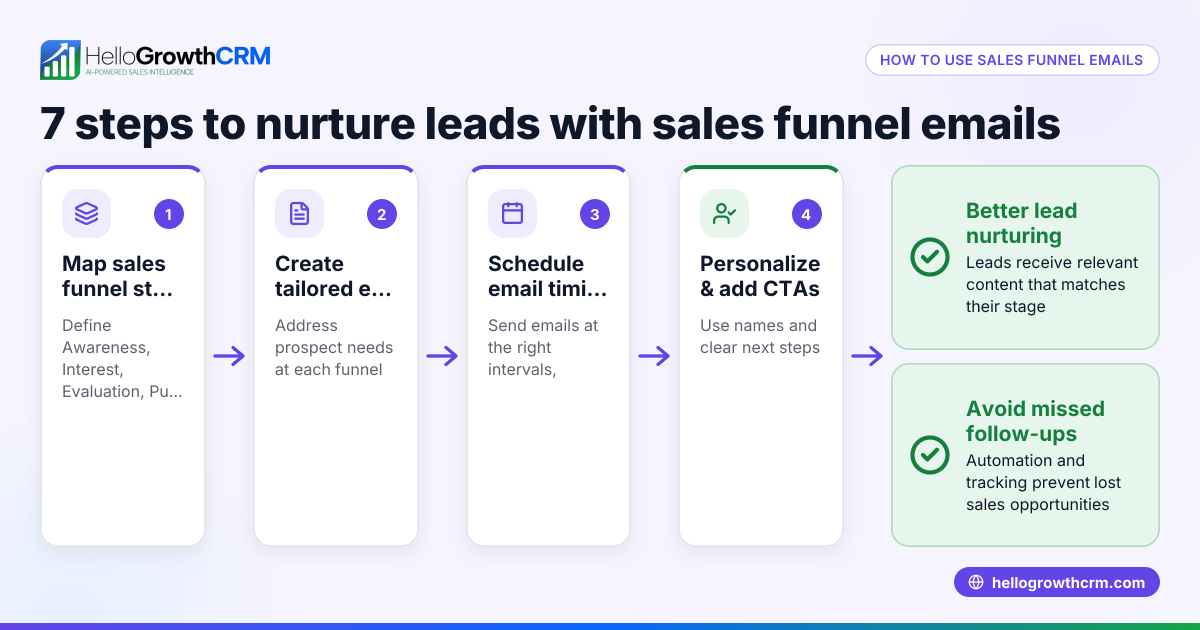
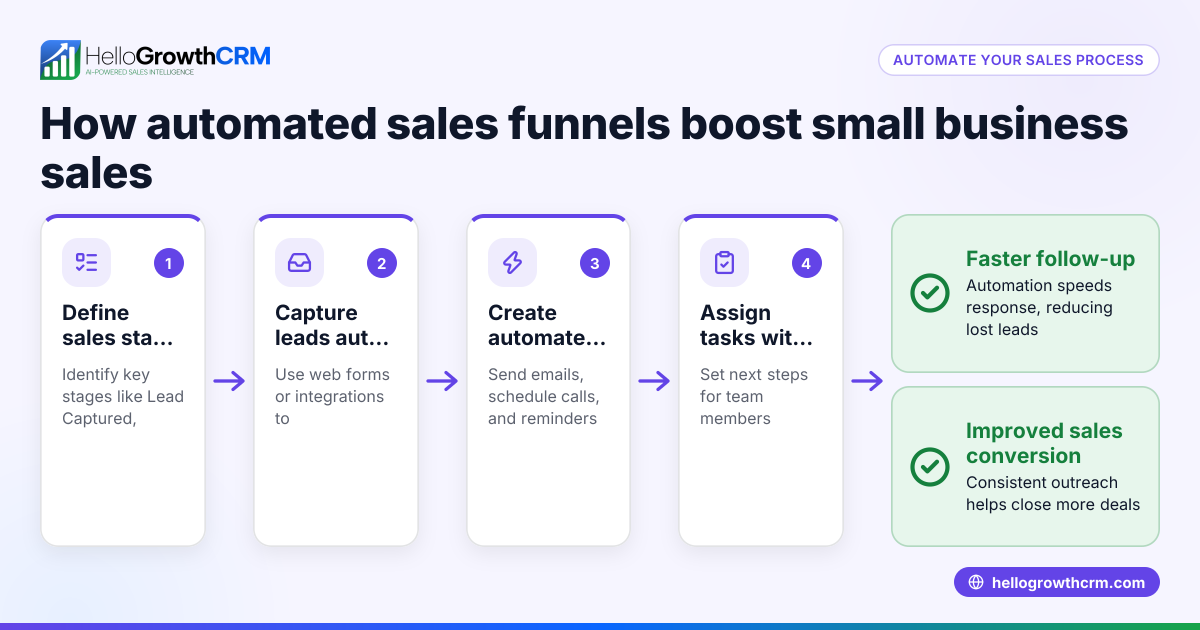
- Identify your sales stages and triggers: Define key points in your sales process where automated emails make sense, such as after a lead signs up, after a quote is sent, or when a prospect goes silent.
- Write clear, targeted email content: Prepare short, personalized messages for each stage. Include a clear call to action and relevant information.
- Choose an automation tool: Use a CRM or email platform that supports sequences or workflows to send emails automatically based on triggers or schedules. Check the tool’s ability to integrate with your lead capture sources.
- Set up your email sequences: Create sequences that send emails at defined intervals or events. Include follow-up emails if there is no response.
- Test your sequences: Send test emails to yourself or colleagues to check formatting, links, and timing.
- Monitor and adjust: Track open rates, replies, and conversions. Refine your messages and timing based on results.
- Ensure compliance: Include unsubscribe options and follow email marketing laws.
By following these steps, you can automate your sales outreach without losing the personal touch.
Example (fictional figures)
A plumbing company in Austin, Texas, wants to automate follow-up after sending quotes.
- On 05/01/2026, they send a quote for $1,200.
- They set an automated email to follow up 3 days later.
- The follow-up email reminds the prospect about the quote and asks if they have questions.
Calculations:
Quote amount = $1,200
Follow-up delay = 3 days
If the prospect replies positively, the deal moves forward. If no reply after 7 days, a second automated email is sent.
This automation saves the sales rep from manually remembering to follow up, increasing the chance of closing the deal.
Common mistakes
- Overloading prospects with emails: Sending too many emails can annoy leads. Prevent this by spacing emails reasonably and limiting sequence length.
- Using generic, impersonal messages: Avoid automated emails that sound robotic. Personalize with the recipient’s name and relevant details.
- Not updating sequences based on feedback: If emails get low engagement, revise content and timing.
- Ignoring follow-up tasks outside email: Automated emails should complement calls and texts, not replace them entirely.
- Failing to track automation performance: Use analytics to monitor open and reply rates to improve effectiveness.
For more detailed guidance, see email automation and sequences.
Doing this in HelloGrowthCRM
HelloGrowthCRM helps manage automated sales emails through its Deals (pipeline) feature. For example, a quotation sent last week appears as a deal at the 'quote sent' stage with a follow-up date, so it is not forgotten. This ensures timely follow-up without manual tracking. Additionally, HelloGrowthCRM supports territories and field operations, allowing field reps to log visits from their phones while managers monitor daily activity. For founders without a sales manager, the Managed RevOps service provides weekly follow-up execution and pipeline hygiene support. Learn more about HelloGrowthCRM for the United States and its WhatsApp and SMS CRM capabilities.
Frequently asked questions
What are automated sales emails? Automated sales emails are pre-written messages sent automatically based on triggers or schedules to nurture leads and maintain follow-up without manual sending.
How do I start using automated sales emails for my small business? Begin by mapping your sales process, writing targeted emails for each stage, and choosing an automation tool or CRM that supports email sequences. Test and monitor results to improve.
Can automated sales emails replace phone calls or texts? No, they complement other sales communication channels. Combining emails with calls and texts improves engagement and builds relationships.
How often should automated sales emails be sent? Spacing depends on your sales cycle and audience, but avoid sending too many too quickly. A common approach is an initial email followed by one or two follow-ups spaced several days apart.
Is personalization possible with automated sales emails? Yes, most automation tools allow inserting personalized fields such as the recipient’s name, company, or recent activity to keep emails relevant and engaging.
How does HelloGrowthCRM support automated sales emails? HelloGrowthCRM tracks deals through pipeline stages with follow-up dates to prevent missed emails. It also supports field operations and offers Managed RevOps for sales follow-up help.
Key takeaways
- Automated sales emails save time by sending timely, pre-written messages without manual effort.
- Define sales stages and triggers to create effective email sequences.
- Personalize emails and space them to avoid overwhelming prospects.
- Monitor performance and adjust content and timing regularly.
- Use HelloGrowthCRM’s Deals pipeline to track quotes and follow-ups automatically.
- Combine automated emails with calls and texts for best results.
Automated sales emails can improve your sales follow-up and lead conversion when done right. To get started easily, try HelloGrowthCRM’s free plan with up to 200 leads and no credit card required at Start on the Free Forever plan (200 leads, no credit card).
Ready to put this into practice?
Set up your pipeline, WhatsApp follow-ups, and AI lead scoring in minutes — free, no credit card.
Try HelloGrowthCRM freeGet CRM tips in your inbox
Join thousands of sales professionals who get weekly insights on CRM strategy, AI automation, and pipeline optimization.

The HelloGrowthCRM team publishes guides on CRM strategy, AI sales tools, and revenue operations for small business sales teams.