HelloGrowthCRM software
Built for real small-business sales teams
HelloGrowthCRM helps reps qualify faster, follow up on time, and close more deals—with practical automation in one place.
- AI lead scoring and pipeline visibility
- Built-in dialer, WhatsApp, and email automation
- Sales forecasting and RevOps-ready reporting
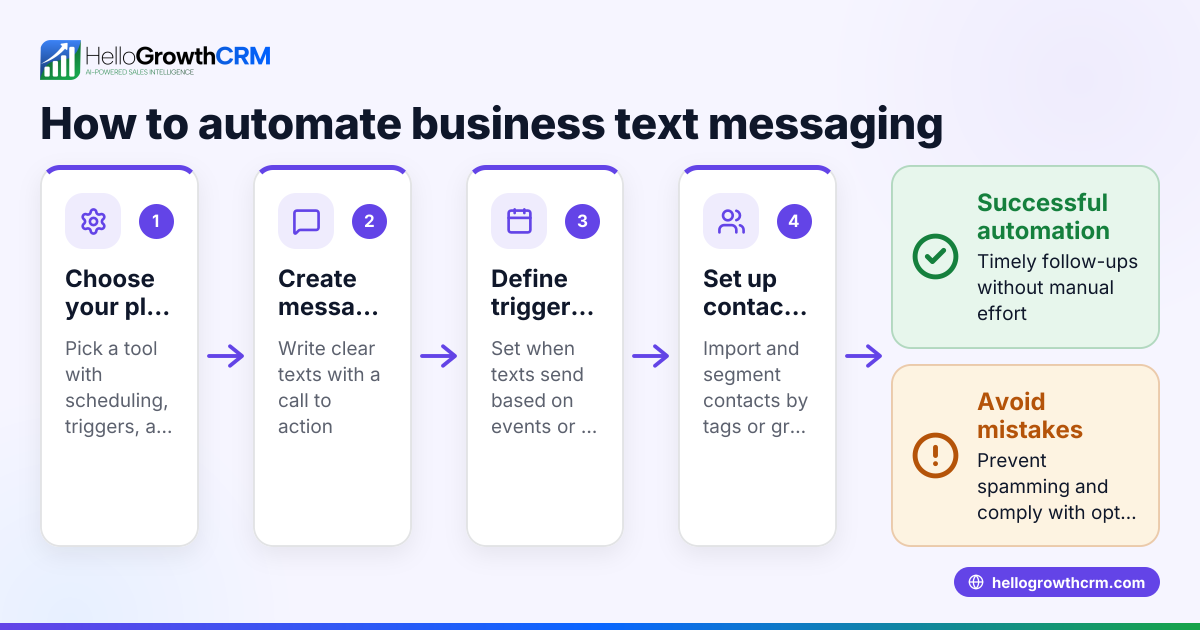
To send automated texts, you need to pick a platform that supports SMS or WhatsApp automation, prepare your message templates, upload your contact list, set triggers or schedules, test the messages, and then activate your automation. This guide covers why automated texting is important for small businesses, detailed steps to set up your automated texts, a realistic example with calculations, common mistakes to avoid, and frequently asked questions.
Why this comes up / what goes wrong
Many US small-business owners want to send automated texts to improve customer follow-up and save time. Without automation, they often send messages manually via text or email, which is slow and prone to errors. They might use spreadsheets or multiple apps to manage contacts and messages, causing lost leads and missed opportunities due to slow follow-up. Automation helps by sending timely messages automatically, but setting it up can be confusing. Common problems include choosing a platform that doesn’t fit their needs, unclear message timing, not formatting numbers correctly, or failing to comply with opt-out rules.
Step-by-step
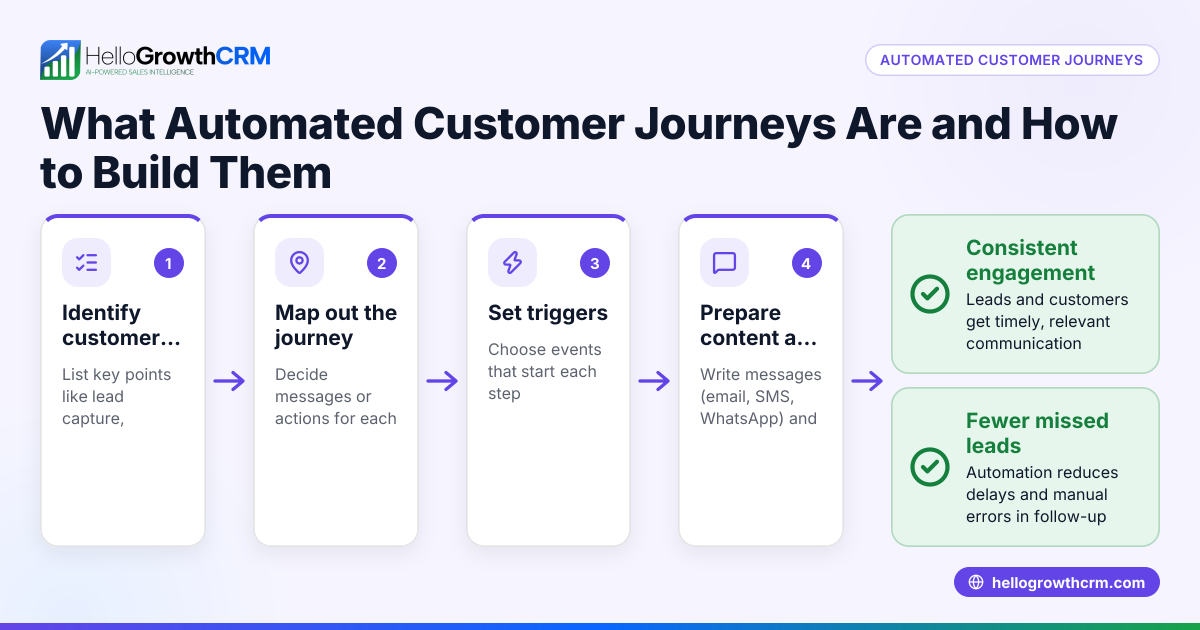
- Choose your messaging platform or CRM: Select a service that supports automated SMS or WhatsApp messaging. It should let you create message sequences, schedule sends, or trigger messages based on events. Confirm it supports your preferred way to upload contacts (CSV file, spreadsheet, or integration).
- Prepare your message content: Write clear and concise texts tailored to your audience. Use personalization tokens if available, like inserting the customer’s name.
- Upload or connect your contacts: Import your contact list with phone numbers and any relevant data such as names or purchase dates. Verify that phone numbers are in correct US format, including area codes.
- Set triggers or schedules: Decide when texts should be sent. Triggers might be an action like a lead filling out a form or a specific date like a payment due date. Alternatively, schedule messages to go out at particular times or intervals.
- Test your automation: Send test messages to yourself or a small group to check message formatting, timing, and any included links.
- Activate the automation: Turn on your automated text sequences and monitor delivery and responses.
- Review and adjust: Use reporting features if available to track open rates and replies. Adjust your messages or timing to improve results.
For managing sales communications efficiently, see WhatsApp and SMS CRM and explore tools like the built-in CRM dialer. HelloGrowthCRM helps centralize communication.
Example (fictional figures)
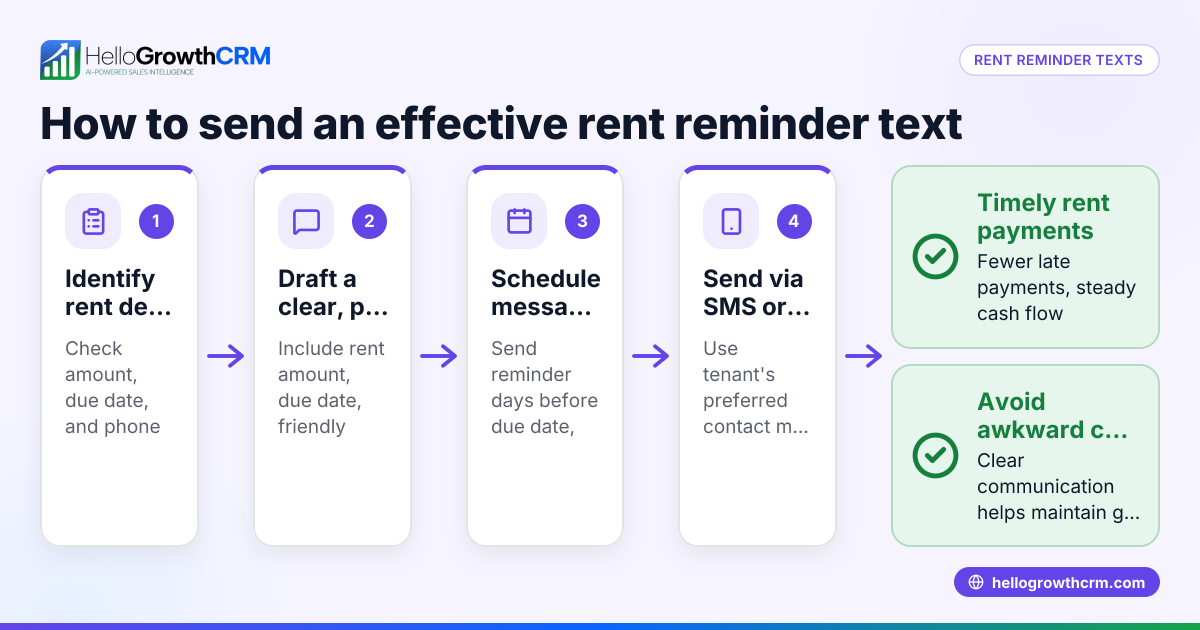
A B2B software reseller in Denver, Colorado, wants to send automated payment reminders by text. They have 1,000 customers with payments due on 07/15/2026. They plan to send a reminder 3 days before the due date and a follow-up on the due date.
- Number of customers: 1,000
- Cost per SMS message: $0.05 (assumed illustrative rate)
Calculate cost for first reminder:
1,000 × $0.05 = $50
Calculate cost for follow-up reminder:
1,000 × $0.05 = $50
Total cost for both reminders:
$50 + $50 = $100
They upload their contact list in CSV format, create two message templates, schedule the first for 07/12/2026 and the follow-up for 07/15/2026, then test with 10 internal numbers before activating the automation.
Common mistakes
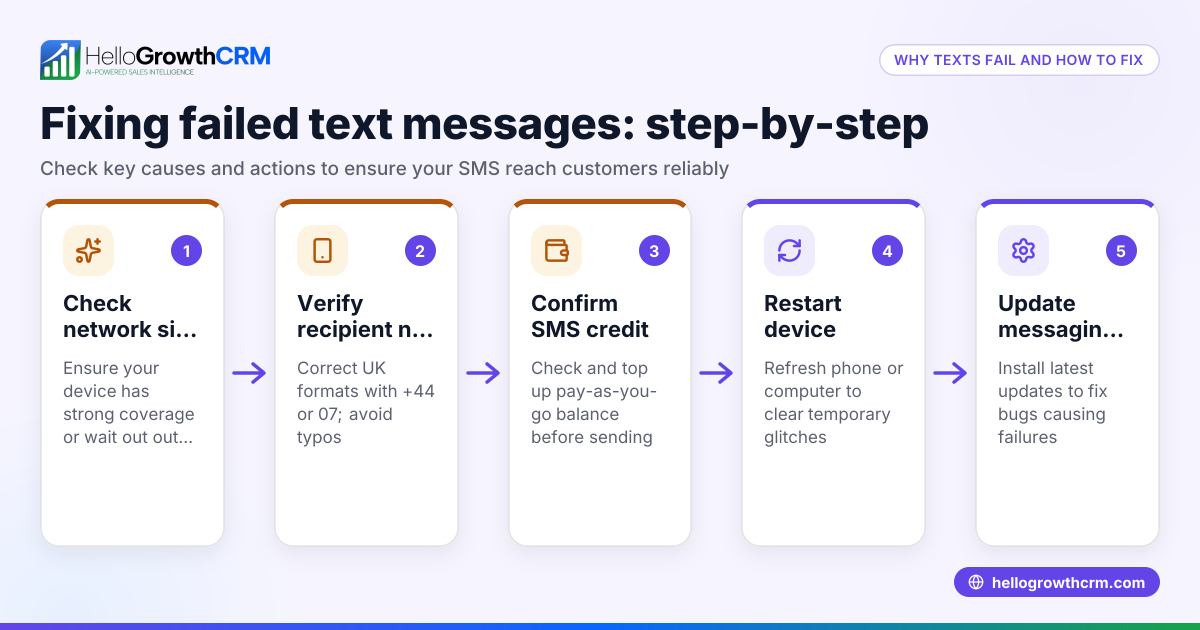
- Not verifying phone number formats: This causes failed message delivery. Always check US number formatting, including area codes.
- Overloading recipients with messages: Too many messages can annoy customers and cause opt-outs. Limit frequency and keep content relevant.
- Skipping testing: Without testing, messages may contain errors or send at wrong times. Always test before going live.
- Ignoring opt-out compliance: US laws require opt-out options in marketing texts. Include clear instructions and honor opt-out requests.
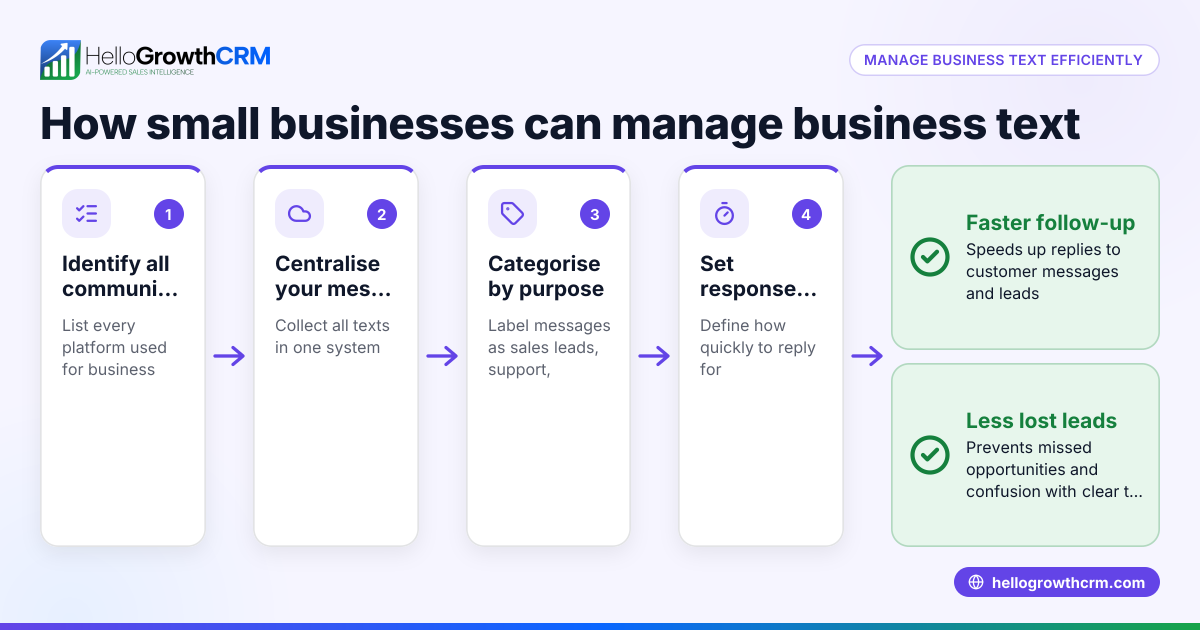
- Using multiple unconnected tools: Managing texts across spreadsheets, email, and separate apps leads to lost leads. Use integrated tools like HelloGrowthCRM for the United States to keep communication centralized.
Frequently asked questions
Can I automate texts without a CRM? Yes, some standalone SMS services offer automation, but using a CRM that integrates messaging helps keep leads and conversations organized.
What is the best time to send automated texts? Mid-morning or early afternoon on weekdays generally works best. Avoid very early, late night, or weekend sends unless your audience expects it.
How do I personalize automated texts? Use placeholders for names or other data fields that your platform supports. For example, "Hi {FirstName}, your appointment is tomorrow."
Is it legal to send automated texts to customers? You must comply with US laws like the Telephone Consumer Protection Act (TCPA), which requires consent and opt-out options for marketing calls and texts. (fcc.gov)
Can I send automated WhatsApp messages? Yes, but WhatsApp automation usually requires approved message templates and a platform that supports WhatsApp Business API. (business.whatsapp.com) See WhatsApp and SMS CRM for solutions.
Key takeaways
- Choose a platform that supports SMS or WhatsApp automation and contact uploads.
- Prepare clear, personalized message templates.
- Set triggers or schedules based on customer actions or dates.
- Test messages thoroughly before activating.
- Avoid common mistakes like poor formatting, message overload, and ignoring opt-out rules.
- Centralize communication with integrated tools to prevent lost leads.
Start sending automated texts today to save time and improve customer follow-up. You can Start on the Free Forever plan (200 leads, no credit card) to try automation without risk.
Ready to put this into practice?
Set up your pipeline, WhatsApp follow-ups, and AI lead scoring in minutes — free, no credit card.
Try HelloGrowthCRM freeGet CRM tips in your inbox
Join thousands of sales professionals who get weekly insights on CRM strategy, AI automation, and pipeline optimization.

The HelloGrowthCRM team publishes guides on CRM strategy, AI sales tools, and revenue operations for small business sales teams.